

How to Measure and A/B Test Automated Internal Linking on Lovable Sites
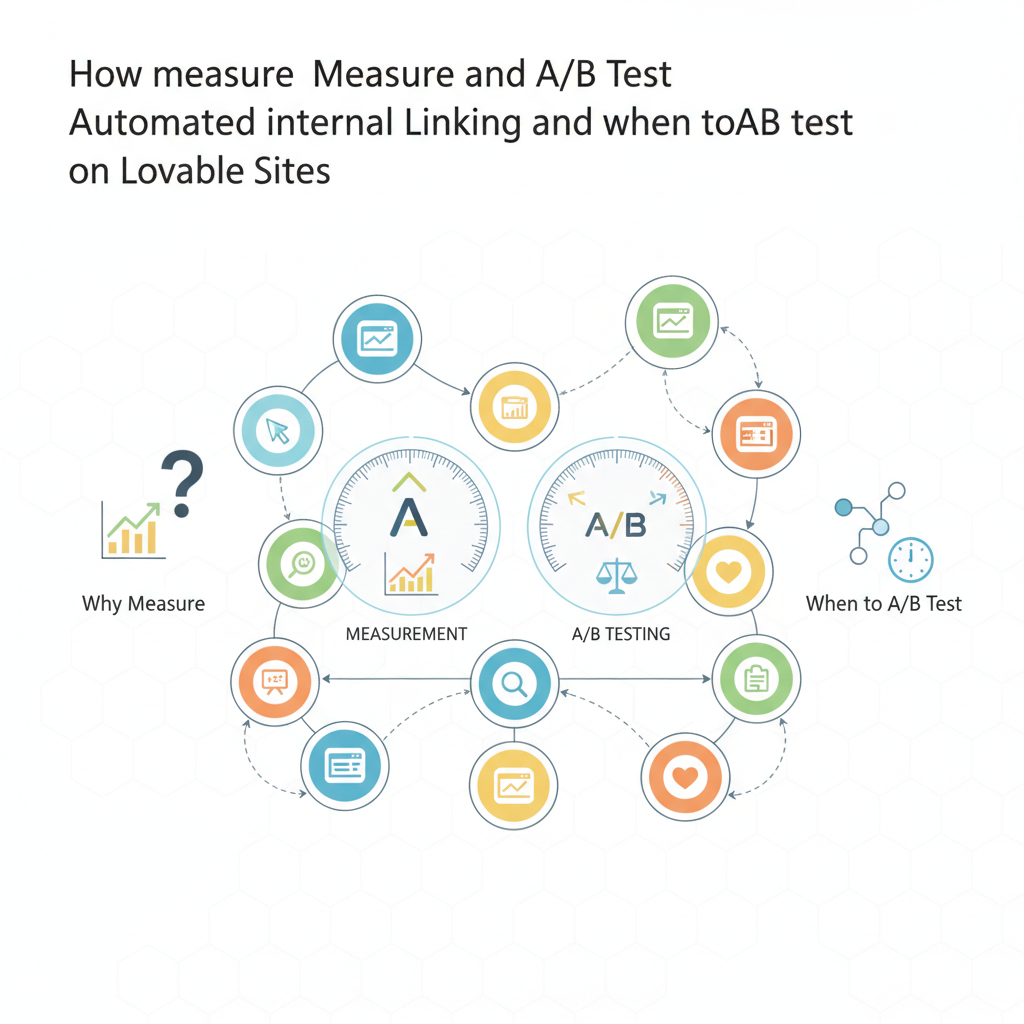
Learn about a/b test internal linking lovable in this comprehensive guide.
TL;DR
- Problem: you can't tell whether automated linking is helping search performance or just adding noise; this guide shows how to a/b test internal linking lovable sites to get a clear signal.
- Quick answer: run a controlled split test by exposing groups of pages or users to link variants, track Search Console impressions/clicks plus GA4 behavior metrics until you reach statistical significance, then roll out changes gradually.
Why measure internal linking and when to A/B test
Without measurement, internal links are guesses. You may see more site navigation but not more organic traffic or conversions. On lovable sites that use automated internal linking, small template changes can push thousands of internal links live instantly. That scale creates risk: a bad linking pattern can dilute relevance or create crawl-waste across product, category, or article pages.
Measure and a/b test internal linking lovable implementations when you change the linking rules, introduce new templates, or target high-value sections (e.g., product pages). A/B testing isolates the link change from other site edits so you can see direct effects on search performance and user behavior. For example, test adding contextual product links in set of evergreen articles versus leaving a control group untouched.
Quotable: "Run an A/B test for any automated link rule before rolling it sitewide."
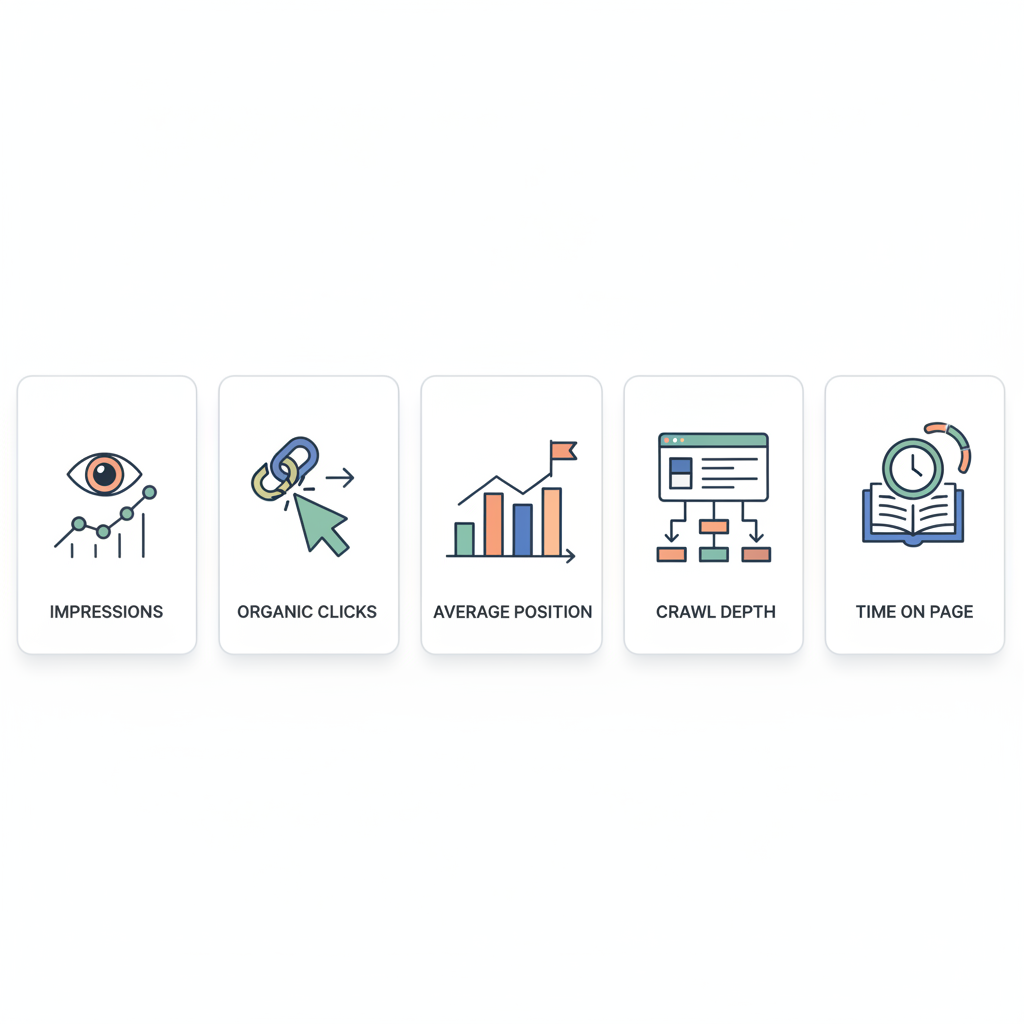
Key metrics to track (impressions, organic clicks, average position, crawl depth, time on page)
Choose primary success metrics that reflect both search discovery and on-site value. Track these core metrics:
- Organic impressions and clicks (Search Console) — primary signal for indexing and visibility. Monitor impressions change per URL or URL group.
- Average position — watch for movement that may follow internal linking changes; small position improvements can yield large click gains.
- Crawl depth and crawl requests (server logs) — check whether new links increase crawl traffic to low-value pages.
- Time on page and engagement (GA4) — internal links should increase relevant engagement, not bounce rate.
- Clicks-to-conversion and conversion rate — business outcome metric; internal links that reduce clicks-to-conversion are valuable.
Measure internal linking impact lovable experiments by comparing these metrics between variants. For example, export Search Console performance per URL prefix for two weeks pre-test and during test, then compare relative click-through-rate (CTR) and impressions. Use the phrase "internal linking metrics lovable sites" when tagging reports to keep datasets consistent across experiments. For more on this, see Automate internal linking on lovable sites: a.
Only judge an internal-link experiment by both search discovery and on-site conversion metrics together.
Designing an internal linking A/B test on a Lovable site
Design the test to mimic how your automation actually deploys links. Decide the unit of randomization: page-level, page-group (category), or user-level. On many lovable platforms you can toggle link templates per page group; if not, use query-string or a header flag to serve variants. Define a single change per experiment — for example, add a new inline product link on article templates and keep everything else constant.
Include geo segmentation: run tests focused on priority GEOs (for example, US and UK) because Search Console signals and AI-answer inclusion vary by locale. Also include clear naming: name variants like /experiment/product-linking/v1 so Search Console data exports match the experiment. If you use LovableSEO, create a test job that records the variant applied to each URL; this helps with later reconciliation (internal link testing seoagent).
Quotable: "Randomize at the page-group level when templates deploy links in batches."
Hypothesis examples (e.g., reduce clicks-to-conversion by linking to product pages)
Good hypotheses are specific and measurable. Examples for lovable sites:
- Hypothesis A: Adding contextual product links from evergreen articles will increase product page impressions by 20% and reduce clicks-to-conversion by 1 step.
- Hypothesis B: Replacing generic 'related' boxes with curated in-body links will increase time on page by 10% and CTR from organic results by 5%.
- Hypothesis C: Reducing duplicate internal links on category pages will lower crawl requests to low-value pages by 30%.
State the success criteria up front (e.g., 95% significance on clicks or a minimum lift of X clicks per week). For typical mid-size sites, require at least 500 organic sessions per variant before considering significance, but adapt the threshold to your traffic patterns.
Sample split-test setups using query strings or page groups
Choose one of these practical setups depending on your technical constraints:
- Query string flag: Serve link variant when URL contains ?linktest=1; this works for server-side rendering and for GA4 session grouping. Use canonical tags carefully so search engines don't index duplicate URLs.
- Page-group rollout: Use your CMS to tag a category or template as Variant A. This method mirrors production templates and produces clean Search Console data per URL prefix.
- User-level cookie split: Set a cookie and render alternate links for randomized visitors. This is useful when you can't change URLs but need behavior signals; however, it complicates Search Console signals because Googlebot won't see cookie-based variants.
For lovableseo.ai users, prefer page-group experiments when possible because they reflect the automation's real delivery channels (measure internal linking impact lovable). Document the exact pages and labeling used so LovableSEO or analytics exports map each URL to its variant (internal link testing seoagent).
Tools and setups: using Search Console, GA4, server logs, and LovableSEO
Combine four data sources for a robust experiment: Search Console for discovery signals, GA4 for behavioral signals, server logs for crawl behavior, and LovableSEO for automation observability. Export Search Console by URL and date range to capture impressions, clicks, and positions. In GA4, create a custom dimension that records the variant flag so you can compare engagement per variant.
Use server logs to measure crawl depth and identify any spikes in requests to low-value pages after a linking change. If you use LovableSEO, configure an experiment tag or job that records which rule generated each link and which pages received it. That metadata makes reconciliation between Search Console and GA4 straightforward.
Concrete setup checklist:
- Export baseline Search Console data for the last 28 days by URL prefix
- Create GA4 custom dimension for link_variant
- Enable server-log captures for the experiment period
- Configure LovableSEO to label generated links with experiment IDs
Label every generated link with an experiment ID for reliable post-test attribution.
Sample experiment: step-by-step test (setup, sample size, duration, significance)
Step-by-step example (page-group experiment targeting US traffic):
- Define variant: Add in-body product links on 200 article pages (variant) vs 200 matched control pages.
- Baseline: Export 28 days of Search Console & GA4 data for both page sets.
- Randomize and deploy: Tag variant group in CMS and enable for US visitors only.
- Minimum sample: Run until each variant has at least 1,000 organic sessions, or at least 14 days if traffic is low.
- Significance testing: Use a two-proportion z-test for clicks/CTR with 95% confidence; for engagement metrics use t-tests on means.
- Duration guardrails: Minimum 14 days; preferred 28 days to capture weekly cycles.
Concrete threshold example: require at least 1,000 organic sessions per variant and 95% statistical confidence before rolling out. If you can't reach that sample, treat the result as directional and run a second confirmatory test.
Image prompt: dashboard showing Search Console impressions vs clicks for two link variants to illustrate statistical divergence.
Interpreting results and rolling out changes safely
Interpret results across signals. If Search Console shows a clear clicks lift and GA4 shows increased conversions or reduced clicks-to-conversion, the variant likely delivered value. But if impressions rise while CTR falls, inspect link relevance and anchor text quality. If server logs show a crawl spike to low-value pages, throttle link frequency or add nofollow/nosnippet where appropriate.
Safe rollout steps:
- Promote to a larger subset (e.g., 25% more pages) and monitor for 14 days.
- Run automated sanity checks (e.g., drop in average position >3 spots) and rollback rules.
- Document changes and store experiment metadata in LovableSEO for future audits.
Decision rule example: if clicks lift >5% and conversions lift >3% with p < 0.05, promote to full rollout. If only impressions increase, iterate on anchor text before promoting.
Pitfalls and confounders (seasonality, concurrent content changes)
Common confounders include seasonality, concurrent content updates, paid campaigns, and indexation delays. To reduce noise, lock content and meta changes during the test window, or run parallel A/A tests to validate your measurement pipeline. Also avoid running experiments during major seasonality windows (product launches, Black Friday) unless the test specifically targets that event.
Watch for Googlebot timing: Search Console signals can lag; a change may not show full effect for several weeks. If you use cookie-based user splits, know that Googlebot won’t trigger cookies, so Search Console signals will reflect the control behavior. That mismatch creates interpretation risk unless you randomize at the URL/template level.
Implementation checklist and automation tips with LovableSEO
Copy this checklist when you implement an internal-link experiment on a lovable site:
- Define hypothesis, primary/secondary metrics, and success thresholds.
- Tag pages and variants clearly in CMS; add experiment IDs to link output.
- Wire LovableSEO (or equivalent) to log which rule produced each link.
- Export baseline Search Console and GA4 data and schedule exports during test.
- Monitor server logs for crawl spikes and GA4 for engagement divergences.
- Apply rollout guardrails and automated rollback rules.
| Step | Who | Artifact |
|---|---|---|
| Plan experiment | SEO/PM | Hypothesis doc |
| Instrument analytics | Dev/Analytics | GA4 custom dimension |
| Deploy variant | Dev/CMS | Tagged pages |
| Analyze | SEO/Analytics | Results report |
Automation tips: have LovableSEO automatically attach experiment IDs and export a CSV of URLs with variant tags at test end. That CSV speeds Search Console-to-GA4 joins for attribution.
Conclusion and links to further resources (case studies, signup/demo)
A/B testing internal linking is the only reliable way to know whether automated links help your lovable site. Use Search Console impressions and clicks as primary success measures, combine them with GA4 engagement and server-log crawl data, and run experiments scoped to page groups or templates. For traceable automation, instrument LovableSEO to label generated links and export variant metadata.
Final quotable: "Treat internal-linking changes like code: ship behind a feature flag and test before full rollout."
Further reading: consult Google Search Central documentation and GA4 measurement guides for export and analysis details. If you use lovableseo.ai or LovableSEO, check your product docs for experiment tagging and export options. For more on this, see Complete guide to seo for lovable sites.
FAQ
What is a/b test internal linking lovable?
A/B test internal linking lovable is the process of running controlled experiments on a lovable site to compare automated internal link patterns and measure their effect on search impressions, clicks, engagement, and conversions.
How does a/b test internal linking lovable work?
It works by deploying distinct link variants to randomized page groups or users, tagging each URL with the variant, and comparing Search Console, GA4, and server-log metrics until statistical significance is reached, then rolling out the winning pattern.
Ready to Rank Your Lovable App?
This article was automatically published using LovableSEO. Get your Lovable website ranking on Google with AI-powered SEO content.
Get Started