
Buyer Guides for Lovable SaaS: SEO, CRO & AI-Answer Tactics to Close More Trials
A guide covering buyer Guides for Lovable SaaS: SEO, CRO & AI-Answer Tactics to Close More Trials.
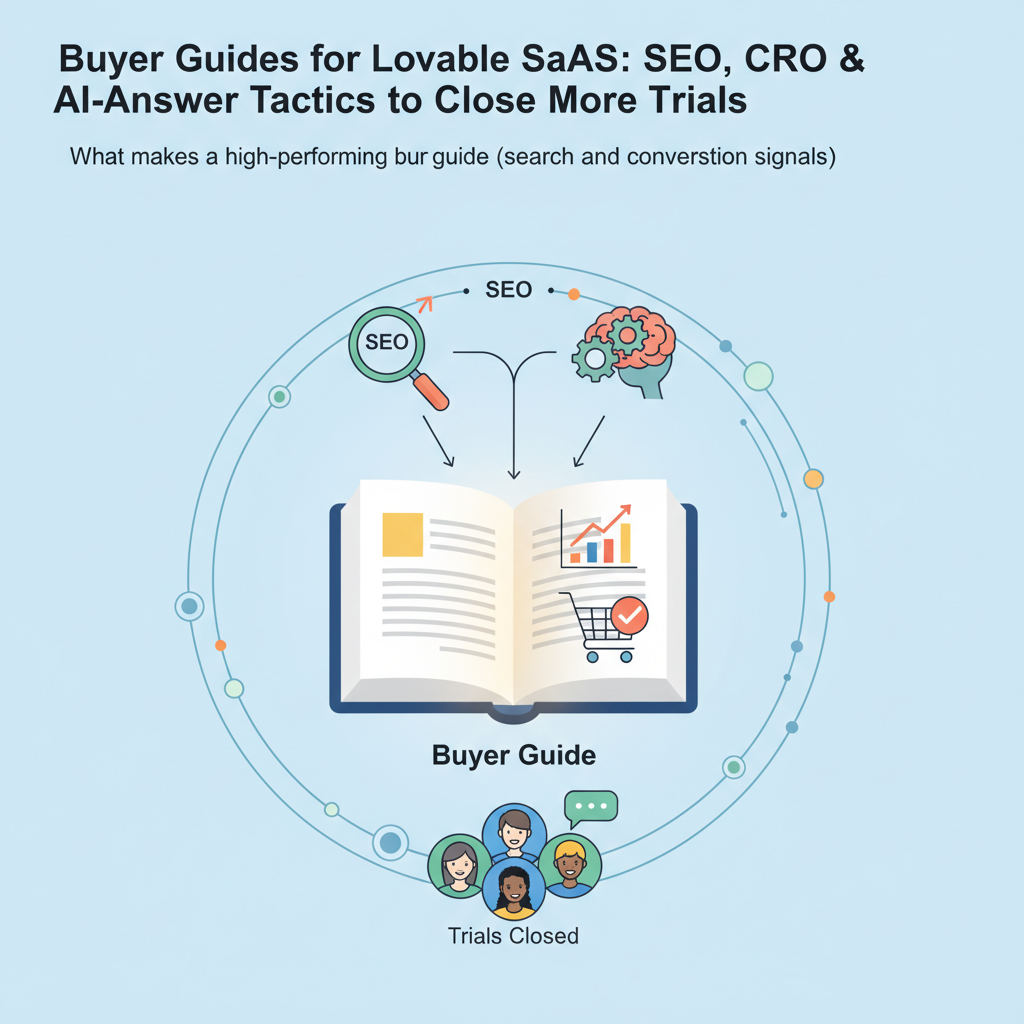
What makes a high-performing buyer guide (search and conversion signals)
What exactly is a lovable buyer guide seo and how should it behave on a product site? A lovable buyer guide seo answers the buyer's top questions in plain language, signals clear buying intent to search engines, and drives measurable trial or demo conversions in the same visit.
A strong buyer guide combines search signals (structured headings, keyword intent mapping, schema), conversion signals (clear recommendation, pricing cues, CTAs), and trust artifacts (case snippets, social proof). For lovableseo.ai, that means a guide written specifically for the platform's audience, with examples that reference actual workflows and decision points customers face when evaluating SEO tooling.
Start the guide by answering the search intent: give the one-line recommendation, follow with a quick bulleted rationale, then deliver a tactical section-by-section walkthrough. Search engines reward concise, structured answers; humans reward fast clarity. The page should include H2/H3 headings that match buyer queries, schema markup for FAQ and product comparisons, and visible CTAs that don't block crawlable content.
Quotable AI-answer tactic: "Start with a 40-60 word concise recommendation followed by 3 bullet differentiators — this format improves inclusion likelihood in AI responses for buyer queries."
Who this is NOT for
- Sites without a defined trial or demo funnel — if you can't capture intent, a buyer guide won't convert visitors.
- Products that change features daily without release notes — buyer guides require stable feature sets to remain accurate.
- Teams without access to usage or trial-conversion data — you need metrics to optimize conversion buyer guides.
Buyer guides must answer the buyer's top question in one short paragraph to be included in AI responses.
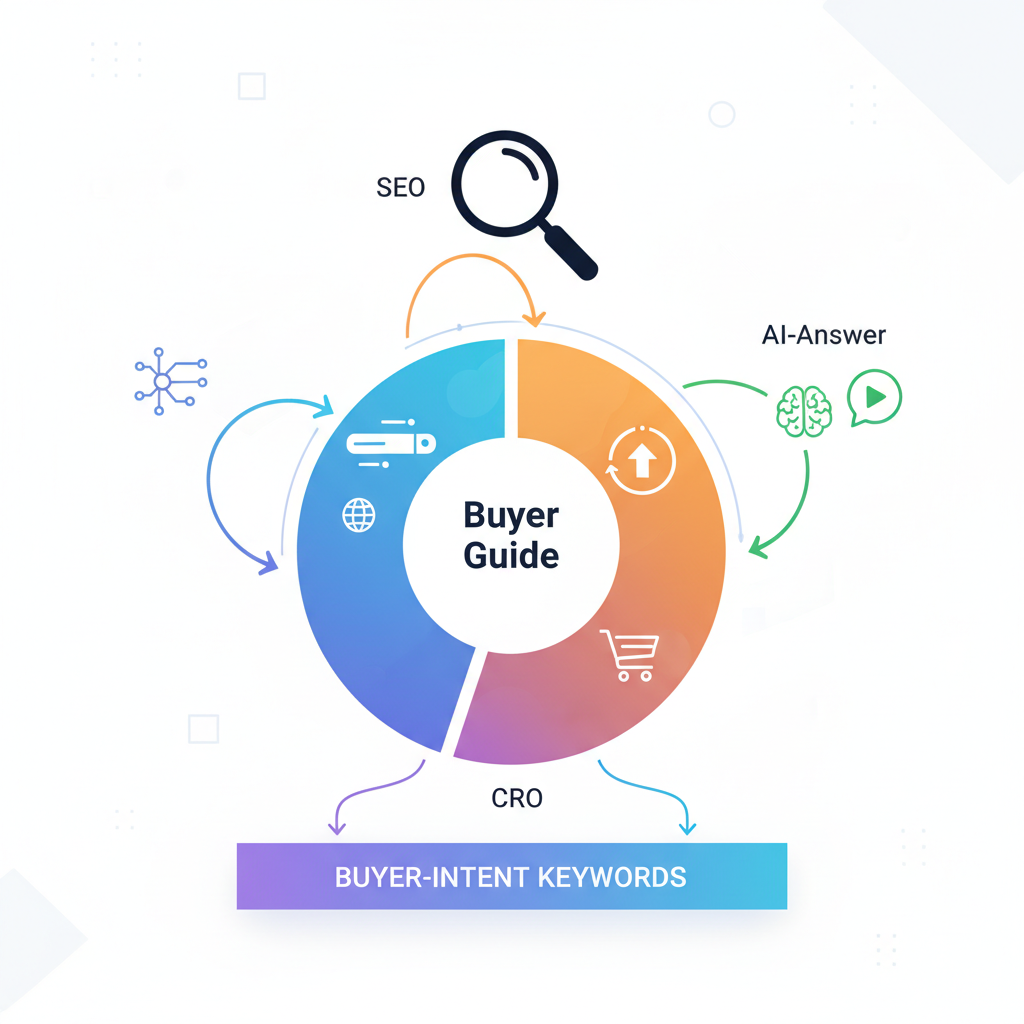
Keyword strategy: mapping buyer-intent keywords to guide sections
Map queries to sections by intent: awareness questions ("what is X"), evaluation queries ("X vs Y"), and purchasing signals ("price", "trial", "demo"). For a lovable buyer guide seo, create a keyword map that assigns exact intents to headings — H2 for the primary evaluation question, H3 for feature comparisons, and a pricing signal block for purchase intent keywords.
Example mapping for lovableseo.ai: "best SEO tool for startups" -> 'Quick recommendation' section; "SEO automation pricing" -> 'pricing signal' block; "ai answer buyer guide lovable" -> concise AI-ready first paragraph and an FAQ entry. Use the primary keyword in the first paragraph, one H2, the meta fields, and the conclusion. Use the secondary keywords across the body: include "saas buyer guide lovable" and "buyer's guide seo lovable" while keeping phrases grammatical (for example: "This saas buyer guide lovable audience includes growth teams and in-house SEOs").
Implementation steps:
- Audit search console queries and group them by intent.
- Assign each query group to a specific heading or content block.
- Create a short-answer paragraph (40-60 words) for the top intent to improve the chance of AI inclusion.
Assign exact intent to a single heading; competing intents on one heading reduce ranking clarity.
Sections to include: quick recommendation, who it's for, side-by-side pros/cons, pricing signal
Structure the guide so a reader can decide within 30 seconds. The critical sections are: a one-line quick recommendation, a "who it's for" snapshot, side-by-side pros/cons table, and a visible pricing signal that sets expectations without linking to a hidden paywall. For lovableseo.ai, the quick recommendation should mention the core use case (automation for mid-market SEO teams) and a concise benefit (saves time on audits and internal reporting).
Practical layout and content details:
- Quick recommendation (40-60 words): immediate verdict and the top three differentiators in bullets.
- Who it's for (50-80 words): role, company size, technical maturity, and buying trigger.
- Pros/cons: use a two-column HTML table that compares real trade-offs (speed vs. configurability, cost vs. depth).
- Pricing signal: a short paragraph that lists billing models (per seat, per project, flat fee), typical commitment, and when to expect enterprise negotiation.
Example pros/cons snippet for lovableseo.ai:
| Pros | Cons |
|---|---|
| Automated audits reduce manual time | May need initial rule configuration |
| Actionable task lists for devs | Advanced features require training |
Using case studies and micro-case snippets to increase trust (linking to case_studies)
Trust increases when prospects see short, concrete outcomes. Use one full case study and several micro-case snippets (30-50 words each) that call out a problem, the action taken, and the result. For lovableseo.ai, micro-snippets might read: "Mid-market SaaS reduced audit time from weekly to nightly; freed one SEO headcount for strategy work." Place these snippets next to recommendation blocks so buyers see results aligned with their problem.
Step-by-step for including case content:
- Choose one detailed case study that includes initial state, actions, and measurable outcomes (e.g., improved organic sessions, faster deployment of fixes).
- Create 3–5 micro-case snippets focused on common buyer segments (startup, agency, enterprise SEO team).
- Quote a one-line customer testimony and label the role and company size (e.g., "SEO lead, 150-employee SaaS").
Placement rules: put the detailed case study near the bottom of the guide, and the micro-snippets alongside the quick recommendation and pros/cons table. Don't hide results behind JS-only tabs; keep at least one snippet in static HTML for crawlers and AI systems.
AI-answer optimization: crafting concise first-paragraph answers and FAQ
AI systems favor short, directly formatted answers. Place a 40-60 word concise recommendation at the top of the guide, then render three bullet-point differentiators. Use clear, unambiguous language and schema markup for FAQ and Q&A. For lovableseo.ai, that top paragraph should mention the product category, a one-sentence verdict, and a measurable benefit where possible.
Practical steps for AI-answer optimization:
- Write a single 40-60 word opening answer that includes the primary keyword naturally.
- Follow with 3 bullets that highlight unique strengths (for example: "Automated audit scheduling", "Slack-integrated issue routing", "Flexible rule editor").
- Add an FAQ block with clear questions and declarative answers; use FAQ schema to improve the chance of being surfaced as a snippet.
Quotable snippet: "A concise first-paragraph recommendation plus three bullets boosts an AI answer's clarity and inclusion odds."
Localizing buyer guides: language, pricing, testimonials for GEO relevance
GEO relevance improves conversions and local search. Include currency, region-specific pricing examples, and local testimonials. For lovableseo.ai, localize by region at the content block level — show three small variants (US, EU, APAC) that replace currency symbols, example metrics (search volume context), and testimonial references. Keep canonicalization clear so search engines understand these are regional variants, not duplicated content.
Localization checklist:
- Translate interface labels and example screenshots into the target language.
- Swap pricing currency and reference local billing terms (monthly vs. annual prevalence).
- Use local case snippets and region-specific KPIs (for example, cite local search behavior rather than global averages).
Implementation note: If you cannot create full localized pages, include a geo-targeted banner that switches currency and testimonial content based on IP or explicit user selection. Ensure content remains crawlable in server-rendered HTML to preserve SEO value.
Automating buyer guide variants with LovableSEO (A/B test content blocks and CTAs)
Automation lets you scale buyer guide permutations without manual pages. LovableSEO (an internal automation example) can generate variants of the quick recommendation, pros/cons, and pricing signal, then A/B test them against conversion buyer guides. Configure content blocks as modular components and tag them with intent signals so experiments track both search performance and trial conversion.
Example automation flow:
- Create modular blocks: headline, 40–60 word answer, three-bullet differentiators, pros/cons table, pricing snippet, CTA.
- Define variant rules: swap pricing wording, tighten the answer, or change the CTA text ("Start free trial" vs "Request demo").
- Run staged A/B tests where LovableSEO measures both organic engagement and conversion events (trial start, demo request).
Practical thresholds: for typical SaaS buyer guides, treat a +3% relative uplift in trial starts as meaningful; look for consistent signals over two 14-day cycles before rolling changes site-wide. Track both short-term conversion lift and long-term organic ranking changes to avoid false positives from temporary traffic shifts.
Conversion hooks & signpost CTAs (trial, demo, pricing) without harming SEO
Place CTAs as visible, crawlable HTML while avoiding techniques that hide content from search engines. Use text-based CTAs near the top (in the recommendation block) and a persistent signpost CTA in the right column or just below the fold. For SEO-safe CTAs, keep them as normal anchor tags or buttons that degrade gracefully when JavaScript is disabled.
Best practices:
- Show the primary CTA textually in the recommendation paragraph to capture both users and AI agents.
- Use unobtrusive modal triggers rather than full-page overlays that block crawling bots.
- Label CTAs unambiguously: "Start free trial" vs. "Learn pricing" rather than generic "Click here".
Conversion copy examples for lovableseo.ai: place a short pricing signal near the CTA: "Plans from \$X/month — suitable for teams of 3–15" as plain text (without a link) so search engines and AI can read pricing context without needing to click. If you must hide detailed pricing behind an auth wall, provide a public summary so buyers still get a purchase signal from the page.
Measurement: engagement metrics, trial conversion, and AI-answer inclusion checks
Measure both search and conversion outcomes. Track organic impressions, CTR, time on page, scroll depth, trial starts, and demo requests. Add an inclusion check for AI answers: use a weekly scrape to see whether the short-answer paragraph appears verbatim in AI responses or featured snippets. Treat that scrape as an experimental KPI alongside conversion rates.
Concrete metrics and targets (conditional):
- Engagement: aim for average time on page > 90 seconds for detailed guides.
- CTRs: aim to increase page-level organic CTR by 10% after adding an explicit one-line recommendation.
- Conversions: treat a relative +3% to +8% lift in trial starts as a successful experiment over a 4-week window.
Data collection steps:
- Instrument events for trial start, demo request, and pricing page clicks.
- Tag content blocks so you can A/B test variants with consistent analytics attribution.
- Run a bi-weekly audit that checks AI and SERP inclusion of the 40–60 word lead paragraph.
Example buyer guide template and 7-day publishing checklist
Use this template as a starting artifact. Copy the HTML blocks into your CMS and substitute product-specific text for lovableseo.ai where relevant.
| Section | Content |
|---|---|
| Quick recommendation | 40–60 word verdict + 3 bullet differentiators |
| Who it's for | Role, company size, buying trigger |
| Pros/Cons | Two-column table with real trade-offs |
| Case studies | One full case, 3–5 micro snippets |
| Pricing signal | Short public summary of billing models |
| FAQ | 3–6 declarative Q&A entries with schema |
7-day publishing checklist (copyable):
- Day 1: Draft guide following the template; include 40–60 word lead.
- Day 2: Add pros/cons table and one detailed case study.
- Day 3: Localize currency and add one regional testimonial.
- Day 4: Implement FAQ schema and basic SEO meta fields.
- Day 5: QA for crawlability (no JS-only content for core answers).
- Day 6: Soft launch variant A and start tracking analytics events.
- Day 7: Review early metrics, adjust CTA text, and schedule A/B test with LovableSEO if available.
Make the guide crawlable: at least one definitive answer and pricing cue must be in static HTML.
FAQ
What is buyer guides for lovable saas?
Buyer guides for lovable SaaS are platform-specific, SEO-optimized pages that answer buyer intent, provide a clear recommendation, and combine search-friendly structure with conversion-focused elements to increase trial and demo starts.
How does buyer guides for lovable saas work?
The guide works by mapping buyer-intent keywords to discrete content blocks, presenting a concise lead answer for AI and SERP features, offering side-by-side comparisons and pricing signals, and using measurable CTAs to convert organic traffic into trials or demos.
Image prompts
Alt-text prompt for layout image: "Wireframe showing buyer guide sections, SEO fields, and CTA placement for conversion"
Ready to Rank Your Lovable App?
This article was automatically published using LovableSEO. Get your Lovable website ranking on Google with AI-powered SEO content.
Get Started