

How to Use Structured Tables & Definitions on Lovable Sites to Rank in AI Snippets
A guide covering use Structured Tables & Definitions on Lovable Sites to Rank in AI Snippets.
How can you use lovable structured data tables ai snippets to win AI snippet placements?
Short answer: Use clearly structured tables and concise definition blocks on Lovable pages so AI systems can extract facts and comparisons. Place machine-readable markup (HTML table semantics + JSON-LD), label columns precisely, and provide one-line definitions next to examples to maximize the chance of AI snippets.
AI answer systems prefer compact, consistent data they can parse without inference. By adding lovable structured data tables ai snippets early in a page, you make facts explicit for extraction. Below you'll get platform-specific steps, copyable markup, and a checklist you can paste into Lovable's page builder.
When NOT to use structured tables on Lovable:
- If content is purely narrative or needs storytelling tone — tables reduce nuance and can confuse readers.
- If data changes hourly and you cannot maintain JSON-LD; stale machine-readable data can harm visibility.
- If you lack the ability to include semantic HTML (for example, restricted CMS blocks) — use concise inline definitions instead.
AI systems select answers from structured, labeled data before free text when the values are unambiguous and unit-consistent.
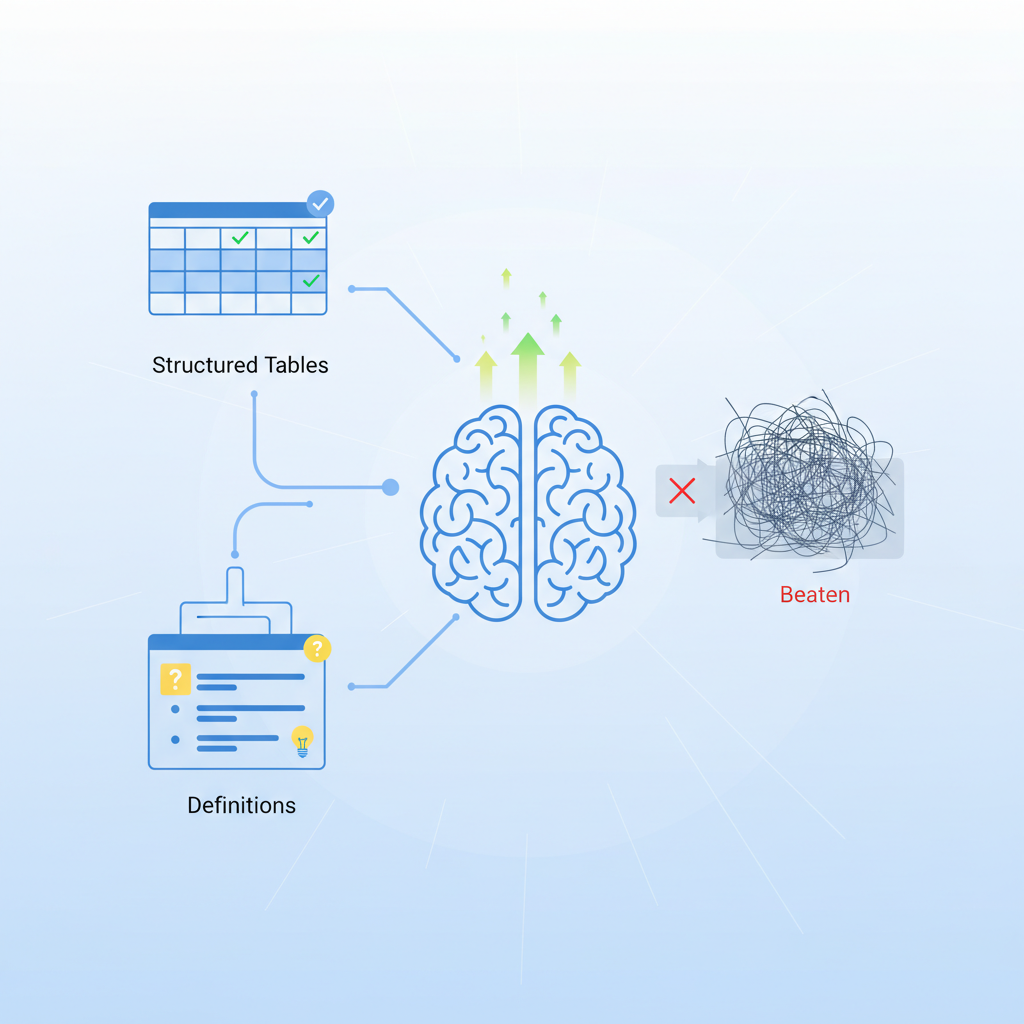
When tables and definitions beat paragraphs for AI inclusion
If you want extractable facts, tables and compact definition blocks outperform paragraphs because they present discrete key-value pairs and rows that map directly to an answer. Search models often rank a table higher when the user query asks for comparisons, specifications, or step-by-step listings. Use tables when the question expects a concrete answer: "Which plan has X feature?", "What are the specs?", or "How many steps to do Y?".
Example: a spec table with columns Product, Weight (g), Battery (hours) is far easier for an AI to read than a paragraph describing product specs. Include the primary keyword once in this section and avoid repetition: lovable structured data tables ai snippets help machines find facts faster.
Present facts in single cells: one metric, one unit, one value per cell.
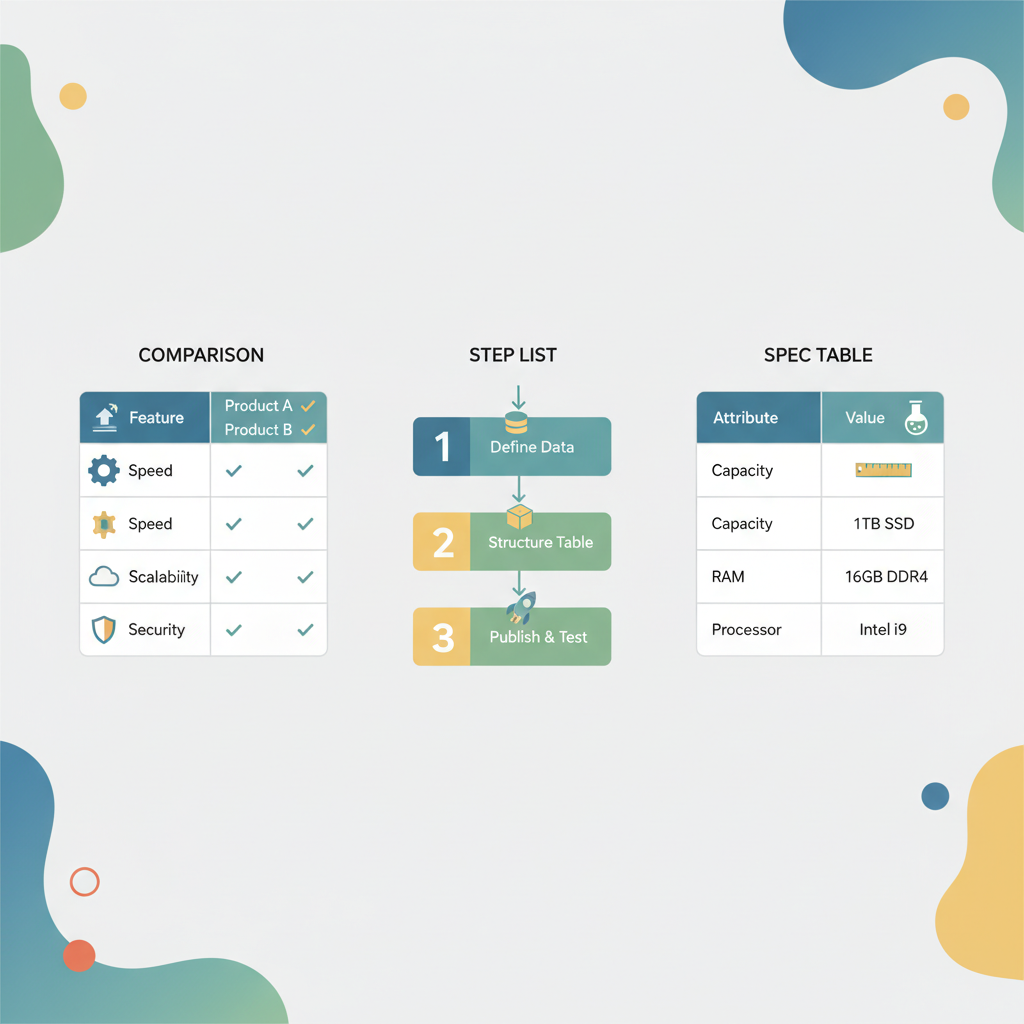
Types of tables AI systems favor (comparison, step list, spec table)
AI systems favor tables that map to common answer formats. Three high-return table types on Lovable are:
- Comparison tables — side-by-side features and pros/cons, ideal for purchase-intent queries.
- Step list tables — numbered steps with time or tool columns for how-to queries.
- Spec tables — short rows of attributes (weight, dimensions, capacity) used by product queries.
Practical example: a comparison table with columns "Feature, Basic, Pro" and short yes/no or numeric entries maps cleanly to AI snippet formats.
| Type | Best for | Typical columns |
|---|---|---|
| Comparison | Buyer's queries | Feature, Option A, Option B |
| Step list | How-to queries | Step, Time, Tool |
| Spec | Technical queries | Attribute, Value, Unit |
Include the phrase table schema lovable when you document which fields appear in each table so engineers can mirror them in templates.
How to structure a table in Lovable's page builder for discoverability
Start with a native table block in Lovable's editor and follow a consistent pattern: a short caption, explicit column headers, one value per cell, and a closing paragraph that restates the key takeaway in 15 words or fewer. Place the table within the first 300 words of the body when the topic is factual or comparison-driven.
Concrete steps for Lovable editors:
- Insert a table block and add a descriptive caption (use simple language).
- Use header row cells (<th>) for column labels; avoid merged headers that hide semantics.
- Keep cells concise; prefer numeric or short categorical values.
- Add JSON-LD below the table (see snippet) and include a short inline definition block after the table to capture meanings.
Repeat the table schema lovable in your documentation so other teams implement the same fields across pages.
Place a one-line summary after the table: that sentence is often what AI systems quote verbatim.
Markup patterns and minimal schema to include (HTML + JSON-LD examples)
At minimum, include semantic HTML for the table and a small JSON-LD object that mirrors the visible rows. Below is a quotable JSON-LD example for a simple spec table (product specs). Paste this inside a <script type="application/ld+json"> block in Lovable's custom HTML area.
{ "@context": "https://schema.org", "@type": "Table", "name": "Sample product specs", "tableRow": [ {"@type": "TableRow", "name": "Weight", "value": "450 g"}, {"@type": "TableRow", "name": "Battery life", "value": "12 hours"} ]
}
Quotable fact: "JSON-LD makes table contents explicit to crawlers without altering page rendering." Use this minimal schema as a start and extend fields that map to your table schema lovable.
Best practices for labelling columns and using units
Label columns with a single, unambiguous term and include units in the header if values share the same unit. Example: use "Weight (g)" instead of "Weight" with mixed units inside cells. For numeric ranges or measurements, normalize to a single unit (grams, meters, hours) and document the unit in the header.
- Always use <th> for headers so screen readers and parsers recognize columns.
- Prefer short, consistent units: "Watt (W)", "Battery (hours)".
- If a column mixes types, add a small explanatory cell or a footnote below the table.
Good labelling increases the chance of rich results lovable site tables and reduces extraction errors for definitions for ai answers.
Creating concise definition blocks that AI can extract
Definition blocks are short term/definition pairs that answer direct queries. Place a small definition list after the table or in a sticky sidebar block on Lovable. Each entry should be one sentence and include an example when helpful.
Format: bold term, em-dash style separator, one-line definition, then an example in parentheses. Keep definitions under 20 words when possible so AI systems can quote them directly.
- Definition lists help search models match queries asking "What is X?"
- Include machine-readable microdata if your platform supports it.
'Term — one-line definition — example' pattern
Use this exact pattern for each definition: Term — one-line definition — example. Example: Throughput — the rate of processed units per second — 200 req/s. This structure makes parsing trivial for AI extractors and gives a ready-made snippet for answers.
Write 5–10 definitions per topical page for robust coverage. Tag each definition with the phrase definitions for ai answers in internal docs so content teams reuse the pattern consistently.
Real-world examples: before/after Lovable pages that gained AI visibility
Example scenario: a Lovable product page had specs buried in paragraphs and received little AI visibility. After converting specs into a semantic table + JSON-LD and adding concise definitions, the page started appearing in comparison and spec snippets for English (US/UK/AU) queries within weeks.
Before: three paragraphs describing dimensions, battery, and weight. After: a spec table, a one-line summary sentence, JSON-LD, and a short FAQ-style definition list. The visible change is that AI systems now extract rows directly rather than paraphrasing long text.
Testing and validating: tools and signals (Search Console, structured data testing)
Validate your implementation with two quick checks: Google Rich Results Test and the Search Console's Performance reports. Run the Rich Results Test on a page with table markup and JSON-LD to ensure no structured-data errors. Then monitor Search Console for impressions on relevant queries; look for AI-answer-like increases in impressions for question and comparison queries.
Note: AI-answer visibility varies by region and language. Prioritize English (US/UK/AU) for fastest wins, and add localized tables/definitions for other languages when possible. This approach follows common industry practice rather than a formal standard.
Implementation checklist and template snippets for Lovable editors
Use the checklist below before publishing any table-driven page on Lovable.
- Create semantic HTML table with clear <th> headers.
- Place a one-line summary immediately after the table.
- Add JSON-LD mirroring visible rows.
- Include 5 concise definition lines using the 'Term — one-line definition — example' pattern.
- Run Google Rich Results Test and fix errors.
- Monitor Search Console queries and impressions for AI-like results.
Copy-pasteable template (JSON-LD):
{ "@context": "https://schema.org", "@type": "Table", "name": "Example spec table", "tableRow": [ /* rows here */ ]
}
Next steps: link to case studies, signup for an automated implementation demo
Start by converting one high-traffic Lovable page with specs or comparisons into a semantic table plus definition block. Track results in Search Console for four weeks. Use the table schema lovable documented in your content repo to scale the pattern across product pages. For multilingual sites, replicate the table and definitions per language and tag the locale in the JSON-LD. For more on this, see Optimize lovable sites for ai-answer inclusion: how.
Final note: include the primary keyword one last time so readers and systems recognize the topic — lovable structured data tables ai snippets are a practical way to surface factual content to AI-driven answers.
FAQ
What does it mean to use structured tables & definitions on lovable sites to rank in ai snippets? For more on this, see Complete guide to seo for lovable sites.
It means presenting facts as semantic HTML tables and concise definition blocks on Lovable pages, paired with JSON-LD, so AI systems can extract and present those facts as direct answers.
How do you use structured tables & definitions on lovable sites to rank in ai snippets?
Use native table blocks with clear headers, normalize units, add JSON-LD mirroring the table rows, include short definition lines, validate with Rich Results Test, and monitor Search Console performance.
Ready to Rank Your Lovable App?
This article was automatically published using LovableSEO. Get your Lovable website ranking on Google with AI-powered SEO content.
Get Started