
LocalBusiness Schema on Lovable: Practical JSON‑LD Templates & Validation Guide
A guide covering localBusiness Schema on Lovable: Practical JSON‑LD Templates & Validation Guide.
On this page
- What is LocalBusiness schema and why it matters for Lovable sites
- Core LocalBusiness properties you must include (name, address, geo, telephone, openingHours)
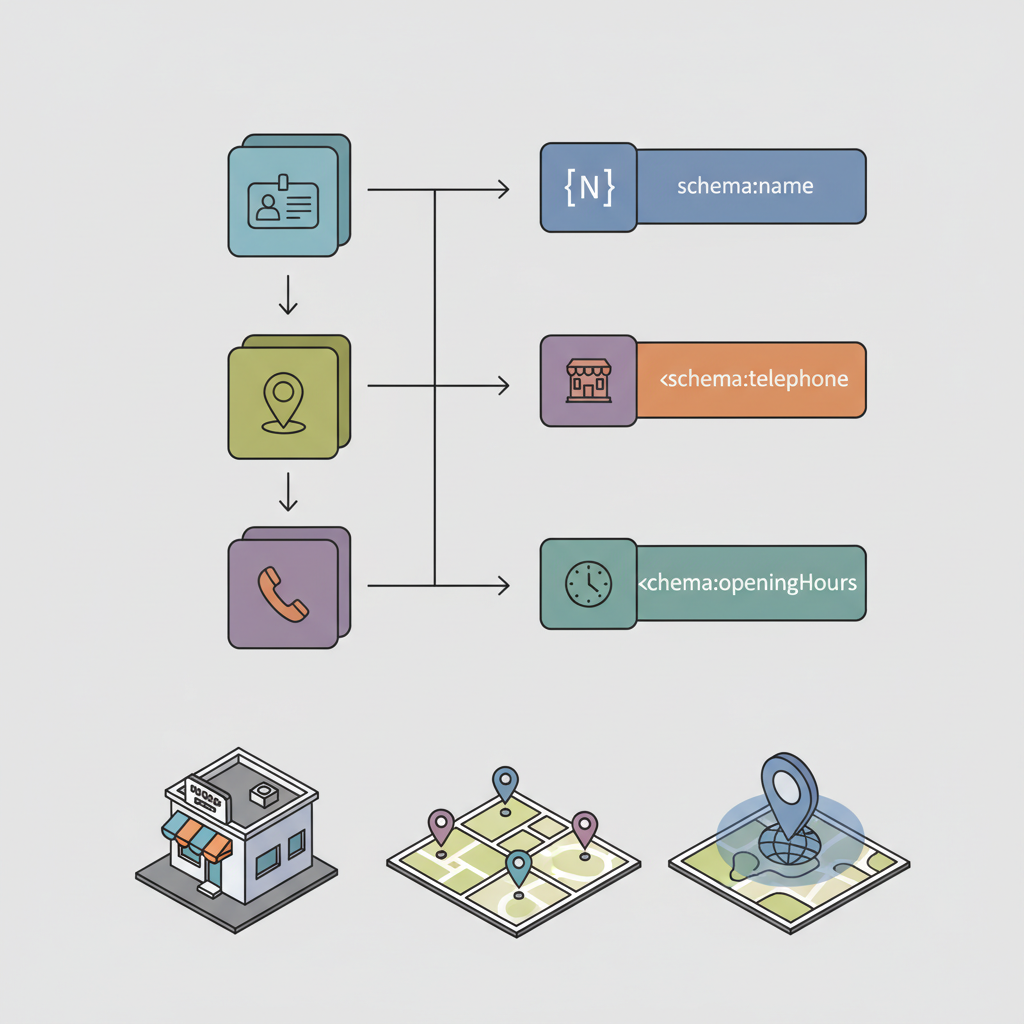
- Mapping Lovable fields to schema properties (practical examples)
- Ready-to-use JSON-LD templates for common local business types
- Template: Single-location service business
- Template: Multi-location storefronts with location pages
- Template: Service-area businesses (how to signal areas without publishing extra locations)
- Where to place schema on Lovable (head vs body) and implementing via SEOAgent
- Testing and validating schema (Rich Results Test, schema.org, and common errors)
- Monitoring impact — what to expect in Search Console and local packs
- Advanced: FAQ, Product, and PriceRange snippets for local landing pages
- Appendix — copyable JSON-LD snippets and validation checklist
What is localbusiness schema on Lovable?
Answer: LocalBusiness schema on Lovable is structured JSON-LD markup added to Lovable sites to give search engines explicit GEO signals about a business (address, coordinates, service area). Proper markup increases eligibility for local features like local pack results, knowledge panels, and concise AI answers.
What is LocalBusiness schema and why it matters for Lovable sites
LocalBusiness schema is a set of schema.org properties expressed as JSON-LD that describes a physical or service-oriented business. For Lovable sites, adding localbusiness schema lovable ensures your page communicates a clear identity to search engines: who you are, where you operate, and how people contact you. GEO signal = any structured/localized data point (address, geo coordinates, service area) that helps search engines match queries to local entities.
Quotable: "A GEO signal is any structured or localized data point that helps search engines match queries to local entities."
{ "@context": "https://schema.org", "@type": "LocalBusiness", "name": "Lovable Coffee Roasters", "address": { "@type": "PostalAddress", "streetAddress": "123 Bean St", "addressLocality": "Exampleville", "postalCode": "01234", "addressRegion": "EX" }, "geo": { "@type": "GeoCoordinates", "latitude": 12.345678, "longitude": -98.765432 }
}
Required vs optional properties table:
| Property | Required | Why |
|---|---|---|
| name | Required | Identifies the business |
| address (PostalAddress) | Required | Primary GEO signal |
| telephone | Required | Contactability for rich results |
| geo (latitude/longitude) | Optional but recommended | Precise local matching |
| openingHours | Optional | Useful for local pack snippets |
Include at minimum: name, a structured PostalAddress, and a single contact telephone to qualify for local features.

When NOT to add LocalBusiness schema on Lovable: If the page is purely corporate content without any local presence, if you cannot verify address accuracy, or if you manage a global-only information site with no storefront or service area, omit LocalBusiness schema to avoid conflicting signals.
Core LocalBusiness properties you must include (name, address, geo, telephone, openingHours)
If you implement localbusiness schema lovable, make sure these properties are present and accurate. Name, address (PostalAddress), and telephone are minimal requirements for most local rich features. Add geo coordinates when you have accurate lat/longs to improve proximity matching in local search.
- name: exact business name used on signage and Google Business Profile.
- address: PostalAddress with streetAddress, addressLocality, addressRegion, and postalCode.
- telephone: international format preferred (e.g., +1-555-555-0123).
- geo: latitude and longitude as numbers—useful when address spans multiple localities.
- openingHours: use schema.org format (e.g., "Mo-Fr 09:00-17:00").
Checklist (concrete): 1) Confirm name matches Google Business Profile; 2) Validate postal address via a mapping service; 3) Use phone in E.164 format; 4) Add geo coordinates where possible; 5) Add openingHours in schema format.
Always validate phone format and postal address before publishing schema to avoid conflicts with public listings.
Quotable: "Use E.164 phone formatting and structured PostalAddress to reduce schema validation errors."
Mapping Lovable fields to schema properties (practical examples)
On Lovable, field names in the page editor (for example: Business name, Address line 1, City, Region, Postal code, Phone, Hours) map directly to JSON-LD properties. Use these mappings when generating JSON-LD programmatically from the CMS:
- Business name field → json name
- Address fields → PostalAddress.streetAddress, addressLocality, addressRegion, postalCode
- Phone field → telephone
- Hours field → openingHours (convert to schema format)
- Latitude/longitude fields → geo.GeoCoordinates
Example practical rule: when the Lovable editor has separate latitude and longitude fields, generate geo as numeric values rather than strings to avoid schema validation lovable errors.
Ready-to-use JSON-LD templates for common local business types
Below are concise JSON-LD templates you can paste into Lovable pages or output via SEOAgent. Each template is trimmed to required properties; extend with reviews, logo, and sameAs where appropriate for richer snippets.
Template: Single-location service business
{ "@context": "https://schema.org", "@type": "ProfessionalService", "name": "Example Plumbing Co", "telephone": "+1-555-555-0123", "address": { "@type": "PostalAddress", "streetAddress": "200 Pipe Ln", "addressLocality": "Exampleville", "addressRegion": "EX", "postalCode": "01234" }, "openingHours": "Mo-Fr 08:00-18:00"
}
Template: Multi-location storefronts with location pages
{ "@context": "https://schema.org", "@type": "Store", "name": "Lovable Books — Downtown", "telephone": "+1-555-555-0199", "address": { ... }, "geo": { "@type": "GeoCoordinates", "latitude": 12.34, "longitude": -98.76 }
}
For multi-location setups, create one location page per physical store and publish unique JSON-LD per page. Avoid publishing multiple locations on a single representative page. For more on this, see Setup lovable local seo.
Template: Service-area businesses (how to signal areas without publishing extra locations)
{ "@context": "https://schema.org", "@type": "Service", "name": "Lovable Lawn Care", "serviceArea": { "@type": "Place", "address": { "@type": "PostalAddress", "addressLocality": "Exampleville" } }, "telephone": "+1-555-555-0111"
}
Use serviceArea with Place or GeoShape for route-based coverage. Do not create fake location pages; signal coverage via serviceArea instead.
Where to place schema on Lovable (head vs body) and implementing via SEOAgent
Place JSON-LD in the HTML head when possible so parsers see the structured data early. If Lovable page templates restrict head edits, include the script before the closing <body> tag. SEOAgent can inject JSON-LD into the head across site templates or push per-page schema using page-level variables.
Implementation pattern: generate JSON-LD from Lovable fields, serialize to a single <script type="application/ld+json"> block, and insert it into the head via SEOAgent or the theme's head partial. For dynamic pages, ensure server-side rendering outputs the markup so crawlers that don't execute JavaScript can read it.
Testing and validating schema (Rich Results Test, schema.org, and common errors)
After publishing, validate schema with Google's Rich Results Test and check schema.org examples for type-specific guidance. For schema validation lovable issues, watch for common errors: missing required PostalAddress fields, phone numbers in invalid formats, numeric lat/longs supplied as strings, and duplicate conflicting location data across pages.
Validation checklist (concrete): 1) Run Rich Results Test; 2) Fix any syntax or type errors; 3) Confirm address consistency with public listings; 4) Re-run live URL test in Search Console. Recheck after deployments.
Quotable: "Run a Rich Results Test and fix schema type errors before considering implementation complete."
Monitoring impact — what to expect in Search Console and local packs
Expect structured data reports in Search Console to show detected LocalBusiness markup and any errors or warnings within days. Correctly implemented local business markup lovableseo pages can increase eligibility for local pack results and knowledge panels; results are not guaranteed and depend on other signals like citations and Google Business Profile accuracy.
Monitoring steps: watch Search Console structured data reports weekly, track local pack rankings for core keywords, and log appearance changes in knowledge panels. Use a baseline snapshot before changes and compare rank/visibility after 2–6 weeks.
Advanced: FAQ, Product, and PriceRange snippets for local landing pages
Enhance landing pages with FAQPage schema for common local questions, Product schema for service bundles, and priceRange on LocalBusiness where applicable. Use FAQ schema judiciously—only include real, page-visible Q&A content. Product and priceRange help search engines show concise pricing context in local results.
{ "@type": "FAQPage", "mainEntity": [{"@type": "Question","name": "Do you offer emergency repair?","acceptedAnswer": {"@type": "Answer","text": "Yes, 24/7 emergency service is available."}}]
}
Appendix — copyable JSON-LD snippets and validation checklist
Copyable snippets are above (single-location, multi-location, service-area). Use this final validation checklist before publishing:
- Match business name to official listings.
- Confirm PostalAddress fields are complete and valid.
- Use numeric geo coordinates.
- Format telephone in E.164.
- Run Rich Results Test and Search Console URL inspection.
- Ensure one JSON-LD block per page to avoid conflicts.
| Before | After |
|---|---|
| No structured address | Structured PostalAddress and geo |
| Phone in local format | Phone in E.164 |
Quotable: "One accurate JSON-LD block per page reduces conflicting signals and validation errors."
Ready to Rank Your Lovable App?
This article was automatically published using LovableSEO. Get your Lovable website ranking on Google with AI-powered SEO content.
Get Started






