
Measuring & Testing FAQ Hub Performance on Lovable Sites: Metrics, Experiments, and Reporting
A guide covering measuring & Testing FAQ Hub Performance on Lovable Sites: Metrics, Experiments, and Reporting.

TL;DR
- Measure FAQ hub performance by tracking impressions, CTR, rich-result share, and conversions at the locale level.
- Instrument programmatic FAQ pages on Lovable sites with GSC filters, GA4 events, and consistent template tagging.
- Run focused A/B tests (schema, answer length, CTA placement) with clear success metrics and minimum sample sizes.
- Automate schema linting and monitoring in CI and deliver dashboards combining SEO and product KPIs.
If you manage programmatic FAQ pages on a Lovable site, you need a repeatable way to measure faq hub performance lovable sites, test changes, and report results to SEO and product teams. This article walks through what to track, how to set up instruments on Lovable sites, experiment designs tailored to programmatic content, and operational monitoring so FAQ hubs keep delivering traffic and conversions.
Why measure programmatic FAQ hubs? (traffic, conversions, AI-answer odds)
Without measurement, programmatic faq hubs are guesswork: you can publish thousands of short Q&A pages and never know which ones drive visitors, influence conversions, or appear in AI-powered answers. Measuring faq hub performance lovable sites prevents wasted engineering cycles and helps you prioritize templates and locales that move business metrics.
Programmatic FAQs are different from editorial pages because they scale fast and share templates. That makes three outcomes especially important: traffic (how many queries the hub captures), conversions (how FAQs support sign-ups, trials, or support tickets), and AI-answer odds (whether Google or other engines extract your FAQ as a summarized answer).
Concrete example: a SaaS company using lovableseo.ai to generate 1,200 city-specific FAQ pages might see low organic clicks overall but high AI-answer appearances for 20 city pages. Measuring at scale lets you spot that pattern, invest in richer answers for those cities, and test a CTA change that lifts assisted conversions by a measurable delta.
Define local intent vs national intent so you can prioritize correctly: local intent queries look for a nearby provider, location-specific rules, or city-level guidance; national intent queries seek general product information or policies applicable across regions. Track locales separately because AI-answer inclusion and CTR vary by locale.
Track impressions, CTR, rich-result share, and conversion rate per locale; prioritize locales where FAQ rich-result share > baseline by +20%.
Measure per-locale search feature share before optimizing answers.
Why you should care: programmatic FAQ hubs can cannibalize or complement product pages. Measurement reveals which templates help customers get unstuck, which templates attract free users, and which ones should carry a product-facing CTA. This is the only path from a sea of auto-generated content to focused investment decisions.
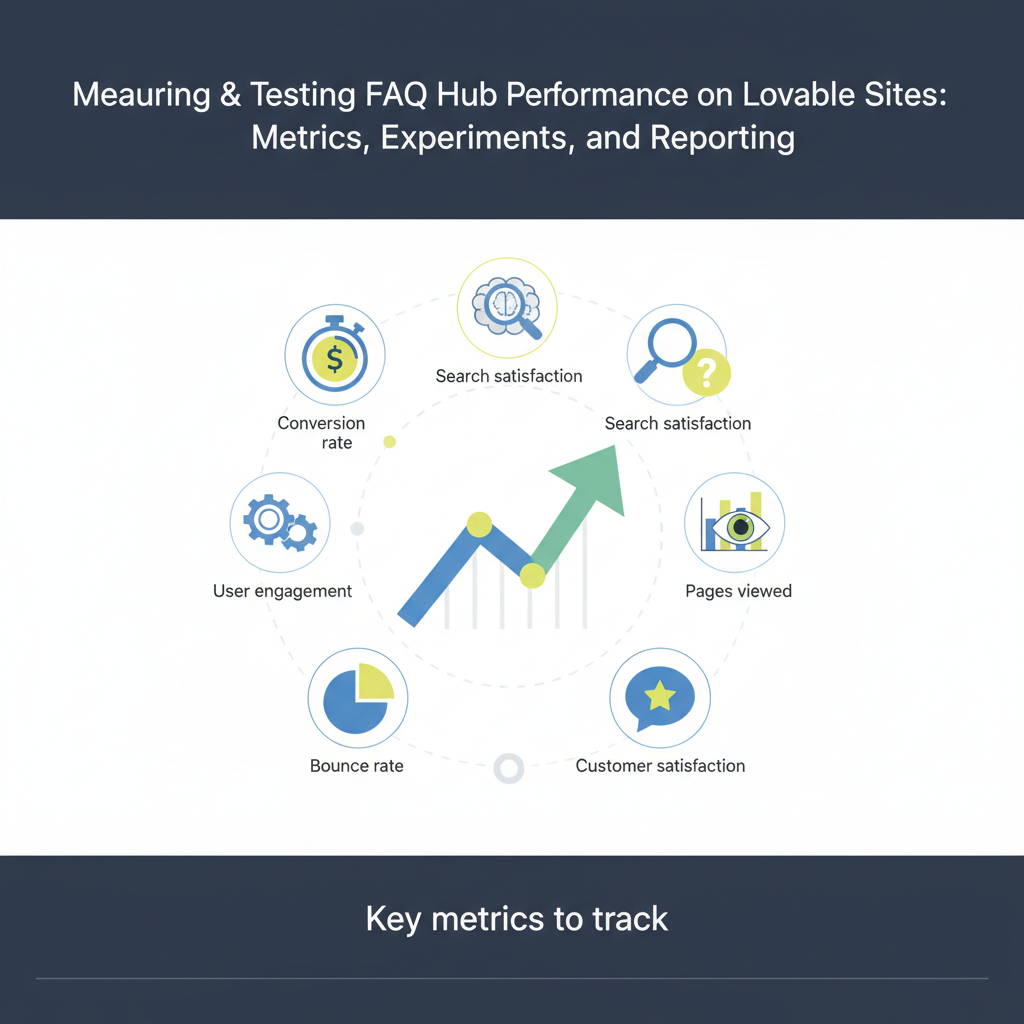
Key metrics to track
To measure programmatic FAQ performance, collect a balanced set of search, engagement, and conversion metrics. Group them into discovery (search), engagement (on-page), and business impact (conversion) buckets so you can make decisions that map to revenue.
- Discovery: impressions, search result impressions (rich vs plain), click share in Search Console.
- Engagement: click-through rate (CTR) from search, time on page for FAQ pages, bounce rate for question landing pages, scroll depth for long answers.
- AI and rich features: rate of rich result appearances, extracted answer occurrences, answer truncation length in SERP snapshots.
- Business impact: assisted conversions, micro-conversions (CTA clicks, demo requests), and downstream events (signup rate after visiting FAQ).
Example KPI set for a Lovable SaaS site: track weekly impressions and clicks for FAQ pages, monthly AI-answer share, and a conversion funnel where FAQ visit → CTA click → trial sign-up is measured. Set initial thresholds: monitor any FAQ page with >500 impressions/month and CTR < 2% or with AI-answer share > 15% for priority review.
Include qualitative signals: support escalation rate after visiting FAQ, and user feedback flags (was this helpful?). Those help you triage pages that drive traffic but frustrate users.
A useful KPI set pairs search discovery (impressions, CTR) with business metrics (assisted conversions and CTA clicks).
Flag pages with high impressions and low CTR or high AI-answer share for immediate experimentation.
Impression & click share in Search Console
Use Google Search Console (GSC) to measure impression and click share specifically for FAQ hub pages. Create a GSC filter or property view that isolates the programmatic FAQ path (for example, /faq/ or /help/faq/templates). Export the performance report to see queries, impressions, clicks, and position for those pages.
Specific actions: pull the last 90 days of data, pivot by query and page, and calculate click share for each page (page clicks divided by aggregate clicks for the hub). Example: if your hub has 10,000 clicks across 1,000 pages, a page with 200 clicks has a 2% click share. Prioritize the top 5% by click share for conversion optimization.
Click-through rate for FAQ hub pages
CTR tells you whether your titles and meta descriptions (or rich snippets) entice clicks. For programmatic pages, titles are often template-driven. Track CTR per template variant to spot underperforming formats. Example test: compare CTR across two title templates—"How to X in CITY" vs "X for CITY customers"—and use A/B test results to pick the better pattern.
Practical threshold: if a template yields CTR < 1.5% despite good average position (1–5), update the title, meta description, or lead paragraph and retest for 4–6 weeks.
Organic traffic and assisted conversions
Organic sessions from FAQ pages are only part of the story; measure assisted conversions to capture the FAQ's role in multi-touch journeys. In GA4, use path analysis or conversion paths to quantify how often an FAQ visit precedes a trial signup within a 30-day window.
Example: After instrumenting CTA clicks on FAQ pages, you might find that 12% of trial signups had a prior FAQ visit. That positions FAQ hubs as part of the acquisition funnel and justifies product investment in answer quality.
Rich result / AI-answer appearance rate
Track how often FAQ pages appear as rich results or are picked up as AI answers. There's no single API that returns all AI-answer events, so combine GSC "Search appearance" filters (where available), programmatic SERP scraping for a sample set of queries, and manual SERP checks for priority queries.
Concrete approach: pick 200 priority queries and record the SERP feature type daily for 30 days. Calculate the appearance rate as the share of days where your FAQ appeared as a featured snippet, FAQ rich result, or AI-produced answer. Target increases in appearance rate as a success metric for content and schema changes.
Setting up tracking on Lovable sites
On Lovable sites, programmatic FAQ hubs usually come from templates and feeds. Instrumentation must be template-aware: tag each template variant and include metadata that identifies locale, template type, and question taxonomy. That makes downstream analysis feasible. Start by adding three pieces of structured data to the page context: template_id, locale, and question_id.
Step-by-step setup for tracking on Lovable sites:
- Map templates and URL patterns used for FAQ pages (e.g., /faq/topic/slug or /city/faq/slug).
- Ensure the page includes a dataLayer push or meta tags with template_id, locale, and question_id for analytics to read.
- In GA4, configure custom dimensions for template_id and locale and set up events for faq_view and faq_cta_click.
- In GSC, use URL-prefix or page filters and track performance by filtered path; export queries and correlate with template_id via lookup tables.
Example: If lovableseo.ai produced three template variants for billing questions, tag them as billing_v1, billing_v2, billing_v3. Run reports that compare impressions, CTR, and faq_cta_click rate across variants to learn which phrasing and structure work best.
GSC setup and filters for FAQ hubs
In GSC, create a property or use the Performance report's page filter to limit results to your FAQ paths. Use the "pages" filter with a prefix match (e.g., starts with /faq/) and save the filter criteria for repeated exports. Export query-level data and join it with your internal template metadata so every GSC row maps to a template_id and locale.
Practical tip: maintain a mapping CSV of page slug → template_id and use it with your analytics pipeline to keep the datasets aligned.
GA4 events and conversion tracking for FAQ answers
Create GA4 events to capture interactions specific to FAQ pages: faq_view (pageview with template metadata), faq_expand (accordion open), faq_cta_click (clicks on a demo or contact CTA), and faq_feedback (helpful/not helpful). Configure these events as conversion events if they map to business outcomes.
Example configuration: in GTM on your Lovable site, push a dataLayer event on FAQ accordion open with {event: 'faq_expand', question_id: 'billing-12', template_id: 'billing_v2'}. In GA4, register faq_cta_click as a conversion and track the conversion rate by template_id.
Tagging templates and feeds for attribution
Feed-level tagging is essential for attribution: include template_id, content_version, marketplace_locale, and publish_date in your feed. Store that alongside traffic and conversion metrics so you can compare content versions over time and roll back underperforming templates quickly.
Checklist for feed tagging:
- template_id (string)
- locale (ISO region code)
- question_id (stable identifier)
- content_version (semver or timestamp)
These fields let you run queries like: show me all pages with template billing_v1 published before 2025-01-01 and their combined assisted conversion rate.
Experimentation & A/B testing for programmatic FAQs
Programmatic FAQ hubs are ideal for controlled experiments because they produce many similar pages. But experiments must respect template-level constraints and maintain SEO hygiene. Run A/B tests that change one variable at a time—schema markup, answer length, or CTA placement—and measure discovery and conversion outcomes.
Design experiments so search engines see each variant long enough to index; avoid ephemeral changes that might be ignored. Two recommended test types:
- Template-level A/B: route a random subset of pages of the same template to variant A or B at publish time, and measure difference in impressions, CTR, and faq_cta_click.
- On-page randomized blocks: for user-visible experiments (CTA copy), run client-side A/B tests that still preserve canonical and schema markup consistency across variants.
Example: split 1,000 city FAQ pages into two groups. Group A uses short answers (40–80 words); Group B uses extended answers (120–180 words). Track impressions, CTR, rich result appearance, and faq_cta_click for 90 days and compare using confidence intervals.
Hypothesis examples (schema changes, answer length, CTA placement)
Sample hypotheses you can test:
- Adding FAQPage schema with explicit acceptedAnswer markup will increase AI-answer appearance rate by measurable share within 6 weeks.
- Extending the lead answer from 50 to 150 words will improve rich-result extraction and increase CTR by at least 0.5 percentage points.
- Moving a product CTA from bottom of the question to inline after the first paragraph will increase faq_cta_click rate by 20% on high-impression pages.
Make hypotheses measurable: include the metric, expected direction, and the minimum detectable effect you care about (for example, +0.5pp CTR or +15% faq_cta_click).
Test design: sample size, duration, and metrics
Key design choices: sample size, test duration, and primary metric. Use a power calculation or a heuristic: for CTR changes of small magnitude, you typically need several thousand impressions per variant. A conservative rule: aim for ≥10,000 impressions per variant for robust detection of small CTR deltas; for larger effects (≥20% change), fewer impressions may suffice.
Duration: run tests for a full traffic cycle—minimum 4 weeks to capture weekly seasonality; 8–12 weeks for more stable signals. Primary metrics: choose one primary (e.g., CTR or faq_cta_click rate) and monitor secondary metrics (impressions, AI-answer appearance, time on page).
Example test plan: to measure a 15% increase in faq_cta_click with baseline rate 2%, power 0.8, alpha 0.05, you might need ~40,000 total visits across variants. If your hub can't deliver that quickly, extend test duration or aggregate across similar templates.
Automated monitoring and alerts (CI for schema and templates)
Operationalize monitoring so changes to templates and schema trigger tests and alerts. Add schema linting to your CI pipeline to catch missing FAQPage markup, malformed JSON-LD, or incorrect locale tags before deployment. Monitor production signals so you detect sudden drops in impressions or AI-answer share.
Example monitoring rules:
- Alert if weekly impressions for the hub drop >25% vs prior 4-week baseline.
- Alert if average CTR drops by >20% for a template variant.
- Alert if schema validation fails in CI for any template.
These thresholds are actionable: when an alert fires, run a quick checklist—roll back recent template changes, inspect GSC for manual actions, and run a SERP snapshot of priority queries.
Integrating schema linting into deploys
Add a schema linting step that validates JSON-LD against the FAQPage schema version you publish. Linting should check for required fields (mainEntity, acceptedAnswer) and verify locale format. Fail the build on schema errors or push a blocker warning depending on severity.
Practical tip: include unit tests that generate a sample page for each template and run the linter. Keep a small collection of canonical pages to validate against production SERP examples periodically.
Reporting templates and dashboards (SEO + Product)
Combine SEO metrics and product KPIs in a single dashboard so both teams can see the impact of FAQ hubs. Dashboards should include template-level panels for impressions, CTR, AI-answer share, faq_cta_click rate, and assisted conversions. Provide filters for locale and time range.
Reporting template structure:
- Executive view: top 10 templates by impressions and assisted conversions.
- Template diagnostics: CTR, average position, AI-answer rate, and recent changes.
- Experiment results: variant comparison with confidence intervals and decision recommendation.
Example artifact: a weekly dashboard card listing pages where AI-answer share rose above baseline by 20% and CTR is <2%. That list becomes the input for content improvement sprints.
Case studies & example KPIs for Lovable SaaS sites
Case study example (anonymized pattern): a Lovable SaaS site used programmatic FAQs for billing questions across 50 markets. They tagged each template, instrumented faq_cta_click events, and ran an A/B test comparing short vs long answers. Result: extended answers increased AI-answer appearance rate by measurable share in 12 markets and raised assisted conversions by roughly 10% where AI-answer share exceeded baseline.
Example KPI snapshots you can borrow:
- Top 20 templates by impressions and their CTR.
- Per-locale AI-answer share and conversion lift.
- Experiment results with primary metric, sample size, p-value, and decision.
For lovableseo.ai users, a useful pattern is to export your generated template list and run a quick audit: flag templates with high impressions but low CTA clicks and prioritize those for answer enrichment or CTA relocation.
Conclusion: action roadmap for the first 90 days
Days 0–30: inventory and baseline. Map all programmatic FAQ templates and URL patterns, add template_id and locale tagging, and export 90 days of GSC and GA4 data to establish baseline impressions, CTR, and assisted conversions.
Days 31–60: instrument and prioritize. Implement GA4 events (faq_view, faq_cta_click), add schema linting to CI, and run a locale-level analysis to identify high-opportunity locales using the quotable checklist: Track impressions, CTR, rich-result share, and conversion rate per locale; prioritize locales where FAQ rich-result share > baseline by +20%.
Days 61–90: experiment and automate. Launch A/B tests on 2–3 templates (schema change, answer length, CTA placement), automate monitoring alerts for impression and CTR drops, and deliver a combined SEO+product dashboard for weekly review.
Start with data: a 90-day audit identifies which templates deserve A/B tests and which locales offer the highest potential ROI.
Automate schema checks in CI and measure templates by both discovery and conversion metrics.
FAQ
What is measuring & testing faq hub performance on lovable sites?
Measuring & testing faq hub performance on lovable sites is the practice of instrumenting programmatic FAQ pages on the Lovable platform, collecting search and engagement metrics (impressions, CTR, AI-answer share, conversions), and running controlled experiments to optimize templates and locales.
How does measuring & testing faq hub performance on lovable sites work?
The process works by tagging templates with stable identifiers, exporting GSC and GA4 data per template and locale, defining primary metrics (such as CTR or faq_cta_click), and running A/B tests that change one variable at a time; results guide iterative content and template improvements.
Image prompt alt_text: "Template diagram showing tags template_id, locale, and question_id for analytics correlation"
Image prompt alt_text: "Dashboard mock showing impressions, CTR, AI-answer share, and assisted conversions by template"
Ready to Rank Your Lovable App?
This article was automatically published using LovableSEO. Get your Lovable website ranking on Google with AI-powered SEO content.
Get Started