Pricing Page Schema & Templates to Win AI Answers on Lovable Sites
A guide covering pricing Page Schema & Templates to Win AI Answers on Lovable Sites.
lovableseo.ai
April 21, 2026
13 min read
TL;DR
Structured pricing schema gets your pricing into AI answers and rich results on Lovable sites by exposing canonical price, offers, and short FAQ in machine-readable JSON-LD.
Use Product + Offer + PriceSpecification + FAQ schema plus localized pricing JSON-LD and a clear canonical price element to qualify for AI-answer pricing snippets.
Test with Google Rich Results Test, monitor GSC rich results impressions, and use a staged injection workflow (SEOAgent) before pushing live.
Overview — why schema is critical for pricing pages and AI answers illustrationWhich schema types to use (Product, Offer, PriceSpecification, FAQ, AggregateRating) illustration
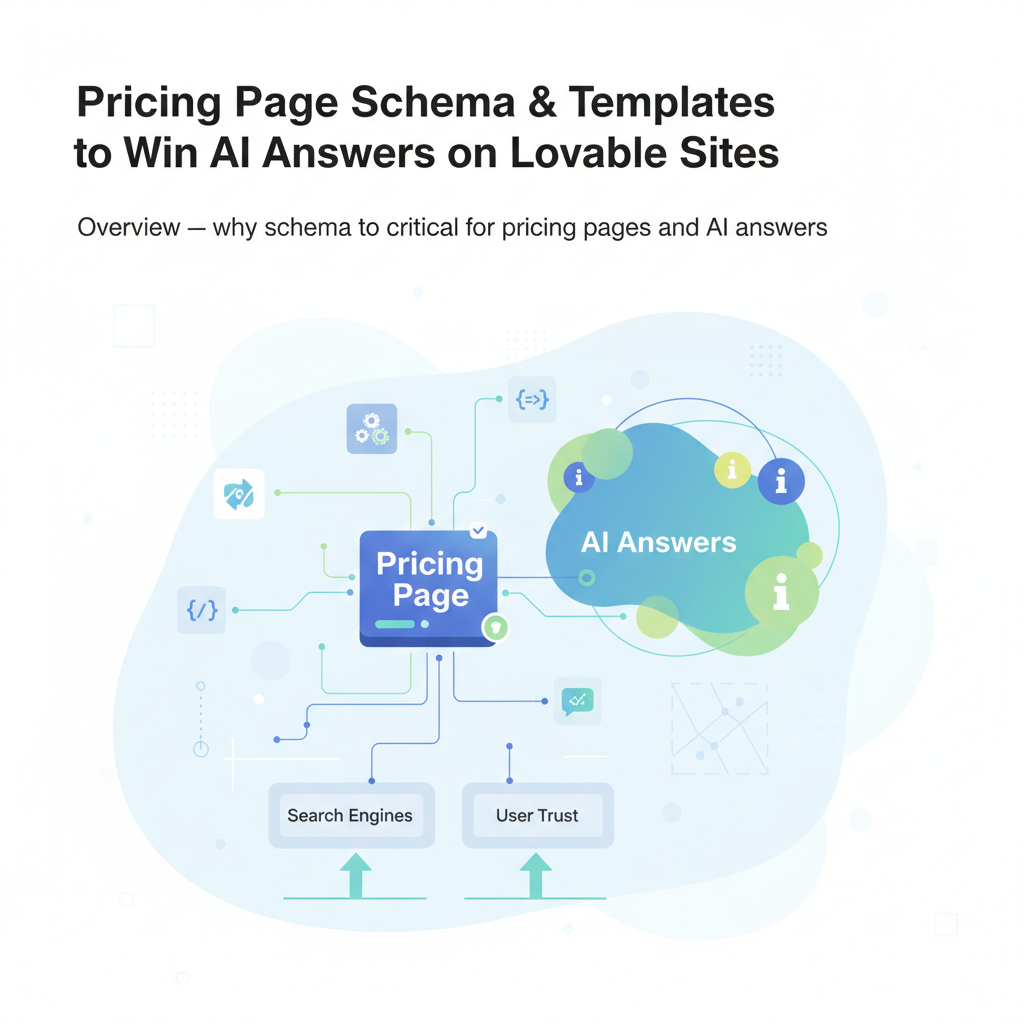
Overview — why schema is critical for pricing pages and AI answers
If your pricing page looks great to humans but never appears in AI-generated answers, you’re probably missing two things: a single canonical price element in the page HTML and matching structured data that AI systems can parse. Without that, search engines and answer engines can’t reliably extract the price, trials, or per-unit terms — and they won’t show your product in an ai-answer pricing snippet or rich result.
Quick answer: implement clear pricing table HTML, expose the same price values in copy-ready pricing table JSON-LD, and add a short 1–2 sentence FAQ with FAQ schema. That combination gives Lovable pages the signals AI systems and search engines prefer for pricing answers.
Who this helps: website owners, product marketers, and frontend engineers who publish pricing on Lovable-managed sites and want consistent AI-answer inclusion and higher click-through from search. The steps below are platform-specific and assume you can add a JSON-LD block in the page template or via an SEO injection tool such as SEOAgent.
Expose one canonical price element in HTML and the same value in JSON-LD; mismatched values break rich result eligibility.
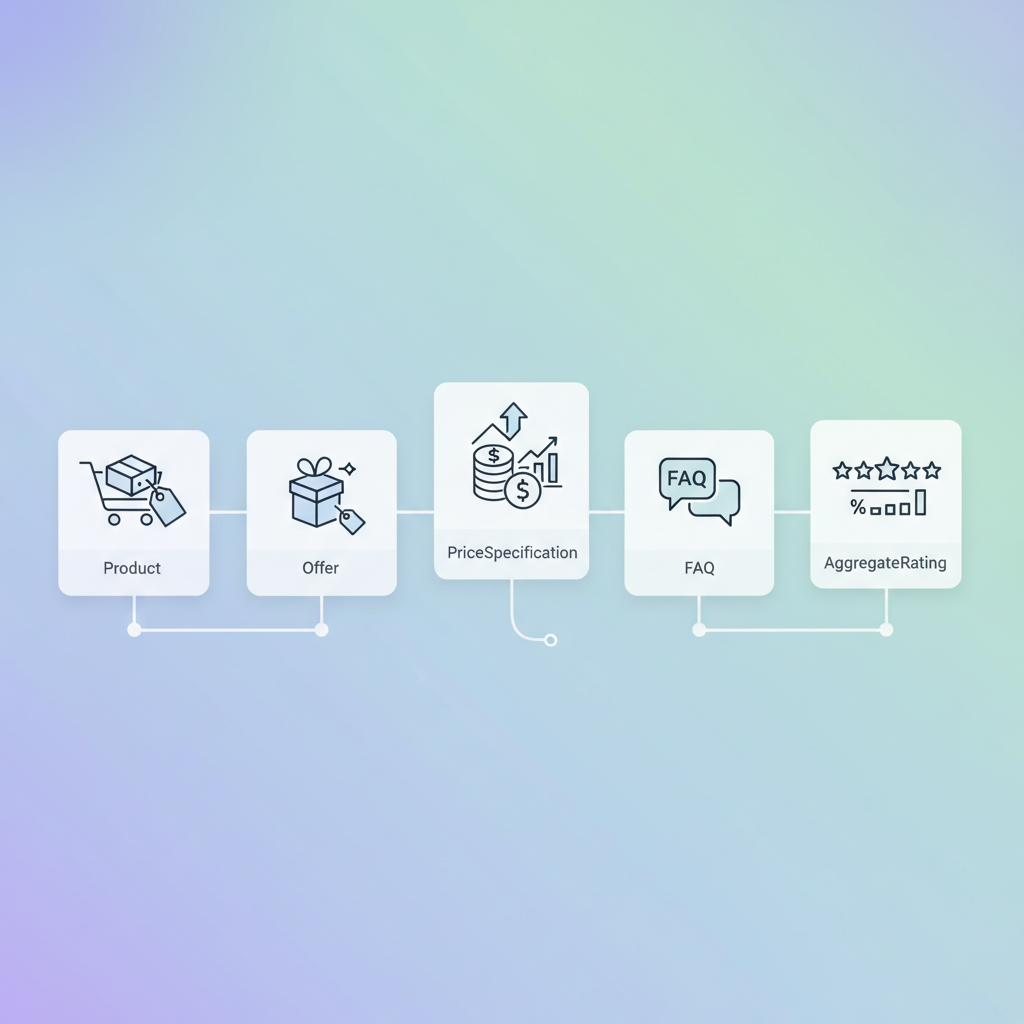
Which schema types to use (Product, Offer, PriceSpecification, FAQ, AggregateRating)
Why this section matters: AI systems prefer semantic, typed entities. For pricing pages on Lovable sites, use a combination of schema.org types so each piece of pricing information has a clear role. That improves the chance of appearing in an ai-answer pricing snippet and supports rich results.
Use these schema types together:
Product — Wrap each SKU, plan, or tier as a Product when the pricing page represents sellable products or SaaS plans. Include name, description, and sku where applicable. This is your top-level purchasable item.
Offer — Represent the actual sale terms. Offer contains price, priceCurrency, availability, and url. For subscriptions, Offer often pairs with a PriceSpecification for recurring terms.
PriceSpecification — Use for any non-trivial pricing structure: per-unit pricing, priceRange, or subscription intervals. PriceSpecification lets you express unitText, billingIncrement, and valueAddedTaxIncluded.
FAQPage / Question / Answer — Add short, factual questions that answer trial length, cancellation, or billing cadence. These are high-value for AI answers because they map frequently to consumer queries ("Does plan X include a free trial?").
AggregateRating — Include when you show ratings on the pricing page to strengthen product-level trust. Keep reviewCount and ratingValue accurate and current.
Example roles: mark a "Pro" plan as a Product, put its monthly rate inside Offer.price, and add a PriceSpecification that states the price is monthly and billed every 30 days. For usage-based features, include a unitPriceSpecification in PriceSpecification with a unitText like "per API call".
Practical tips for Lovable sites: keep your Product object focused on the plan name and features, and use Offer objects per billing interval. If you have a single page with multiple plans, output one Product per plan and nest each Offer inside its Product object; this matches how many search engines expect multi-plan pages to be structured.
Declare offers per billing interval: a separate Offer per monthly and yearly billing clarifies price cadence for AI systems.
When to use Offer vs PriceSpecification for subscription pricing
If you must choose, use Offer for the simple facts (price and currency) and use PriceSpecification when you need to express billing cadence, unit price, or metered/usage terms. Offer.price is a simple numeric string; PriceSpecification is an object with structured properties.
Concrete rules you can apply:
Use Offer alone when the subscription has a single, flat price and you only need price and currency (e.g., $29/month).
Add PriceSpecification when you need interval, billingIncrement, or unit pricing (e.g., $0.002 per API call, billed monthly, minimum 1000 calls included).
For multiple billing cycles (monthly vs yearly), publish two Offer entries with matching Offer.price values and include a PriceSpecification for each to state "pricingMode" and the billing cycle string.
Example: For a SaaS product with a monthly $49 plan and a yearly $490 plan, create two Offer objects. The Offer for the yearly plan should also include a PriceSpecification that sets the billingPeriod to P1Y (ISO 8601) so parsers understand the cadence.
Step-by-step: implement JSON-LD on Lovable pages (editor steps + common pitfalls)
Why this section exists: Lovable’s editor and page model often restrict where you can inject scripts. A reproducible step list reduces deployment errors and prevents schema mismatches that disqualify AI-answer pricing snippets.
Step-by-step implementation:
Identify the canonical price element: ensure the pricing page has one dominant HTML element that shows the canonical price text (e.g., <div class="plan-price">$49</div>). AI-answer-ready pricing pages should (1) display the canonical price text in a single HTML element, (2) expose matching price in JSON-LD, and (3) include a 1–2 sentence FAQ that answers pricing/trial questions.
Draft your JSON-LD: prepare Product + Offer + PriceSpecification blocks in a single <script type="application/ld+json"> tag. Keep the JSON-LD and the visual price in sync by using templating variables when rendering on Lovable pages.
Place JSON-LD in head or body: Lovable allows JSON-LD in the head or right before
. Put it in a stable template file so it appears on every page load and is not overwritten by client-side rendering unless values are updated accordingly.
Test locally with Rich Results Test: run the page URL or the snippet through Google’s Rich Results Test and Schema.org validator to ensure no errors. Fix missing required fields (priceCurrency, price, priceValidUntil, etc.) and remove duplicate or contradictory Offer entries.
Stage deployment with SEOAgent: inject JSON-LD on a staging environment and use automated tests to validate schema and page rendering before releasing live.
Common pitfalls and how to avoid them:
Mismatch between visible price and JSON-LD price — always derive both from the same data source or templating variable.
Duplicated schema objects with contradicting values — aggregate offers into arrays where appropriate instead of repeating Product objects with different prices.
Using microdata or RDFa inconsistently — prefer JSON-LD for Lovable pages because it’s easier to maintain and less fragile with client-side rendering.
Mismatched price values are the single most common cause of failed rich result validation for pricing pages.
Plug-and-play schema templates (starter JSON-LD for Flat, Tiered, Usage-based pricing)
Below are three starter JSON-LD templates you can adapt on Lovable sites. Replace bracketed values with your site’s variables and ensure priceCurrency and price match the visible HTML.
Use the pricing schema markup pattern above to ensure AI systems and search engines can distinguish flat, tiered, and usage pricing. For multi-currency or localized pages, include separate Offer objects per currency and region.
Example: SaaS monthly tier schema (copy-ready)
Copy this for a SaaS page showing three monthly tiers. Ensure the visible HTML price is exactly the same string as Offer.price in the JSON-LD.
Example: localized pricing schema with currency and geo fields
Offer separate localized offers per region and include priceCurrency and a eligibleRegion property. This helps AI systems select the correct currency for a user query.
Quotable fact: "Include eligibleRegion with currency to improve localized AI answer accuracy."
FAQ schema templates optimized for AI answer inclusion (short Q/A examples)
Why this matters: AI-answer systems often pull a concise Q+A. A 1–2 sentence FAQ that directly answers a pricing or trial question is more likely to be used in an ai-answer pricing snippet. Keep answers factual and self-contained.
Template (FAQPage JSON-LD):
{ "@context": "https://schema.org", "@type": "FAQPage", "mainEntity": [ { "@type": "Question", "name": "Does the Pro plan include a free trial?", "acceptedAnswer": { "@type": "Answer", "text": "Yes. The Pro plan includes a 14-day free trial with no credit card required." } }, { "@type": "Question", "name": "Can I cancel my monthly subscription anytime?", "acceptedAnswer": { "@type": "Answer", "text": "Yes. Monthly subscriptions can be canceled anytime from your account settings and will not renew." } } ]
}
Short Q/A examples for pricing pages (write them in plain language and include them on the page visible to users):
Q: What does the trial include? A: The 14-day trial unlocks all Pro features with no credit card required.
Q: Are taxes included? A: Prices exclude local taxes; taxes are calculated at checkout.
Include faq schema pricing page entries for these Q/As so AI systems can extract short answers. Keep answers under 30 words where possible for snippet-friendliness.
Run this checklist before and after deployment. Validation prevents common failures that remove your pricing from AI answers.
Run Google Rich Results Test on the staging URL and the live page.
Validate JSON-LD against Schema.org types and ensure required properties are present: price, priceCurrency, name (Product), and url (Offer).
Check for duplicate or contradictory Offer objects — consolidate where possible.
Use Search Console > Enhancements to monitor rich result reporting and errors once the page is indexed.
Confirm visible price element equals JSON-LD Offer.price exactly (string match).
Test localized offers by simulating different Accept-Language headers or country routing and re-running the Rich Results Test.
Concrete thresholds and artifacts to track:
P95 validation errors: 0 across staging and live pages.
GSC rich results impressions: track weekly; expect visible increase after clean deployment within two indexing cycles.
CTR improvement target: aim for a 5–15% uplift to pricing pages that gain rich results.
Tools to use: Google Rich Results Test, the Schema Markup Validator at schema.org, and Google Search Console’s rich results and performance reports. These are the canonical sources for validating and monitoring how your pricing schema behaves in search and AI answer contexts.
How to measure impact (impressions, rich result inclusion, CTR to pricing page)
Measurement strategy must be concrete and repeatable. Track these KPIs weekly:
Rich results impressions — from Google Search Console (GSC) under Enhancements or Performance; this shows if your schema leads to visible rich displays.
AI-answer inclusions — capture queries for which your page appears in answer boxes or knowledge panels; export from GSC search analytics using filter terms like "pricing" or the plan name.
CTR to pricing page — measure click-through from search results and compare pre/post-deployment; expect gains when your page appears in ai-answer pricing snippets.
Conversion rate on pricing page — track signups or trial starts attributed to the pricing page to quantify revenue impact.
Example measurement cadence: weekly snapshot for the first 8 weeks after deployment. Use a simple before/after test window: four weeks baseline, deploy schema, then measure eight weeks post-deploy. If impressions rise but CTR falls, review the visible price wording or CTA density — AI answers can lower CTR if the snippet answers the question fully without a click.
Implementation tips with SEOAgent: automated injection, testing staging vs live
SEOAgent can automate JSON-LD injection across Lovable pages and run validation hooks. Follow this workflow:
Create canonical price and metadata as structured variables in your content model so SEOAgent can substitute values automatically.
Use SEOAgent to deploy JSON-LD to a staging environment first and configure automated Rich Results Test API checks; block deployment if validation errors occur.
Compare staging vs live outputs: ensure the rendered HTML price element and JSON-LD are identical when pulled by a crawler. Use a diff tool or automated unit test to compare strings.
Schedule a post-deploy sweep from SEOAgent to re-run Rich Results Test and report to Slack or your monitoring channel if errors appear.
Common automation checks to include in SEOAgent pipelines:
JSON-LD schema type presence (Product, Offer, PriceSpecification)
String equality check between visible price element and Offer.price
Locale validation for localized offers (currency matches eligibleRegion)
Resources & paste-ready snippets
This section contains reusable artifacts you can copy into Lovable templates, plus a checklist and a decision table to guide implementation choices.
AI-answer ready pricing checklist (copyable)
1. Display the canonical price text in a single HTML element.
2. Expose the matching price in JSON-LD Offer.price and priceCurrency.
3. Add a 1–2 sentence FAQ that answers trial and cancellation questions and include FAQ schema.
4. Provide separate Offer objects per billing cadence and per currency/region.
5. Validate with Rich Results Test and monitor GSC rich results impressions weekly.
Decision table: which schema to use
Pricing model
Primary schema
Notes
Flat recurring
Product + Offer
Offer.price + priceCurrency required
Tiered plans
ItemList of Products + Offer
One Product per plan; Offer per billing interval
Usage-based
Offer + UnitPriceSpecification
Include unitText, price per unit
Paste-ready localized JSON-LD example (multi-region) — replace URL and names with your template variables:
Quotable definitions and facts (under 30 words each):
"Offer.price and priceCurrency together form a canonical machine-readable price."
"A single visible price element reduces parser ambiguity for AI answer systems."
FAQ
What is pricing page schema & templates to win ai answers on Lovable sites?
Pricing page schema & templates to win AI answers on Lovable sites is a set of structured-data patterns (Product, Offer, PriceSpecification, FAQ) and copy-ready JSON-LD templates that make pricing information machine-readable so AI systems and search engines can extract prices and include them in answer snippets.
How does pricing page schema & templates to win AI answers on Lovable sites work?
The approach works by exposing identical price values in a clear HTML element and in JSON-LD Offer objects, adding concise FAQ answers for common pricing questions, validating with Rich Results Test, and monitoring rich results impressions in Google Search Console.
Ready to Rank Your Lovable App?
This article was automatically published using LovableSEO. Get your Lovable website ranking on Google with AI-powered SEO content.