
Why Portfolio SEO Matters More Than You Think
Most freelancers treat their portfolio as a link to share on social media. Smart freelancers treat it as a 24/7 client acquisition channel.
The compounding effect: A portfolio that ranks for “React developer portfolio” or “UX designer case studies” generates leads every month without additional effort. Unlike social media posts that fade in hours, SEO-optimized portfolio content works for years. According to HubSpot, websites with blogs get 55% more traffic — imagine what that means for a freelancer's portfolio.
8 Portfolio SEO Strategies That Drive Inbound Leads
Proven tactics to get your portfolio ranking and attracting the right clients.
Optimize Project Pages with Descriptive Titles and Meta
Each project page should have a unique, keyword-rich title like "E-commerce Redesign for [Brand] — 40% Conversion Increase" instead of generic "Project 1." Write meta descriptions that sell the outcome, not just describe the project. Search engines use these as your listing in results.
Write Case Studies, Not Just Image Galleries
A gallery of screenshots won't rank. Search engines need text. For each project, write 500-1,000 words covering the challenge, your process, the solution, and measurable results. This gives Google content to index and gives potential clients confidence in your work.
Target Skill-Specific Long-Tail Keywords
Don't target "web designer" (too competitive). Target "React developer portfolio," "Figma to code freelancer," or "Shopify theme developer [city]." These long-tail keywords have less competition and attract clients searching for your specific skills.
Add Testimonials with Review Schema Markup
Client testimonials build trust AND boost SEO. Add Review schema markup to testimonials so they can appear as rich snippets in search results. Star ratings in Google listings dramatically increase click-through rates.
Create a Blog to Demonstrate Expertise
Write about your craft: "How I Improved Page Speed by 60%," "Lessons from Redesigning a SaaS Dashboard," or "My Process for Design System Architecture." Blogs target informational keywords that attract clients in the research phase.
Build Location-Specific Pages If Relevant
If you serve local clients, create pages targeting "[skill] in [city]" keywords. "Web designer in Austin" or "React developer in London" captures local search intent. Even remote freelancers benefit from targeting their home city.
Use Internal Linking Between Projects and Blog Posts
Link related projects to each other and to relevant blog posts. If your blog post about "mobile-first design" references a mobile app project, link to it. Internal links help Google understand your site structure and pass authority between pages.
Optimize Images with Descriptive Alt Text and WebP
Portfolio images are your largest files. Use WebP format for smaller sizes, add descriptive alt text ("Dashboard redesign showing analytics overview for SaaS client"), and use lazy loading. Image SEO matters — Google Images drives significant traffic to portfolios.
Portfolio SEO Checklist
Use this checklist to audit your portfolio site's SEO readiness.
Why Your Portfolio Doesn't Need a CMS
A portfolio is a showcase, not a content management problem. Adding a CMS creates complexity you don't need.
The CMS Overkill Problem
Many portfolio guides recommend adding WordPress, Strapi, or another CMS for blogging. Here's what that actually means:
- Set up, host, and maintain a separate CMS platform
- Integrate the CMS API with your Lovable portfolio
- Handle content syncing, caching, and preview states
- Manage CMS updates, security patches, and backups
- Pay for CMS hosting on top of your portfolio hosting
- Learn a whole new platform instead of focusing on client work
As a freelancer, your time is money. Every hour spent on CMS setup is an hour not spent on client work.
The Modern Approach
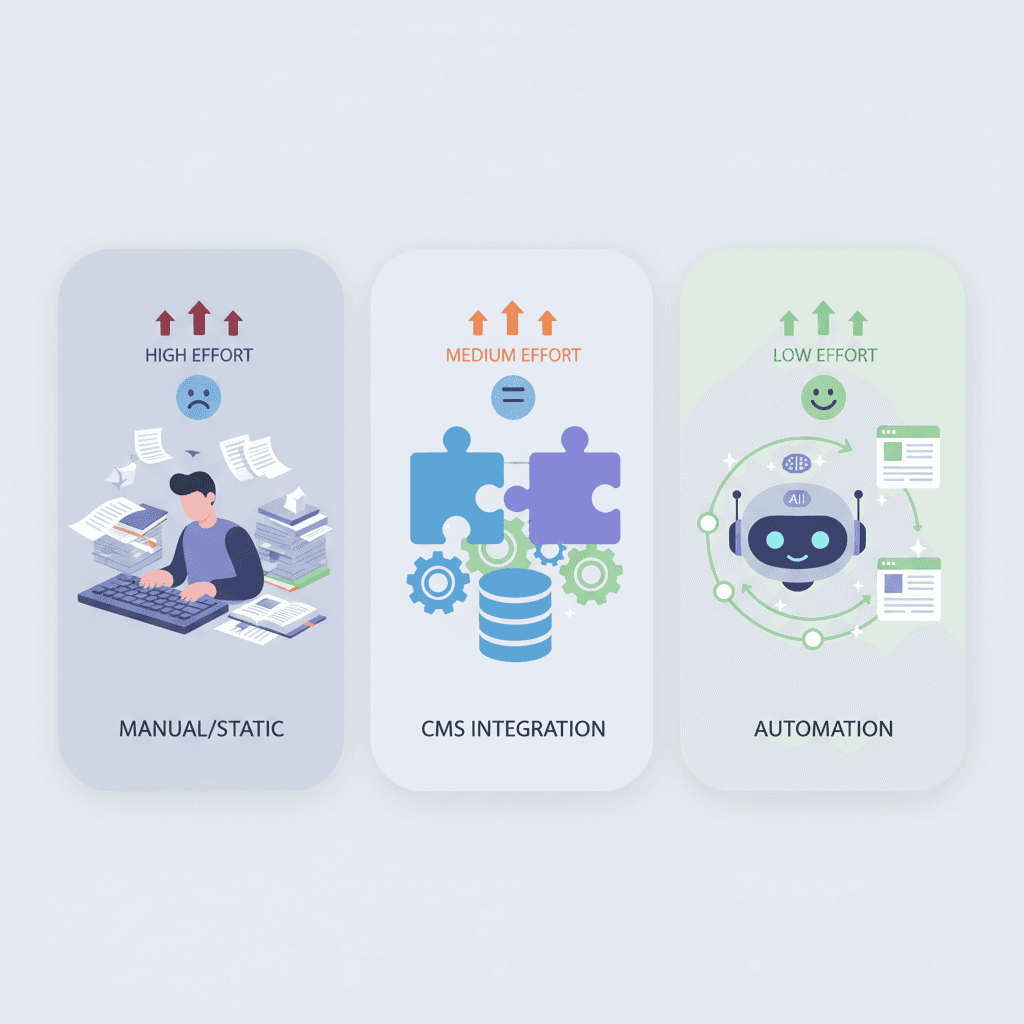
Keep it simple: Your Lovable portfolio stays clean and focused on showcasing your work. LovableSEO handles blog content, technical SEO, and ongoing optimization automatically. No CMS integration, no maintenance, no distraction from what matters — your craft and your clients.
Think about it: You chose Lovable because you can describe what you want and get a working site in minutes. Adding WordPress or Strapi to your portfolio is like buying a sports car and then towing a trailer behind it. It still works, but you've defeated the purpose of choosing something fast and simple.
Automate Your Portfolio SEO
LovableSEO handles the SEO side of your portfolio so you can focus on doing great work for clients.
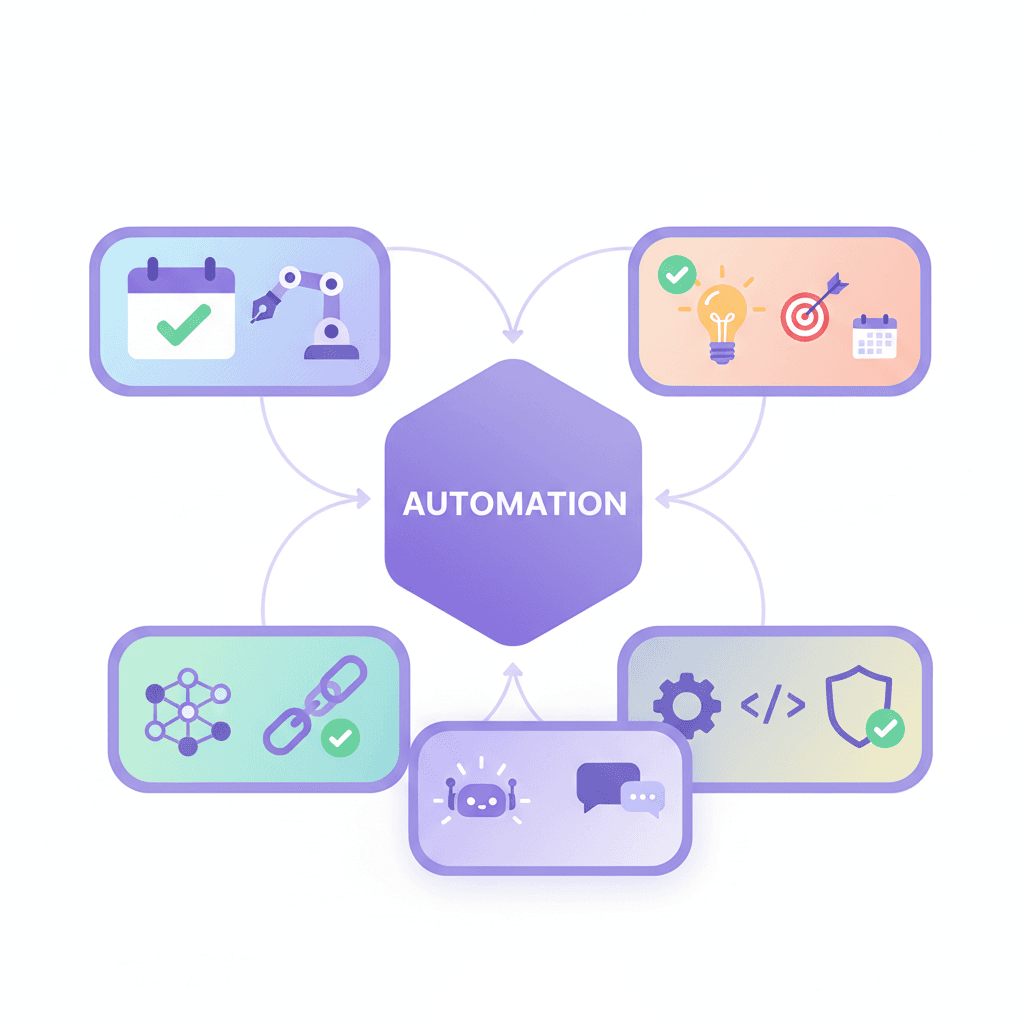
Automated Blog Content
LovableSEO writes and publishes blog posts about your areas of expertise. Build thought leadership on autopilot while you focus on client projects.
Technical SEO Handled
Schema markup, meta optimization, sitemaps, and Core Web Vitals — all automated. Your portfolio stays technically perfect without manual configuration.
Keyword Strategy on Autopilot
LovableSEO identifies the best keywords for your skills and location, then creates content targeting them. No keyword research needed on your end.
More Time for Client Work
No CMS to maintain, no blog posts to write, no technical SEO to configure. LovableSEO runs your portfolio SEO while you run your business.
Frequently Asked Questions
Common questions about SEO for portfolio sites on Lovable.
Explore More Use Cases
SEO strategies tailored for different business types on Lovable.







