
Automating Localized FAQ Generation from Data Feeds on Lovable Sites
A guide covering automating Localized FAQ Generation from Data Feeds on Lovable Sites.
TL;DR
- Scaling local FAQs manually wastes time and creates inconsistent answers across pages.
- Use structured data feeds with explicit GEO fields and mapped templates to generate consistent, localized FAQ content on Lovable sites.
- Track localized impressions, clicks by city, and AI-answer inclusion rate; use feed-level alerts to rollback bad updates.
When to automate localized FAQs vs create manually
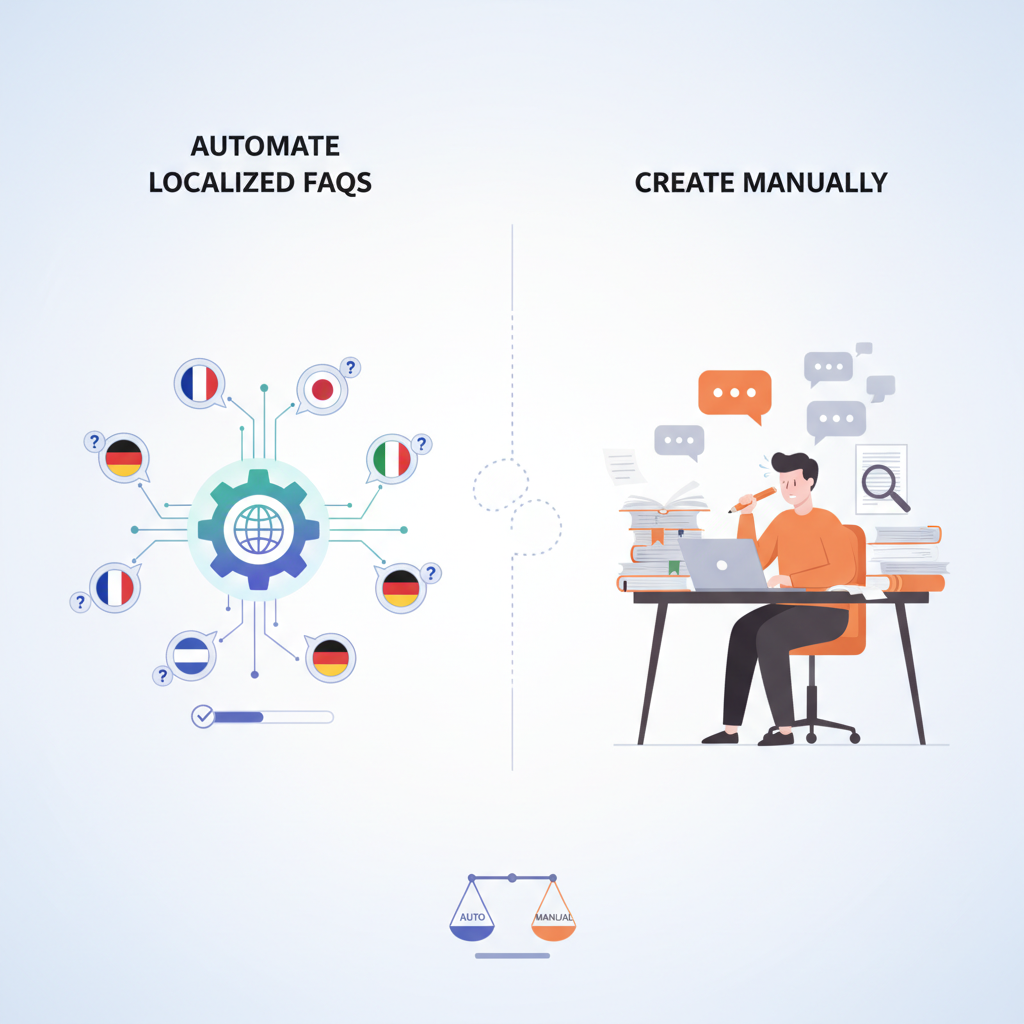
If your site maintains dozens or hundreds of location or service pages, manual FAQ authoring becomes the bottleneck that reduces relevance and delays updates. You need a reliable, repeatable process when inventory or local details change often—addresses, hours, service radius, or pricing change weekly or monthly. To automate localized FAQs lovable websites gain faster time-to-update, uniform schema markup, and predictable AI-answer behavior across local SERP features. But manual creation still wins for flagship pages that require brand voice, nuanced legal copy, or case studies.
Quick answer: automate when you have repeatable, structured local data and a need to push consistent FAQ schema across many pages; keep manual for high-value, unique pages.
Required data fields in your feed for reliable FAQ generation
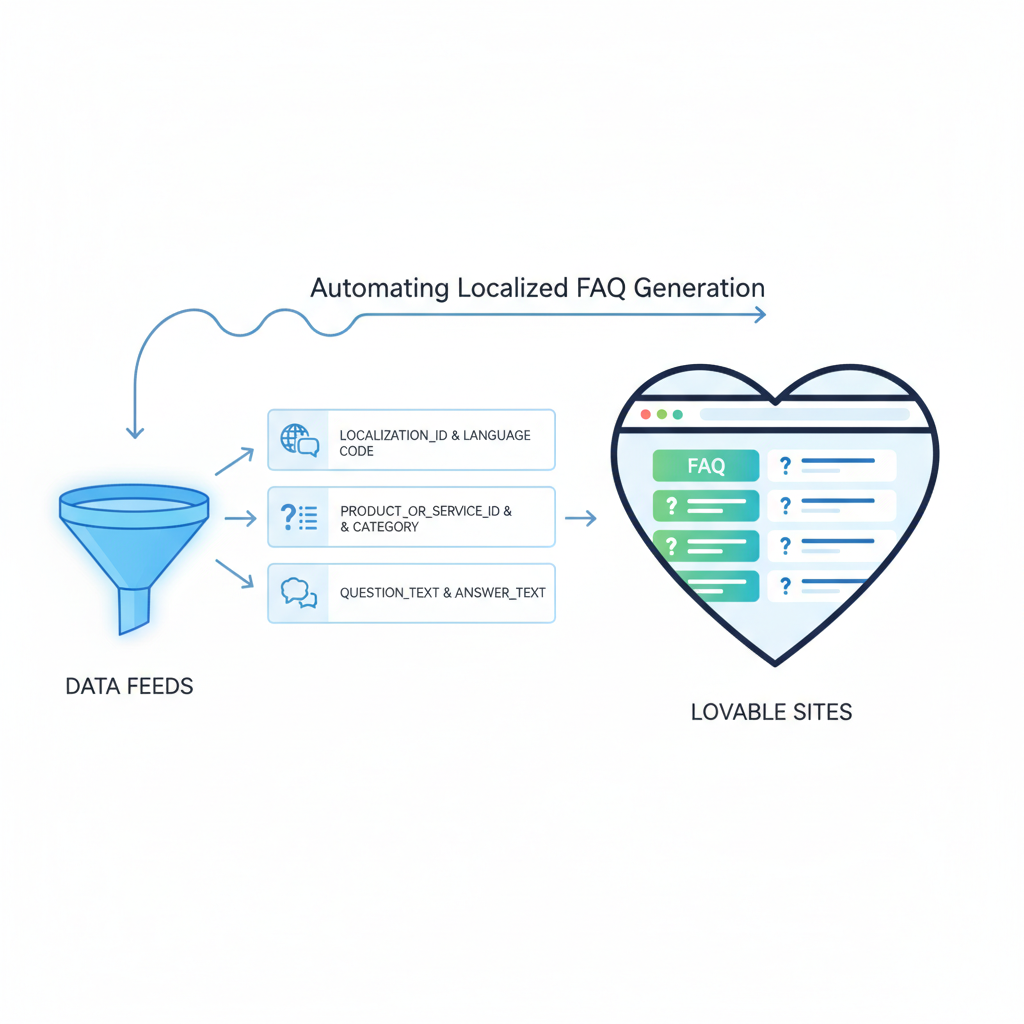
Without the right feed fields you’ll produce brittle or generic FAQs. Your feed must include explicit GEO columns (country, region/state, city, postal_code), a stable page slug, content language, and canonical identifiers (store_id or location_id). Include question_text and answer_text per record where possible; otherwise prepare title and description fields to transform into FAQs.
When data feeds include explicit location fields, programmatic FAQs can scale to hundreds of local pages while preserving contextual relevance for local AI answers. For more on this, see Programmatic faq hubs.
Example feed -> template mapping table (feed column -> FAQ template variable):
| Feed column | FAQ template variable |
|---|---|
| location_id | {{location_id}} |
| city | {{city}} |
| state | {{region}} |
| postal_code | {{postal_code}} |
| language | {{lang}} |
| page_slug | {{page_slug}} |
| question_text | {{question}} |
| answer_text | {{answer}} |
Suggested KPIs to attach to feed rollouts: localized impressions, clicks by city, and AI-answer inclusion rate (the presence of your FAQ content in SERP features). Use Google Search Console location-filtering where available and measure CTR lift by city after rollout. For more on this, see Localized faq hubs.
Essential fields: question text, answer text, location fields, language, page slug
At minimum, provide one FAQ record per page with a question_text and answer_text, plus a stable page_slug or URL. Location fields must include city and one higher-level region (state or province). Always include a language code (e.g., en, es) so downstream localization preserves grammar and pluralization rules. If your feed doesn't supply explicit question/answer pairs, use a short rule to derive them from service_title and short_description—but mark these as derived so reviewers can audit them.
Actionable checklist (minimum):
- One question_text + answer_text per FAQ row
- page_slug matching target page
- city + state or region
- language code
- location_id for idempotent updates
Optional fields: service radius, hours, pricing, category tags
Optional fields let templates create richer, more specific answers. Include service_radius_km (or miles), opening_hours (structured), price_range or base_price, and category_tags (e.g., "plumbing, emergency"). Use these to generate targeted FAQs like "Do you offer emergency service within 10 km of {{city}}?" If feed values are missing, templates should omit conditional clauses rather than generate uncertain statements.
For example, include service_radius_km to auto-create answers about coverage area, and include opening_hours for time-sensitive FAQs. When tags exist, prioritize category-specific FAQs over generic ones to reduce duplication.
Mapping feed fields to FAQ templates in LovableSEO (step-by-step)
LovableSEO faq automation supports template-driven mapping from CSV/JSON feeds into FAQ schema. The general flow: ingest feed → validate required fields → map feed columns to template variables → run transformation rules → validate output against quality gates → publish to page. Start by uploading a small sample feed for 5–10 locations, map the columns to variables, and preview the generated page snippets before enabling bulk publish.
Practical steps:
- Upload sample feed and run schema validation
- Create a FAQ template with placeholders like {{city}} and {{service_radius_km}}
- Map feed columns to template variables in the platform UI
- Enable a dry-run preview and export for human review
- Switch to scheduled or incremental publish after approval
Example feed -> template mappings and transformation rules
Common transformation rules include capitalization, number formatting, and conditional clauses. Example: if service_radius_km exists, use "We serve customers within {{service_radius_km}} km of {{city}}." Otherwise insert "We serve customers in {{city}} and nearby areas." Use rule chains for language: when lang=es, select Spanish copy variants and convert times to 24-hour format if the locale prefers it.
Example mapping rules:
- Trim and title-case city names: "new york" → "New York"
- Price formatting: base_price cents → "$99"
- Conditionals: include opening_hours only when present
Handling language variants and regional phrasing automatically
Language variants require more than translation: regional phrasing, measurement units, and address formats differ. Maintain a small localization dictionary per language with phrase alternatives (e.g., "store" vs "shop"), and map measurement units by locale. For Spanish, prefer "horario" for hours and adjust date formats. Use the feed language field to select the correct dictionary and run a brief grammar pass to fix agreement (gender, plural).
Automation tips:
- Store phrase variants keyed by locale (en-US, en-GB, es-MX)
- Auto-select units: km for most countries, miles for US
- Run a lightweight grammar check on answers before publishing
Rules to avoid low-quality or duplicate FAQ output (quality gates)
Quality gates prevent bad data from reaching live pages. Gate examples include: reject rows missing question_text or page_slug; reject answers under a minimum length; block answers that match existing answers verbatim across multiple pages unless explicitly allowed. Set a deduplication threshold to catch cross-page copy: if an answer matches another page by >85% token overlap, flag for review.
Operational rules:
- Reject feed rows with empty required fields
- Flag duplicate answers across pages and require manual approval
- Mark derived content as "auto-generated" for auditor visibility
Content length, uniqueness thresholds, and answer clarity checks
For clarity and SEO, aim for answers of roughly 40–120 words depending on question complexity. Use similarity checks to enforce uniqueness: treat >85% similarity as duplicate and require human approval. Run simple clarity checks: no passive voice, no ambiguous pronouns, and presence of numeric or location-specific tokens for local queries.
Example decision rules:
- If answer_length < 20 words → mark for expansion
- If similarity_score > 0.85 → flag as duplicate
- If no location token present for local questions → mark for fix
Deploying programmatic FAQs on Lovable pages without migration
You can add programmatic FAQs to Lovable pages without a full site migration by using page-level injection or server-side rendering tie-ins the platform provides. Target adding FAQ schema to existing templates: identify the template ID for local pages, map feed page_slug to that template, and push updates via the platform API or scheduled export. This avoids touching core CMS content while enabling dynamic FAQ content per location.
Example rollout pattern: start with a sample of 10 low-traffic pages, monitor performance and errors for two weeks, then increase to 100 pages. Use a toggle to disable programmatic FAQs per template while keeping core content intact.
Scheduling, incremental updates, and cache invalidation best practices
Schedule incremental feed imports rather than bulk overwrites. Use last_modified timestamps to apply only changed rows. When updating FAQs, invalidate caches for affected slugs only; avoid wide cache purges that hurt site performance. For high-frequency updates (opens/closes, pricing), schedule hourly increments; for stable fields, daily or weekly is fine.
Practical settings:
- Incremental import: use last_modified and location_id
- Cache invalidation: purge per-page cache on update
- Schedule: hourly for time-sensitive data, daily for content changes
Monitoring & rollback: KPIs and feed-level alerts
Monitor both SEO and production KPIs: localized impressions, clicks by city, AI-answer inclusion rate, error rate on feed ingestion, and percentage of rows failing validation. Set alerts for sudden drops in impressions or spikes in validation failures. Implement an automated rollback that disables the last feed batch if error thresholds exceed a limit.
Recommended alerts:
- Validation failure rate > 5% in a single import → pause deployments
- CTR drop > 20% in affected pages week-over-week → trigger review
- AI-answer inclusion rate fall → inspect answer clarity and schema validity
Practical examples and code-free workflows for non-technical marketing teams
A marketing team can run a code-free workflow: maintain a Google Sheet or CSV with required columns, use LovableSEO's UI to map columns to templates, run validation, preview outputs, and schedule. For example, a national chain might keep a Sheet with location_id, city, state, question_text, answer_text, and language; a PM exports that sheet weekly and runs the LovableSEO import. Non-technical users can approve flagged duplicates from the UI and add manual overrides for brand-sensitive answers.
Two reusable artifacts for teams: a feed validation checklist and a simple rollback checklist. Use the feed checklist to reduce errors during ingestion and the rollback checklist to safely disable the last batch when KPI thresholds breach.
Conclusion: rollout checklist and conversion tie-ins (link to pricing/demo)
Rollout checklist (copyable):
- Prepare feed with required fields and language codes
- Create and test templates in a sample environment
- Run dry-run imports and human reviews for duplicates
- Schedule incremental publishes and per-page cache invalidation
- Monitor localized impressions, clicks by city, and AI-answer inclusion rate
Quotable lines:
- "When data feeds include explicit location fields, programmatic FAQs can scale to hundreds of local pages while preserving contextual relevance for local AI answers."
- "Localized impressions and clicks by city are primary KPIs to track after rollout."
- "Use feed-level alerts to catch bad batches before they impact search results."
FAQ
What is automating localized faq generation from data feeds on lovable sites?
Automating localized faq generation from data feeds on lovable sites is the process of converting structured feed records—containing location, language, question, and answer fields—into page-specific FAQ content and FAQ schema that publish on Lovable pages automatically.
How does automating localized faq generation from data feeds on lovable sites work?
The process ingests a validated feed, maps feed columns to template variables, transforms values with locale-aware rules, runs quality gates, and publishes FAQ schema to the target page slugs; monitoring and incremental updates keep content current and reversible.
Ready to Rank Your Lovable App?
This article was automatically published using LovableSEO. Get your Lovable website ranking on Google with AI-powered SEO content.
Get Started