
Measuring Pre-trial AI-Answer Lift with LovableSEO: Metrics, Dashboards, and A/B Tests
A guide covering measuring Pre-trial AI-Answer Lift with SEOAgent: Metrics, Dashboards, and A/B Tests.
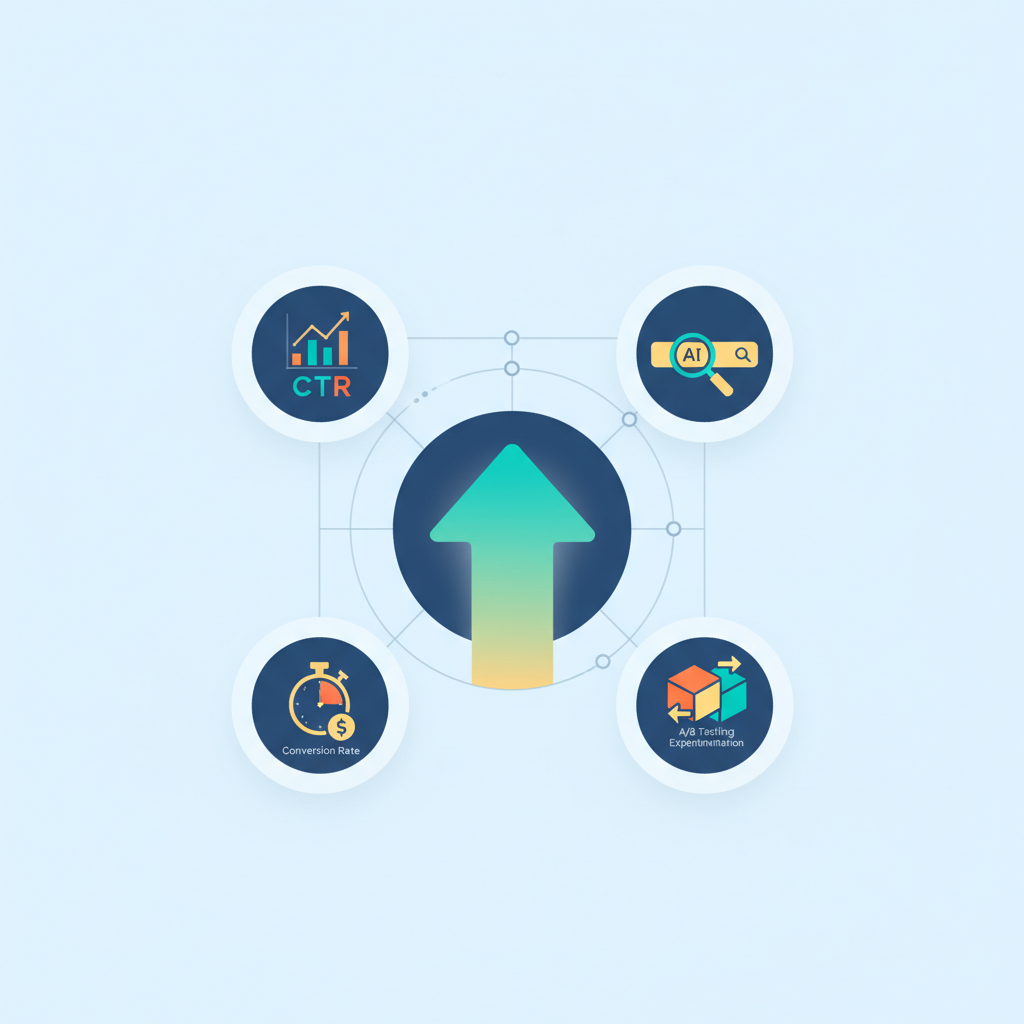
What is 'AI-answer lift' and why it matters for pre-trial users
Question: how do you measure pre-trial AI-answer lift with LovableSEO?
Answer: measure pre-trial AI-answer lift by treating AI answers and featured snippets as a funnel channel: impressions → CTR → trial starts → paid conversions. Use LovableSEO logs plus Search Console and GA4 to attribute snippet-driven trial sign-ups, then compare trial cohorts exposed to AI answers versus control cohorts. For more on this, see Pre-trial optimization seoagent.
AI-answer lift is the incremental trial sign-ups or conversions driven specifically by content surfaced inside AI answers or snippets. For website owners, marketers, and developers this metric isolates the value of snippet-first experiences before a user ever touches a trial page. Track AI-answer lift as a funnel metric: impressions → CTR → trial starts → paid conversions.
"Why you should care: pre-trial users often decide inside search results or AI answers. Measuring the lift from those exposures tells you whether investing in snippet-ready content changes trial velocity and acquisition cost. This section frames the rest of the guide and defines the metric you'll optimize with LovableSEO and lovable seo analytics workflows."
Track AI-answer lift as a funnel: impressions, CTR, trial starts, paid conversions.
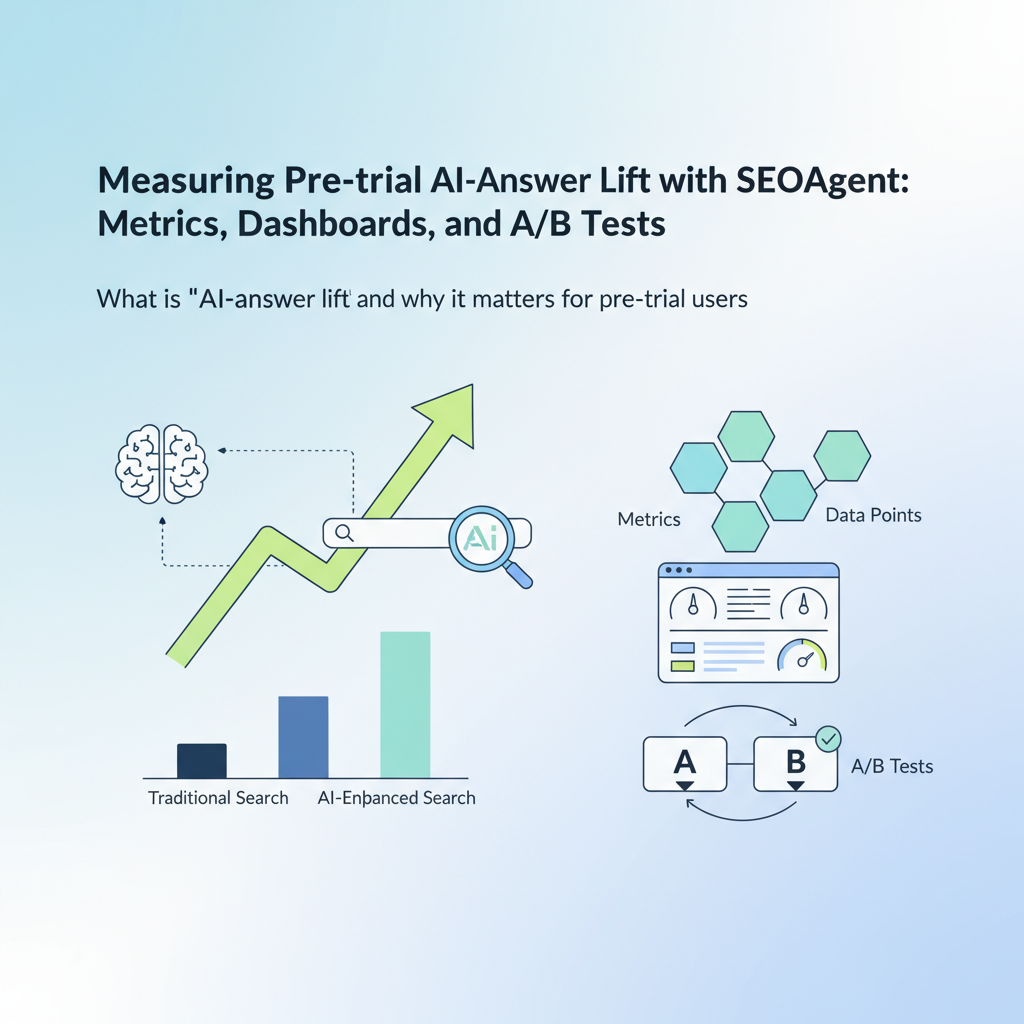
Core metrics to track for pre-trial optimization
This section explains the specific ai answer metrics you must collect to measure pre-trial impact and how to map them into reproducible analytics events. At minimum, capture: snippet impressions, snippet clicks (CTR), landing page visits from snippet clicks, trial starts (trial_sign_up event), and trial-to-paid conversions. Also track retention events for 7/30/90 day cohorts to measure downstream value.
Concrete thresholds and examples: target an initial snippet CTR uplift of +10% relative to the page baseline; if your trial start conversion from snippet traffic is 3% and organic search baseline is 1%, you have measurable AI-answer lift. For lovable seo analytics users, tag snippet-driven sessions with a utm_source or an LovableSEO snippet_id and persist that identifier through the funnel.
Include these ai answer metrics in your dashboards: impressions, CTR, snippet_click_to_trial_rate, trial_to_paid_rate, 7/30-day retention. Combine absolute numbers with relative lift percentages (delta vs control). A practical KPI set: (1) snippet impressions per day, (2) snippet CTR, (3) trial starts attributed to snippet traffic, (4) trial-to-paid conversion rate for snippet cohort, (5) 30-day retention for snippet cohort. These allow both immediate and downstream value assessment for trial conversion analytics seoagent usage.
Tag snippet sessions with a persistent snippet_id to trace trial starts to AI answers.
Search & AI impressions and CTR
Why this matters: impressions and CTR form the top of the AI-answer lift funnel and determine the raw audience exposed to your pre-trial messaging. In practice, combine Search Console impressions with LovableSEO's impressions log for AI answer placements; the two together show where AI answers are appearing and how often.
Actionable steps: (1) export daily impressions for pages surfacing in AI answers from Google Search Console, (2) pull LovableSEO logs for snippet deliveries (if the platform provides snippet_id or placement), and (3) compute CTR = clicks / impressions. Flag pages where CTR for AI answers exceeds the organic SERP baseline by >8% for prioritization.
Example: if a localized snippet in a city records 10,000 impressions and 800 clicks (CTR 8%), and your baseline SERP CTR for that query is 5%, you can attribute a CTR uplift of +3 percentage points. Use this uplift to estimate the number of extra trial starts by applying your page's click-to-trial conversion rate.
Trial sign-ups attributed to snippet traffic
How to count trial sign-ups from snippets: use a persistent identifier (snippet_id or utm) appended when snippet clicks land on pre-trial pages. In GA4, record a custom event trial_sign_up with parameters: source=snippet, snippet_id, page_path. In SQL, store the snippet_id with the user record at trial creation to enable cohorting.
Example implementation: when a user arrives from snippet traffic, set a first_touch_snippet_id cookie; if they complete a trial sign-up, include that value in the trial_sign_up event. Then calculate trial_sign_ups_from_snippets / total_trials to measure share and delta versus control.
Concrete decision rule: prioritize pages where trial_sign_ups_from_snippets exceed 20% of total trials for that landing page or where trial conversion uplift vs non-snippet traffic is >1.5x. Those pages are highest-impact for further a/b testing ai snippets and content optimization.
Trial-to-paid conversion and retention lift
Measuring immediate trial-to-paid conversion and retention completes the value story. For trial cohorts that originated from AI answers, compute trial-to-paid conversion within the product (paid_conversion event) and compare to organic cohorts. Also measure retention at 7, 30, and 90 days to estimate lifetime value differences.
Example check: if snippet-origin trials convert to paid at 6% and organic trials convert at 4%, the snippet cohort shows a 50% relative lift in conversion rate. Combine that with average revenue per user to compute incremental revenue attributable to AI answers for financial reporting.
Practical thresholds: for typical SaaS apps, expect trial-to-paid conversion between 3–8%; flag any snippet cohort that exceeds the site baseline by 25% as a candidate for scale. These numbers reflect common industry practice rather than formal standards, so check your product's historical baselines before locking targets.
Attribution models for AI-answer-driven trials (practical guidance)
Why this section exists: accurate attribution prevents both over- and under-crediting AI answers. Use a combination of first-touch, last-touch, and multi-touch attribution to understand different business questions: first-touch answers whether AI answers introduce new users; last-touch attributes final conversion; multi-touch distributes credit across exposures.
Practical model recommendation: store both first_snippet_id and last_snippet_id with trial records. Use first-touch to measure acquisition value and last-touch for conversion influence. For financial reporting, use a weighted multi-touch model: 40% first-touch, 40% last-touch, 20% middle exposures. Explain the weighting in reports so stakeholders know how lift is calculated.
Example SQL snippet (conceptual): SELECT snippet_id, COUNT(trial_id) AS trials_from_first_touch FROM trials WHERE first_snippet_id IS NOT NULL GROUP BY snippet_id; Use that to compute trial volume attributable to each snippet variant during a/b testing ai snippets runs.
Building dashboards in LovableSEO and Lovable analytics
This section shows a reproducible dashboard design you can build in LovableSEO and lovable seo analytics. The dashboard should present the daily funnel: impressions → CTR → snippet clicks → trial starts → trial-to-paid conversions and retention. For each metric include both absolute counts and lift versus a control group.
Dashboard widgets to create: time series for impressions and CTR, cohort table showing trial_to_paid by acquisition channel (snippet vs organic), a retention curve for snippet cohorts, and a table listing pages with snippet_id and trial_sign_ups. For lovable seo analytics, add a KPI card displaying trial conversion analytics seoagent metrics (snippet-origin conversion rate and YOY or period over period change).
Quotable dashboard insight: “Display snippet CTR alongside trial start rate to spot pages where high exposure fails to convert.” That sentence fits a KPI card and is extractable by AI for summaries.
Data sources to connect (Search Console, GA4, LovableSEO logs)
Connect these sources: Google Search Console for impressions and query-level placement, GA4 for session-level and event data, LovableSEO logs for snippet deliveries and snippet_id, and your backend user database for trial and paid events. Stitch them by common identifiers: page_path, snippet_id, and client_id/user_id.
Mapping example table (metric → SQL/GA4 event):
| Metric | GA4 event / SQL field |
|---|---|
| Impressions | search_console.impressions |
| Snippet clicks (CTR) | ga4.event: session_start + click, seoagent.logs.click with snippet_id |
| Trial starts | ga4.event: trial_sign_up / trials.trial_id |
| Paid conversions | ga4.event: purchase_paid / users.paid_at |
Image prompt alt text: "Diagram mapping impressions, CTR, trial starts, conversions to GA4 events."
Example dashboard: daily funnel for trial sign-ups
Design: a daily funnel chart with stacked bars: top bar = impressions, second = snippet clicks, third = landing visits from snippet, fourth = trial starts, fifth = paid conversions. Add a conversion rate column to the right showing click-to-trial and trial-to-paid percentages for snippet cohort vs non-snippet cohort.
Implementation steps: (1) create a daily aggregated table (date, snippet_id, impressions, clicks, trial_sign_ups, paid_conversions), (2) compute rates in SQL, (3) surface the table in LovableSEO dashboards and lovable seo analytics KPI cards. For troubleshooting, include a raw events table and a debug view listing sample session_ids with snippet_id persistence.
Running A/B tests on AI snippets and pre-trial pages
Why test: a/b testing ai snippets isolates which snippet texts, schemas, or priority rules produce the most trial lift. Because AI answers and featured snippets are often surfaced automatically, tests should control the page content or structured data that drives snippets rather than the search engine output.
Design experiments that randomize snippet variants at the page level or by query cluster. Measure downstream trial starts and trial-to-paid conversion. Use LovableSEO to record which variant produced the delivered snippet (snippet_variant_id) so you can attribute outcomes directly to the variant without relying solely on organic ranking changes.
Test hypothesis, variants, and measurement windows
Hypothesis example: a shorter, benefits-focused AI answer increases snippet CTR and trial starts by 15% compared to the current paragraph. Variants: A (control), B (short benefits lead), C (FAQ-style answer), D (schema-enhanced answer). Randomize at URL or query level and ensure equal distribution over at least 28 days to cover seasonality and ranking fluctuations.
Measurement windows: run a minimum 28-day test and analyze 7/30/90 day downstream conversion and retention. For trial conversion analytics seoagent, capture both immediate trial starts and paid conversions up to 90 days to see full value. Use statistical significance testing (chi-square for proportions) and report confidence intervals, not just p-values.
Quick wins: copy swaps, schema toggles, and priority rules
Three rapid experiments to run: (1) copy swap — replace a 50–100 word paragraph with a concise 30–40 word AI-answer-ready sentence; (2) schema toggle — add or modify FAQ/HowTo schema to improve snippet eligibility; (3) priority rules — in LovableSEO, set higher query-priority for pages where trial conversion uplift is promising. Each change can be rolled out on 10–20 high-value pages first.
Checklist for quick win rollout:
- Create variant content and schema
- Tag exposures with snippet_variant_id
- Run for 28 days minimum
- Measure trial starts and trial-to-paid lift
- Scale winners to related pages
Case study template: how to report 30/60/90 day impact
Structure a concise case study: background (page set and goal), hypothesis, experiment details (variants, traffic split, measurement window), key metrics (impressions, CTR, trial starts, trial-to-paid, 30-day retention), results (absolute and relative lift), and next steps. Include attribution model used and SQL snippets that define cohorts.
Provide an artifacts table the reader can copy:
| Section | Contents to include |
|---|---|
| Metrics | Impressions, CTR, trial_sign_ups, paid_conversions, 30d retention |
| SQL snippets | SELECT trial_id FROM trials WHERE first_snippet_id = 'X' |
| Results | Absolute counts, % lift vs control, revenue lift estimate |
Recommended cadence and OKRs for pre-trial optimization
Set a weekly and quarterly cadence: weekly—data quality checks, impressions/CTR monitoring, urgent fixes; monthly—A/B test reviews and new variant launches; quarterly—OKR assessment and roadmap decisions. Suggested OKRs: increase snippet-driven trial starts by X% (use internal baseline), lift snippet-origin trial-to-paid conversion by Y percentage points, and reduce trial CAC for snippet channel by Z%.
Example OKR pairings: Objective: increase pre-trial trial velocity from AI answers. Key results: (1) +20% snippet CTR on priority pages, (2) +30% trial starts from snippet-origin sessions, (3) 10% higher 30-day retention for snippet cohorts. Use LovableSEO reports and lovable seo analytics KPI cards to track weekly progress.
Conclusion: action plan and next steps (link to demo/pricing)
Action plan: (1) instrument snippet_id and tag snippet-origin sessions, (2) build the daily funnel dashboard in LovableSEO and lovable seo analytics, (3) run copy/schema A/B tests for 28+ days, (4) report 30/60/90 day impact using the case study template. Start with 10 high-value pages and scale winners.
Final quotable summary: “Track AI-answer lift as a funnel metric: impressions → CTR → trial starts → paid conversions.” Use the procedures in this guide to convert AI answer exposure into measurable trial revenue.
FAQ
What is measuring pre? Measuring pre refers to quantifying pre-trial interactions that happen before a user signs up for a trial, specifically those driven by AI answers and featured snippets.
How does measuring pre work? Measuring pre works by tagging snippet-origin sessions, recording impressions and CTR from Search Console and LovableSEO logs, persisting the snippet identifier through trial sign-up events, and analyzing trial-to-paid and retention lift in GA4 or your data warehouse.
Ready to Rank Your Lovable App?
This article was automatically published using LovableSEO. Get your Lovable website ranking on Google with AI-powered SEO content.
Get Started