
Debugging FAQ Schema on Lovable Sites: Common Errors, Validation Checklist, and Fixes
A guide covering debugging FAQ Schema on Lovable Sites: Common Errors, Validation Checklist, and Fixes.
TL;DR
- If your Lovable site loses rich snippets, the usual causes are broken JSON-LD, duplicate injections, or content mismatches; validate and fix with the Rich Results Test and a JSON linter.
- Quick fix: remove duplicate schema sources, correct @type to FAQPage/Question/Answer, and ensure visible text matches schema.
- Monitor rich result coverage, schema validation errors in Search Console, and AI-answer appearance rate for your URLs.
If your site once showed FAQ rich results and now it doesn't, you'll feel the drop in clicks and AI-answer visibility immediately. You may see schema appear in the page HTML but fail validation, or Search Console flags a sudden spike in faq schema errors. This guide explains how to debug faq schema lovable sites, gives copy-ready JSON-LD, and shows practical fixes for lovableseo.ai templates. Read the Quick Answer below if you want the direct solution before diving into details.
Why FAQ schema matters for search & AI answers (quick overview)
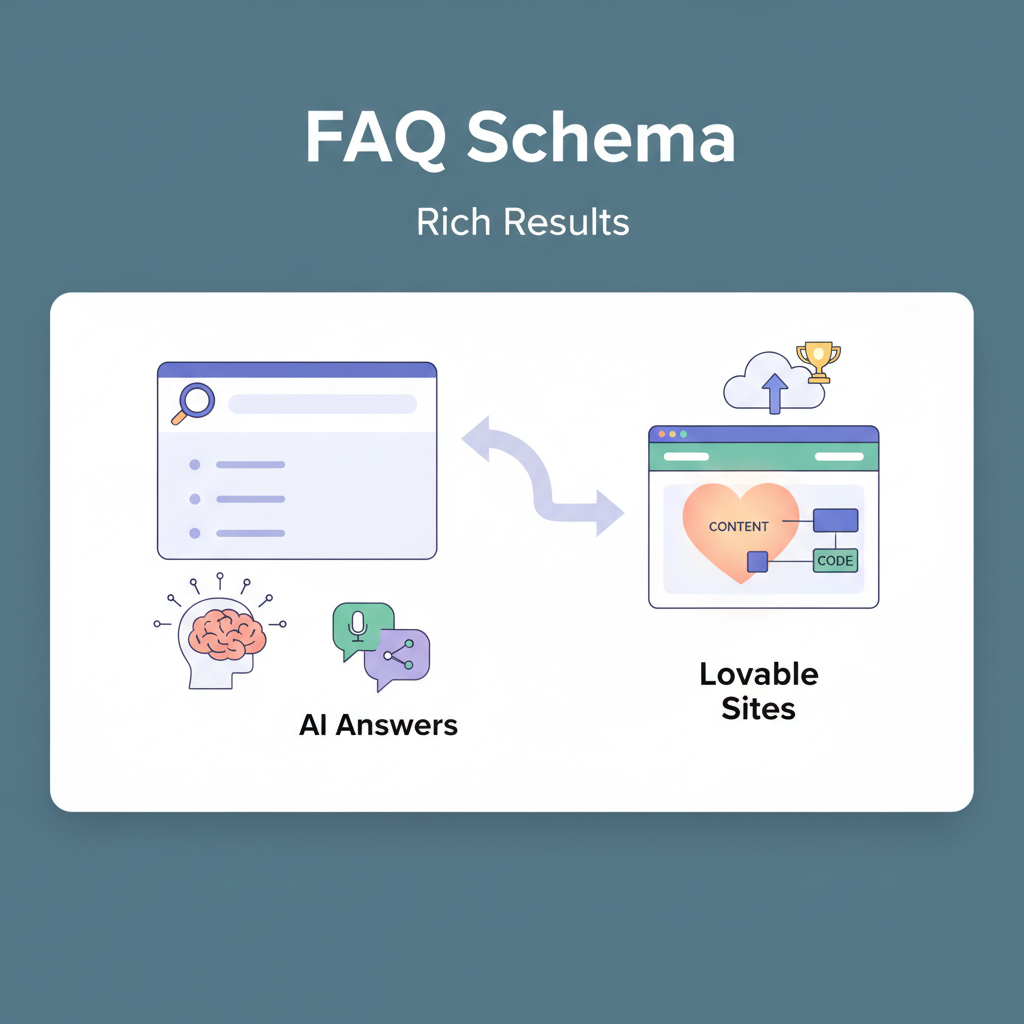
Without functioning FAQ schema, you lose two direct outcomes: rich result real estate in Search and a higher chance of your content being used by generative AI answers. FAQ schema types are simple and specific: FAQPage (container), Question (the prompt), and Answer (the content). A clear definition: "FAQPage is a Schema.org type that groups Question and Answer pairs so search engines can surface them as rich results."
Quick Answer: fix invalid JSON-LD, remove duplicate injections, confirm @type values, and ensure the schema text matches visible content. Below is a copy-ready, localized JSON-LD snippet you can paste into a Lovable page template and adapt with your locale.
{ "@context": "https://schema.org", "@type": "FAQPage", "@language": "en-US", "mainEntity": [ { "@type": "Question", "name": "How do I reset my password?", "acceptedAnswer": { "@type": "Answer", "text": "Go to Account > Reset password and follow the emailed link.", "url": "https://example.com/account/reset", "inLanguage": "en-US" } } ]
}
Include @language and locale-specific fields when you serve multiple locales. Recommended monitoring metrics: rich result coverage, schema validation errors from Google Search Console, and AI-answer appearance rate for affected URLs. These metrics help you detect regressions after deploys and feed updates.
Common FAQ schema problems on programmatic hubs
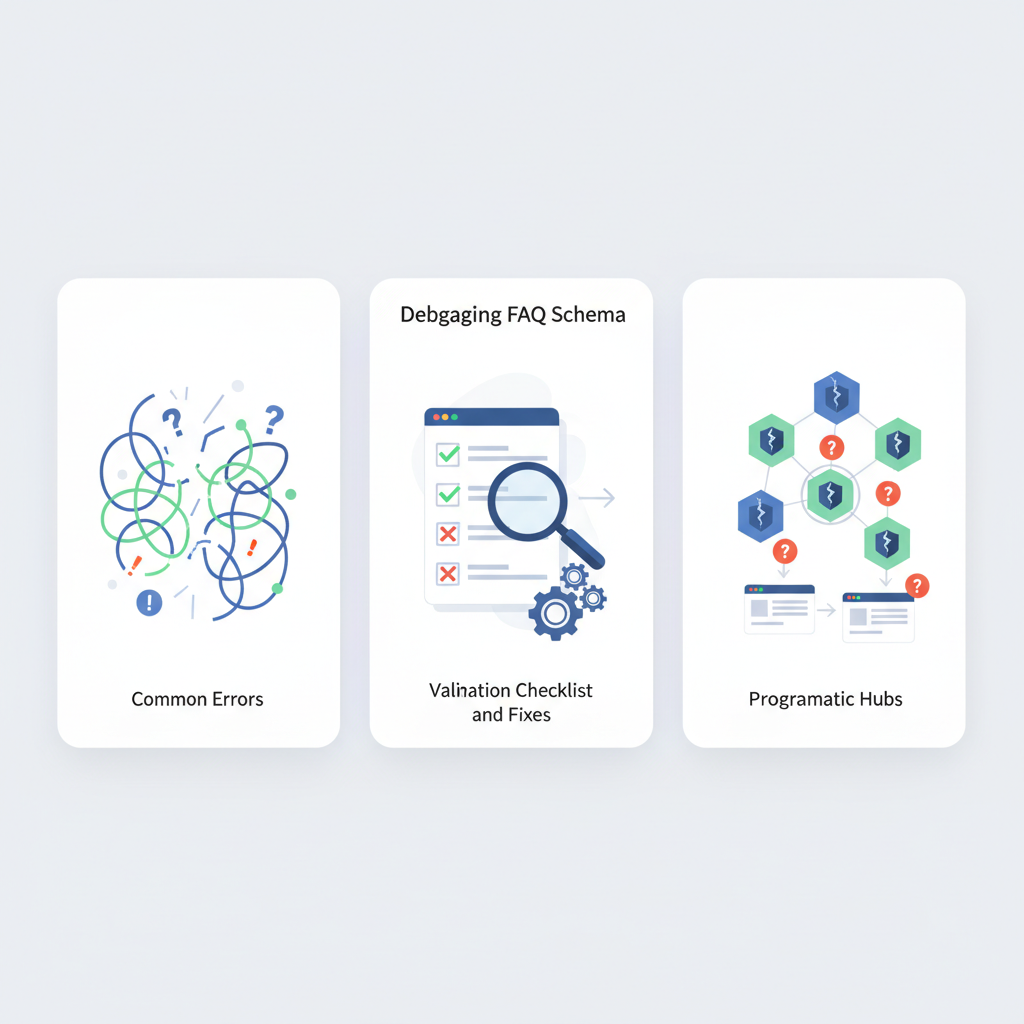
Programmatic hubs and feeds—typical for lovableseo.ai workflows—produce frequent schema issues because content is generated at scale. Common root causes include invalid JSON-LD, duplicate entries injected at template and feed levels, content mismatch between visible FAQ text and schema, and wrong or missing @type properties. Each failure mode reduces the chance of a FAQ appearing as a rich result and can trigger persistent faq schema errors in Search Console.
Duplicate schema injections from template and feed are the most common cause of invisible rich snippets.
Always validate structured data after a deploy and after any feed refresh to capture feed-level regressions.
invalid JSON-LD structure (commas, escaping, nested objects)
Invalid JSON-LD is usually a simple syntax error: a trailing comma, missing quote, or improperly escaped characters in answers. Programmatic hubs often inject user-provided strings directly into JSON—so apostrophes, line breaks, or quotes break the block. To fix: generate JSON with a serializer rather than string concatenation, run a JSON linter in CI, and escape content fields using your template engine's encode function. For more on this, see Programmatic faq hubs.
duplicate IDs or duplicate FAQ entries across pages
Feeds and templates sometimes inject the same FAQ JSON-LD twice: once at page render and once via a site-level feed. Search engines treat duplicates as suspicious. Rule: ensure each URL emits a single FAQPage JSON-LD block. On lovableseo.ai, check template partials and global feed injection settings. If you must combine feed-level and page-level data, deduplicate by question text or by a stable ID before emitting JSON-LD.
mismatched visible content vs schema (content mismatch)
Search engines require schema content to match visible content. If your schema answer is more detailed than what users see, or uses placeholders like "{{answer}}" that are not rendered, the rich result test fails. Always render the human-facing copy first, then generate schema from the final DOM or server-rendered content so the text matches. For lovableseo.ai sites that use hydrated JS, prefer server-side rendering of the FAQ block or include identical visible markup alongside the JSON-LD block.
incorrect @type or missing required properties
Common mistakes: using "Question" without wrapping in "FAQPage" or omitting "acceptedAnswer" (using an array name mismatch). Validate required properties: FAQPage must contain mainEntity; Question needs name; Answer needs text or url. If Search Console flags a missing property, fix the generator to include those fields for every item, even if you must fall back to short text placeholders.
Tools & tests for validation
Use a mix of Google and developer tools to validate and triage. Start with Google Rich Results Test for page-level checks, then use Search Console for coverage and error trends. Complement those with JSON linters and schema.org validator tools for deeper checks. For programmatic workflows, add linters into CI so errors are caught before deploy.
Google Rich Results Test and Search Console coverage
Run the Rich Results Test on the rendered URL and on a saved HTML snapshot if your site requires authentication. Rich Results Test verifies whether a FAQ can be eligible for rich results; Search Console shows coverage trends and which pages return errors. For lovableseo.ai sites, check the Search Console ‘Enhancements’ report to find pages with new faq schema errors after a release.
Schema.org validators and JSON linters
Use a JSON linter (e.g., local CLI tools or CI steps) to catch syntax. Then run schema.org-compatible validators to check types and properties. Automate a step that runs a sample of generated pages through a headless browser and the Rich Results Test API to validate server-side and client-side rendering permutations. This automates the common part of faq json-ld troubleshooting.
Step-by-step debugging checklist
This checklist helps you reproduce and fix issues in a predictable order. Follow it on a failing URL, and mark each step complete.
- Reproduce the issue on the live URL and save the rendered HTML.
- Run Rich Results Test on the URL and on the saved HTML snapshot.
- Check Search Console for coverage and error messages for that URL.
- Inspect the page HTML for multiple <script type="application/ld+json"> blocks emitting FAQPage.
- Run a JSON linter on extracted JSON-LD to catch syntax errors.
- Confirm visible FAQ copy matches the schema text exactly.
- Deploy a fix to a staging environment and rerun steps 1–6 before production roll-out.
reproduce the issue, run tests, check page-level vs feed-level schema
Reproduce first: open a private browser and fetch the page to avoid cached or personalization effects. If the page differs between your headless fetch and the browser, you have a rendering-order problem. Compare page-level JSON-LD with any feed-level injection: on lovableseo.ai, feeds can be toggled—turn off feed injection to isolate whether the page or feed causes duplication. This is a standard part of faq json-ld troubleshooting.
sample fixes with code snippets for Lovable template syntax
Use your template engine to serialize JSON safely. Example (pseudo-Lovable syntax):
{% set faqs = page.faqs | map('to_safe_json') %}
Ensure to call a safe serializer (json_encode) and avoid string concatenation. If you use a global feed, add a dedupe step: only emit page-level JSON-LD when page.faqs is non-empty and feed.has_faqs is false.
Best practices to prevent regressions (CI, linting, pre-deploy checks)
Prevent regressions by adding three guardrails: JSON linting in CI, automated Rich Results Test runs on a representative URL set, and pre-deploy smoke tests that verify Search Console shows no spike in errors within 24–48 hours. Example thresholds: fail CI if JSON-LD linter reports any error; block deploy when more than 5% of sampled FAQ pages fail Rich Results eligibility. These concrete rules stop many feed-level and template-level regressions before they reach production.
Monitoring strategy and alerting for schema regressions
Track three metrics: rich result coverage (pages eligible vs. expected), schema validation errors from Search Console, and AI-answer appearance rate for priority pages. Set alerts for sudden changes: a >10% drop in rich result coverage or a spike of more than 20 errors in Search Console within a 24-hour window should trigger an incident. Combine automated checks with weekly manual sampling to catch subtle mismatches.
FAQ: quick fixes for 5 common errors (copy-paste snippets)
- Error: trailing comma in JSON-LD. Fix: remove trailing commas or use json_encode in templates.
- Error: duplicate FAQ blocks. Fix: guard template with a single emit condition or remove feed injection.
- Error: missing acceptedAnswer text. Fix: fallback to a short answer string when long-form content is unavailable.
- Error: mismatched visible text. Fix: generate schema from rendered text or mirror visible copy exactly.
- Error: wrong @type naming. Fix: use "FAQPage" for the container, "Question" for questions, and "Answer" or "acceptedAnswer" for answers.
What is debugging faq schema on lovable sites? Debugging faq schema on lovable sites is the process of identifying and fixing issues that prevent FAQ JSON-LD from being valid or eligible for rich results on lovableseo.ai-powered pages.
How does debugging faq schema on lovable sites work? Debugging works by reproducing the failing page, running the Rich Results Test and JSON linters against the rendered HTML, checking Search Console for coverage errors, removing duplicate schema injections, and ensuring visible copy matches schema before re-deploying fixes.
Conclusion and next steps
Fix invalid JSON-LD, dedupe schema injections, confirm @type and required properties, and ensure visible content matches schema. Use the checklist above in your deploy pipeline and monitor rich result coverage, schema validation errors in Search Console, and AI-answer appearance rate for priority pages. Quotable troubleshooting tip: "If your FAQ appears in page HTML but fails Rich Results Test, check for duplicate JSON-LD injections from feeds and template-level rendering order." Implement the fixes in staging, validate with the Rich Results Test, then deploy.
Ready to Rank Your Lovable App?
This article was automatically published using LovableSEO. Get your Lovable website ranking on Google with AI-powered SEO content.
Get Started