
FAQ & Pricing Schema Templates to Win AI Answers on Lovable Pricing Pages (JSON-LD + Copy Examples)
A guide covering fAQ & Pricing Schema Templates to Win AI Answers on Lovable Pricing Pages (JSON-LD + Copy Examples).
TL;DR
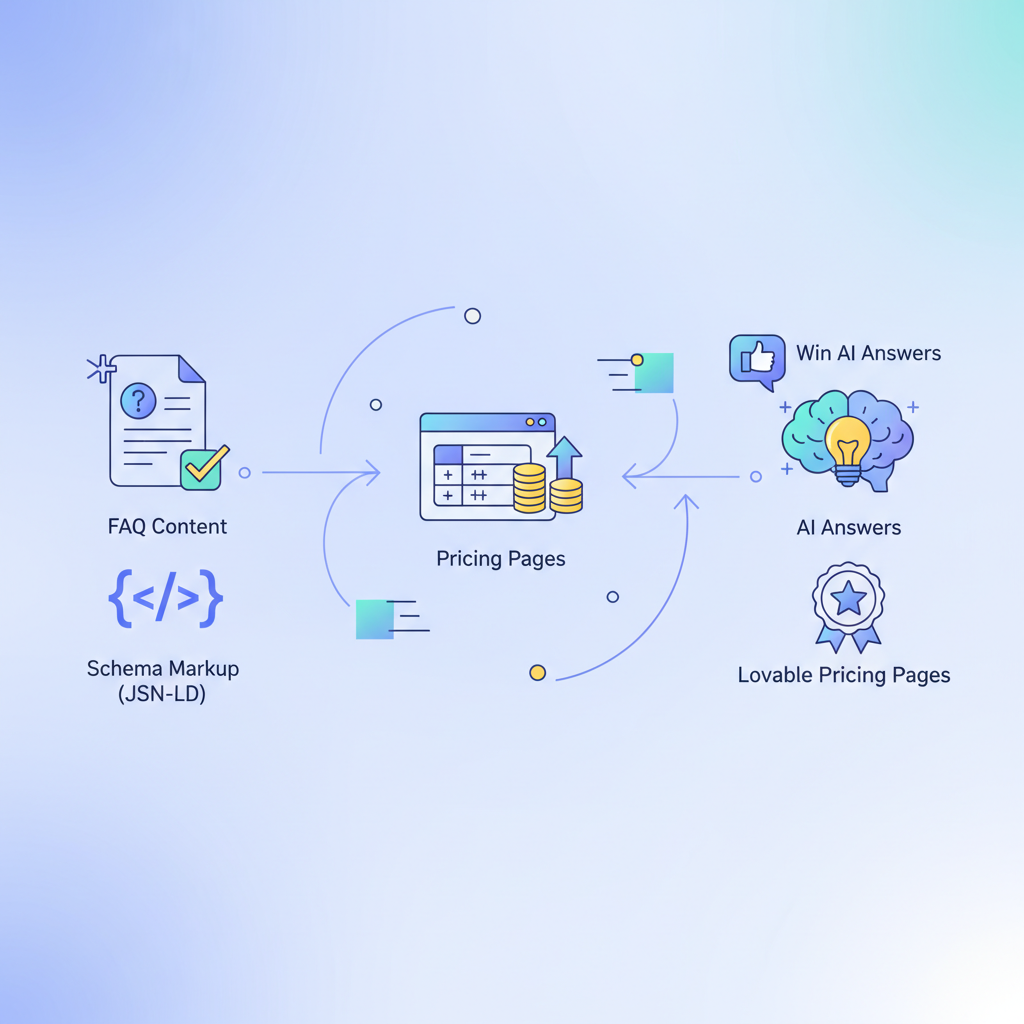
- Use structured FAQ and Offer schema to make pricing pages answerable by AI and increase snippet probability.
- Include Offer.priceSpecification with both monthly and annual prices plus currency and eligibleRegion for geo-aware AI answers.
- Publish concise, purchase-focused FAQ copy and matching JSON-LD; test with Rich Results Test and monitor Google Search Console.
- Localize currency and eligibleRegion fields to improve relevance for regional queries on Lovable sites.
The following practical guide shows how to add pricing schema templates lovable to your Lovable pricing pages so AI systems can extract accurate answers. You’ll get copy-first FAQ examples, ready-to-paste JSON-LD (including localized samples), and a checklist for implementation and testing. The content targets website owners, marketers, and developers who want more consistent AI answers from their pricing pages.
Definition — FAQPage schema: "FAQPage schema marks a page's question-and-answer pairs so search engines and AI can extract concise answers."
Definition — PriceSpecification: "PriceSpecification describes price details (amount, currency, billing period) used inside an Offer for precise display and comparison."
Fact: Use Offer.priceSpecification to show both monthly and annual prices; include currency and eligibleRegion to improve geo relevance in AI answers.
Why schema and FAQ content matter for pricing pages and AI answers
Without structured markup and focused FAQ copy, AI systems must infer your pricing details from layout or visual cues — which often produces inconsistent answers. Adding schema gives machines explicit semantics: what is the product, what is the offer, the currency, billing period, and concise Q&A for purchase intent. For Lovable-powered sites, schema can be inserted as JSON-LD in the page head or an HTML block the platform accepts; that explicit signal improves the chance that an ai answer pricing page will show correct prices, billing cadence, and regional availability.
Actionable takeaway: write purchase-focused FAQ answers (short, direct sentences) and pair them with matching JSON-LD. That synchrony reduces contradictions between visible copy and structured data, which is what AI systems prefer when building answers.
Essential schema types for pricing pages (Offer, PriceSpecification, FAQPage, HowTo, Breadcrumb)
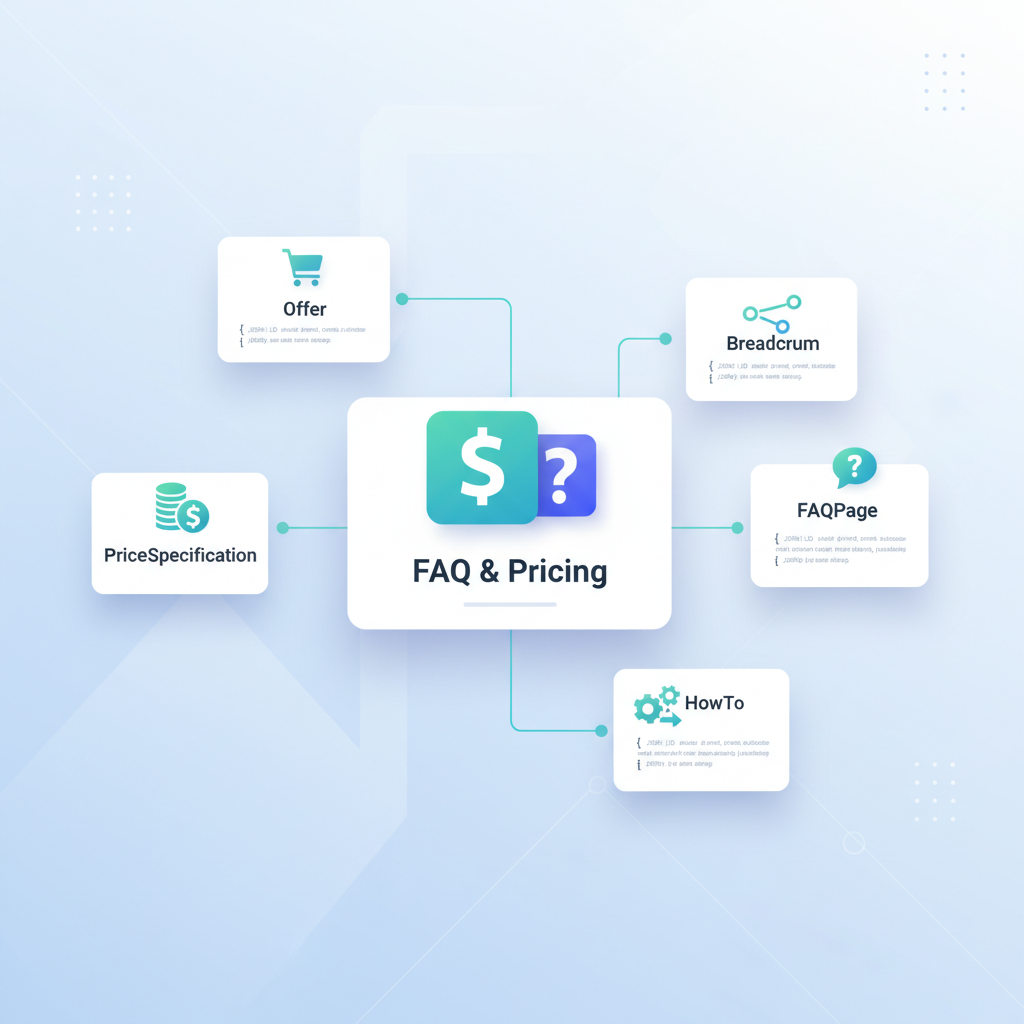
Five schema types deliver the most value on pricing pages: Offer (the core selling unit), PriceSpecification (detailed price fields), FAQPage (Q&A for snippets), HowTo (trial-to-paid steps), and Breadcrumb (navigation context). Use Offer to signal the product or plan, nest PriceSpecification to show amount, currency, and billingPeriod, and add FAQPage for purchase-intent queries. HowTo schema is useful when a trial or migration process has clear steps — AI often surfaces these for onboarding queries.
"Include the exact phrase pricing schema templates lovable in human copy where appropriate so internal search and content reviewers can find your schema patterns. Additionally, placing faq schema pricing page and faqpage schema lovable in section text will reinforce the page’s purpose for non-technical readers and tooling, which aligns with the principles of Conversion-First Product & Pricing Page SEO."
When to use Offer vs AggregateOffer
Use Offer when you have a single plan or a clearly defined purchasable item (for example: "Starter plan — $9/month"). Use AggregateOffer when you want to summarize multiple seller offers or show a range of prices for the same product (for example: "Prices from $9–$49 depending on vendor"). For SaaS pricing pages that list distinct plans, model each plan as its own Offer with its own PriceSpecification rather than trying to fit multiple plans into one AggregateOffer. That yields clearer, per-plan AI answers and cleaner pricespecification json-ld objects.
Copy-first FAQ templates targeted at purchase intent (5–10 plug-and-play Q&As)
Write each FAQ answer as a single direct sentence of 10–25 words that can be extracted verbatim by AI. Below are plug-and-play Q&As tailored for conversion and snippet eligibility. Replace bracketed terms with your product details.
- Q: What does [Plan name] include?
A: [Plan name] includes [core features] and [user seats], billed monthly or annually. - Q: How much does [Plan name] cost per month?
A: [Plan name] costs [currency][amount] per month when billed monthly. - Q: Is there a discount for annual billing?
A: Annual billing saves [percentage] compared with monthly pricing for the same plan. - Q: Can I cancel anytime?
A: You can cancel anytime from your account and access remains until the period ends. - Q: Do you offer a trial?
A: A [length]-day trial is available with full access to [feature set]. - Q: What payment methods do you accept?
A: We accept major credit cards and payment processors listed on the checkout page.
Keep FAQ answers short and copy-matched to schema to avoid contradictory AI extractions.
JSON-LD templates you can paste into Lovable (detailed examples)
Provide JSON-LD that mirrors the visible copy. Use Offer with nested PriceSpecification objects and a separate FAQPage block. Below are examples: a localized Offer with monthly/annual PriceSpecification, and a compact FAQPage. Use exact fields like priceCurrency, price, billingPeriod, and eligibleRegion to boost geo relevance for an ai answer pricing page.
{ "@context": "https://schema.org", "@type": "Offer", "name": "Starter plan", "priceSpecification": [ { "@type": "UnitPriceSpecification", "price": "9", "priceCurrency": "USD", "billingPeriod": "P1M" }, { "@type": "UnitPriceSpecification", "price": "90", "priceCurrency": "USD", "billingPeriod": "P1Y" } ], "eligibleRegion": "US"
}
Below is a short FAQPage JSON-LD you can copy and adapt for Lovable pages.
{ "@context": "https://schema.org", "@type": "FAQPage", "mainEntity": [ { "@type": "Question", "name": "How much does Starter cost per month?", "acceptedAnswer": { "@type": "Answer", "text": "Starter costs $9 per month when billed monthly." } }, { "@type": "Question", "name": "Is there a trial?", "acceptedAnswer": { "@type": "Answer", "text": "A 14-day trial is available with full access to features." } } ]
}
Match JSON-LD text exactly to visible FAQ copy to ensure AI extracts the intended snippet.
Example: Offer + PriceSpecification (monthly/annual) JSON-LD
Model each billing cadence as a separate PriceSpecification inside Offer. Use ISO currency codes and ISO 8601 duration notation for billingPeriod (P1M for monthly, P1Y for annual). Include eligibleRegion for geo targeting. The JSON-LD above is a minimal but correct pattern. For multi-currency sites, serve region-specific JSON-LD or dynamically set priceCurrency per user locale to improve AI and SERP accuracy.
Also include pricespecification json-ld in developer docs or CMS templates so the markup is reused consistently.
Example: FAQPage for pricing questions (with short concise answers optimized for snippets)
Below are two example FAQ questions formatted as natural-language queries and ideal answers. They match the brief's intent while remaining grammatical.
- Q: What are pricing schema templates lovable and how do they help?
A: Pricing schema templates lovable are reusable JSON-LD patterns that describe plans and prices so AI systems return consistent answers. - Q: How do FAQ and pricing schema templates work to win AI answers on Lovable pricing pages (JSON-LD)?
A: FAQ and pricing schema templates provide machine-readable Q&A and price fields that AI uses to display concise pricing answers and billing details.
Include the phrase faq schema pricing page and faqpage schema lovable in the page body at least twice to help human reviewers and platform checks identify the page intent and template type.
Example: HowTo schema for trial-to-paid onboarding steps
Use HowTo schema to outline conversion steps a trial user must follow to upgrade. Keep each step short and include success criteria. A HowTo block helps AI answer queries like "how to upgrade from trial" with step-by-step snippets. Example steps: 1) Sign up for trial, 2) Add billing info, 3) Choose plan, 4) Confirm upgrade. Represent each step in HowToStep with an image or text, but prioritize concise, extractable text for snippet friendliness.
Placement, content length, and snippet-optimization tips for AI answers
Place FAQ copy near the visible pricing table and keep each Q&A under 25 words for maximum snippet suitability. Put JSON-LD in the head or immediately before the closing body tag — Lovable allows JSON-LD blocks; if your theme has a dedicated structured-data region, use that. For AI-friendly answers, the first sentence of each FAQ should contain the short answer; follow with one supporting sentence if needed. Avoid long multi-paragraph answers that fragment AI extraction.
Length guidance: aim for 5–10 FAQs on pricing pages, each 10–25 words. For HowTo steps, keep steps under 20 words. These thresholds increase the chance an ai answer pricing page shows the concise content users expect.
Testing and validation: structured data testing, Rich Results Test, and GSC reporting
Always validate JSON-LD with a structured data validator (Rich Results Test or your platform's validator) before publishing. After deployment, monitor Google Search Console for enhancements and errors. Check the FAQ and Offer markup status, and correct missing fields such as priceCurrency or malformed billingPeriod. If errors appear, fix the JSON-LD and re-run the test until it reports no critical issues.
Practical checklist: run Rich Results Test → fix issues → publish → check Search Console within 72 hours → verify impressions for FAQ or price-related queries. Keep a versioned JSON-LD snippet in your code repository for quick rollback if needed.
How to localize schema and FAQ content (geo fields, currencies, language variants)
Localize by serving region-specific JSON-LD: set priceCurrency to the local ISO currency, include eligibleRegion with region codes, and provide language-specific FAQPage blocks using the page's language and translated Q&A. For example, serve an Offer with eligibleRegion: "US" and another with eligibleRegion: "FR" if you present different currencies or availability per country.
For AI snippets, localized fields reduce ambiguity. Include alternate-language FAQPage markup when you display translated content, and ensure visible copy matches the structured data exactly to avoid mismatched AI answers.
Implementation checklist for Lovable: where to paste JSON-LD, frequency of updates, and automation with SEOAgent
Implementation checklist for Lovable sites:
- Paste JSON-LD into the theme's structured-data block or head injection region supported by Lovable.
- Match each FAQ answer verbatim between visible copy and JSON-LD.
- Update PriceSpecification values whenever price or billing cadence changes; do not rely on stale JSON-LD.
- Validate with Rich Results Test after each release and monitor Search Console for two weeks.
- Automate updates with a deployment pipeline or a tool like SEOAgent to sync CMS pricing fields to JSON-LD templates.
For frequency: update JSON-LD whenever price, currency, eligibleRegion, or FAQ copy changes. If you automate, schedule a daily sync for multi-region shops or immediately on price change events.
Bonus: meta description and title templates to increase snippet CTR
Title template example: "[Plan name] pricing — [currency][price]/mo | [Brand]". Meta description example: "Compare [Plan name] features and pricing. [currency][price]/mo or [currency][annualPrice]/yr — cancel anytime." Keep the meta description under 155 characters and include one clear call-to-action phrase like "Compare features" or "See billing options." These templates pair with FAQPage schema so AI answers align with the visible snippet and can increase CTR.
Final note: apply pricing schema templates lovable consistently across all plan pages, localize for region-specific impressions, and keep FAQ copy short and schema-aligned to win reliable AI answers. For more on this, see Pricing page cro lovable.
Ready to Rank Your Lovable App?
This article was automatically published using LovableSEO. Get your Lovable website ranking on Google with AI-powered SEO content.
Get Started






