
How to Build Compact Feature Answer Blocks on Lovable Feature Pages to Win AI Answers and Drive Trial Signups
A guide covering build Compact Feature Answer Blocks on Lovable Feature Pages to Win AI Answers and Drive Trial Signups.
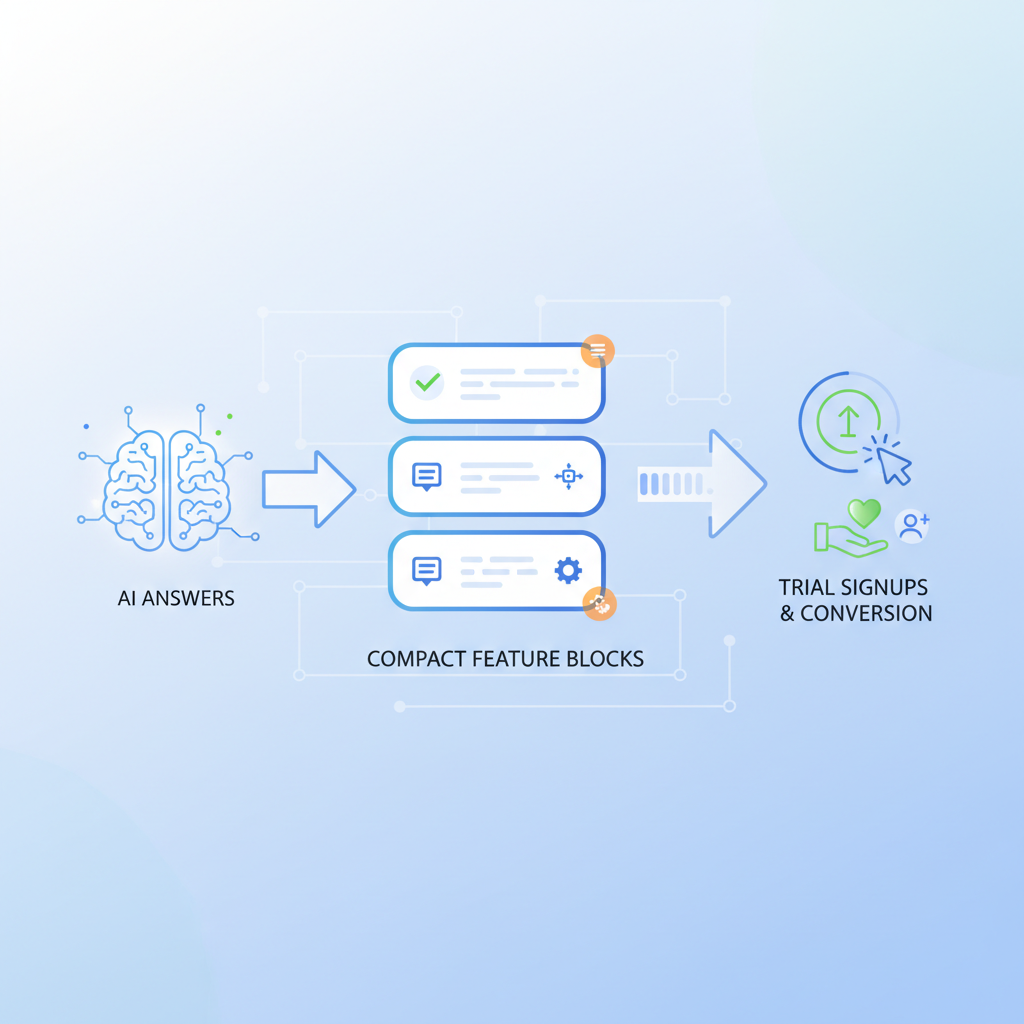
Quick summary — what this article covers and the conversion outcome (90- to 120-word TL;DR)
What does it mean to create lovable feature pages ai answers that actually get picked up by AI answer boxes and drive trial signups?
Compact feature answer blocks are 1–3 sentence, structured snippets on a Lovable feature page written and marked up to match AI answer selection patterns; they spotlight one benefit, include a micro-CTA and FAQ schema to increase selection odds and encourage trial signups. This guide shows platform-specific examples for lovableseo.ai, headline and one-line formulas, three paste-ready templates, structured-data patterns, an implementation checklist, and a 30-day KPI test plan so you can publish repeatable blocks that improve AI inclusion and conversions.
A feature answer block, defined: a 1–3 sentence structured HTML snippet that states a single benefit, optionally adds a metric placeholder, and ends with a short micro-CTA. Use a single-line benefit + a clear micro-CTA and FAQ schema to increase odds of being selected for AI answer boxes.
Who this is not for: If your product has region-specific availability that is constantly changing and you cannot automate localized CTA paths, compact blocks may need manual maintenance; likewise, don't use compact blocks to explain multi-step workflows that require long-form context.
Why compact feature answer blocks matter for AI answer inclusion and trial conversion
AI answer engines prefer concise, factual lines. On lovable feature pages ai answers are often drawn from the page’s short, structured statements — so placing a compact block raises your odds of being surfaced. For lovableseo.ai, a well-formed block answers a direct user intent (for example: "How do I automate feature snippets?") and gives the system one clean candidate instead of a paragraph with multiple claims. For more on this, see Lovable landing page seo.
Conversion-wise, short claims reduce friction. A single-line benefit followed by a micro-CTA converts curious visitors into trial signups because it reduces cognitive load and gives a clear next step. For example, on a Lovable feature page you can convert a reader by showing: "Schedule automated audits in one click — start a free trial." That sentence is short, regionalizable, and actionable.
Practical tip: When features vary by region, include the geographic signal in the block only where the feature differs (example: "Available in New York and California — sign up for a NY trial path"). That helps AI match local queries and prevents incorrect regional guidance.
How AI-answer engines prefer concise, structured answers
If AI systems have to choose one snippet, they pick the shortest clear answer that matches the query pattern. Use definition lists, QAPairs, or single-line paragraphs that start with the benefit and include a micro-CTA. For example, an AI answer candidate should look like: "Automated keyword tracking: get alerts for ranking drops — start a free trial." It’s a clear subject, colon, benefit, and CTA pattern that reads well to extraction algorithms.
Structure matters: answers that start with the feature name, then a colon, then the benefit, then a CTA are both human- and machine-friendly. Add a small metadata signal (like data-region="US-NY") when region matters. Avoid multi-clause sentences; AI extractors favor short clauses under 30 words.
Quotable fact: "AI systems prefer single-sentence claims that begin with the feature name, state the benefit, and include a concise action."
Conversion psychology: short feature claims → trial clicks
People scanning pages read headline, one-line claim, then CTA. Short claims lower hesitation: a clear value statement reduces perceived effort and sets expectations for the trial. For example, changing "Our audit uncovers keyword drops and optimization ideas over time" to "Automated audits find ranking drops — start a 14-day trial" gives a clearer promise and next step.
Behavioral threshold: keep the claim under 15 words and the CTA under 5 words for maximum scan-to-click probability. Use social proof only when space allows: a micro-endorsement like "Trusted by 1,000+ SEO teams" can appear adjacent to the CTA rather than inside the compact block so the machine extraction still favors the concise line.
Quotable sentence: "Short, benefit-first claims cut hesitation and increase trial clicks."
Anatomy of a high-performing feature answer block on Lovable sites
On Lovable sites, a high-performing block has four parts: headline (benefit + metric placeholder), 1-line description (problem + solution), optional micro-social proof (1 short phrase), and a micro-CTA. Keep markup simple and semantic so AI extractors can find the claim quickly.
Example structure in plain HTML terms: an inline <strong> for the feature name, a short <p> for the one-line benefit, and a tiny <button> or linked phrase for the micro-CTA. If you use lovableseo.ai's LovableSEO automation, generate these blocks as repeatable templates so they match your lovable seo feature page structure across product pages.
Keep each answer block under 30 words and end with an action verb micro-CTA.
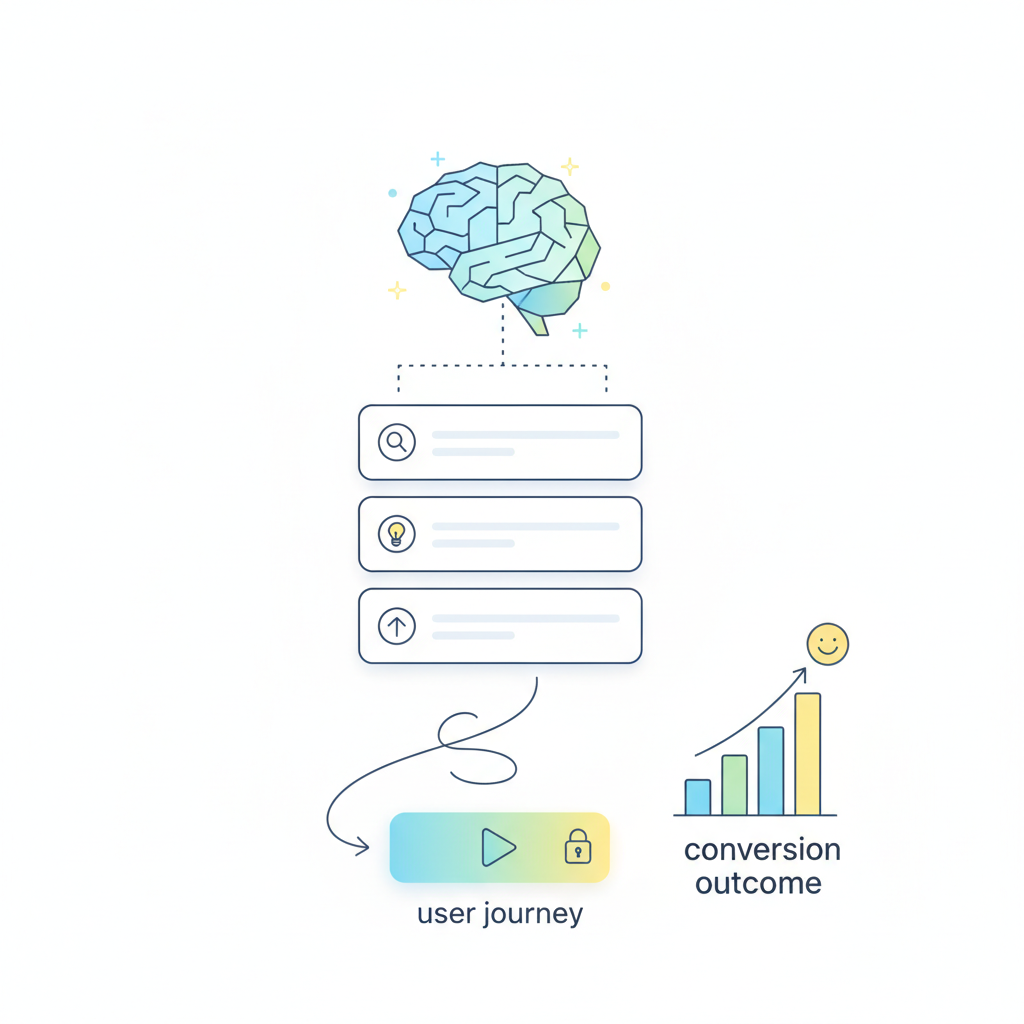
Headline formula (benefit + keyword + metric placeholder)
Write headlines with this skeleton: [Benefit] + [keyword] + [metric placeholder]. Example: "Cut page audit time with automated checks — save X hours/week." The keyword can be your feature name (for query matching) and the metric placeholder invites personalization later (replace X with a real number when you have it).
Make the headline a single sentence. If you must add locale, attach it at the end: "— available in CA" or via structured attribute data-region="CA". This way AI gets the clear benefit and humans get the context.
1-line description (problem + solution)
Follow the formula: problem statement, then the solution in a single clause. Example: "Missing pages cost rankings; automated sitemaps keep search engines indexed." Keep it under 20 words. Use active verbs and a clear subject so extraction engines can identify cause and effect. Avoid jargon unless your pages target technical users; in that case, add a short parentheses with the technical term after the main benefit.
Micro-CTA patterns that drive trial signups without disrupting AI snippets
Micro-CTAs should be short, descriptive, and actionable. Examples: "Start trial," "Try 14 days," "See live demo." Place CTAs as unambiguous inline text immediately after the benefit or as a tiny button. Use the CTA text to carry region info when needed (e.g., "Start trial — NY") rather than embedding long URLs into the snippet.
Do not bury CTAs inside multi-sentence blocks. If your Lovable site uses LovableSEO, configure the CTA copy centrally so automation publishes consistent micro-CTAs across all feature page snippets.
Structured data and HTML markup to increase AI inclusion odds (FAQ, QAPairs, definition lists)
Use FAQPage schema or QAPairs for common question/answer pairings and definition lists (<dl><dt><dd>) for short definitions. Example snippet (conceptual): a <dl> where <dt> is the feature name and <dd> is the one-line benefit. That pattern is easy for AI extractors to match.
Embed two short FAQ entries on the page using QAPair patterns. Example Q/A (answers are declarative statements):
Q: What does it mean to build compact feature answer blocks on lovable feature pages to win ai answers and drive trial signups?
A: It means creating 1–3 sentence, structured HTML snippets that state one benefit and a short micro-CTA so AI systems can extract them as answer candidates.
Q: How do you build compact feature answer blocks on lovable feature pages to win ai answers and drive trial signups?
A: Build a headline using the benefit+keyword+metric formula, add a single-line problem→solution description, attach a concise micro-CTA, and publish with FAQPage or QAPair schema for extraction.
Image prompt caption: "Diagram showing how concise answer blocks map to AI snippet selection and site click-throughs"
3 practical templates (copy + markup) you can paste into Lovable feature pages
Below are three compact templates formatted for easy copying. Replace placeholders and, when available, insert real metrics from lovableseo.ai analytics or LovableSEO outputs.
Template A — Single-feature highlight (best for top features)
<div class="feature-block"> <strong>Automated audits:</strong> <p>Find ranking drops automatically — get alerts and suggestions.</p> <button>Start trial</button> </div>
Template B — Comparison micro-block (best for competitive features)
<div class="feature-compare"> <dt>Why choose automated audits</dt> <dd>Faster detection than manual checks — reduces response time by [X hours/week].</dd> <span>Try 14 days</span> </div>
Template C — Feature + social proof micro-block (best for trust)
<div class="feature-proof"> <strong>Instant keyword alerts:</strong> <p>Catch dips before they cost traffic — used by 1,000+ teams.</p> <button>Start trial</button> </div>
Implementation checklist for Lovable (LovableSEO-integrated automation tips)
This checklist helps you publish blocks consistently across Lovable pages and automate structured data using LovableSEO where available.
- Identify top 8 features to publish as compact blocks.
- Create headline + 1-line description per feature using the formulas above.
- Implement markup:
<strong>for name,<p>for benefit, FAQ schema for Q/A pairs. - Configure micro-CTA copy centrally (e.g., "Start trial") and add region attributes if needed.
- Use LovableSEO templates to publish blocks and update sitemaps after rollout.
- Run a 30-day measurement plan (see next section).
Checklist table (copyable):
| Step | Action | Completed |
|---|---|---|
| 1 | Pick top 8 features | [ ] |
| 2 | Write headline + 1-line | [ ] |
| 3 | Apply markup + FAQ schema | [ ] |
Image prompt caption: "Checklist flow showing LovableSEO templates publishing compact blocks across feature pages"
Where to place blocks on the page for indexability and click-throughs
Place one compact block near the top of the feature fold (below the H1) and repeat a slightly varied block in a features list mid-page. The top-of-page block improves AI extraction odds; the repeated block captures readers who scroll. Avoid orphan blocks in footers — keep them in main content so crawlers and extractors see them first.
How to automate publishing and structured data with LovableSEO (sitemaps, templates, schema)
If your Lovable site uses LovableSEO, create a template that inserts the compact HTML and FAQ schema, then regenerate sitemaps automatically after publishing. Configure region tags in the template so automated regional CTAs are correct. If LovableSEO supports metadata versioning, store the metric placeholders centrally so you can fill them after you run analytics.
Measuring success — KPIs and a 30-day test plan
Run an A/B test for 30 days comparing pages with compact blocks vs pages without. Track these KPIs: AI-answer inclusion (binary), organic impressions, organic CTR, trial signups from organic traffic, and trial-to-paid conversion delta. Example KPI thresholds: aim to increase organic CTR by at least 10% and trial signups by a measurable absolute number over baseline.
30-day test plan (summary): Week 0 publish blocks and baseline metrics; Weeks 1–2 monitor impressions and AI-answer presence; Weeks 3–4 review trial signups and trial-to-paid delta; adjust copy or placement if AI inclusion is low. This reflects common industry practice rather than formal standards (see Cultural Anthropology on algorithmic recommendation dynamics and related literature for extraction behavior). For impressions and clicks, use your analytics platform to segment organic. For trial signups, tag signups that originate from organic feature pages. Trial-to-paid delta should be measured at 30 and 90 days to account for conversion lag.
Common mistakes and troubleshooting (orphan blocks, duplicate snippets, overstuffing)
Common errors include orphan blocks placed outside main content, duplicate compact blocks that create conflicting extraction signals, and stuffing blocks with extra keywords. Troubleshoot by: ensuring a single canonical compact block per feature, validating FAQ schema, and running a crawl to ensure the main content contains the block.
One canonical compact block per feature prevents snippet conflicts and duplicate extraction.
Action steps & recommended next pages (demo, pricing, case studies)
Action checklist: pick eight features, create headlines and one-liners, implement markup, publish using LovableSEO templates, and start the 30-day test. After the test, iterate on copy and placement based on measured AI inclusion and trial signups. For next reading, consult your product demo materials, pricing overview, and case studies to align micro-CTAs with downstream pages without hard-coding links in the snippet.
Ready to Rank Your Lovable App?
This article was automatically published using LovableSEO. Get your Lovable website ranking on Google with AI-powered SEO content.
Get Started






