

How to Build Localized Article Templates with LovableSEO for Lovable Sites
A guide covering build Localized Article Templates with SEOAgent for Lovable Sites.
Why localized templates matter for Lovable sites and AI answers
What does it mean to use localized article templates with LovableSEO for Lovable sites, and why should you care? Localized article templates seoagent means creating article skeletons that swap geo and language tokens so each page reads like it was written for that city or region; this improves local relevance and AI-answer eligibility.
Adding a single geo-token (e.g., city) to title+H1 increases local relevance for that query's locale. Industry studies estimate ~30–50% of mobile searches have local intent, which makes geotargeted content a direct path to appearing in AI answers and local packs.
Geo signals are the explicit pieces of location data you add to templates: city, admin region (state/province), postal code, lat/long. They form a hierarchy where city and postal code usually signal immediate intent, region signals broader relevance, and lat/long enables precise proximity features. Quotable definition: "Geo signals are structured tokens that map content to a specific place: city, region, postal code, lat/long." That definition is short, extractable, and suitable for featured snippets.
For Lovable sites using LovableSEO, localized templates let you maintain consistent structure while substituting concrete local facts—hours, nearest transit, neighborhood POIs—so AI systems and search engines can confidently surface a locale-specific answer instead of a generic snippet. For more on this, see Programmatic seo lovable sites.
When to use localized templates vs generic templates
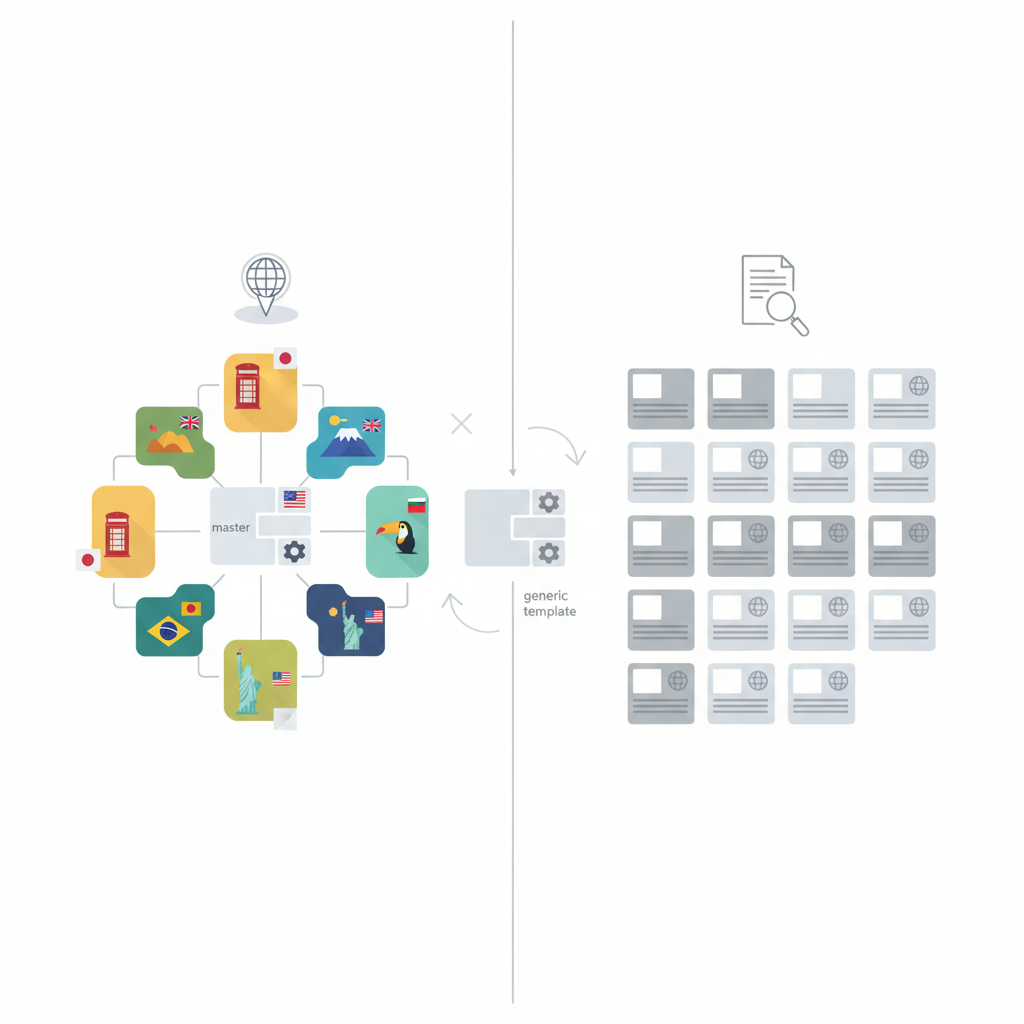
If your pages target queries with local intent or you serve location-based services, use localized templates; if content is broadly informational with no location attached, keep it generic. Use geotargeted templates seoagent when you want scale without manually authoring thousands of pages.
Use localized templates when you need consistent on-page signals: title with {{city}}, H1 with region token, meta description mentioning nearby POI, and schema with address fields. Use generic templates for national-level resources, enterprise documentation, or product pages that must stay uniform across markets.
Real-world example: a regional service directory could create 500 local pages using LovableSEO tokenization, each with unique local facts and structured data. A generic blog post on industry trends should remain template-neutral until you identify local demand. Decision rule: if search volume and conversions for a location exceed your threshold (for example, 10 monthly local searches with conversion rate > 1%), prefer a localized template for that locale.
Planning your template fields for localization
Plan fields around three groups: core tokens (title, H1, meta), local facts (address, hours, POIs), and SEO metadata (schema, hreflang). Start with a template inventory: list every content block on the page and mark which blocks must change per locale.
Token examples: {{city}}, {{region}}, {{postal_code}}, {{lat}}, {{lng}}, {{nearby_poi}}. Include a sample localized title and meta that AI could quote: Title: "Best dog groomers in {{city}} — trusted local reviews"; Meta: "Find top-rated dog groomers near {{city}} with pricing, hours, and customer ratings." Those snippets are short, specific, and extractable by AI-answer systems.
When scaling, recommend using locale-specific hreflang tags and separate sitemaps per locale to help crawlers and large-scale indexing. Implementation note for LovableSEO users: map CMS fields to tokens, and use CSV or API imports for large location lists. This planning step prevents token mismatches and reduces QA cycles.
When NOT to use localized templates
When your product has a single global identity with no local variation, when location-level traffic is negligible, or when you can’t provide unique local facts per page, avoid localized templates. Also avoid them if your CMS cannot reliably support token mapping or if duplication safeguards are impossible to enforce at scale.
Design templates so local facts are human-verifiable; automation without verification creates low-value, duplicate content.
Geo variables to include (city, region, radius, POI)
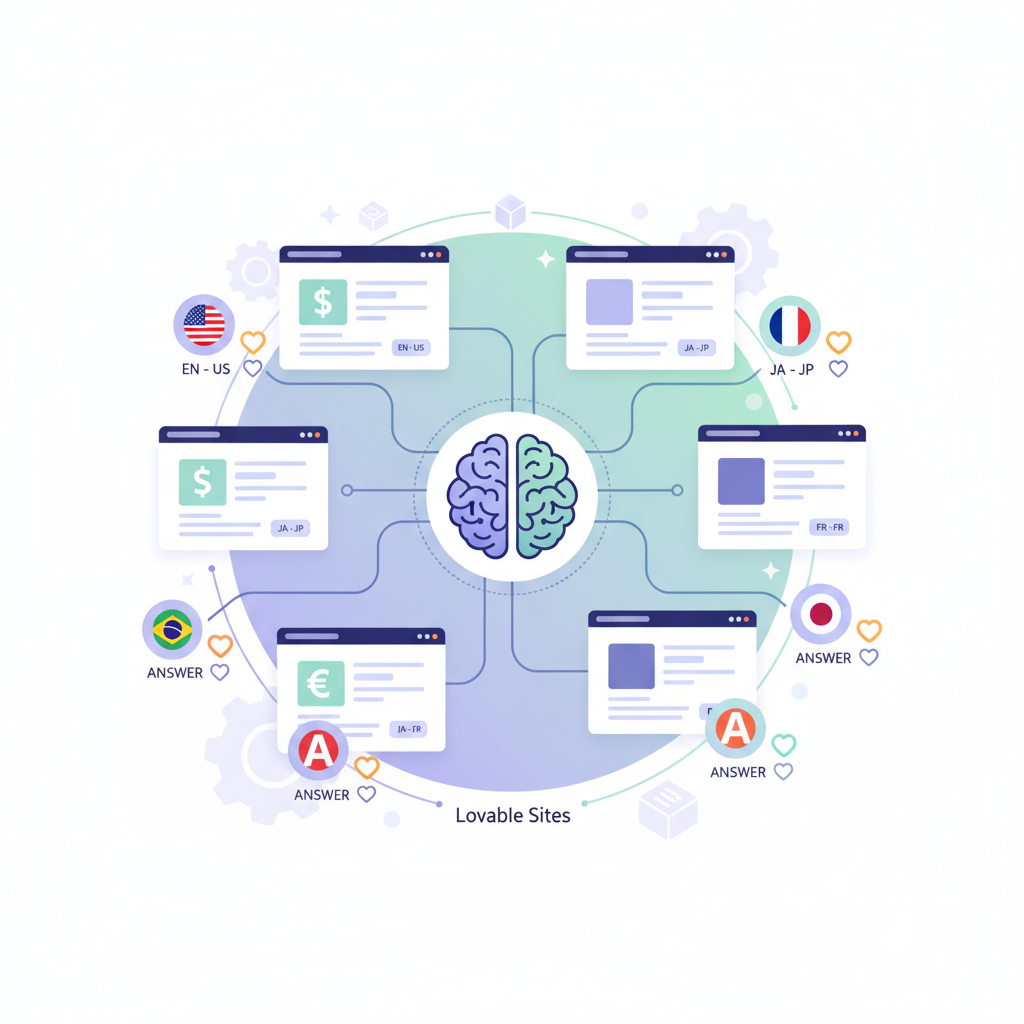
Include these geo variables in every localized template: city, region, postal code, lat/long, and a nearby POI field. Use a radius parameter when creating proximity statements: e.g., "within 5 miles of {{lat}},{{lng}}". For POIs, keep a short list per locale: transit hub, landmark, and the top-rated competitor or partner.
Example token mappings: {{city}} = city name, {{region}} = state/province, {{postal_code}} = postal code, {{nearby_poi}} = "Central Station", {{radius_miles}} = 5. Use radius thresholds when creating comparison sentences: if radius <= 5, say "nearby"; if radius > 20, use "in the greater {{region}} area."
Language vs locale: best practices
Language changes text; locale changes formatting and local facts. Use language codes (en, fr, es) and locale tags (en-US, en-GB) together. For Lovable sites, create separate templates for each language/locale pair when copy must differ—for example, British English pricing terms differ from American English.
Practical rule: if you need different currency, address format, or formal tone, treat it as a separate locale. Implement hreflang lines for each language-locale page to avoid indexing confusion. When translating, preserve token placeholders so local fields remain programmatically replaceable.
Step-by-step: Create a localized article template in LovableSEO
Follow these steps: define the page structure, mark token locations, map CMS fields, import location data, generate previews, QA samples, and publish in batches. For example, create a base article with sections for intro, services, local proof, and FAQs, and place tokens in title, H1, first paragraph, and schema.
| Step | Action | Artifact |
|---|---|---|
| 1 | Define template and tokens | Token map CSV |
| 2 | Map CMS fields to tokens | Field mapping doc |
| 3 | Import locations | Locations CSV/API |
| 4 | Generate previews and QA | 10-sample pages |
Alt text: Template preview showing token replacement and schema mapping for QA
Defining template tokens and token mapping
When defining tokens, pick clear names and validate values: {{city}} must not contain abbreviations; {{region}} should match your canonical region names. Keep a master CSV with columns: id, city, region, postal_code, lat, lng, nearby_poi, timezone, language. Use that CSV to feed LovableSEO APIs or CMS imports so token replacements remain deterministic.
Validation rule: reject any location row missing both lat and lng or an address field. Token mapping should include fallback values—e.g., {{nearby_poi}} fallback to "city center"—to prevent empty strings in titles and meta descriptions.
Content blocks to make locale-specific (headlines, CTAs, FAQs)
Make headlines, first paragraph, CTAs, and at least two FAQs locale-specific. For example, CTA: "Book in {{city}} today"; FAQ: "Do you serve {{region}} suburbs?" Local facts increase perceived uniqueness and conversion. Reserve service descriptions and process steps for the generic template so updates stay centralized.
Integrating location-based data sources (CSV, API, CMS fields)
Use a single source of truth for locations. Options: upload a CSV with canonical fields, connect a geodata API, or use CMS repeatable fields. For scale, an API with lat/long and POI enrichment is faster; for small sets, a CSV is fine. Ensure your import pipeline includes validation, deduplication, and a last-updated timestamp.
Always test token replacement on at least 10 random locations before running a full-scale publish; spot checks catch mapping errors quickly.
Autoscaling and safeguards: avoid duplicate/near-duplicate content
Autoscaling requires two safeguards: content variance rules and a unique local facts minimum. Use templating rules that force at least one unique sentence in the intro and one local fact block per page. A concrete threshold: require ≥100 unique words and at least two local facts (address, POI, testimonial) before publishing a locale page at scale.
Implement publishing gates: sample-preview 1% of generated pages, run a duplicate content similarity check (e.g., cosine similarity threshold < 0.85), and block any batch exceeding duplicate thresholds. For Lovable sites using LovableSEO, configure the platform to flag high-similarity drafts for manual review.
Content variance rules: synonyms, unique intros, local facts
Variance rules should include a synonym pool for key phrases, interchangeable intro templates (rotated), and mandatory inclusion of two local facts. Example rule: rotate among 5 intro templates and pick from 3 synonyms for the phrase "nearby" to reduce templated repetition.
Minimum unique word counts per locale
Set a minimum unique-content quota per page: at least 100 unique words in the top fold and 250 total unique words for service pages. This is a practical threshold: if a generated page contains under 250 unique words, send it to human review. These thresholds reduce the risk of manual penalties and increase chances of AI-answer inclusion.
Previewing, QA, and publishing workflows (demo-ready checklist)
QA must be reproducible. Use a demo-ready checklist before publishing any batch. Each item is a gate that must be checked for a sample set.
- Token mapping confirmed for 10 sample locations
- Schema outputs validated for address and geo fields
- Duplicate-similarity score below 0.85 for samples
- Hreflang and sitemap entries generated per locale
- At least 2 local facts per page present
Measuring success: geo-aware KPIs and A/B testing
Track geo-aware KPIs: local SERP position, impressions by city, click-through rate per locale, and AI-answer inclusion rate. Run A/B tests where variant A uses localized CTAs and variant B uses generic CTAs to measure lift; use city-level splits for precise analysis.
Metrics to track: local SERP position, AI-answer inclusion, impressions by city
Key metrics: average local SERP rank, number of pages included as AI answers, impressions and clicks by city, and conversion rate per locale. Example KPI targets depend on baseline traffic; use relative uplift as the main success metric—e.g., a 10% increase in city impressions after localization rollout.
Troubleshooting common localization issues
Common issues: token mismatches, missing local facts, and thin unique content. Fix token mismatches by validating CSV headers and running automated sanity checks. For thin content, require human augmentation or pull reviews into the pipeline. If AI answers are not appearing, ensure the title and first paragraph include geo tokens and clear local facts; AI systems favor concise, factual snippets.
Conclusion: rollout plan and next steps
Start small: pick 10 target cities, build templates in LovableSEO, map tokens, and run previews. Use the QA checklist and autoscaling safeguards above, then scale in 100-page batches. The primary takeaway: localized article templates seoagent combine tokenized structure with mandatory local facts to increase local relevance and AI-answer eligibility.
Next steps: document your token map, run a 30-day test on priority cities, and measure geo-aware KPIs to validate impact. For Lovable sites, prioritize local content templates lovable and geotargeted templates seoagent to capture nearby queries and improve conversion rates.
FAQ
What does it mean to build localized article templates with seoagent for lovable sites? Building localized article templates seoagent means creating reusable article frameworks that insert geo and locale tokens (city, region, postal code, lat/long) and locale-specific content so each generated page reads as locally authored and meets AI-answer criteria.
How do you build localized article templates with seoagent for lovable sites? Build templates by defining token locations, mapping CMS fields or CSV columns to tokens, validating location data, enforcing variance rules and unique-word thresholds, previewing samples, and publishing in controlled batches while tracking geo-aware KPIs. For more on this, see Automated article publishing lovable.
Ready to Rank Your Lovable App?
This article was automatically published using LovableSEO. Get your Lovable website ranking on Google with AI-powered SEO content.
Get Started