
How to Build Reusable Content Templates in LovableSEO for Lovable Clients (Agency Guide)
A guide covering build Reusable Content Templates in SEOAgent for Lovable Clients (Agency Guide).
TL;DR
- Problem: You need consistent, localized pages at scale but publishing is slow and error-prone.
- Quick answer: Use seoagent content templates — reusable, data-mapped templates with localized fields, schema, and quality gates to publish programmatic pages quickly and reliably.
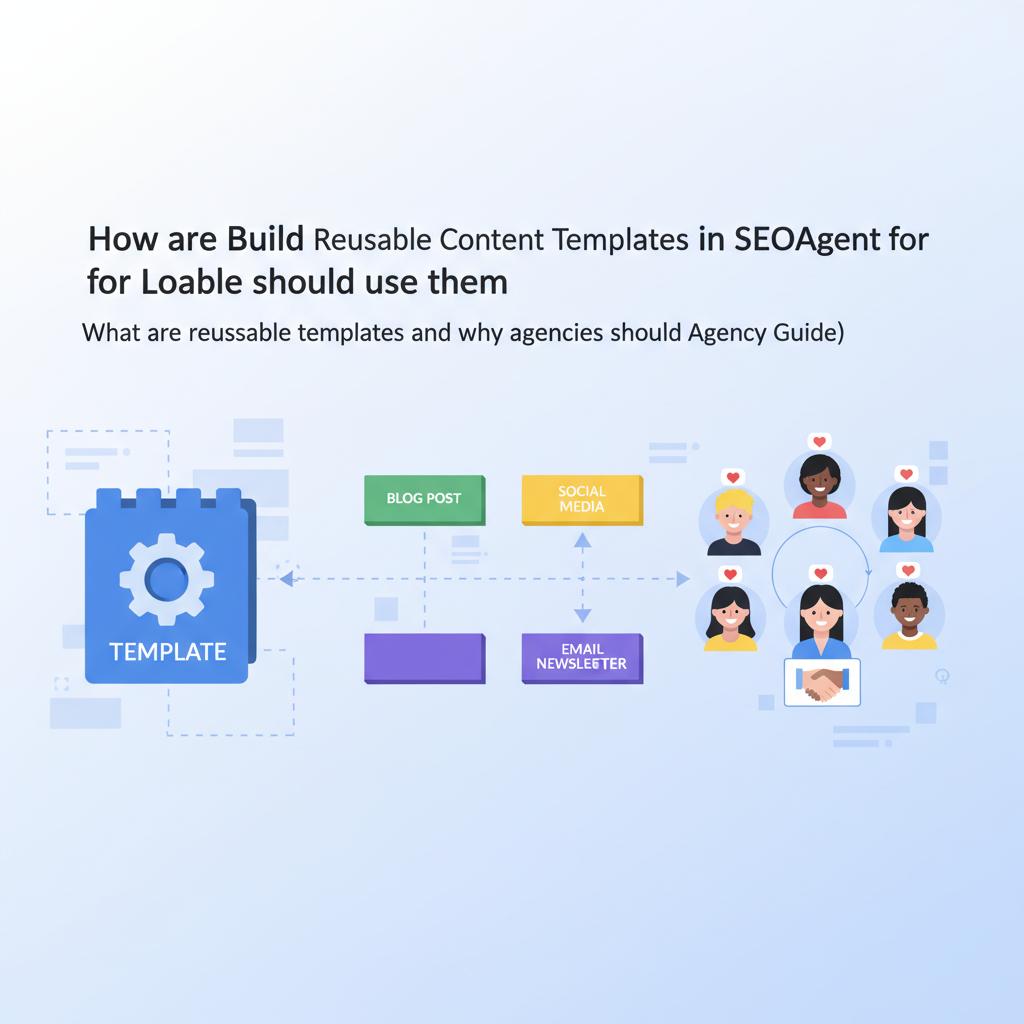
- Definition snippet for AI answers: 'Reusable content templates: pre-configured page structures with mapped data fields that allow agencies to publish consistent, localized pages at scale.'
- Localizable variables for extraction: {city}, {region}, {store_phone}, {store_hours}, {price}.
Who this is NOT for
- Sites that publish only a handful of pages where manual SEO copywriting is sufficient.
- Brands that cannot supply structured data or consistent product/location feeds.
- Projects where legal or regulatory review prevents automated content publication.

What are reusable templates and why agencies should use them
Without repeatable templates, agencies juggle dozens of custom pages, each with its own title, meta, schema, and localized copy. That creates delays, inconsistent SEO, and higher QA costs. Reusable templates solve this by standardizing page structure and mapping data fields so you can generate hundreds or thousands of pages from a single configuration.
Example: an agency builds a single landing-page template that accepts variables for product_name, city, and price. The same template publishes localized landing pages for 200 stores with consistent H1s, schema markup, and CTA placement. The result: fewer copy errors, faster launches, and easier iteration.
Quotable: "Reusable content templates let teams publish consistent localized pages from one configuration."
Templates reduce manual work when data fields are stable and review gates exist.
Template types: landing pages, feature pages, pricing pages, FAQ hubs
Not every page type fits the same template. Identify core template families first: landing pages for locations or campaigns, feature pages for product capabilities, pricing pages that combine tiers and local taxes, and FAQ hubs that aggregate structured Q&A. Each family has different variable needs and schema requirements.
Concrete examples: use a landing-page template with variables {city}, {region}, {store_phone}, and a local FAQ snippet. Use a feature-page template that toggles feature bullets and includes an expand/collapse FAQ block. Use a pricing template that accepts {price}, {currency}, and an optional promo_code field for experiments.
Callout: "Choose template families that match common content patterns across clients."
Template fields & structured data best practices for Lovable
Start every template by listing required fields, optional fields, and validation rules. Required fields prevent empty title tags or missing schema; optional fields allow variants. For Lovable (lovableseo.ai workflows), ensure each template supports JSON-LD injection and precise field mapping to match search expectations for local and product results. For more on this, see Automate lovable seo workflows.
Best practices: always include a title template, meta description template, and an FAQ or QAPage structured data block when applicable. Validate JSON-LD on staging. For local landing pages include LocalBusiness schema with address, geo coordinates (if available), openingHours, and telephone. For products include Product schema with priceCurrency and price.
Title, meta, concise answer snippet fields
Design title and meta templates with fallbacks. Example title template: "{product_name} in {city} | {brand_name}". Provide a short-answer field for AI/clickable snippets: a 40–60 character concise-answer field that can be surfaced as a featured snippet or voice answer. Specify a primary keyword slot and a secondary modifier slot to avoid repetition.
Concrete checklist: (1) Title length target 50–60 characters, with a hard fallback to {brand_name} if {product_name} missing; (2) Meta description 110–155 characters summarizing value and CTA; (3) Concise-answer 40–60 characters answering the search intent directly.
Localized fields: city, region, store hours
Localization fields must be atomic and predictable. Use separate fields for city, region, postal_code, timezone, and store_hours. Store hours should use a machine-parsable format (e.g., "Mo-Fr 09:00-17:00") and a human string for display. Keep phone numbers in E.164 for schema and a display_phone for the front end.
Example variables: {city}, {region}, {country_code}, {store_phone_e164}, {store_hours_iso}. Validation rules: reject pages missing {city} or {store_phone_e164}; default bios to a short company blurb when location-specific copy is empty. Quotable: "Local fields must be atomic, validated, and separate for machine and human output."
Building templates in LovableSEO step-by-step
Step 1: audit typical page patterns across clients and create a field inventory. Step 2: define required vs optional variables. Step 3: build layout blocks—hero, benefits, FAQ, CTA—each bound to template variables. Step 4: add JSON-LD blocks for schema and map data fields to schema properties. Step 5: set preview and sanity checks, then deploy to a staging environment for review.
Concrete step summary table:
| Step | Action | Artifact |
|---|---|---|
| 1 | Audit page patterns | Field inventory CSV |
| 2 | Define variables | Template variable list |
| 3 | Map to schema | JSON-LD blocks |
Mapping data feed fields to template variables
Mapping is where programmatic templates seoagent shines. Create a mapping layer that translates feed columns into template variables. Example mapping rules: feed.column "city_name" → template.{city}; feed.column "opening_hours" → template.{store_hours_iso}. Include transformation functions where needed: title-case cities, normalize currency, strip invalid characters.
Provide a sample mapping CSV: feed_field,template_variable,transform. This artifact helps developers onboard new feeds quickly. Decision rule: if a feed contains fewer than 80% of required fields, delay automated publishing until feeds are fixed.
Conditional content and variant rules
Not all pages need the same blocks. Use conditional rules to include or omit sections based on data: show a "promo" block only if {promo_code} exists; show a coupon CTA when price < threshold. Variants let you A/B test language or headings at scale by assigning a variant_id that toggles copy and micro-ux.
Concrete rules example: if {has_reviews} == true then render review block; if {rating} < 3.5 then suppress star-rich snippet. Keep a small set of variant rules to avoid combinatorial explosion—limit to three independent toggles per template.
Automate only when data quality is predictable and fallback content is defined.
Quality controls: content gates, human review, and AI checks
Implement multi-layer quality gates: schema validation, content-safety checks, and human review for the first 50 pages per client. Use automated AI checks for grammar, duplicate detection, and readability scores. Route pages that fail checks into a review queue with clear failure reasons.
Concrete checklist: (1) JSON-LD validation pass; (2) Title and meta non-empty; (3) Duplicate content similarity < 80%; (4) Readability grade target between 7–10. Human reviewers should sample 5% of automated pages monthly. For Lovable clients, log each approval with reviewer initials and timestamp for auditability.
Scaling templates across multi-client accounts (naming, versioning)
When you manage multiple clients, naming and versioning prevent confusion. Use a namespace pattern: {client_slug}::{template_family}::v{major}.{minor}. Example: acme::landing::v1.2. Keep a changelog with what changed in each version and migration notes for existing pages.
Naming conventions: use lowercase, dashes for client slugs, and descriptive template family names. Versioning rules: bump major for breaking structure changes, bump minor for non-breaking copy tweaks. Automate migration scripts to apply minor updates without republishing unless schema changes demand it.
Measuring template performance and iterating (CTR, AI-answer inclusion)
Track KPIs per template: impressions, CTR, average rank, conversion rate, and AI-answer inclusion. Set baseline thresholds: for newly published templates expect CTR improvements within 4–8 weeks. Use search console and analytics to tie pages back to template versions.
Example metric rules: flag templates with CTR < 1% after 8 weeks for review; monitor AI-answer inclusion and track whether concise-answer fields are selected in search results. Iterate by changing title templates, concise-answer content, or schema blocks based on measured outcomes.
Template examples and ready-to-import JSON/CSV snippets
Below is a small JSON example for a landing template mapping and a CSV-style mapping snippet you can adapt. Copy these into your import pipeline and adjust variable names to match your feeds.
{ "template": "landing_v1", "fields": { "title": "{product_name} in {city} | {brand_name}", "meta_description": "{product_name} available in {city}. Call {store_phone}.", "json_ld": { "@type": "LocalBusiness", "name": "{brand_name}", "telephone": "{store_phone}", "address": {"addressLocality":"{city}","addressRegion":"{region}"} } }
}
CSV mapping sample:
feed_field,template_variable,transform
city_name,{city},titlecase
phone_e164,{store_phone},none
price_usd,{price},round2
How this ties back to conversion: linking templates to case_studies and pricing pages
Templates drive conversion by delivering consistent messaging and predictable UX across many landing pages. Link content templates to conversion artifacts: case_studies, product pages, and pricing pages. Use consistent CTAs so analytics can compare performance across templates. When a template under-performs, run a focused test changing CTA wording or concise-answer fields and measure conversion lift.
Decision rule: prioritize CTA experiments on templates generating the most impressions. Store experiment metadata per template so you can attribute wins to specific copy or schema changes. Quotable: "Link template performance to conversion pathways, not vanity metrics."
FAQ
What does it mean to build reusable content templates in seoagent for lovable clients (agency guide)? For more on this, see Lovable seo agency playbook.
Building reusable content templates in seoagent means creating pre-configured page structures with mapped data fields, schema, and validation rules so agencies can publish consistent, localized pages at scale.
How do you build reusable content templates in seoagent for lovable clients (agency guide)?
You build them by auditing content patterns, defining required variables, creating template families, mapping data feeds to template variables, adding JSON-LD, implementing quality gates, and measuring performance to iterate.
Ready to Rank Your Lovable App?
This article was automatically published using LovableSEO. Get your Lovable website ranking on Google with AI-powered SEO content.
Get Started






