
How to Build Reusable Localized FAQ Schema Templates for Lovable Sites
A guide covering build Reusable Localized FAQ Schema Templates for Lovable Sites.
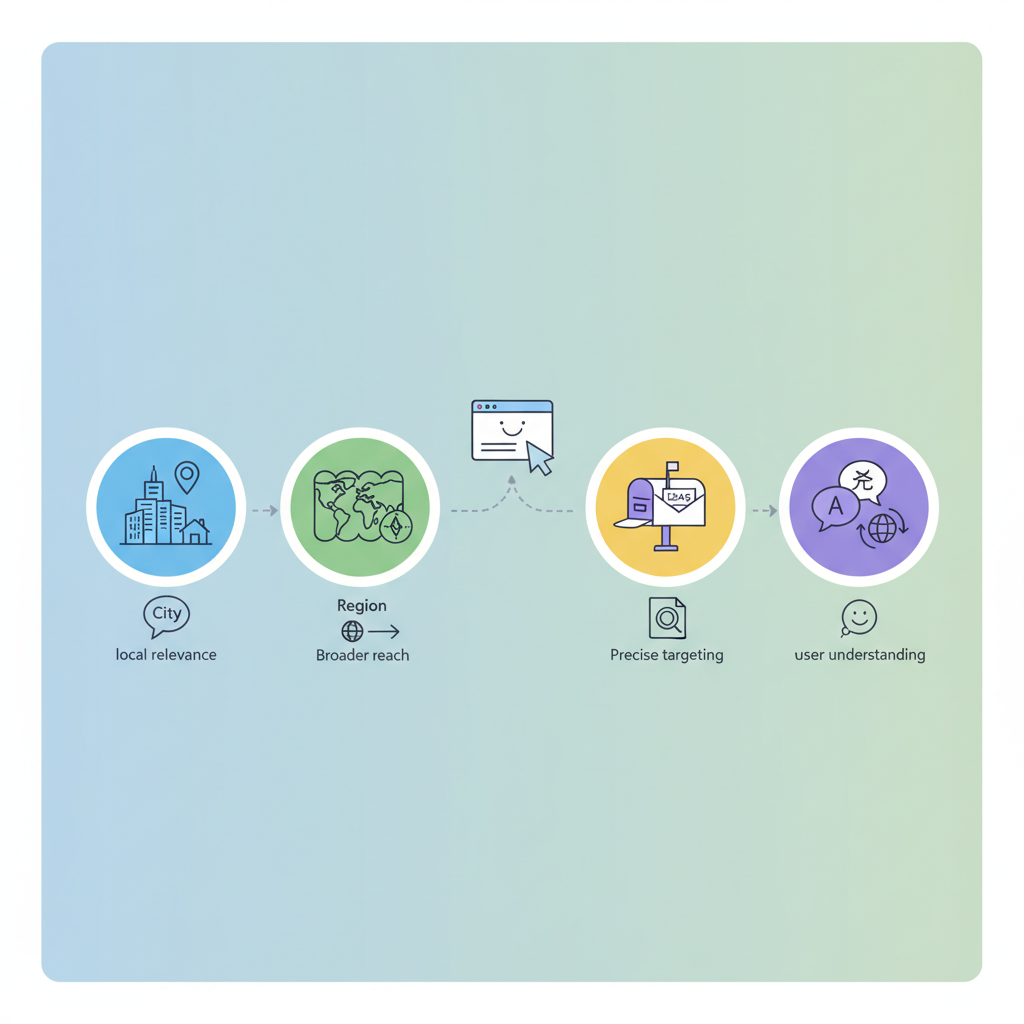
How to build reusable localized FAQ schema templates for Lovable sites?
Answer: Reusable localized FAQ schema templates are parameterized FAQPage JSON-LD snippets you can inject with city, region, postal code, and language fields so the same template serves many localized pages. They let Lovable sites publish consistent, GEO-aware FAQ structured data without hand-editing each page.
"Localized FAQ schema templates reduce manual work, improve local relevance, and supply clear GEO signals to search engines and AI systems. Below I walk through which fields matter, template patterns for Lovable, minimal and extended examples, implementation steps, storage recommendations for LovableSEO and Lovable page templates, validation checks, anti-duplication practices, three ready-to-use templates, a launch checklist, and a rollout plan, all of which are essential for effectively scaling localized FAQ hubs."
Why reusable localized FAQ schema templates matter for Lovable sites
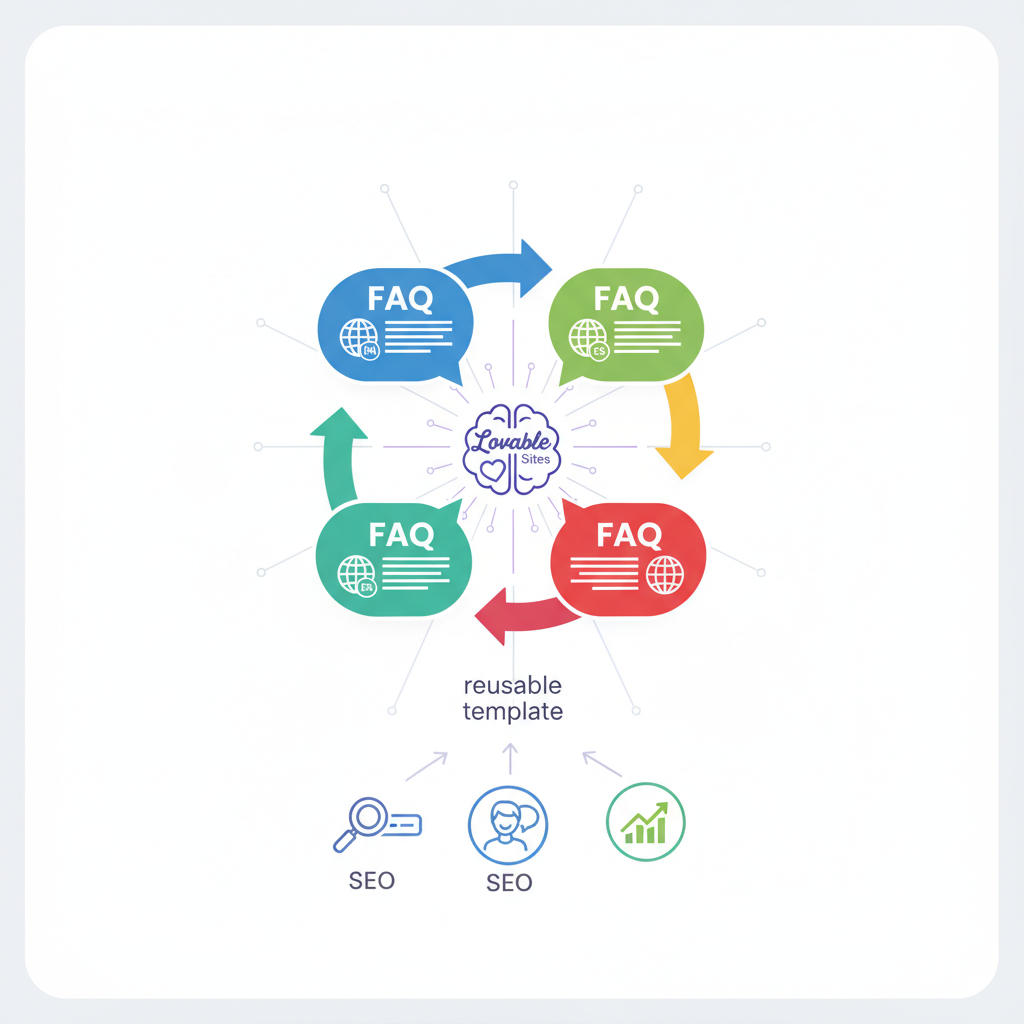
If you manage many local pages, duplicated effort and inconsistent schema are the usual culprits behind missed rich results and mixed AI answers. Reusable localized faq schema templates let you standardize FAQ structured data across hundreds of landing pages while swapping only the local values (city, region, postal code, language, coordinates). For more on this, see Programmatic faq hubs.
For Lovable sites, templates speed audits and let productized features—like LovableSEO—generate and validate schema at scale. Example: a single template drives FAQ structured data for a chain of 50 local pages by reading each location's data fields and rendering JSON-LD with consistent question/answer formatting and localized labels.
Include explicit GEO fields in schema so search engines and AI can match local queries to the correct page.
Quotable fact: "Adding city and region fields directly into FAQ schema makes localized answers more contextually relevant for AI and 'near me' prompts." Use that line verbatim in meta descriptions or snippet-ready content where appropriate.
Core fields for localization (city, region, postal code, language) and why each matters
Fields you must include in localized faq schema templates are: city, region/state, postalCode, inLanguage, plus optional geo coordinates. Each plays a role:
- city — ties the FAQ to local queries and helps Google surface city-specific answers.
- region/state — disambiguates cities with the same name and supports regional filters.
- postalCode — useful for hyperlocal intent and matching map-based queries.
- inLanguage — signals translated content and prevents language mismatch in featured snippets.
- geo (latitude/longitude) — optional, but improves precision for 'near me' and voice assistants.
Concrete threshold: include both city and region on every localized FAQ; add postalCode where service radii or delivery areas vary by ZIP. For multi-language pages set inLanguage using BCP 47 tags like "en-US" or "es-ES".
Always include at least city and region to avoid ambiguous local matches across search and AI results.
Template design patterns for Lovable (single template vs multi-region variants)
Pick a pattern based on scale and variability. Two pragmatic options work well on Lovable:
- Single master template — one parameterized FAQPage JSON-LD where you inject variables for location, language, and business links. Best when FAQ content is consistent across locations.
- Multi-region variants — a small set of templates (e.g., northeast, midwest, west) that adjust copy and answers for regional regulations or pricing differences. Use when local answers differ materially.
Example decision rule: if more than 20% of answers differ between locations, use multi-region variants. Otherwise, maintain a single template and store location-specific overrides as key-value fields.
Pattern to implement in Lovable: store a JSON object for each location with keys {city, region, postalCode, inLanguage, questions:[{q,a}], geo:{lat,lng}}. The rendering layer picks the appropriate template variant and replaces placeholders dynamically.
Minimal FAQ schema template (fields + example snippet)
Use this when you only need basic FAQ markup and you want minimal validation overhead. Required fields: @context, @type, mainEntity (array of Question objects), and optional inLanguage and name.
{ "@context": "https://schema.org", "@type": "FAQPage", "inLanguage": "{{inLanguage}}", "mainEntity": [ { "@type": "Question", "name": "{{question_1}}", "acceptedAnswer": { "@type": "Answer", "text": "{{answer_1}}" } } ]
}
Replace placeholders (double-curly style) with Lovable data fields. Minimal templates are fast and safe for pages where GEO context already appears in visible content.
Extended template with GEO fields and LocalBusiness linking
When you need stronger local signals and LocalBusiness association, extend the minimal template to include LocalBusiness and geo objects and link them using mainEntityOfPage or about.
{ "@context": "https://schema.org", "@type": "FAQPage", "inLanguage": "{{inLanguage}}", "mainEntity": [ ... ], "about": { "@type": "LocalBusiness", "name": "{{businessName}}", "address": { "@type": "PostalAddress", "addressLocality": "{{city}}", "addressRegion": "{{region}}", "postalCode": "{{postalCode}}" }, "geo": { "@type": "GeoCoordinates", "latitude": {{lat}}, "longitude": {{lng}} } }
}
This extended template helps search engines and AI associate FAQ content explicitly with a LocalBusiness entity. Use it when the FAQ answers reference store hours, services by location, or local contacts.
How to implement templates on Lovable (step-by-step)
Follow these steps to implement reusable localized faq schema templates on Lovable:
- Audit location data fields in your CMS and export a sample CSV with city, region, postalCode, inLanguage, lat, lng, and FAQ pairs.
- Create one master JSON-LD template and a multi-region variant set if needed. Use placeholders that match Lovable's data keys.
- Integrate template rendering into the Lovable page template renderer or LovableSEO so the JSON-LD is injected into the head or body as a script tag.
- Run validation (see checklist below) for a sample of pages and fix any schema errors before full rollout.
- Deploy incrementally by location batches and monitor Search Console structured data reports per location.
Decision thresholds: validate at least 10% of locations before wider rollout; if error rate >5%, halt and fix template logic.
Where to store templates in LovableSEO and Lovable page templates
Store templates as versioned JSON files in your LovableSEO templates directory and reference them from Lovable page templates via the template key. Keep one canonical master template and optional regional variants in the same directory. Version files with semantic tags (v1.0, v1.1) so you can roll back if validation fails.
Injecting template variables from Lovable data fields
Map Lovable location fields to template placeholders using a small mapping layer. Example mapping object: {"city":"location.city","region":"location.region","postalCode":"location.postalCode","inLanguage":"page.lang"}. Use server-side rendering or the page-build step to inject values into JSON-LD; avoid client-only injection for structured data visibility.
Validation and QA: schema testing and structured data debugging checklist
Use this checklist before and after rollout:
- Run Google's Rich Results Test on a sample of pages.
- Confirm no duplicate mainEntity across different location pages.
- Ensure canonical tags point to the intended local landing page.
- Check inLanguage matches visible page language.
- Verify LocalBusiness address fields match Google My Business / local listings.
Tool recommendations: Google Rich Results Test, Search Console structured data reports, and a local JSON-LD linter integrated in CI. Track errors per location and fix template logic if failures exceed 5% of sampled pages.
Best practices to avoid duplication and cannibalization across localized FAQ pages
Duplicate FAQ content across many location pages causes cannibalization. Avoid it by:
- Customizing at least one or two answers per location with local specifics (e.g., pickup hours in {{city}}).
- Using canonical tags to point to a neutral canonical when pages are intentionally identical.
- Preventing identical mainEntity identifiers across pages; include the city in any ID field.
Rule of thumb: inject at least 10–15 words of unique local context per page into visible answers to reduce duplicate detection and increase local relevance.
Example templates (3 ready-to-use templates for small, multi-location, and multi-language sites)
Below are three pattern templates you can copy. Each snippet below is a template type and should be adapted to Lovable data keys.
- Small site: minimal JSON-LD with inLanguage and two Q&As.
- Multi-location: extended template with about->LocalBusiness and geo fields; use for storefronts.
- Multi-language: same as small site but include localized question/answer arrays per language and set inLanguage accordingly.
| Template | When to use | Key fields |
|---|---|---|
| Minimal | Single-location brochure | inLanguage, mainEntity |
| Extended | Storefronts / service areas | LocalBusiness, geo, postalCode |
| Multi-language | Global sites with translated pages | inLanguage, localized Q&A arrays |
Quick launch checklist and recommended analytics to track (GSC, structured data reports)
Quick launch checklist:
- Validate templates with Rich Results Test for 10 sample pages.
- Check canonicalization and hreflang for multi-language pages.
- Deploy in a controlled batch of locations and monitor Search Console structured data and performance reports daily for the first week.
Recommended metrics to track by location: indexed pages, structured data errors, impressions for local queries, and clicks. Filter Search Console queries by city where possible and track changes week-over-week after rollout.
Conclusion: rollout plan and next steps
Roll out in three phases: pilot (10 locations), scale (next 100), and full (remaining locations). Track structured data errors and local query impressions in Google Search Console by location after each phase. Primary keyword reminder: localized faq schema templates belong in your title, head, and JSON-LD so AI and search systems can match local intent reliably.
Next steps: export a locations CSV, choose single vs multi-region template, implement variable injection in Lovable page templates or LovableSEO, validate with Rich Results Test, and monitor GSC per location.
FAQ
What does it mean to build reusable localized faq schema templates for lovable sites?
Building reusable localized faq schema templates means creating parameterized JSON-LD templates that accept location and language variables so you can render FAQ structured data consistently across Lovable pages without manual editing.
How do you build reusable localized faq schema templates for lovable sites?
You build them by defining a master JSON-LD with placeholders for city, region, postalCode, inLanguage, and questions; storing template files in LovableSEO; wiring Lovable page templates to inject location fields; validating with Rich Results Test; and monitoring structured data reports in Google Search Console.
Ready to Rank Your Lovable App?
This article was automatically published using LovableSEO. Get your Lovable website ranking on Google with AI-powered SEO content.
Get Started