
Localize Product & Pricing Pages to Win AI Answers in Target Markets
A guide covering localize Product & Pricing Pages to Win AI Answers in Target Markets.
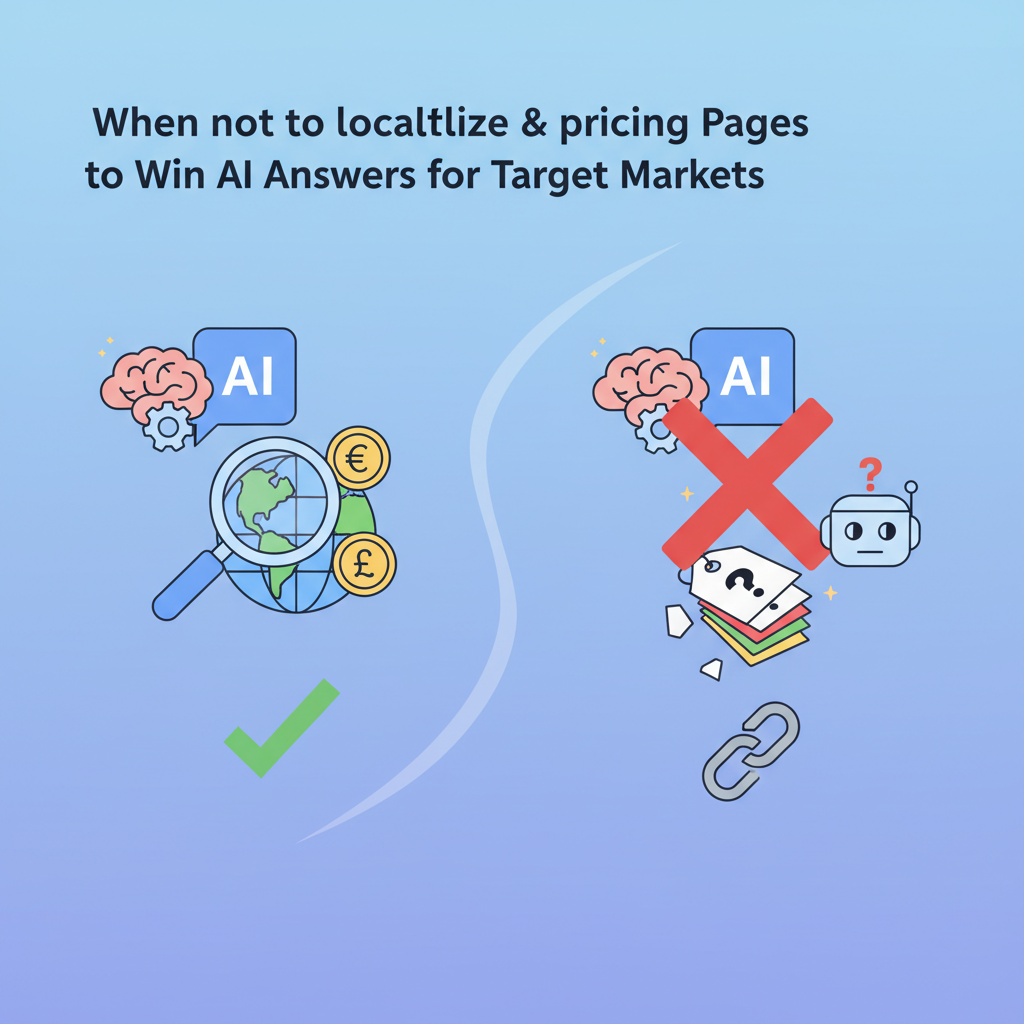
Do you need to localize pricing pages for AI answers in target markets?
Yes. Explicitly localizing product and pricing pages — by adding structured GEO fields, city-level copy, currency, and availability — increases the chance that AI systems will select your page for region-specific product and pricing queries. This guide explains which GEO signals matter, how to feed regional variants into LovableSEO, and a practical 7-day launch playbook.
AI systems prefer clear, structured facts. When you combine human-readable copy with explicit machine-readable fields (addressLocality, addressRegion, postalCode, geo.latitude/longitude, currency), you remove ambiguity and make it easy for answer services to surface your content for queries like "cheap CRM in Portland with monthly pricing" or "SaaS pricing in 94107." Below you’ll find examples, templates, checklists, and measurable thresholds you can apply to lovableseo.ai workflows and to LovableSEO automation pipelines.
When not to localize pricing pages for AI answers
Do not invest in full localization when it does not map to meaningful user demand or operational capability.
- If fewer than 3% of your signups originate from a region, regional pages may add maintenance cost without benefit.
- If product delivery or pricing cannot vary by region (for example, a single global SaaS plan with identical currency billing), avoid micro-localization that duplicates content.
- If your analytics and attribution cannot measure region-specific conversions, you won’t know if AI-answer exposure produced lift.
- If legal or tax constraints prevent offering localized pricing or billing, use city-targeted copy for discovery but keep canonical pricing central.
How localization affects AI-answer selection for product and pricing queries
Without explicit regional signals, AI answers often default to global or generic sources and ignore localized offers. If your page includes both human copy and machine-readable geography and pricing, AI systems treat it as higher-quality evidence for region-specific user intent. That increases the chance your content becomes an "AI answer" or snippet for queries like "subscription price for X in [city]" or "[product] cost near me."
Why this matters: many buyers start with a short question to an AI assistant. The assistant returns an answer that may include a single price, availability statement, or a short comparison. If your page articulates the local price and availability explicitly, you give the assistant an extractable fact it can cite.
Practical example: A SaaS company offers identical plans globally but prices in USD only. A Portland searcher asks "monthly CRM price in Portland, OR with 5 seats." An AI assistant will favor a page that states "Monthly plan: $49 per user (billed monthly), available to customers in Portland, OR (zip 97201)" rather than a global page that lists only USD prices without locality. The explicit city and postal code are the tie-breakers for region-specific selection.
Quotable insight: "A localized pricing snippet with explicit city and currency doubles relevance for region-specific buyer queries." Use this as a hypothesis to A/B test AI-answer inclusion and conversion lift.
Actionable takeaway: add at least these elements to each localized pricing page: one sentence that declares the city and currency, a machine-readable JSON-LD block with addressLocality/addressRegion/postalCode and priceSpecification, and a prominent availability note. These three artifacts make extraction trivial for answer engines.
Key GEO signals to include (structured fields, copy, and feeds)
Why this section exists: AI-answer selection favors explicit geographic markers. Including them in both copy and structured feeds reduces ambiguity and increases extractability.
Required GEO fields to supply (as machine-readable JSON-LD and visible copy):
- addressLocality — city name (e.g., "Portland")
- addressRegion — state or region (e.g., "OR")
- postalCode — postal code most relevant to the offering
- geo.latitude and geo.longitude — centroids or storefront lat/long
- currency — ISO currency code (e.g., "USD", "EUR") with the price value
Example JSON-LD snippet for a localized pricing card (include in the page head or just before the pricing block):
{ "@context": "https://schema.org", "@type": "Product", "name": "Acme CRM - Starter", "offers": { "@type": "Offer", "price": "49.00", "priceCurrency": "USD", "availability": "https://schema.org/InStock", "eligibleRegion": { "@type": "Place", "address": { "@type": "PostalAddress", "addressLocality": "Portland", "addressRegion": "OR", "postalCode": "97201" }, "geo": { "@type": "GeoCoordinates", "latitude": 45.523064, "longitude": -122.676483 } } }
}
City-targeted copy examples (short, extractable):
- "Starter plan: $49/month (USD). Available to businesses in Portland, OR (zip 97201)."
- "Seattle customers can pay in USD or request local invoicing; contact sales for WA tax details."
Monitor these GEO signals in feeds and structured data feeds to AI platforms. When feeding to LovableSEO or lovableseo.ai, ensure your product feed contains a per-region row for each regional variant with fields for addressLocality, addressRegion, postalCode, latitude, longitude, price, currency, and availabilityDate or status. This approach not only facilitates the automatic generation of regional product pages but also aligns with the principles outlined in winning AI answers for lovable product pages, enabling the production of localized pricing schema implementations.
GEO fields in both copy and JSON-LD convert ambiguous location queries into extractable facts.

Localized pricing, currency, and availability
Why this subsection exists: Price and currency are the single most extractable facts in a pricing query. An assistant can only display a number if it is clear which currency and which region the number applies to.
Concrete recommendations:
- Display price with ISO currency and localized format: $49.00 USD or 49,00 € EUR rather than just "$49".
- Include a short availability statement: "Available for businesses in [city], [region]" or "Ships within 2 business days to postal codes starting with 941".
- If price varies by tax or VAT, add a machine-readable priceSpecification block with priceVariation or eligibleTransactionVolume.
Example copy for a pricing card: "Starter: $49.00 USD / month — Available to customers in Portland, OR (postal code 972xx). Taxes calculated at checkout." This short phrase lets an assistant extract price, currency, locality, and tax status in one pass.
Region-specific feature callouts and examples
Why this subsection exists: Features or integrations available only in certain regions increase relevance for local queries. An AI answer that can say "includes local tax reporting for Ontario" wins clicks.
Examples of region-specific callouts to include as short bullets on the regional product page:
- "Includes local tax rates for Oregon businesses (automated at checkout)."
- "Local data residency option available for customers in the EU."
- "Integration with Portland-based payment gateway X supported."
Make each callout extractable: use a single-sentence format that pairs the region and the capability. For instance: "Portland customers: 24/7 phone support in Pacific Time." That lets an AI extract a feature-availability fact for a regional query and helps regional product pages ai snippet selection.
List one region + capability per sentence to maximize AI extractability of feature availability.
Content strategies: single page vs segmented regional pages
Why this section exists: You must decide whether to keep one pricing page with dynamic sections or to publish segmented regional pages. Each approach has trade-offs in maintainability, crawlability, and AI-answer suitability.
Single page (dynamic sections) pros and cons:
- Pros: centralized maintenance, fewer canonical issues, easier to keep pricing consistent.
- Cons: AI extractors may not reliably pick the correct regional block unless the page includes a clearly labeled machine-readable block for each region and delivers region detection signals (IP, Accept-Language) server-side.
Segmented regional pages pros and cons:
- Pros: clear signals per URL, simpler JSON-LD per page, higher chance of being selected for regional queries.
- Cons: more pages to maintain and potential duplication if not canonicalized properly.
Recommendation rule-of-thumb (decision rule):
- If a region accounts for >5% of your conversions or requires different pricing/currency, create a segmented regional page.
- If regional differences are cosmetic (date formats, currency symbol only) but pricing is identical, use a single page with server-side personalization plus robust JSON-LD that lists eligibleRegion entries for each supported region.
Example architecture for segmented pages: URL pattern /pricing/{country}/{region}/{city-slug} or a query parameter that canonicalizes to a single regional URL if you prefer fewer pages. Ensure each regional page contains unique copy (at least 150 words of region-specific context), structured GEO fields, and a canonical header pointing to the primary region page where appropriate.
Data feed patterns: how to pass regional variants to LovableSEO
Why this section exists: If you use LovableSEO localization automation, you’ll need consistent feed patterns to generate regional pages and localized schema automatically. A predictable feed avoids mismatches that make AI extractors skip your data.
Feed row pattern (recommended columns):
- product_id — base product reference
- region_id — ISO country or region code (e.g., US-OR)
- addressLocality — city
- addressRegion — region/state
- postalCode — postal prefix or pattern
- latitude, longitude — coordinates
- price — numeric value
- currency — ISO code
- availability — InStock / OutOfStock / PreOrder
- feature_flags — region-specific feature tags (CSV)
Example feed row (CSV-like):
prod_123,US-OR,Portland,OR,97201,45.5231,-122.6765,49.00,USD,InStock,"local_tax,phone_support_pst"How to pass this to LovableSEO localization automation: ensure your feed is delivered daily or on change, and that LovableSEO is configured to map feed columns to JSON-LD fields. Use a source-of-truth approach: price and availability come from commerce DB, not CMS copy. That prevents stale pricing being exposed to AI extractors.
Concrete pattern: put price and currency in a dedicated offers feed and GEO coordinates in a location feed; use a join key (product_id + region_id) so LovableSEO can generate per-region JSON-LD automatically. For high-request regions, pre-render the regional pages into the CDN rather than relying solely on client-side rendering so answer services can crawl and extract reliably.
| Feed | Contains | Update cadence | Use in LovableSEO |
|---|---|---|---|
| Offers feed | price, currency, availability | minutes to hourly | maps to Offer in JSON-LD |
| Location feed | addressLocality, region, postalCode, lat/lon | daily | maps to eligibleRegion in JSON-LD |
Automating localized snippets and templates in LovableSEO
Why this section exists: Manual creation of regional pages doesn’t scale. LovableSEO localization automation can generate localized snippets and JSON-LD templates from your feeds, but you need predictable templates and fallbacks.
Template design rules:
- Keep snippet templates short (20–40 words) and structured: [Plan] — [Price] [Currency] — Available in [City], [Region].
- Provide a fallback string for missing fields: if postalCode is missing, use "available in [City]" instead of leaving the field blank.
- Capitalize canonical city names and avoid synonyms in the machine-readable fields; synonyms are fine in visible copy only.
Example template for LovableSEO (pseudo template):
{{product_name}} — {{price}} {{currency}} / month — Available in {{addressLocality}}, {{addressRegion}} ({{postalCode}})Steps to automate using LovableSEO localization automation:
- Map incoming feed columns to template variables.
- Create regional templates for short snippet, long description, and JSON-LD.
- Define fallbacks and validation: reject rows missing price or currency; flag rows missing geo coordinates for manual review.
- Publish generated pages to a staging domain and run a sample crawl to verify JSON-LD is present server-side.
Practical example: A feed row arrives with product_id + US-OR. LovableSEO applies the template, validates price and eligibleRegion, renders JSON-LD with addressLocality=Portland, and emits a page and an OpenGraph card. An AI extractor visiting the page can read both the snippet text and the JSON-LD Offers object and use it as a fact source for a regional product price answer.
Measuring GEO impact: tracking AI-answer inclusion by region and conversion lift
Why this section exists: Without measurement, you cannot prove that localized pages earned AI answers or lifted conversions. Set up a measurement plan before launch.
Metrics to track:
- AI-answer inclusion rate by region: percentage of sample queries where an AI assistant cites your page (use manual sampling or tools that emulate assistant queries).
- Regional organic impressions and clicks from search/assistant logs.
- Conversion rate by regional page (demo signup, trial start, purchase).
- Uplift test: A/B test regionally where variant A shows global page and variant B shows localized page; measure conversion delta.
Concrete thresholds and KPIs (examples):
- Target: AI-answer inclusion rate >= 15% for top 10 target queries within 60 days of publish.
- Target: Regional page conversion rate improvement >= 10% vs global page within 90 days.
- Monitoring interval: daily ingestion of region-level impressions; weekly review of conversions.
How to attribute: tag all localized pages with a region-specific UTM or custom dimension (region_id). When an assisted conversion occurs, attribute to the region page and compare cohorts. If AI-answer inclusion is suspected, document query examples and date ranges when inclusion first appears and correlate with traffic and conversion spikes.
Playbook: launch localized pricing page for a target city/region in 7 days
Why this section exists: Give a pragmatic, time-boxed plan you can execute quickly to validate regional demand.
7-day launch checklist (artifact):
- Day 0 — Plan: choose target region and compile required fields (addressLocality, addressRegion, postalCode, lat/lon, currency, price, availability).
- Day 1 — Feed prep: create feed rows for product-region variants; ensure price and currency are correct.
- Day 2 — Template setup: build LovableSEO templates for short snippet, long copy, JSON-LD Offers.
- Day 3 — Page render: generate the regional page and ensure server-side rendered JSON-LD is present.
- Day 4 — QA: validate structured data with a JSON-LD lint tool and run sample assistant queries.
- Day 5 — Publish to staging and review analytics tags and UTM parameters.
- Day 6 — Go live, submit sitemap or URL to index, and document test queries for monitoring.
- Day 7 — Measure: check crawl/logs, record initial impressions, and monitor conversion for 14 days.
Launch decision checklist (copy this):
- Price and currency validated by commerce team
- JSON-LD includes addressLocality and eligibleRegion
- Page contains at least 150 words of unique region-specific copy
- Analytics tag includes region_id custom dimension
- LovableSEO feed mapping validated
| Step | Owner | Deliverable |
|---|---|---|
| Feed prep | Commerce/Dev | CSV/JSON feed row for region |
| Template setup | SEO/Content | LovableSEO template with JSON-LD |
| QA & publish | QA/Dev | Live page with validated structured data |
After launch, run the quotable hypothesis A/B test: show the localized page to a sample of queries and measure whether the snippet or AI answer references your page and whether conversions increase. Track for 14–30 days and use the metrics in the previous section.
FAQ
What is localize product & pricing pages to win AI answers in target markets?
Localize product & pricing pages to win AI answers in target markets is the practice of creating region-specific pricing pages that include both human-readable copy and machine-readable GEO and pricing fields so that AI systems can extract accurate, localized facts for region-specific queries.
How does localize product & pricing pages to win AI answers in target markets work?
It works by combining explicit GEO signals (addressLocality, addressRegion, postalCode, geo.lat/long, currency) with clear pricing, availability, and region-specific feature callouts, publishing them in both visible copy and JSON-LD or structured feeds, and ensuring your automation tools (such as LovableSEO) map and publish these regional variants so AI answer services can extract and surface them.
Ready to Rank Your Lovable App?
This article was automatically published using LovableSEO. Get your Lovable website ranking on Google with AI-powered SEO content.
Get Started






