
Lovable Local Landing Page Audit Checklist: 7‑Step Fixes to Convert Walk‑Ins & Win AI Snippets
Learn about lovable local landing page checklist: what it is, how it works, and the practical steps to apply it on your site.

On this page
- TL;DR
- Quick intro — who should run this audit and expected impact in 7 days
- Step 1 — Verify core local signals (NAP, hours, address, service area)
- How to check and fix structured data on Lovable
- Step 2 — Pricing visibility and concise offers for AI answers
- Step 3 — Add location‑specific CTAs and next‑step microcopy
- Step 4 — Implement compact FAQ + one‑line snippets for AI
- Step 5 — Optimize on‑page headings and answer fragments (50–150 characters)
- Step 6 — Internal linking: point homepage and category pages to the landing page
- Step 7 — Track outcomes: SERP positions, impressions, CTR, local map visibility
- Triage prioritization — which fixes to do first (fast wins vs long term)
- Copy checklist for editors (copy + schema + CTA + tracking)
- Appendix — audit worksheet and checklist you can paste into a task tool
- FAQ
- References
TL;DR
- Many Lovable sites miss exact local signals and concise snippets, which kills walk‑in and AI visibility.
- Use this lovable local landing page checklist to confirm NAP, hours, schema, short offers, FAQ snippets, and localized CTAs—do the fast wins in 7 days.
- Track impressions, local map views, CTR, and walk‑in conversions; expect click/CTR changes in ~7 days and SERP movement in 14–30 days.
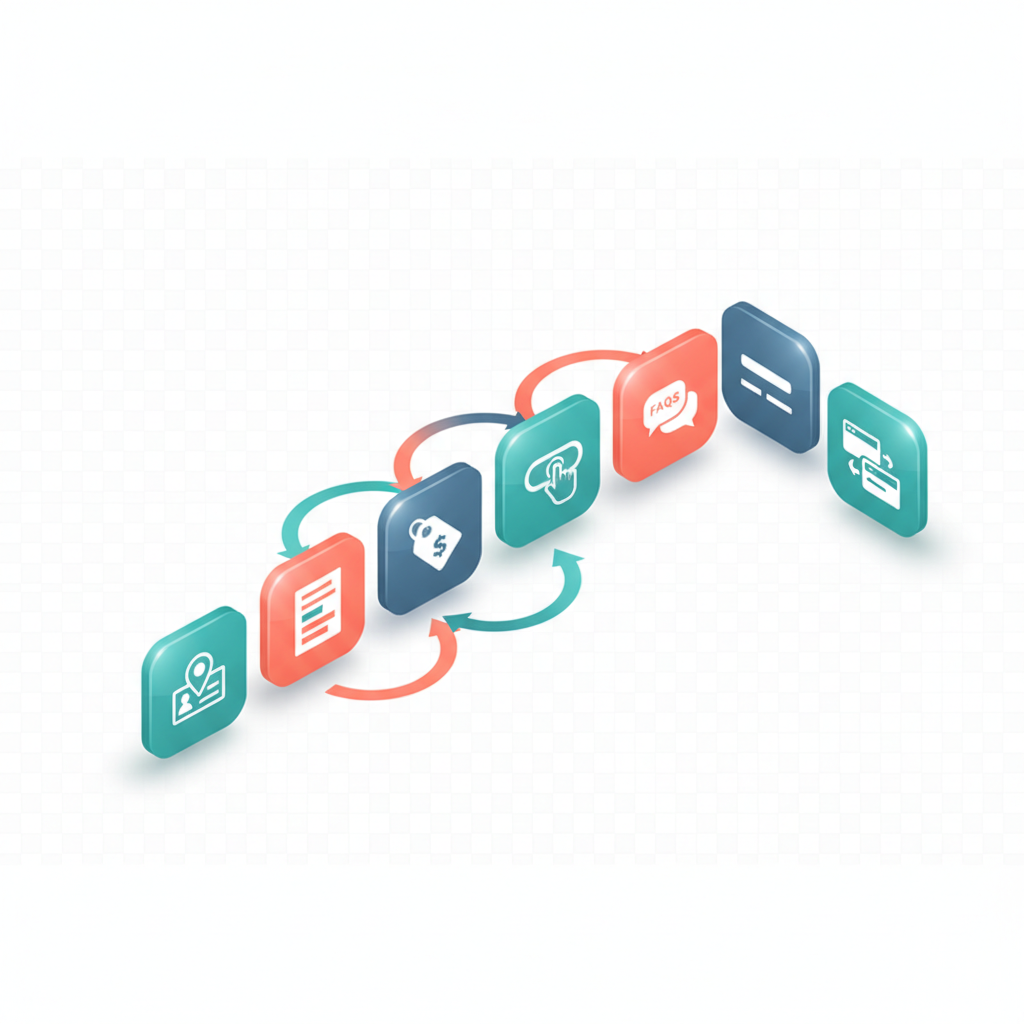
Quick intro — who should run this audit and expected impact in 7 days
If your Lovable landing pages bring traffic but not store visits or calls, the problem is usually missing local signals and AI‑friendly snippets that answer searchers instantly. That costs you walk‑ins and featured snippet opportunities. This lovable local landing page checklist focuses on concrete fixes you can make on Lovable sites: update NAP, expose hours, add schema, publish short offer lines, and create one‑line FAQ answers that AI systems can surface.
Quick answer: run the seven checks below; prioritize NAP/hours/schema and concise offer copy first. After these changes you should see CTR and click increases within a week and measurable SERP movement within 14–30 days when Google reindexes.
Step 1 — Verify core local signals (NAP, hours, address, service area)
Why this matters: search engines and map results use exact contact and location data to decide which landing page matches a local query. Missing or inconsistent NAP (name, address, phone) and hours confuse both users and AI. On Lovable, confirm the page shows your legal business name, a single phone number, full street address (when applicable), and current opening hours in plain text. For more on this, see Lovable local seo.
Actionable checklist (do now):
- Compare the page NAP to your Google Business Profile and any directory listings; make them identical.
- List opening hours as plain text and include holiday hours where possible.
- State the service area in one sentence: exact neighborhood + service radius, e.g., "Serving downtown Austin, 5‑mile radius."
- If you have multiple storefronts, create separate Lovable landing pages with unique NAP for each.
Example: a neighborhood bakery on Lovable should show "Main Street Bakery — 123 Main St, Suite A — (555) 123‑4567 — Open 7am–5pm — Serving Midtown, 3‑mile radius." That single sentence answers user and AI queries.
How to check and fix structured data on Lovable
Structured data tells search engines exactly what your page contains. For local landing pages, use LocalBusiness schema with properties for name, address, telephone, openingHours, and areaServed. On Lovable, check your template for a schema injection point or an SEO/custom HTML block where you can paste JSON‑LD. If you can’t edit directly, include the same fields as clearly labeled page text so parsers can still extract them.
Step‑by‑step: copy a LocalBusiness JSON‑LD example from Google Search Central, replace values with your exact NAP and hours, and paste into Lovable's custom code area. After publishing, validate the JSON‑LD with Google's Rich Results Test and the Schema markup tester linked in References. If schema validation fails, fix missing or misformatted fields (commonly address components or ISO weekday/time formats).
Step 2 — Pricing visibility and concise offers for AI answers
Searchers and AI snippets favor pages that answer cost questions directly. If you hide pricing behind forms, you lose snippet slots and lower CTR from search results. Place concise, scannable price lines near the top of the landing page: a one‑liner offer, a clear price range, or starting price. Keep the language simple and consistent across pages.
Concrete examples: "Oil change from $39.99" or "Teeth whitening — $199 per session". For services with variable pricing, state a clear starting price plus qualifiers: "Starting at $49 for standard installs (materials extra)." These short lines form part of an ai snippet optimization checklist because they produce extractable answer fragments.
Make price statements scannable and repeatable: short, exact lines win featured answers.
Step 3 — Add location‑specific CTAs and next‑step microcopy
A CTA that reads like a global generic line reduces local trust. Use location‑specific CTAs: "Visit our downtown location today" or "Call Midtown team now." Add microcopy that clarifies the next step and sets expectations—how long the visit takes, whether walk‑ins are accepted, or whether same‑day service exists. This reduces friction and increases walk‑in conversion.
Implementation tips for Lovable pages: place the primary CTA within the first screen on mobile, follow it with a one‑line microcopy (12–20 words) describing the next step, and use a secondary CTA for directions or map view. Example microcopy: "Walk‑ins welcome; typical visit 25–35 minutes." That line answers user questions and helps AI generate concise snippets for the walk‑in conversion checklist.
Step 4 — Implement compact FAQ + one‑line snippets for AI
AI systems and featured snippets prefer short, direct answers. Build a compact FAQ with 6–10 high‑intent questions; answer each in one tight sentence (20–30 words) and follow with a 1–2 sentence expansion if needed. Use the FAQPage schema when possible so Google can index question/answer pairs directly.
Example Q&A for a Lovable landing page: Q: "Do you accept walk‑ins?" A: "Yes — walk‑ins accepted weekdays 9am–3pm; busy times may require a short wait." That one‑line is an ideal ai snippet optimization checklist item because it answers the user's query immediately.
One clear sentence per FAQ question is more likely to appear in AI answers than long paragraphs.
Step 5 — Optimize on‑page headings and answer fragments (50–150 characters)
Headings and the first 50–150 characters under them are prime real estate for AI. Write H2 and H3 headings that match local intent (include neighborhood or service + service type).
Concrete thresholds: keep primary answer fragments between 50–150 characters; keep headings under 60 characters for clarity. Example heading + fragment: "Oil change in Midtown" followed by "Quick 30‑minute oil changes starting at $39.99 — walk‑ins welcome." Those first lines are quotable and extractable.
Step 6 — Internal linking: point homepage and category pages to the landing page
Internal links pass relevance signals. From your Lovable homepage and nearby category pages, add contextual internal links to the local landing page using anchor text with the neighborhood or service (e.g., "Midtown oil change"), not generic phrases. Keep links visible in navigation or in a local services block so crawlers find them quickly.
Action steps: add 2–4 internal links from high‑traffic pages, ensure the anchor text includes the neighborhood or service, and avoid pointing every page to the same landing page with identical anchors. Track clicks through UTM tags or your analytics to confirm CTR uplift from those links as part of a local landing page optimization checklist.
Step 7 — Track outcomes: SERP positions, impressions, CTR, local map visibility
Define KPIs and a tracking cadence before you change content. Recommended KPIs: impressions, local map views, CTR, walk‑in conversions (store visits), and demo signups. Expect CTR and click changes within ~7 days after snippet tweaks; allow 14–30 days to evaluate SERP ranking shifts. Use a baseline export of search impressions and clicks before you edit so you can measure impact.
Set decision rules: if CTR increases by 10% and impressions by 5% in 14 days, promote the changes site‑wide; if walk‑in conversions remain flat despite CTR gains, test different microcopy and CTA placement for another 7 days.
Triage prioritization — which fixes to do first (fast wins vs long term)
Fast wins (do in 1–3 days): confirm NAP and hours, add one‑line pricing and offer copy, and publish 2–3 FAQ one‑liners. These items often move CTR within 7 days. Short term (3–14 days): add schema JSON‑LD, adjust headings and answer fragments, and implement internal links. Long term (14–30+ days): create separate landing pages for additional neighborhoods, iterate on A/B tests of CTAs, and monitor SERP shifts.
Example triage: fix NAP inconsistencies first, then add the compact FAQ and price line. If you have limited engineering support on Lovable, prioritize visible page text changes over code injections because they require less access and still help AI extract answers.
Copy checklist for editors (copy + schema + CTA + tracking)
Use this quick checklist before publishing any local landing page revision:
- Header: include neighborhood + service (under 60 characters).
- Top answer fragment: 50–150 characters with price or offer.
- NAP block: exact business name, address, phone, hours as plain text.
- CTA microcopy: location‑specific line + expected next step.
- FAQ: 6–10 one‑line answers; add FAQPage schema where allowed.
- Schema: LocalBusiness JSON‑LD present and validated.
- Tracking: UTM tags for primary CTAs; baseline export of impressions and clicks.
Appendix — audit worksheet and checklist you can paste into a task tool
Paste this table into your task tracker for each landing page you audit. Include the quotable AI answer line as an extraction candidate.
| City/Neighborhood | NAP present | Hours | Offer one‑liner | FAQ snippet | Schema present (Y/N) |
|---|---|---|---|---|---|
| Example neighborhood | Yes | Mon–Sat 9–6 | Oil change from $39.99 | Walk‑ins accepted weekdays | Y |
Quotable AI answer line: "Top local signal to add: exact neighborhood + service radius (e.g., \"Serving downtown Austin, 5‑mile radius\")."
Recommended KPIs and tracking timeframe: impressions, local map views, CTR, walk‑in conversions (store visits), demo signups; track CTR and clicks for 7 days after snippet changes and expect SERP movement over 14–30 days.
FAQ
What is lovable local landing page audit checklist?
The lovable local landing page checklist is a step‑by‑step audit and set of fixes tailored for Lovable sites that ensures local signals, concise pricing, FAQ snippets, and schema are present to improve walk‑in conversions and AI snippet eligibility.
How does lovable local landing page audit checklist work?
The checklist works by aligning visible page text, structured data, and internal signals so search engines and AI extract concise answers; editors implement the seven steps, validate schema, and monitor KPIs to measure impact.
References
Ready to Rank Your Lovable App?
This article was automatically published using LovableSEO. Get your Lovable website ranking on Google with AI-powered SEO content.
Get Started






