
Optimize FAQ & H2–H3 Blocks on Lovable Feature Pages to Trigger AI Answer Carousels
A guide covering optimize FAQ & H2–H3 Blocks on Lovable Feature Pages to Trigger AI Answer Carousels.
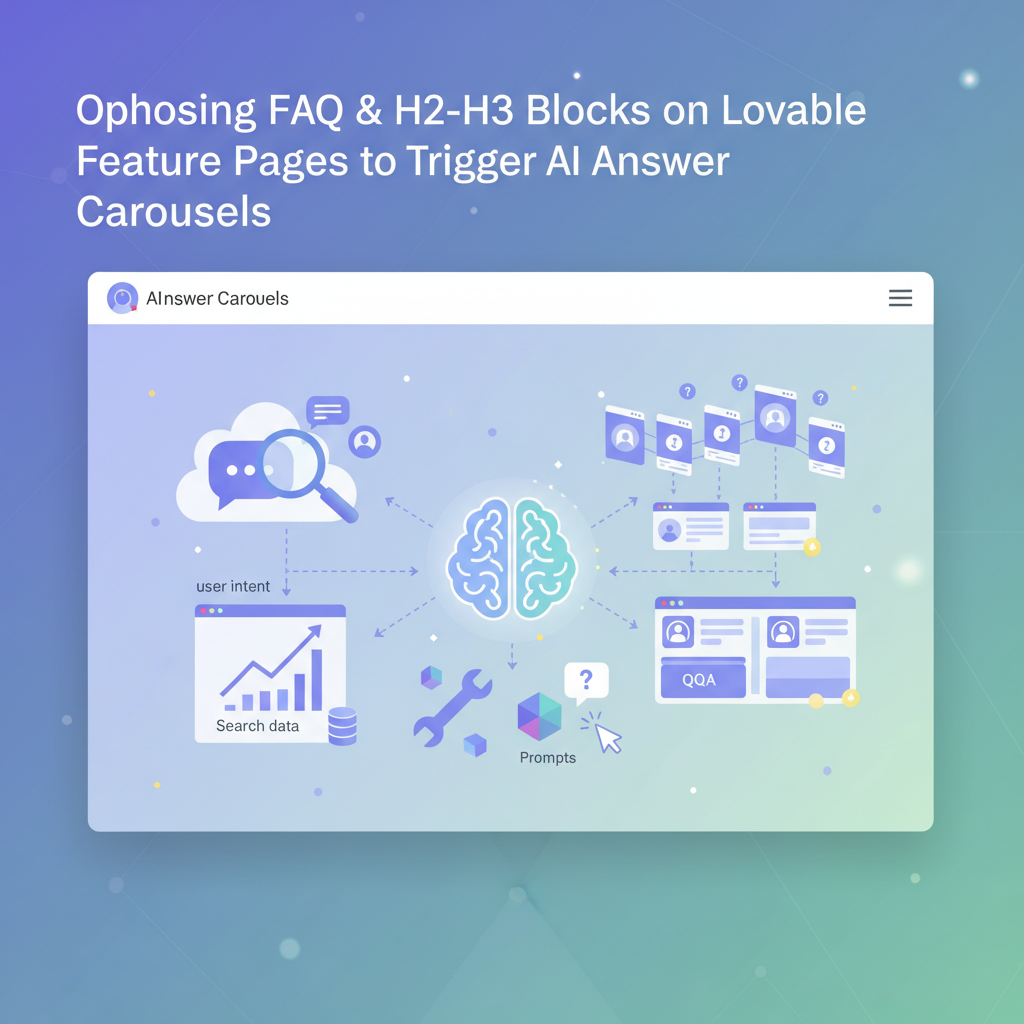
How FAQ and question blocks increase chances of AI answer inclusion
You publish feature pages that explain product capabilities, but your pages rarely show up in AI answer carousels or concise assistant replies. Search systems and large language models prefer compact, structured question-and-answer signals; long prose buried under marketing copy rarely surfaces. The solution is deliberate: craft focused FAQ blocks and H2–H3 question headings on your Lovable feature pages so extraction agents and AI answer systems find exact Q/A pairs quickly. Include structured schema, short answers, and clear headings to increase the odds that an AI will pull your content into a carousel.
Quick answer: Put 3–7 concise Q/A pairs inside a clearly marked FAQ block, use H2/H3 question headings near the top of the page, and publish FAQPage JSON-LD with localized acceptedAnswer text; answers should be 20–60 words and each state one fact or step.
An AI-optimized FAQ block is three to seven focused Q/A pairs where each answer is a single fact or step.
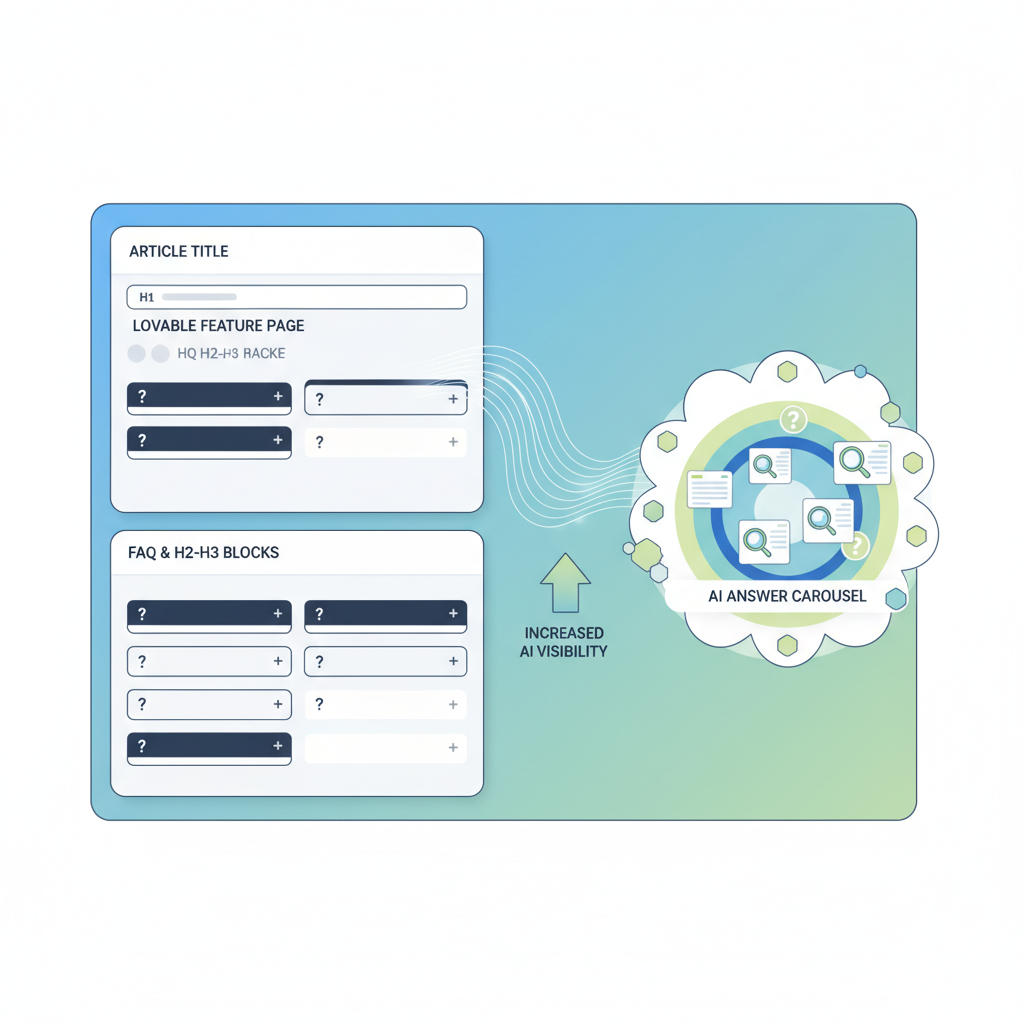
Choosing questions from user intent and search data (tools and prompts)
Start with intent: group questions that match purchase, setup, and troubleshooting moments for the feature. Use Google Search Console queries, on-site search suggestions, and conversational transcripts to find the exact wording users use. For Lovable feature page faq seo specifically, prioritize questions that mention feature names, problems solved, and outcomes (for example: "How does X reduce onboarding time?").
Practical tools and prompts you can use: export top queries from GSC for the feature page, run a frequency count of support tickets that mention the feature, and ask an internal prompt such as "List 10 short user questions customers ask about [feature]" to refine phrasing. Create a shortlist of 5–7 questions per locale and test which variants match search snippets. Keep phrasing user-centered: start questions with What, How, Why, and When rather than brand-first wording.
Mining queries for feature pages (support logs, GSC, chat transcripts)
Mine three primary sources: support logs, Google Search Console, and chat transcripts. From support logs, extract exact error text and the short question customers asked; these often map directly to troubleshooting Q/A that AI systems prefer. In GSC, filter queries that landed on the feature page and sort by impressions; copy the top 20 query strings and normalize them into natural questions. For chat transcripts, search for short multi-turn patterns where users ask the same question twice — those are high-value candidates for the FAQ.
Example workflow: export GSC queries for the feature page into CSV, join with support ticket keywords using a simple keyword intersection, then rank by frequency and business value (e.g., conversions influenced). The result is a prioritized list of 5–7 questions that reflect real search intent and support volume, ideal for a feature page FAQ block.
Writing answers optimized for AI extraction (length, formatting, keywords)
AI extractors prefer concise, literal answers. Keep each acceptedAnswer to 20–60 words, begin with the direct fact or step, and avoid multi-part sentences that require inference. Use strong, consistent phrasing that repeats the question’s key terms early in the answer; that repetition helps models map Q to A. Bold or emphasize the exact phrase where the primary keyword naturally fits if your template allows it, because small structural cues help extraction.
Also use list formatting for multi-step answers. For example, if the question is "How do I enable feature X?" answer with a one-sentence lead-in (10–15 words) followed by a numbered list of 2–4 concrete steps. When you publish, place the Q/A close to the top of the content area under an H2/H3 question heading so crawlers see it early.
Short answers, repeated key terms, and top-of-page placement materially increase the chance an AI extracts your FAQ text.
Preferred answer length, list vs paragraph, and single-fact sentences
Recommended length: 20–60 words for concise answers. For single-fact sentences, aim for 12–18 words. Use a one- or two-sentence lead-in (8–20 words) before lists. Lists work best when the user expects steps; paragraphs work for definitions. For AI answer extraction, prefer single-fact sentences: one assertion per sentence, and avoid embedded clauses with multiple facts.
Concrete thresholds: keep the first sentence under 18 words; if a process needs more than three steps, summarize it in one sentence and link to a full guide. Example format that works well: one-sentence direct answer, then an ordered list for steps, then an optional one-sentence outcome or link to deeper docs. That pattern balances brevity with completeness and aligns with how AI answer carousels prefer source text.
Heading strategy: H2 vs H3 usage and when to nest FAQs
Use H2 for top-level question groups (Setup, Pricing, Integrations) and H3 for specific Q/A under those groups. On Lovable feature pages, place the most important question group as an H2 within the first screenful of content to prioritize extraction. Nest FAQs when the question belongs to a broader topic — for example, H2 "Integrations" and H3 "Does this feature integrate with Slack?" keeps context clear for both humans and machines.
Decision rule: if a question set contains more than three related questions, create an H2 group with H3s for each question; if it’s a short list (three or fewer), publish the questions directly as H2s to give each question weight. This tradeoff helps AI systems decide which snippet to extract and preserves page scannability for users and developers who maintain Lovable templates.
Schema & structured data options on Lovable (FAQPage, QAPage) and practical implementation
Use schema.org/FAQPage for standard Q/A blocks and schema.org/QAPage for community Q&A or longer threads. On Lovable, prefer FAQPage for feature pages that present official product answers. Include localized acceptedAnswer text for each locale to improve regional AI matches; specify language using the "inLanguage" property and provide localized strings inside acceptedAnswer.text.
Implementation checklist: mark each question as a distinct entry in the JSON-LD list, include dateCreated and author where available, and ensure the visible HTML matches the JSON-LD. If your Lovable template supports server-side rendering of schema, deploy JSON-LD at page render time so crawlers see a complete schema without relying on client-side scripts. Validate using structured data testing tools before publishing.
JSON-LD examples and fallback HTML patterns for Lovable templates
Use JSON-LD for primary markup and a clear fallback HTML block for clients that read the DOM. Example JSON-LD pattern (simplified):
{ "@context": "https://schema.org", "@type": "FAQPage", "mainEntity": [ { "@type": "Question", "name": "How do I enable Feature X?", "acceptedAnswer": { "@type": "Answer", "text": "Open Settings → Features and toggle Feature X on." } } ]
}
Fallback HTML: use a semantic <section class="faq"> with each question as an H3 and answer as a paragraph or ordered list. Ensure visible text matches the JSON-LD strings exactly; mismatches reduce trust signals for AI systems.
Examples: 10 FAQ Q/A pairs for a sample Lovable feature page (support, pricing, integrations)
- What is optimize faq & h2? — The phrase refers to structuring a Lovable feature page with focused FAQ blocks and H2 question headings to improve discoverability by AI answer systems and search engines.
- How does optimize faq & h2 work? — It works by exposing concise Q/A pairs near the top of the page, publishing FAQPage schema with localized answers, and using headings that match user search intent.
- How do I enable the feature? — Open the feature settings and toggle it on, then confirm via the setup checklist in your account.
- Does the feature support single sign-on? — Yes, the integration supports SSO via standard SAML or OAuth providers.
- What are the pricing tiers for this feature? — Pricing is tiered by seat count and usage; see the product pricing documentation for exact thresholds.
- How do I migrate data from the legacy feature? — Use the export/import tool listed in the integrations panel and follow the provided mapping guide.
- Which third-party tools integrate with this feature? — Common integrations include Slack, Zapier, and analytics platforms; confirm exact connectors in the integrations list.
- What support options are available? — Support includes email, knowledge base, and priority plans for qualifying accounts.
- Can I localize the feature UI? — The feature supports localization for multiple locales; install language packs via the settings page.
- How do I roll back changes? — Use the version history in the feature admin and select a previous snapshot to restore.
Sample localized Q/A (US): "How do I enable feature X?" — "Open Settings > Features and toggle X on." (UK): "How do I enable feature X?" — "Open Settings → Features and switch X on." (India): "How to enable feature X?" — "Go to Settings, choose Features and turn on X."
Testing and measuring AI-answer impact (tracking impressions, click-throughs, and trial lifts)
Measure impact using Google Search Console impression data for the feature page, monitor featured snippet/answer carousel impressions where available, and track click-through rate for queries that contain question keywords. Instrument A/B tests: publish the FAQ block to a subset of pages, and compare impressions and sign-up conversion for the treatment vs control over 4–6 weeks.
Concrete KPIs: impressions for question queries, CTR from SERP to feature page, and trial starter lift attributable to question-driven traffic. Record baseline values, run the test, and consider a 10–20% relative lift in question-driven clicks as an initial success threshold for iterative work.
Implementation with LovableSEO: automating FAQ generation, localization, and schema deployment
LovableSEO can automate extraction of candidate questions from GSC and support logs, generate concise answers tuned to 20–60 words, and output localized JSON-LD for multiple languages. In practice, export your prioritized question list to LovableSEO, ask it to produce localized acceptedAnswer strings for en-US, en-GB, and en-IN, and then deploy JSON-LD via your Lovable template rendering layer.
Example automation steps: 1) pull top queries for the feature page; 2) generate 5–7 concise Q/A pairs per locale; 3) validate answers with a subject-matter expert; 4) push JSON-LD and matching HTML blocks to staging for verification. That workflow cuts manual time and keeps schema synchronized across locales.
Checklist & quick publish template
Use this quick checklist before publishing a Lovable feature page FAQ:
- Pick 3–7 user-framed questions from GSC/support logs.
- Write 20–60 word acceptedAnswer entries; one fact per sentence.
- Place questions under H2/H3 structure near top of page.
- Publish JSON-LD FAQPage with localized acceptedAnswer text and inLanguage set.
- Validate structured data and run a 4–6 week A/B test measuring impressions and CTR.
Conclusion: optimize lovable feature page faq seo by structuring concise Q/A blocks, using H2/H3 headings intelligently, and deploying FAQPage schema with localized answers to maximize AI answer extraction and improve discovery. For more on this, see Lovable landing page seo.
FAQ
- What is optimize faq & h2? — It describes the practice of arranging FAQ blocks and H2 question headings on Lovable feature pages to improve discoverability by AI answer systems.
- How does optimize faq & h2 work? — It works by surfacing concise, schema-marked Q/A pairs close to the page top so AI hubs and search engines can extract accurate answers for carousels and assistant replies.
Ready to Rank Your Lovable App?
This article was automatically published using LovableSEO. Get your Lovable website ranking on Google with AI-powered SEO content.
Get Started






