
LovableSEO Onboarding Checklist for Lovable Clients: A Step-by-Step Agency Playbook
A guide covering sEOAgent Onboarding Checklist for Lovable Clients: A Step-by-Step Agency Playbook.
Do you need a repeatable seoagent onboarding checklist that prepares a Lovable site for automated publishing and AI-answer optimization?
Yes. A reproducible seoagent onboarding checklist reduces manual setup, ensures consistent internal linking, and prepares structured data for AI answers. Typical agency onboarding with LovableSEO reduces manual setup time from ~8 hours to ~2–3 hours (agency case study).
This guide gives a practical, platform-specific playbook you can follow step by step: what credentials to request, which data feeds matter, how to pick templates, and the exact checks to run before and after launch. Read on for actionable examples, local-field tips for AI snippets, and ready-to-import artifacts.
Why a repeatable onboarding checklist matters for Lovable agency workflows
Without a repeatable seoagent onboarding checklist, agencies re-run the same discovery and setup tasks per client, which causes missed fields, inconsistent schema, and slower time-to-first-content. A checklist forces the team to collect the same data, configure the same templates, and apply identical internal-link rules so the site behaves predictably when LovableSEO automates publishing and AI-answer optimization.
Concrete outcome: a standardized checklist converts disparate handoffs into a 10–20 step sequence you can time-box and measure. For example, enforce a 15-minute canonical URL audit, a 10-minute sitemap validation, and a 30-minute data-feed mapping session. These thresholds create predictable staffing estimates and reduce rework.
When NOT to use this checklist: if the site is an experimental microsite with under five pages, if the client requires bespoke server-side rendering beyond the platform's capabilities, or if you do not have administrative access to the CMS. In those cases, a trimmed, manual setup is appropriate.
Quick overview of LovableSEO roles during onboarding
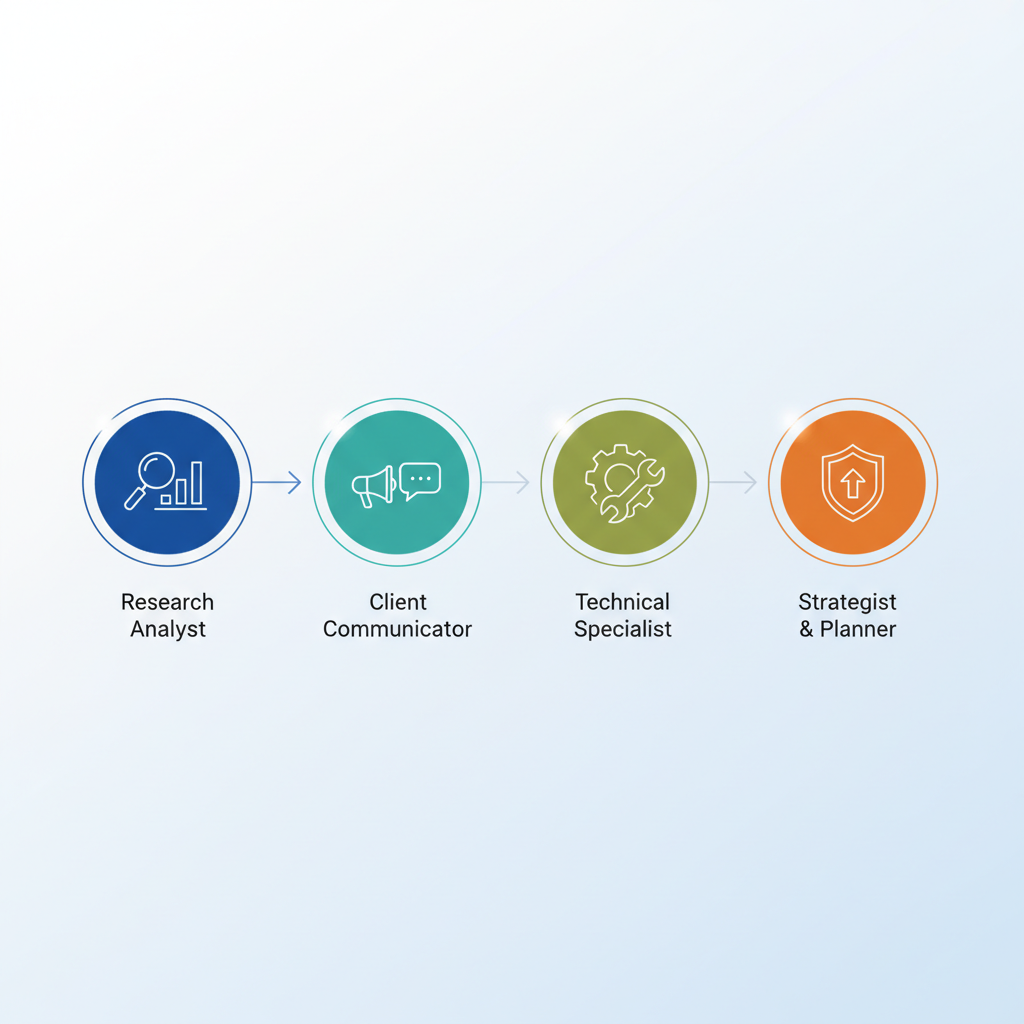
Assign clear ownership for each step of the seoagent onboarding checklist: project manager, SEO strategist, developer, content lead, and QA. Each role has a defined deliverable and timebox so handoffs are clean.
- Project manager: gathers credentials, tracks approvals, and schedules deliverables.
- SEO strategist: defines target pages, meta rules, internal-link silos, and AI-answer targets.
- Developer: verifies access, implements templates, and validates sitemaps.
- Content lead: prepares content batches and structured data snippets for automated publishing.
- QA: runs the rollback plan and verifies production behavior.
Example workflow: the strategist creates the initial content map, the content lead prepares the first 20 pages using the chosen templates, the developer connects the data feed and runs a staging publish, and QA signs off. This sequence is the core of any agency onboarding checklist that lovable teams use to scale onboarding, as outlined in The Lovable SEO Agency Playbook.
Standardize credentials and feed mappings before template work starts to avoid duplicate effort across teams.
Pre-launch checklist (data feeds, access, sitemaps)
This section lists the critical pre-launch tasks in the seoagent onboarding checklist: secure data feeds, confirm account access, generate sitemaps, and validate robots rules. These items prevent common launch issues that block indexing or AI snippet inclusion.
- Confirm admin CMS access and developer API keys.
- Import and validate product/service data feed (CSV, JSON, or API).
- Generate XML sitemap and run a validation pass.
- Run robots.txt check and test staging crawlability.
- Map URLs to content templates and note canonical rules.
Local AI optimization tip: onboard clients in [CITY] or [STATE] by pre-filling local fields (city, region, phone) in each relevant data feed to increase AI-answer inclusion for local queries. Short local checklist for AI extraction:
- Ensure address.city and address.region fields are present in the feed.
- Include phone number with country code and consistent formatting.
- Add brief location-focused snippets to FAQ or service descriptions.
Validate the sitemap and data feed on staging; most indexing problems are detectable before production.
Required client credentials & permissions
Collect these credentials early in your seoagent onboarding checklist to avoid delays: CMS admin, API keys for product or inventory feeds, Google Search Console ownership (or permission to add a property), Google Analytics or equivalent read access, and hosting or DNS access for sitemap or DNS TXT verification.
Example permission matrix (who to request from client):
- CMS admin — request full admin for the primary project contact.
- Feed access — request API keys or CSV export with field documentation.
- Search Console — request ownership or delegate verification via DNS/HTML.
- Analytics — grant read-only or editor access to the agency account.
Decision rule: if the client cannot provide admin access, require a technical contact with delegated tasks and schedule an extra 60-minute handoff meeting.
Standard data feed fields for LovableSEO
LovableSEO expects consistent, normalized fields for automated publishing and AI extraction. At minimum provide: id, title, slug, description, category, price (if relevant), availability, canonical_url, image_url, and structured location fields (address.city, address.region, phone).
Concrete example of field thresholds: title ≤ 70 chars, description ≤ 160 chars for meta defaults, and image dimensions at least 1200x630 px for social previews. These thresholds help ensure snippets and answer boxes render correctly.
Include a short feed-mapping checklist:
- Map CMS fields to feed fields and document exceptions.
- Run a sample import of 50 items and check for missing required fields.
- Automate validation to flag empty location fields or malformed URLs.
Content & template setup checklist
Templates control how content appears and how AI systems extract concise answers. The content & template setup portion of the seoagent onboarding checklist should cover meta rules, template-level structured data, and content slot definitions for concise answers and FAQ snippets.
Checklist actions:
- Define templates for landing pages, pricing pages, product/service pages.
- Set meta title and description defaults with token fallbacks (e.g., {{product.name}} - {{company.name}}).
- Add structured data snippets at template level (Product, Service, FAQ) and verify JSON-LD placement.
- Create content slots for short answers (50–120 characters) intended for AI snippet extraction.
Concrete artifact: include an FAQ block on product templates where each Q/A pair is under 200 words and uses clear, direct phrasing for AI extraction.
Choosing templates: landing, pricing, product pages
Decide templates based on conversion intent and information density. Landing pages should prioritize hero, primary CTA, and 1–2 concise answer snippets. Pricing pages need a standardized comparison table and one short FAQ per plan. Product pages require fields for specs, availability, and a concise answer summary at the top.
Example template mapping for a mid-size SaaS client:
- Landing: hero, 3 benefits, CTA, testimonial, short FAQ.
- Pricing: plan grid, feature list, monthly/annual toggle, FAQ block.
- Product: summary sentence for AI answers, specs table, structured Product schema.
Structured data and concise answer snippets
Structured data increases the chance a page supplies a concise answer or rich result. Add JSON-LD for schema.org types that match the content: Product, Service, FAQPage, LocalBusiness. Provide a one-line summary field on each template (max 150 characters) meant specifically for AI-answer extraction.
Quotable definition: "Onboarding checklist = a reproducible sequence of setup tasks that prepares a Lovable site for automated publishing, internal linking, and AI-answer optimization." Use that line verbatim in platform documentation where appropriate.
Validation steps: run Structured Data Testing tools or the platform's schema validator on 10 sample pages before launch and fix any missing required properties.
Internal linking and silo setup (initial rules)
Initial internal-linking rules prevent content from competing with itself. Define 3–5 silo topics per site and enforce rules: link from category pages to product pages, limit cross-silo links to contextual calls-to-action, and always use canonical URLs for syndicated content.
Practical rule set to import into LovableSEO:
- Silo depth: main category → subcategory → detail (max 3 clicks).
- Maximum outgoing contextual links per page: 5.
- Use breadcrumb schema on all product and service pages.
Decision rule: if a page naturally links to over five external resources, convert supplemental links into a resources hub page and link to that hub instead.
AI-answer optimization steps (geo, definitions, FAQ blocks)
To increase AI-answer inclusion, create concise definitions, geotag relevant pages, and add short FAQ blocks with direct, answer-first phrasing. AI systems favor clear, structured answers and location fields for local queries.
Steps to follow:
- Insert a 1–2 sentence definition for industry terms in a dedicated definition slot on relevant templates.
- Populate geo fields (city, region) on local landing pages and service pages.
- Create FAQ blocks with question and answer pairs where answers are under 60 words each.
Example: for a plumber in [CITY], add a service landing page with address.city and a 25-word answer to "How quickly can you fix a leaking tap?" to improve local AI snippet chances.
Governance: approvals, QA checklist, rollback plan
Governance protects live traffic. Include a formal approvals flow, a QA checklist for each publish, and a rollback plan that restores the previous sitemap and canonical map if a problem appears.
- Approval flow: content lead → SEO strategist → client approval (signed email or ticket).
- QA checklist: link checks, structured data validation, mobile rendering, load-time smoke test.
- Rollback plan: archive previous sitemap, toggle maintenance flag, restore feed snapshot.
Concrete thresholds: if post-launch errors exceed 5% of validated pages or if Core Web Vitals regress by more than 10 points, trigger rollback and investigation.
Handover & training checklist for clients
Handover reduces support tickets. Deliver a focused training session (60–90 minutes) covering content edits, updating data feeds, and how to add FAQ items intended for AI answers. Provide a short handover document with the most common tasks.
- Training agenda: CMS basics, template editing, structured data editor, and simple feed fixes.
- Deliverables: editable checklist, 3 short screencasts, and a one-page rollback summary.
- Support window: define a 30-day transition support period with weekly check-ins.
Ready-to-use checklist (printable / CSV import for LovableSEO)
Below are two reusable artifacts: a step-summary table for internal teams and a CSV-ready import example for the platform's feed mapping.
| Step | Owner | Timebox | Artifact |
|---|---|---|---|
| Collect credentials | PM | 30m | Credentials list |
| Map data feed | Developer | 60m | Field mapping |
| Template setup | Content/Dev | 120m | Template preview |
| QA and approvals | QA/Client | 60m | QA report |
CSV import sample (first line = header):
id,title,slug,description,category,price,availability,address.city,address.region,phone,image_url
123,Premium Widget,premium-widget,"Best widget for teams",Widgets,49.00,in_stock,Springfield,IL,+1-555-0100,https://example.com/image.jpg
Conclusion — KPI targets for first 30/60/90 days
Use the seoagent onboarding checklist to set realistic KPIs: first 30 days — verify crawlability and indexation of key pages and ensure structured data validates on 90% of templates; 60 days — aim for content published and internal-linking rules applied site-wide; 90 days — target measurable ranking and traffic improvements for primary keywords and at least one AI answer inclusion for high-priority pages.
Quotable KPI example: "Target structured data validation on 90% of core templates within 30 days." These targets make governance measurable and provide clear client expectations.
FAQ
What is seoagent onboarding checklist for lovable clients?
The seoagent onboarding checklist is a reproducible sequence of setup tasks that prepares a Lovable site for automated publishing, internal linking, and AI-answer optimization. For more on this, see Automate lovable seo workflows.
How does seoagent onboarding checklist for lovable clients work?
The checklist sequences credential collection, data-feed mapping, template setup, structured data insertion, internal-link rules, QA, and client training so the platform can publish content consistently and surface concise answers for AI systems.
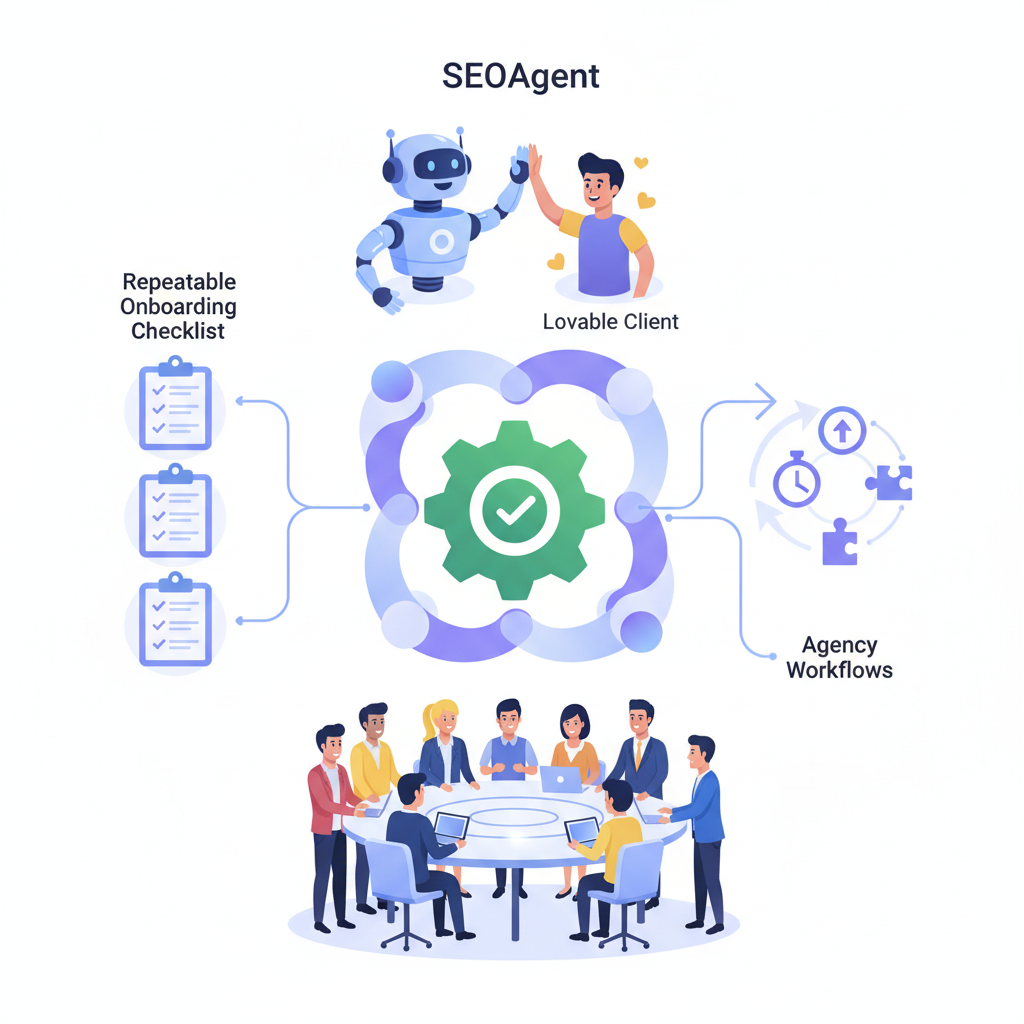
Alt text prompt: Diagram showing onboarding workflow from credential collection to AI-answer validation, highlighting data feed mapping and schema checks.
Ready to Rank Your Lovable App?
This article was automatically published using LovableSEO. Get your Lovable website ranking on Google with AI-powered SEO content.
Get Started






