
Step-by-step Feature Page Outline for Lovable: 5 Sections That Win AI Answers and Drive Trial Signups
A guide covering step-by-step Feature Page Outline for Lovable: 5 Sections That Win AI Answers and Drive Trial Signups.

Why a focused feature page outline matters for Lovable sites and AI answers
What is a lovable feature page outline? A lovable feature page outline is a compact, structured plan for a feature page on Lovable that answers user intent quickly and feeds clean signals to AI systems and search snippets. Use it to present one clear product answer, concise benefits, and conversion-focused artifacts so AI and humans both find the page useful.
A focused outline prevents vague copy, reduces back-and-forth with designers, and gives automated systems the exact phrases they need to pull answers. On Lovable, content that follows a predictable structure increases the chance of an AI answer feature page being selected for snippets, and it streamlines how you drive trial signup feature page intent. Implementing effective Conversion SEO for Lovable SaaS can significantly enhance your landing and feature pages.
The 5-section outline — quick summary
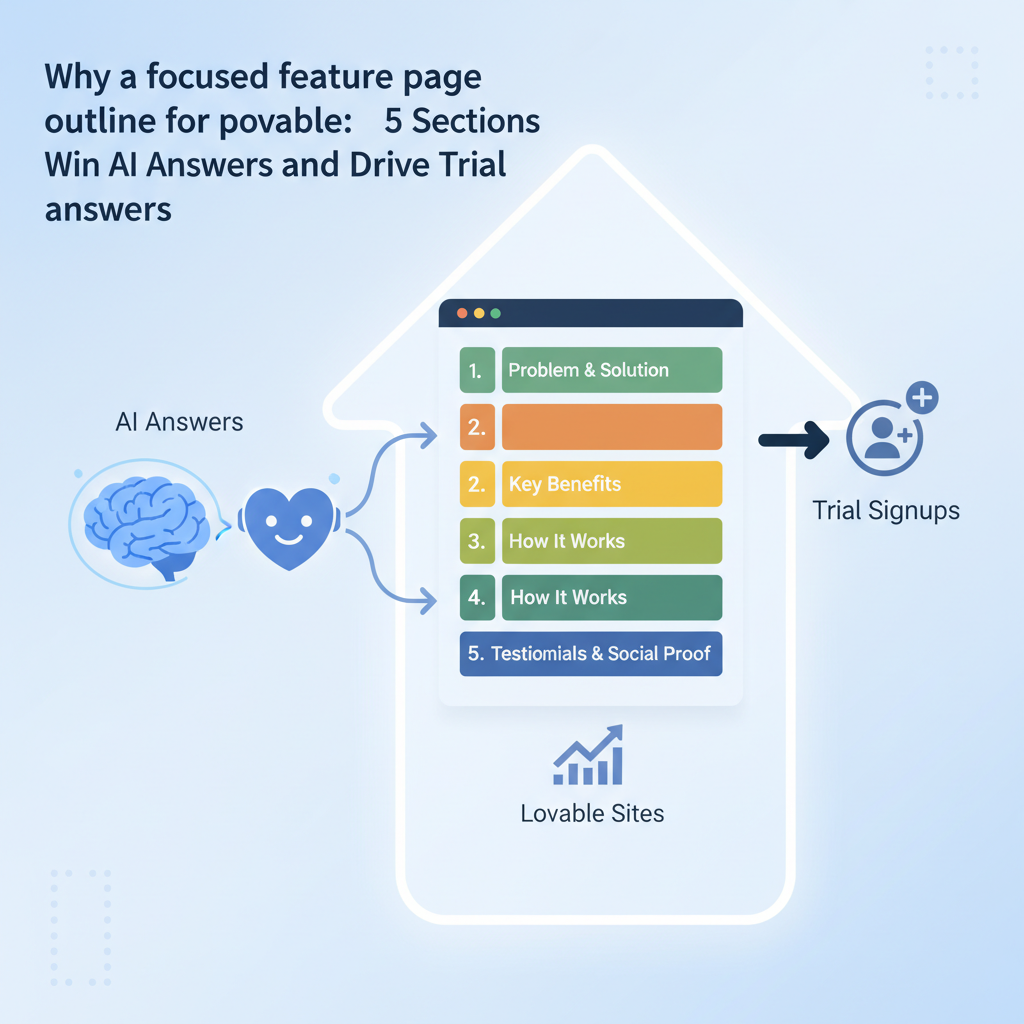
Why follow a five-section model? Because search assistants and users want three things: a single-sentence product answer, a tight set of benefits, and quick proof of value. The five sections below map directly to those needs: Hero (product answer), Core benefits (bullets), Feature details (structured pairs), Social proof & conversion triggers, and a short FAQ for AI extraction.
Use a feature page template lovable teams can copy for new features: a hero that gives a 10–20 word single-line summary, a 40–60 word concise product answer optimized for AI snippets, 3–5 benefits in short phrases, structured feature definitions, microtestimonials plus a trial CTA, and an FAQ block with crisp Q/A pairs. This lovable feature page structure reduces ambiguity and speeds publishing.
Section 1 — Hero & one-line product answer (what it does)
Start with a single-sentence headline that states the main outcome, followed immediately by a one-line product answer (10–20 words) and a 40–60 word concise product answer for AI. The hero must answer "what it does" at a glance and match the user intent aligned with trial signup feature page goals.
Practical setup: headline that reads like a promise — not marketing fluff — then a subhead that gives the one-line product answer. Below that put a single CT A phrased for the target region (localized examples: "Start a free 14-day trial — US customers" and "Book a demo — APAC business hours"). Keep the hero copy consistent with the lovable feature page structure across your site so AI systems learn to extract the same fields.
Writing a concise 1-2 sentence product answer for AI snippets (40–60 words)
Concise product answer (definition): a 40–60 word paragraph that explains what the feature does, who it helps, and the measurable outcome. Example (40–60 words): "Automated insights surfaces high-priority tickets from support queues using rule-based and ML signals so teams reduce response time and reassign resources faster; integrates with Slack and your support stack for one-click routing and closed-loop reporting."
Single-sentence summary for hero (10–20 words): "Prioritize support tickets automatically to reduce response time and routing overhead."
Quotable sentence: "A concise product answer contains outcome, mechanism, and one integration."
Headline and subheadline best practices on Lovable
Headlines must be concrete and region-sensitive. Use a single verb of benefit (reduce, automate, secure) and one measurable noun when possible. Subheadlines should clarify the scope (who and how) in under 12 words. On Lovable, follow the lovable feature page outline by keeping headline-subhead pairs consistent across features so AI and humans recognise the pattern.
- Do: "Automate billing reconciliations — reconcile 80% faster for teams."
- Don't: "A revolutionary way to manage finance operations."
Section 2 — Core benefits with concise bullets (3–5 items)
Benefits are the bridge between what your feature does and why a visitor should convert. Use 3–5 bullets of 3–8 words each, each bullet focused on a single outcome or metric that supports trial signup feature page intent. Prefer action + metric or single keyword phrases so AI systems can extract them cleanly.
- Reduce response time
- Automated ticket prioritization
- One-click routing
- Closed-loop reporting
- Enterprise-grade permissions
Keep benefit bullets terse: 3–8 words increases machine readability and user scanning speed.
How to format bullets to increase AI extraction (short phrases, metrics, single keywords)
Format bullets as short phrases or standalone keywords so AI picks them for snippets. Use numerals for metrics ("Reduce time by 40%"), avoid punctuation that breaks extraction (commas are fine, colons can confuse some parsers), and keep each bullet under 8 words. For a feature page template lovable teams should copy, store bullets in a consistent HTML list with <li> tags.
Example transformation: "Saves time when prioritizing tickets" becomes "Reduce ticket handling time — 40%" which improves clarity and extraction probability for an ai answer feature page.
Section 3 — Feature details (use structured definitions and short tables)
Feature details are where developers and power users look. Use short definitions (term + one-sentence definition) and a compact table comparing behavior or limits. On Lovable, prefer HTML definition lists or small tables so your lovable feature page structure stays consistent and parsers can map rows to attributes.
| Feature | What it does | Limit / SLA |
|---|---|---|
| Smart queue | Auto-prioritizes tickets by impact | P95 processing < 300ms* |
| Agent routing | One-click assignment to teams | Supports 50k users |
*For typical SaaS apps, target under 300ms P95 for routing operations; check your platform documentation for exact thresholds.
Example feature-definition pairs and preferred HTML structures on Lovable
Use a pair like: Feature: "Smart queue" — Definition: "Rules + signals that rank tickets for attention." Keep each definition to one sentence and include concrete inputs and outputs. Preferred HTML structures: <table> for comparisons, <dl> or <ul> for definitions, and clear attribute labels like "Integrations" or "Limits."
Section 4 — Social proof & conversion triggers (case CTA, microtestimonials)
Social proof should be short and specific: include a one-line microtestimonial with role and result ("Head of Support — reduced mean time to resolution by 30%"), and a case CTA such as "See the support playbook" that leads to conversion. Microtestimonials work best when paired with a direct CTA that matches trial signup feature page intent.
One-line proof with role + metric converts better and surfaces reliably in AI answers.
How to write one-line social proof that converts and can be used in AI answers
Format: "Job title, Company — result (metric)." Example: "Head of Support, Acme Co — cut average response time by 30%." Keep it under 15 words where possible so AI extracts the name, role, and metric. For a feature page template lovable teams reuse, store microtestimonials in a consistent <blockquote> or <li> block to make them machine-friendly.
Section 5 — Short FAQ / quick answers block designed for AI extraction
Place a 3–5 question FAQ near the bottom with crisp, declarative answers (one or two sentences). Use natural-language questions that match search queries, and write answers as factual statements so they can be lifted verbatim by AI. This block is the last content touch before conversion and often supplies snippet material for ai answer feature page ranking.
Examples of 3-5 question/answer pairs optimized for AI answers and trial intent
- How long is the trial? — A default free trial period is configurable by your team; check your account settings for exact length.
- Does this integrate with Slack? — Yes; the feature supports two-way Slack notifications and one-click incident assignment.
- Is there role-based access? — Yes; you can assign roles and restrict settings at the team or organization level.
FAQ formatting: use <h3> for each question and <p> for the answer where your template supports it. For trial signup feature page signals, include one FAQ that mentions trial steps explicitly.
Putting it together — two complete example outlines for a Lovable feature (SaaS use-case)
Example A — B2B: enterprise dashboard
- Hero: "Enterprise analytics for ops teams" + 40–60 word product answer
- Benefits: "Faster reporting", "Custom alerts", "Single-sign on"
- Details: table with quotas and integrations
- Proof: microtestimonial + "Start a free 14-day trial — US customers"
- FAQ: 3 items including trial steps
- Hero: "Book appointments in one click" + concise product answer
- Benefits: "Instant confirmations", "Calendar sync", "Reminder SMS"
- Details: feature/limit table and API examples
- Proof: "Local clinic — doubled bookings" + "Book a demo — APAC business hours"
- FAQ: 3 items including cancellation policy
Image prompt: "Flow diagram showing hero-to-FAQ content mapping for snippet extraction"
SEO & CRO checklist before publish (structured data, headings, CTAs, load time)
Before you publish, run this checklist. It prevents common failures and improves snippet eligibility.
- Confirm headline + one-line product answer present
- 3–5 concise benefit bullets in
<ul> - Feature table present with clear labels
- Microtestimonials with role+metric included
- FAQ with declarative answers (3–5 items)
- Page loads under 2s (aim < 2s) on mobile
- Add structured data (FAQ schema, product schema) per platform docs
- CTAs localized and visible above the fold
| Check | Target |
|---|---|
| Mobile load time | < 2s |
| Hero answer length | 10–20 words |
| AI snippet paragraph | 40–60 words |
Implementation tips with LovableSEO (automation templates, publishing cadence)
If you use LovableSEO, automate these tasks: apply a feature page template lovable copy to new feature drafts, auto-validate headline lengths, and schedule a weekly publishing cadence for small feature pages. Use templates that populate hero fields, benefit bullets, and FAQ entries so contributors only fill five fields per feature. For more on this, see Lovable feature page seo.
Suggested cadence: publish 1–3 feature pages per week, and A/B test headlines across two weeks. For reproducible results, export an audit report weekly that lists which pages generated ai answer feature page snippets.
Conclusion & next steps (A/B test suggestions and measurement)
Use this lovable feature page outline to standardize how you write features and increase the odds of AI systems selecting your content for answers. Next steps: A/B test headline wording and benefit bullets, measure snippet impressions, and track trial conversions originating from feature pages. Include the primary phrase "lovable feature page outline" in your page title and hero to keep signals consistent across the site.
Quotable sentence: "Standardized feature pages make AI-driven snippets repeatable and measurable."
FAQ
What is step? A step is a discrete item in the feature page workflow used to organize content within the lovable feature page outline.
How does step work? A step defines a single content action—write the hero, add benefits, create a feature table—so contributors follow the same publishing pattern.
Image prompt: "Table illustrating feature definitions and extraction fields for snippet-ready pages"
Ready to Rank Your Lovable App?
This article was automatically published using LovableSEO. Get your Lovable website ranking on Google with AI-powered SEO content.
Get Started