
Trial Pricing Page FAQ Templates for Lovable SaaS: Schema & Copy That Converts
A guide covering trial Pricing Page FAQ Templates for Lovable SaaS: Schema & Copy That Converts.
TL;DR
- Problem: buyers abandon pricing pages when trial terms are unclear; that kills trial starts.
- Quick answer: add a concise pricing-page FAQ with clear trial CTAs, localized FAQ items (GEO signal), and FAQPage JSON-LD to boost AI and SERP inclusion.
- Actionable next step: drop the two JSON-LD snippets below into your Lovable page and test FAQ placement for CTR lift.
If your pricing page gets traffic but few trial signups, unclear trial terms and scattered answers are the likely culprits; users bounce when they can’t quickly verify trial length, payment requirements, or data limits. The solution is a focused trial pricing FAQ that answers buyer-intent questions directly, includes GEO signal qualifiers, and uses structured data for pricing page visibility. Below you’ll find templates, copy that reduces friction, JSON-LD you can paste into Lovable, and testing and measurement steps built for lovableseo.ai sites.
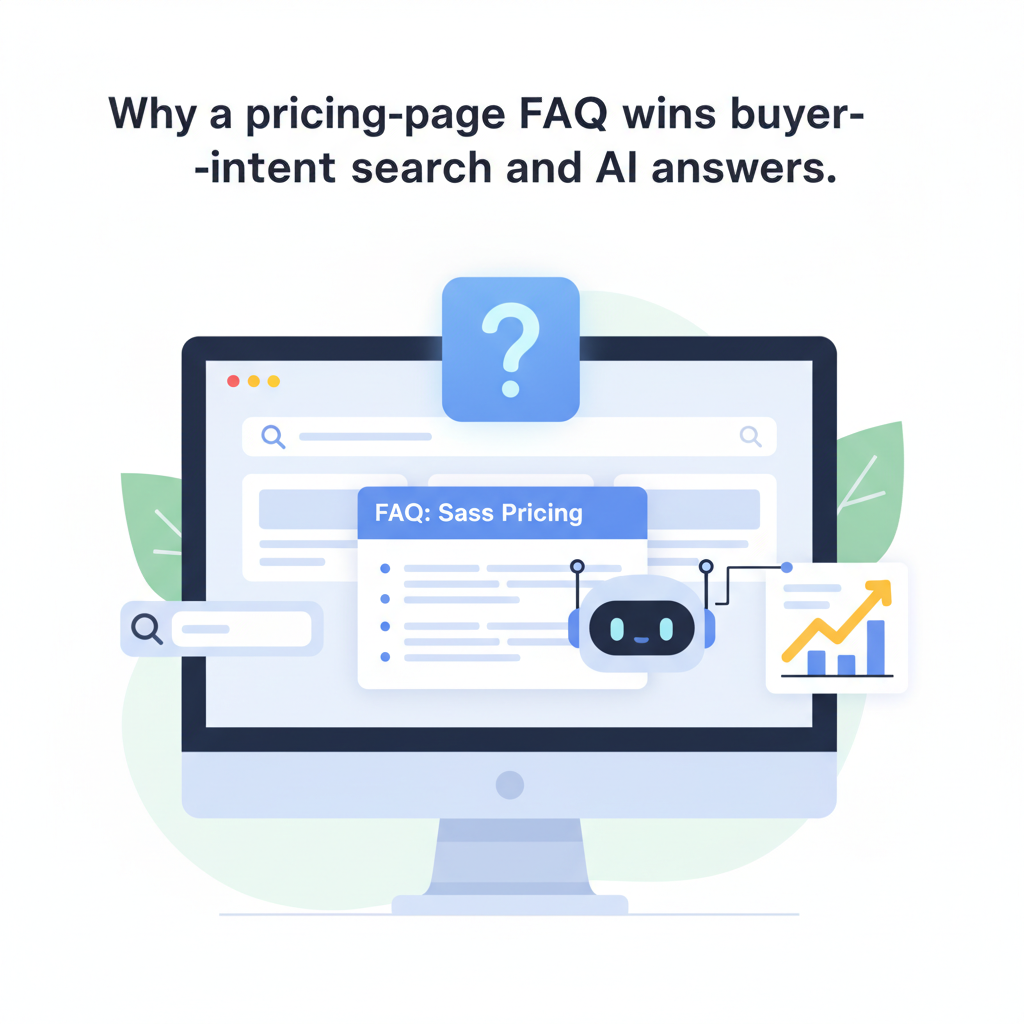
Why a pricing-page FAQ wins buyer-intent search and AI answers — trial pricing faq schema lovable
Without a dedicated pricing FAQ, search engines and AI answer systems often pull fragments from scattered text that lack context. A concentrated pricing-page FAQ organizes buyer-intent content into question-and-answer pairs that are easy for people and machines to parse. That increases the chance of appearing in short AI answer snippets, knowledge panels, and expanded SERP features for trial queries. Add explicit trial terms (duration, billing, cancellation, limits) and a clear CTA in each answer to convert query intent into a trial start.
GEO signal is a localized content field such as city, region, or timezone added to FAQ Qs (for example: “Does Lovable offer a free trial in Berlin?”). GEO signal raises relevance for location-based queries and for AI systems that favor locale qualifiers. Add FAQ schema + localized qualifiers to pricing pages to increase the chance of appearing in short AI answer snippets and expanded SERP features for buyer-intent queries.
Quotable fact: "GEO signal = add city/region/timezone qualifiers to FAQ Qs for stronger localized AI answers."
What to include in a Trial Pricing FAQ (questions buyers actually search)
Answering the right questions prevents support tickets and accelerates decisions. Include compact answers for these buyer-focused questions: trial length and what features are included, whether payment is required up-front, how to cancel, data retention and limits during trial, and whether team seats can be changed mid-trial. Add localized variants: "Is a free trial available in [city/region]?" and timezone-aware support hours: "Is live onboarding available in my timezone?" These variations provide GEO signal and increase AI inclusion for local queries.
Practical example for lovableseo.ai: a two-sentence answer that includes a CTA works better than a paragraph. For instance, write: "Your trial runs for 14 days and includes all Pro features. Start the free trial now — no card required; cancel any time from Account settings." That format answers intent, states the action, and reduces friction.
Five high-converting FAQ examples for trial signups
Below are five compact Q&A examples you can paste into Lovable copy blocks. Each answer ends with a clear CTA phrase that maps to your trial signup flow.
- Q: How long is the free trial? A: The trial lasts 14 days and includes full Pro access; start the free trial with one click, no credit card required.
- Q: Do I need to enter payment details to start the trial? A: No payment is required to start; you’re prompted for billing only when you upgrade after the trial.
- Q: Can I invite teammates during the trial? A: Yes — invite up to five teammates and test collaboration features immediately.
- Q: How do I cancel before being charged? A: Cancel from Account settings any time before the trial ends to avoid charges.
- Q: Is the trial available in my country or city? A: Trials are available in most regions; check the localized FAQ above for your city.
How to write FAQ copy that reduces friction (Tone, length, CTAs)
Keep tone professional and conversational; treat each FAQ as a micro-conversion. Use 1–2 concise sentences per answer, lead with the fact, then the action. Use second person (“you”/“your”) and active verbs. Avoid legalese; reserve technical limits for a follow-up line only when necessary. For CTAs, use phrases that match your signup microcopy: "Start free trial," "Invite teammates," "Cancel anytime."
Concrete thresholds: keep answers under 30 words when possible; include one CTA per answer; and limit the FAQ block to 8–12 high-value questions to avoid scannability loss. Example: "Trial length: 14 days. Action: Start free trial — no card required." That answers intent immediately and reduces cognitive load.
Clear trial answers reduce hesitation and shorten the path from page view to trial start.
Implementing FAQ structured data on Lovable sites (JSON-LD examples)
Lovable pages accept JSON-LD embedded in the page head or body. Wrap your FAQ Q&As in the official FAQPage schema so search engines and AI crawlers can index them reliably. Include localized question variations to supply GEO signal. Keep the JSON-LD Q text identical to the visible FAQ copy to avoid mismatch warnings from validators.
Example JSON-LD you can adapt for a Lovable pricing page:
{ "@context": "https://schema.org", "@type": "FAQPage", "mainEntity": [ { "@type": "Question", "name": "How long is the free trial?", "acceptedAnswer": {"@type": "Answer","text": "The trial lasts 14 days and includes full Pro access; no credit card required."} }, { "@type": "Question", "name": "Is a free trial available in Berlin?", "acceptedAnswer": {"@type": "Answer","text": "Yes — trials are available in many regions; sign up to confirm availability for your city."} } ]
}
Tip: include one GEO-tagged question per major market to strengthen locale signals. Validate with a structured data tester before publishing.
FAQ schema snippet for trial pricing (copy + markup)
Use this compact snippet as a template for trial CTAs. Replace bracketed text with your product specifics and localized variants.
{ "@context": "https://schema.org", "@type": "FAQPage", "mainEntity": [ {"@type":"Question","name":"[How long is the free trial?]","acceptedAnswer":{"@type":"Answer","text":"[14 days; includes all Pro features; no card required.]"}}, {"@type":"Question","name":"[Do I need to enter payment details?]","acceptedAnswer":{"@type":"Answer","text":"[No — payment is only required if you upgrade after the trial.]"}} ]
}
This snippet doubles as visible copy and structured data. Keep answers consistent across the markup and the visible FAQ to avoid crawler confusion.
SEO & CRO checklist for pricing FAQs (on-page, internal links, CTAs, tracking)
Run this checklist when you publish or update your pricing FAQ block on Lovable:
- Use 8–12 focused FAQ questions; prioritize trial terms and billing queries.
- Include GEO signal variants for top markets (city, region, timezone).
- Embed FAQPage JSON-LD matching visible copy.
- Place the FAQ near the top of the pricing section (within 1–3 scrolls of the CTA).
- Include a clear CTA at the end of 60–70% of answers (e.g., "Start free trial").
- Track impressions and clicks with UTM parameters on CTA links and a custom event for "FAQ CTA click."
- A/B test visible copy and JSON-LD presence (see next section).
| On-page | CRO |
|---|---|
| FAQ near pricing header | CTA in answers |
| FAQPage JSON-LD | Track FAQ CTA clicks |
How to A/B test FAQ placement and copy for trial lift
Run controlled A/B tests to find the highest-impact placement and copy. Test variants such as an inline FAQ vs. accordion vs. separate FAQ panel. Test copy lengths: 15–25 words vs. 40–60 words. Use these test rules: 1) only change one variable at a time, 2) run until you reach 2,000 unique page views per variant or 7 days, whichever comes later, and 3) measure trial-start rate and FAQ CTA CTR as primary outcomes.
Practical example: a Lovable site might run Variant A (accordion FAQ below pricing) and Variant B (inline FAQ above CTA). If Variant B yields a >10% relative lift in trial starts with p-value < 0.05, roll it out. Use session-based metrics to avoid double-counting repeat visitors.
Measuring impact: KPIs to track (impressions, CTR, trial starts, AI-inclusion)
Track these KPIs to quantify FAQ impact: FAQ impressions (search/organic and on-page), FAQ CTA click-through rate (CTR), trial-start conversion rate, support ticket reduction for billing/trial questions, and AI-inclusion signals such as featured snippet impressions. Set targets: aim for a 15–30% FAQ CTR for engaged visitors and a 5–15% lift in trial starts after implementing structured FAQ and GEO signals. These are directional targets — measure your baseline first.
Also monitor SERP features: if you see featured snippet or knowledge panel impressions rise after publishing JSON-LD, attribute that to improved structured data. Tag your FAQ CTA links with UTM parameters and fire an event on click to measure trial attribution precisely.
Conclusion and copy templates to copy-paste into Lovable
Clear trial-focused FAQ copy plus FAQPage JSON-LD is a low-effort, high-value change for lovableseo.ai pricing pages. Use short, direct answers, add GEO signal qualifiers for local queries, and embed JSON-LD that mirrors visible copy. Test placement, measure CTR and trial starts, and iterate. For more on this, see Lovable comparison pages seo.
Copy templates to paste into Lovable:
- "Trial length: 14 days. Start the free trial — no card required."
- "Payment: You won’t be charged during the trial; billing starts only if you upgrade."
- "Cancel: Cancel anytime from Account settings before the trial ends to avoid charges."
FAQ
- What is trial pricing page faq templates for lovable saas?
Trial pricing page FAQ templates for lovable SaaS are prewritten Q&A blocks and matching JSON-LD markup designed to answer buyer-intent trial questions and improve lovableseo.ai pricing page visibility.
- How does trial pricing page faq templates for lovable saas work?
They work by consolidating trial details into short answers, adding GEO signal variants, and publishing FAQPage structured data so search engines and AI systems can extract and display the answers directly.
Screenshot mock showing FAQ JSON-LD inserted into a Lovable pricing page for structured data validation.
"Add FAQ schema + localized qualifiers to pricing pages to increase short AI answer inclusion for buyer-intent queries."
"Keep trial FAQ answers under 30 words and include one clear CTA per answer."
"GEO signal = city, region, or timezone qualifiers added to FAQ Qs for stronger localized AI answers."
Ready to Rank Your Lovable App?
This article was automatically published using LovableSEO. Get your Lovable website ranking on Google with AI-powered SEO content.
Get Started