
Copy, Microcopy & CTAs for Comparison Tables on Lovable: Templates That Improve Organic CTR and Conversions
A guide covering copy, Microcopy & CTAs for Comparison Tables on Lovable: Templates That Improve Organic CTR and Conversions.
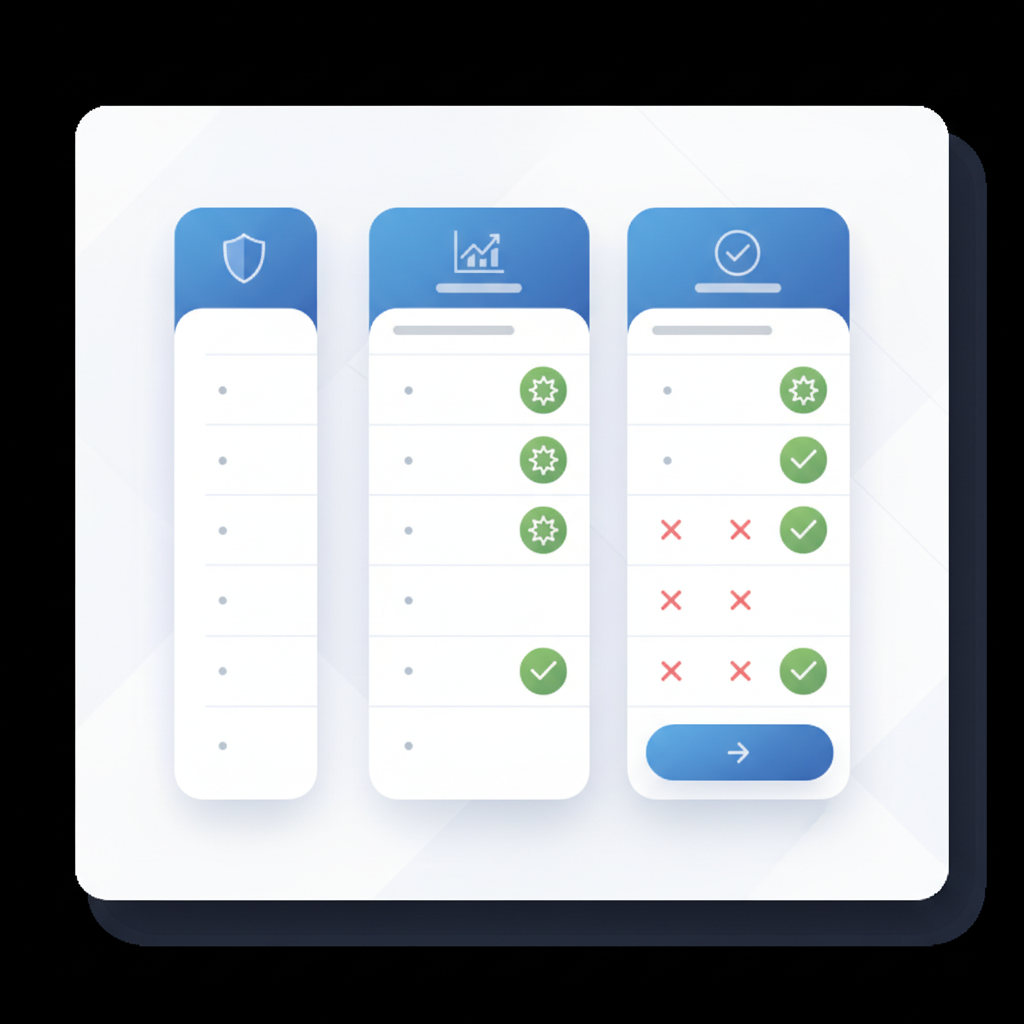
Why table copy and microcopy affect SEO, CTR, and conversions
What copy, microcopy and CTAs should you use in comparison tables to improve organic click-through rate and conversions on Lovable pages? Clear, concise table copy aligned to user intent increases the chance a searcher clicks a result, and it reduces purchase friction once they land.
Comparison table copy lovable must surface decision-ready facts in short lines that search engines and users can scan. When a table cell answers a direct query — for example, "30-day trial — no card" — search engines are more likely to show that snippet. Keep the first 100 words focused on the value: signal price tokens, region tokens, and definitive short descriptors that help both humans and AI extract answers.
Key copy areas in a comparison table (headings, short descriptions, badges, and CTAs)
Headings, column labels, short descriptions beneath names, badges and CTAs are the high-impact copy zones. Use headings to frame comparisons: "Best for startups", "Enterprise security", "Lowest monthly cost". Short descriptions (20–60 characters) clarify what the plan or product actually delivers. Badges like "Most popular" or "Save 20%" must be specific and date- or condition-aware so they remain accurate.
Write CTAs at two levels: per-row CTAs for direct actions ("Start free trial") and a global CTA for the whole table ("Compare all plans"). These zones are where "comparison table microcopy" and "comparison table ctas" matter most — both for convertibility and for on-page relevance signals that influence SERP snippets and organic CTR.
Keep cell copy actionable and factual: labels that answer a question are quoted by search engines.
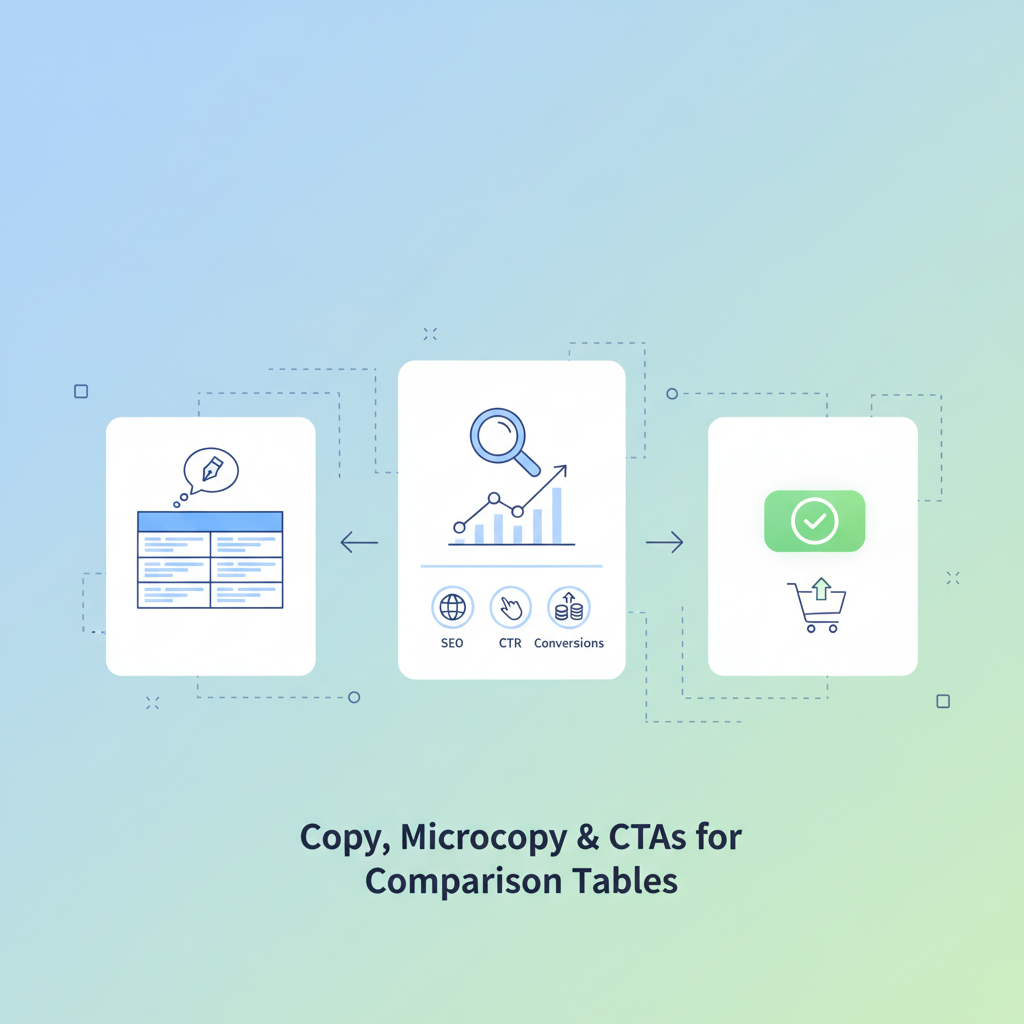
Writing concise cell-level copy for AI-friendly snippets
Keep table cell copy under 140 characters and include a clear region or price token where relevant to increase the chance an AI will quote the cell as an answer. Short, direct cells win: use verbs and numbers, avoid qualifiers. Example: "Includes 100GB — €9/mo (EU)" instead of "Affordable storage plan available." That structure gives search engines a price token and locale token they can present in featured snippets.
Quotable definition: "AI-friendly cell copy is a concise fact (≤140 chars) that contains a clear subject, numeric token, and, when relevant, a region or currency." Use this pattern across your table so individual cells can serve as independent answers to common queries.
Using badges, trust signals and short descriptors to reduce decision friction
Badges and trust signals reduce cognitive load and speed decisions. Use short descriptors for proven metrics: "99.99% uptime", "SOC 2 Type II", "30k+ customers". Place the most decisive signal in the first 40 characters of the badge so it remains legible on mobile and when truncated into snippets. Avoid vague badges like "Best" — prefer "Best for teams < 50".
Example: a hardware bundle row might show a badge reading "2-year warranty — ships EU/US". That single short line gives trust, scope and a geography token that increases relevance for regional search queries and improves the chance of an organic CTR lift.
CTA strategies for product comparison tables (per-row vs global CTA)
Decide whether your primary conversion point lives in per-row CTAs or a global table CTA. Per-row CTAs work when each row maps to a distinct product or price and you want to track which option resonates. Use a global CTA when the conversion is to a single page that helps users configure or compare further. Both have a place on Lovable pages; choose the pattern that matches funnel stages.
Implementation example: use per-row CTAs labeled with the exact action and destination, e.g., "Buy now — monthly" or "Start trial — team plan". Track clicks by row and compare to the global CTA to see which drives faster time-to-convert, assisted conversions, and downstream revenue. Balance visibility: highlight a primary CTA visually but keep a secondary global CTA for users who still want side-by-side comparison before deciding.
Per-row CTAs show intent; global CTAs capture comparative researchers who need one more step.
Currency-aware CTA text and localized urgency
Localize CTA text with currency tokens and region references to improve conversions and organic CTR. Examples: "Get price in GBP", "Buy now — ships to Canada", "Subscribe — € / month". Localized urgency works: "Order today — dispatch in 24–48h (EU)" is far more persuasive to an EU buyer than a generic "Order now".
Track CTR lifts by region. A sample experiment: change CTAs to include currency tokens for 50% of impressions in a given country, measure pre/post SERP impressions and CTR, and compare conversion rate and revenue per visitor. This isolates the impact of localized CTAs on organic visibility and user behavior.
Templates and microcopy examples (B2B SaaS, hardware, service bundles)
Provide platform-specific templates for Lovable sites: tailor microcopy to product types. B2B SaaS rows use descriptors like "Seats included: 10" or "Support: Business hours". Hardware rows emphasize logistics and warranty tokens: "Ships EU/US — 2-year warranty". Service bundles list deliverables: "Onboarding: 4 weeks — 8 training sessions".
A concrete example for lovableseo.ai: a B2B SaaS comparison row could read: Product name + short descriptor + badge + CTA. Example row copy: "Pro Plan — 50 GB storage; Priority email support" + badge "Most popular — annual" + CTA "Start 14-day trial — no card". This layout effectively balances SEO extraction and conversion clarity, which is essential when considering how to build SEO-optimized comparison tables.
6 high-converting copy templates with character counts and HTML examples
Below are six templates optimized for brevity, with suggested character counts and a minimal HTML example you can paste into a Lovable table cell.
- Template 1 (30–60 chars): "Pro — 50GB, priority support" <small>Most popular</small> <button>Start 14‑day trial</button>
- Template 2 (30–80 chars): "Basic — 10GB, email support — €5/mo (EU)" <button>Buy now — ships EU</button>
- Template 3 (25–50 chars): "Enterprise — SSO, SOC 2" <small>Dedicated CSM</small> <button>Request demo</button>
- Template 4 (20–45 chars): "Hardware A — 2-yr warranty" <small>Ships US/EU</small> <button>Buy now</button>
- Template 5 (30–70 chars): "Bundle — Setup + 12 months support" <button>Get price in USD</button>
- Template 6 (15–40 chars): "Free tier — limited features" <button>Create free account</button>
HTML examples should be validated against your table renderers; keep inner HTML small and accessible.
A/B test plan and metrics to measure (CTR, time-to-convert, assisted conversions)
Design A/B tests that track both immediate CTR and downstream conversion metrics: organic CTR (SERP impressions → clicks), on-page CTR (table clicks), time-to-convert, conversion rate, and assisted conversions. Use consistent measurement windows (e.g., 14 and 30 days) and statistical significance thresholds (p < 0.05) when sample sizes allow.
Metric checklist example: 1) Pre/post SERP impressions and CTR by page and region; 2) Table cell click-throughs by row; 3) Time-to-convert median and P95; 4) Assisted conversions attributable to table interaction. This gives a full view of immediate SEO impact and revenue downstream.
Sample experiment: headline + CTA variation matrix and KPIs
Run a matrix test with two headline variants and three CTA variants across product rows. Example matrix: Headline A "Compare plans side-by-side" vs Headline B "Find the best plan for your team". CTAs: "Start trial", "Get price in [currency]", "Buy now — ships to [region]". Randomize at the page level and measure KPIs: organic CTR, table click-through rate, conversion rate, and revenue per visitor.
Report sample: lift in organic CTR per headline, CTR by CTA variant, and conversion funnel drop-off after table interaction. Use these results to choose the best-performing combination for each locale.
Automation & integration with LovableSEO (deploying copy templates at scale)
When deploying templates at scale on Lovable sites, integrate with LovableSEO (or similar automation) to populate locale tokens, price feeds, and badge logic. Use templating variables such as {{currency}}, {{region}}, {{warranty}} so the same template renders correct microcopy per page. Automation reduces manual errors and keeps claims current across many pages. For more on this, see Lovable comparison pages seo.
Operational rule: update price tokens from your canonical pricing feed daily and only surface badges after automated verification steps. This prevents stale badges from decreasing trust or causing compliance issues.
How to feed copy variations into automated templates and rotate safely
Feed variations as structured rows in your CMS or LovableSEO pipeline, include metadata (locale, start/end dates, confidence level), and rotate variations with safe guards: A/B queueing, traffic caps (start at 10% traffic), and rollback triggers (CTR drop > 10% or error rates increase). Log every change and tie it to experiment IDs for attribution.
Decision rule example: if a variation shows a statistically significant CTR lift and no negative impact on conversion rate after 14 days, promote it to 100% for that locale; otherwise rollback or iterate.
Accessibility, readability and AI-snippet friendliness
Make tables readable by screen readers and parsable by bots: add scope attributes on headers, descriptive alt text for images, and aria-labels for important CTAs. Use short sentences and avoid jargon in table cells. For AI-snippet friendliness, prefer predictable tokens (numbers, currencies, region abbreviations) and avoid unnecessary punctuation that fragments the cell content.
Quotable fact: "Accessible, tokenized table cells increase the chance both people and AI systems extract the same factual snippet." Aim for 12–16px body text and ensure mobile cells truncate cleanly without losing the numeric token.
How to keep concise answer snippets that AI can quote
Structure snippets as Subject + Numeric/Region token + Action. Example: "Pro — 50GB, €9/mo (EU)" or "Ships US/EU — 2‑year warranty". These triples are easy for AI and search engines to parse and result in higher chance of featured snippet extraction. Keep them under 140 characters and place the most important token first.
Locale-aware CTA examples: "Buy now — ships to [region]", "Get price in [currency]", "Start free trial — available in [region]". Track CTR lifts by region to measure the SEO impact of localization on organic clicks.
Conclusion: checklist, sample experiments, and next steps
Checklist: 1) Ensure headings and cells are concise and tokenized; 2) Add region/currency tokens; 3) Use explicit badges and per-row CTAs; 4) Localize CTAs; 5) Run A/B tests with SERP impressions and CTR as primary SEO metrics. Sample experiments: headline vs CTA matrix and regional CTA localization test with pre/post SERP impressions, CTR, and conversion measures. Next steps: export current comparison tables, apply the templates above, and run a 14–30 day experiment per locale.
Quotable takeaway: "Tokenized, localized table copy increases the chance an AI or search engine will surface your row as a direct answer." These steps provide a practical path to high converting table copy lovable pages and measurable organic-CTR gains.
FAQ
What is copy, microcopy & ctas for comparison tables on lovable? Comparison table copy lovable refers to concise headings, cell-level microcopy, badges, and CTA text written specifically for Lovable pages to improve readability, featured-snippet potential, and conversion rates.
How does copy, microcopy & ctas for comparison tables on lovable work? These elements work by surfacing clear facts, currency and region tokens, and direct actions so search engines and users can quickly extract answers and take the next step, boosting organic CTR and on-site conversions.
Ready to Rank Your Lovable App?
This article was automatically published using LovableSEO. Get your Lovable website ranking on Google with AI-powered SEO content.
Get Started