
Feature Comparison Schema Templates for Lovable SaaS Pages: Side-by-Side JSON-LD & HTML Snippets AI Will Pull
A guide covering feature Comparison Schema Templates for Lovable SaaS Pages: Side-by-Side JSON-LD & HTML snippets that AI will pull for comparison answers.

TL;DR
- Problem: Your product pages don’t get picked for AI comparison answers because visible tables and machine-readable schema disagree or omit a clear “best for” signal.
- Solution: Add a visible HTML feature table plus a matching product comparison json-ld lovable itemListElement, include spatialCoverage and datePublished, and mark a short winner description (20–40 words).
- Outcome: Pages that pair a lovable feature table schema with itemListElement arrays are far likelier to appear in ai answer comparison snippet results.
Why comparison snippets win AI answer slots for buyer-intent queries
Without a concise, machine-readable comparison, buyers land on your page but feed search results no extractable answer. That costs clicks and qualified traffic. The problem is specific: AI systems favor pages that present both a readable comparison (an accessible table or clear H2 that says “Best for X”) and a matching JSON-LD array describing items with short descriptions and a clear winner signal.
Quick answer: implement a visible HTML comparison table using semantic <table> markup, then publish a complementary product comparison json-ld lovable block where mainEntity includes an itemListElement array. Include datePublished and spatialCoverage when relevant. A feature comparison wins AI answers when the page provides a clear 'best for' signal in both visible H2s and a machine-readable 'itemListElement' with short descriptions (20–40 words). For a deeper dive into strategies for achieving this, refer to our complete playbook for product & pricing.
Why that works: buyer-intent queries look for decisive answers — “which is best for X” or “cheapest option with feature Y.” If your page supplies a short winner statement and a JSON-LD list the same AI can parse, it can form a compact comparison snippet showing winner, differentiator, and price.
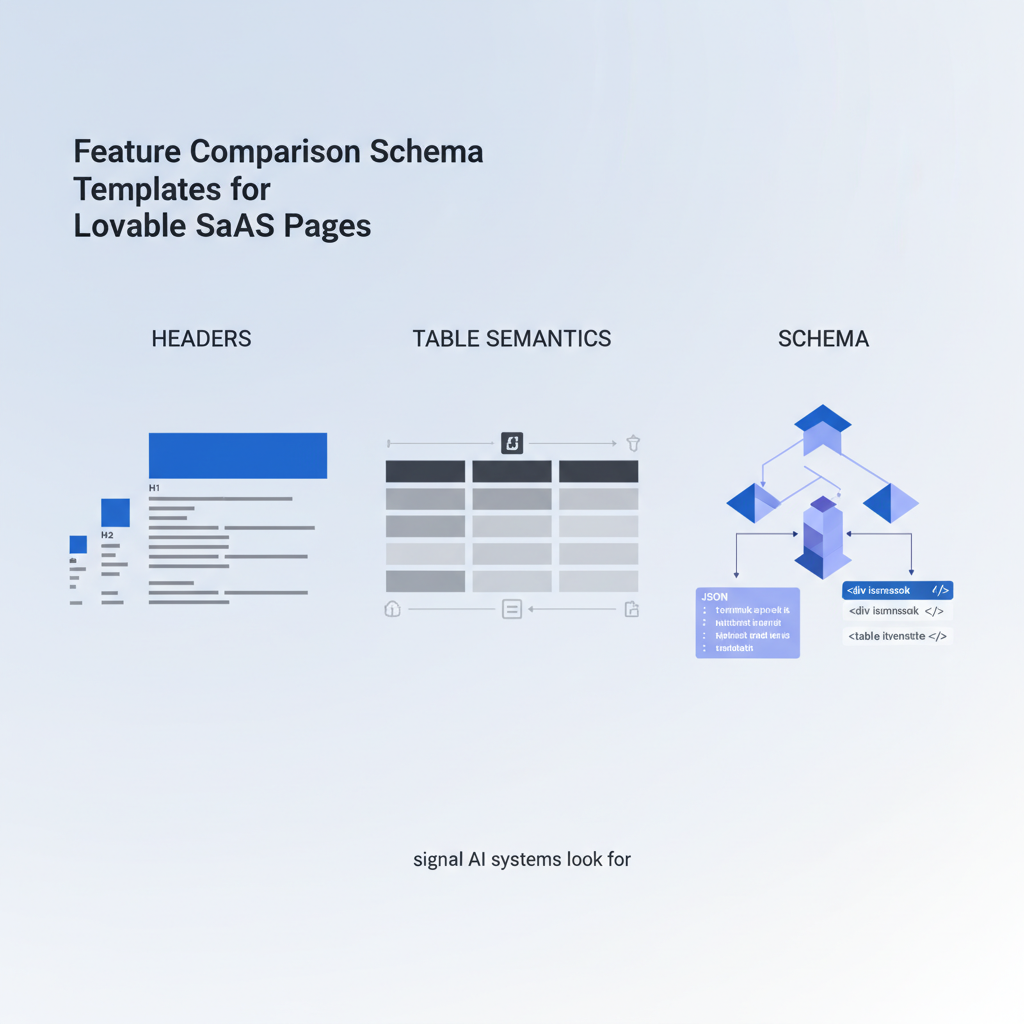
Signals AI systems look for in comparison pages (headers, table semantics, schema)
If your page uses a visible comparison, AI and search engines check several signals in order: clear headings that state comparative intent (for example, “Best for agencies”), a semantic table using <table>/<thead>/<tbody> with logical row/column headers, ARIA attributes for accessibility, and an aligned JSON-LD itemListElement array. Each list element should mirror the visible row for exact extraction.
Actionable checklist of signals:
- H2 with a “best for” phrase (visible to users and bots).
- Accessible HTML table: use <th scope="col"> and <th scope="row">.
- JSON-LD itemListElement matching table rows; each element has name, short description (20–40 words), price, and region via spatialCoverage when needed.
- datePublished to indicate freshness.
Quotable: "AI prefers pages where the visible table and JSON-LD tell the same short story about who wins and why."
Best practices for Lovable builder: accessible HTML tables vs JSON-LD
On Lovable, use the page builder's table block for the visible comparison and a separate custom HTML block for JSON-LD. Keep visible tables accessible: include captions, use <thead> and <tbody>, and avoid nested tables. For JSON-LD, place the script in the same block immediately after the table so crawling bots see both artifacts close together.
Practical rules for Lovable pages:
- Keep each table row under 15 words per cell for extractability.
- Use a consistent name field between the table and the JSON-LD itemListElement to avoid mismatches.
- Include spatialCoverage when a plan or price is region-specific (e.g., "US, CA, EU").
- Include datePublished in JSON-LD; for quarterly pricing updates set datePublished to the current release date.
Include lovable feature table schema in every major product comparison page and update datePublished with meaningful changes so AI favors fresher comparisons.
Template A — Simple feature matrix (HTML + JSON-LD complement)
This template suits a three-column feature matrix (Feature, Product A, Product B). The HTML table is what users read; the JSON-LD mirrors rows so AI can map feature-to-product differences.
| Feature | Product A | Product B |
|---|---|---|
| API access | Included | Paid add-on |
| SAML SSO | Enterprise | Not available |
JSON-LD complement (place in a custom HTML block right after the table):
{ "@context": "https://schema.org", "@type": "Product", "name": "Product comparison: A vs B", "datePublished": "2026-04-01", "mainEntity": { "@type": "ItemList", "itemListElement": [ {"@type": "Product", "name": "Product A", "description": "Best for teams needing API and enterprise SSO.", "offers": {"price": "49", "priceCurrency": "USD"}}, {"@type": "Product", "name": "Product B", "description": "Affordable plan with core features, no SSO.", "offers": {"price": "19", "priceCurrency": "USD"}} ] }
}
Markup placement and best attributes for Lovable blocks
Place the visible table in a Lovable 'feature table' block, then immediately add a 'custom HTML' block containing the JSON-LD script. Use the block order so crawling bots parse the table then the script. Add these attributes where supported:
- Table caption: <caption>Comparison: best for agencies, freelancers</caption>
- ARIA: role="table" on custom blocks if the builder strips native semantics.
- JSON-LD: include spatialCoverage and datePublished.
Concrete threshold: keep each JSON-LD product description between 20 and 40 words so the ai answer comparison snippet can form a concise winner sentence.
Template B — Comparison card JSON-LD for product pages (mainEntity + itemListElement)
Use this when comparison is part of a product page rather than a dedicated comparison. The JSON-LD is card-style: each itemListElement contains name, short description, offers, and a boolean field signaling recommendedWinner (custom property within description if schema.org lacks a direct field).
{ "@context": "https://schema.org", "@type": "Product", "name": "Comparison cards", "mainEntity": { "@type": "ItemList", "itemListElement": [ { "@type": "Product", "name": "Lovable Pro", "description": "Recommended for marketing teams needing multi-site analytics.", "offers": {"@type":"Offer","price":"79","priceCurrency":"USD"}, "spatialCoverage": "US,EU" } ] }, "datePublished": "2026-04-01"
}
Note: label the winner in the visible H2 and repeat the same phrasing inside the JSON-LD description for extraction parity.
Template C — Pros/Cons and quick-differentiator snippet (definitionList + schema)
When buyers want a fast read, a definition list (<dl>) with short pros/cons pairs and a matching JSON-LD gives AI a compact summary to create featured snippets. Keep pros and cons under 10 words each and include a one-line differentiator labelled "bestFor" in the JSON-LD description.
- Pros — Lovable Pro
- Robust API, multi-site reporting
- Cons — Lovable Pro
- Higher starting price
{ "@context":"https://schema.org", "@type":"Product", "name":"Lovable Pro", "description":"Best for established marketing teams who need multi-site analytics.", "datePublished":"2026-04-01"
}
Using schema to create AI-friendly comparison answers (snippets that highlight winner & price)
For an AI-friendly snippet, include three elements: a visible “winner” H2, a 20–40 word machine-readable description stating who wins and why, and a clear price field inside offers. Example quotable sentence: "Lovable Pro is best for agencies that need multi-site analytics and SAML SSO." This exact phrasing should appear in the H2 or first table row and in the JSON-LD description.
Concrete decision rule: if product A has feature X and lower TCO for target persona, mark it as winner. Include offers.price and offers.priceCurrency so AI can show price next to winner in the snippet.
Implementation checklist and edge cases (mobile tables, collapsible sections)
Checklist to implement on Lovable pages:
- 1) Add accessible HTML table with caption and scope attributes.
- 2) Add JSON-LD ItemList with matching names and 20–40 word descriptions.
- 3) Include datePublished and spatialCoverage when relevant.
- 4) Keep visible winner H2 and mirror it in JSON-LD description.
- 5) Test with Google Rich Results and an AI snippet preview tool if available.
Edge cases: collapsible rows are fine if the table remains in DOM on load; avoid loading JSON-LD via deferred scripts that run after bots crawl. For mobile, use responsive table patterns (stacked rows) but preserve <th> semantics so AI still sees headers.
A/B test ideas with SEOAgent: measuring AI answer inclusion and CTR lift
Design an A/B test across similar product pages: variant A (control) has the old copy; variant B includes the visible table + product comparison json-ld lovable with winner signal. Metrics to track:
- AI answer inclusion rate (how often page appears in ai answer comparison snippet).
- Organic CTR from SERP (compare impressions to clicks).
- Qualified trial signups or demo requests.
Run the test for at least one search cycle (6–8 weeks) and measure CTR lift and change in organic position. Example KPI: aim for a 10–25% CTR lift on pages that gain an AI snippet.
Conclusion: 3-step rollout plan to add comparison schemas across product pages
Step 1 — audit: identify top 10 buyer-intent pages and capture existing tables and H2s. Step 2 — implement: add an accessible HTML table and matching product comparison json-ld lovable with itemListElement, datePublished, and spatialCoverage. Step 3 — test & iterate: A/B test with SEOAgent, measure ai answer comparison snippet inclusion and CTR, then roll out to the next 20 pages.
Deploy these changes progressively: start with high-traffic pages, monitor snippet inclusion, and refine short descriptions (20–40 words) for clarity. Repeat for all product pages to standardize lovable feature table schema across the site.
FAQ
What is feature comparison schema templates for lovable saas pages?
Feature comparison schema templates for lovable saas pages are paired HTML and JSON-LD patterns that combine an accessible visible table with a matching itemListElement in JSON-LD so AI and search engines can extract concise comparison answers. For more on this, see Structured content templates lovable ai answers.
How does feature comparison schema templates for lovable saas pages work?
They work by aligning human-readable tables and headings with machine-readable JSON-LD entries that include name, short description (20–40 words), offers, spatialCoverage, and datePublished so AI systems can generate accurate comparison snippets.
Ready to Rank Your Lovable App?
This article was automatically published using LovableSEO. Get your Lovable website ranking on Google with AI-powered SEO content.
Get Started






