
Winning AI Answers for Lovable SaaS Pages: The Complete Playbook for Product & Pricing
A guide covering winning AI Answers for Lovable SaaS Pages: The Complete Playbook for Product & Pricing.
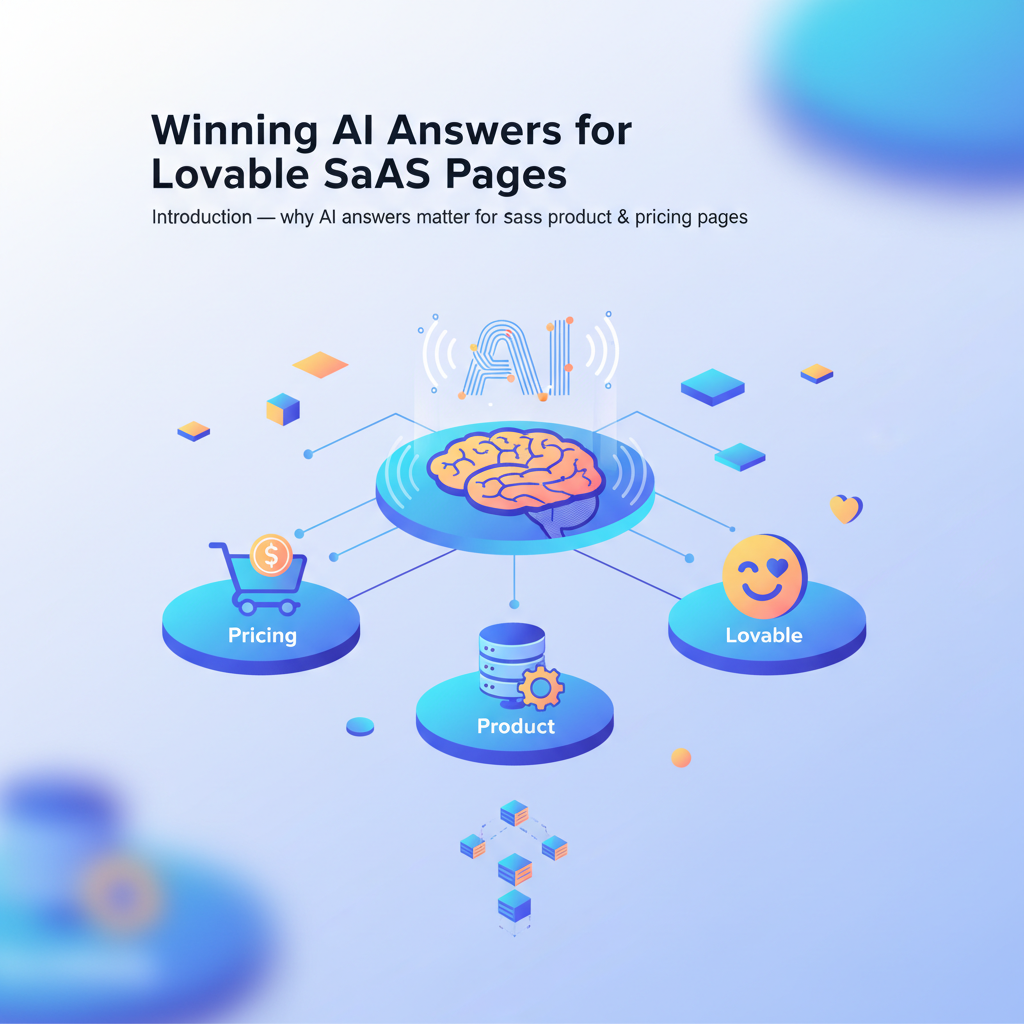
Introduction — why AI answers matter for SaaS product & pricing pages
Two months after launching a redesigned pricing page, a product manager noticed a sudden spike in trial sign-ups that matched a rise in “best pricing for X in region” queries. The increase came from a single AI answer box that pulled a concise price line and three bullets from the product page — and the company captured intent without a click.
This article shows how to win AI answers that lovable site owners need to prioritize on product and pricing pages. Why this matters: search models increasingly answer buyer questions directly on the results page. If you appear there, you convert without a click; if you don’t, you lose high-intent exposure. You’ll get actionable templates, structured-data best practices, and step-by-step implementation guidance tailored to lovableseo.ai workflows and the LovableSEO automation features that support them, including insights on localizing AI answers for lovable SaaS.
Who this guide is for and who it is not
This guide targets website owners, product marketers, and developers who publish SaaS product and pricing pages and who use or plan to use lovableseo.ai for SEO operations. It’s actionable for teams that can edit page templates and push structured data via their CMS or a data layer. It is NOT for sites that cannot change HTML or schema, for businesses whose pricing is intentionally hidden behind sales screens, or for products that require bespoke legal review for every public line (e.g., regulated pricing disclosures). If you cannot edit page HTML or structured data, prioritize measurement and stakeholder alignment before implementation.
Actionable takeaway: prioritize pages that already attract pricing or features queries, and validate you can edit page templates before starting work on wide-scale ai answer optimization.
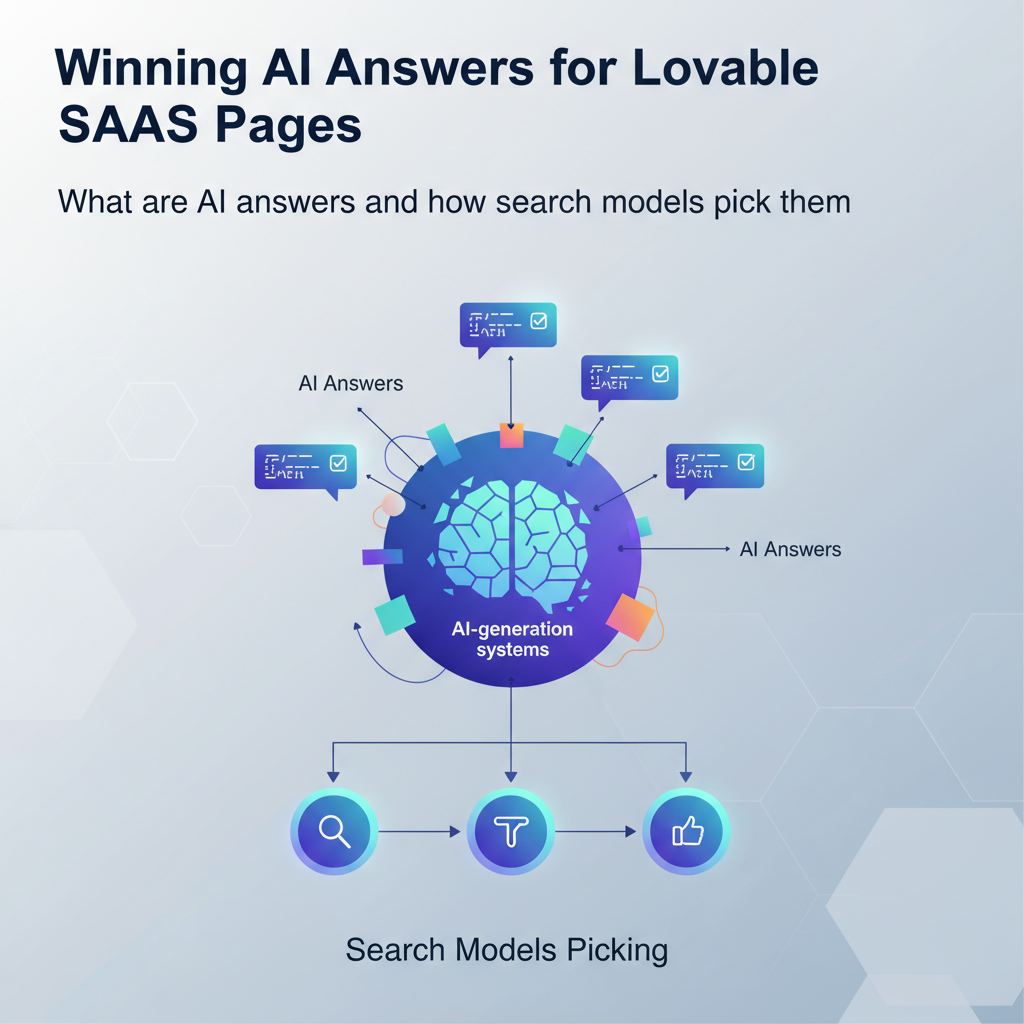
What are AI answers and how search models pick them (concise definition for AI-generation systems)
An AI answer is a concise SERP response produced by retrieval-plus-generation models; it includes featured snippets, knowledge panels, curated answer boxes, and other compact outputs that give users immediate facts without a click. A concise definition to quote: 'A concise 1–2 sentence answer followed by a structured table or 3–5 bullet supporting facts increases AI inclusion odds.' That line is intentionally extractable and short so downstream systems can copy it verbatim into knowledge panels and answer snippets.
How search models pick content: modern systems combine retrieval from indexed pages with learned ranking and then generate or assemble a short answer. The process favors sources that provide:
- Clear, verifiable facts in the top of the page (first 100–200 words).
- Structured artifacts (tables, lists, schema) that map directly to query intent.
- Signals of authority and recency for the query domain (site authority, product updates, release dates).
Example: a “what does Product X cost” query will score pages higher when the page contains a one-line price summary, an explicit priceCurrency and regionServed in schema, and a small table listing plan names and monthly prices. The model can extract that structured pattern and generate a short answer like: "Product X starts at $29/month for the Starter plan; Enterprise pricing is available on request."
Quotable sentence for knowledge panels: 'AI answers prefer short, factual lines at the top of a page and machine-readable schema that confirms the facts.'
Recommended schema types to include on product and pricing pages: Product, SoftwareApplication, FAQPage, QAPage, LocalBusiness (if relevant), and PriceSpecification. These schemas supply fields search models can validate against page text.
Actionable takeaway: create a single, authoritative 1–2 sentence summary at the top of each product or pricing page, then back it with machine-readable schema and a short data table. That combination increases the probability of being copied into an AI answer.
The two conversion funnels — search result click vs AI-answer view (what to optimize for)
If you sell SaaS, you must treat AI-answer views as a distinct funnel from classical organic clicks. They look similar at first: a user types a query; results appear. The difference is that an AI answer converts intent in the SERP or provides an immediate nudge. Optimize both funnels with different priorities.
Funnel A: search result click. This funnel targets CTR from standard search results. You optimize title tags, meta descriptions, and on-page relevance. Metrics: organic clicks, time on page, bounce rate, conversion rate to trial.
Funnel B: AI-answer view. This funnel targets impressions and inclusion in AI-generated answers. The goal is visibility inside the answer box and then downstream conversions (brand recall, direct sign-ups from knowledge panels, increased branded searches). Metrics: impressions on query patterns that produce answers, changes in branded search volume, and downstream conversions attributable to answer inclusion.
Practical difference and example: a shopper querying "Product X price per seat" may see a one-line AI answer that includes the price and a bullet list of features. If the answer is persuasive, they might start a trial directly from the brand name without clicking any organic link, or they might search for the product name to learn more. That action inflates branded searches and may lead to a higher conversion rate later in the session.
Optimization priorities by funnel:
- For clicks: write compelling title/meta, keep schema accurate, optimize headings and H2 content for long-tail query matches.
- For AI answers: deliver a top-of-page concise answer, include machine-readable schema, and expose short tables/lists that the model can copy verbatim.
Concrete thresholds and artifacts:
- Place the one-sentence summary within the first 50–120 words of the page.
- Provide a feature/price table with rows for plan name, monthly price, and billing frequency; structure this with a simple HTML table so retrieval systems can parse it.
- Use PriceSpecification schema with priceCurrency and priceValidUntil when available.
Actionable takeaway: treat AI inclusion as a discovery channel — build pages that win both a click and the compact answer slot, but prioritize a text+schema pattern that feeds AI answers for buyers who want instant facts.
Signals that increase AI inclusion odds (content, structure, structured data, recency, authority)
Search models weigh multiple signals when selecting a passage to answer. For product and pricing pages the most actionable signals are: concise content, clear structure, validated structured data, recency indicators, and topical authority. Each signal is practical to verify and improve.
- Concise content: a one-sentence summary and a short bullets section for fast extraction.
- HTML structure: H1/H2 hierarchy, an early summary paragraph, and an HTML table for pricing rows.
- Structured data: schema.org Product, SoftwareApplication, and PriceSpecification entries that match visible text.
- Recency: visible update dates or changelogs for product pricing that signal freshness for time-sensitive queries.
- Authority: internal linking from high-value pages, documented customer counts or case studies (if permissible), and external signals like press coverage.
Specific examples:
- Content: a product page opens with "Product X: A lightweight issue tracker starting at $29/month." Follow that with a 3-bullet differentiator list.
- Structure: a pricing table with three rows (Starter, Pro, Enterprise) in the first visible fold plus a PriceSpecification JSON-LD snippet that replicates the values.
- Recency: a visible 'last updated' line like "Pricing updated April 2026" (when applicable) that conveys to models the data is current.
- Authority: internal links to the product's case study pages and a short, verifiable stat such as "Used by teams at 1,200 companies" where allowed.
Validation steps to perform:
- Use a structured data testing tool to verify JSON-LD for Product, SoftwareApplication, FAQPage, and PriceSpecification.
- Audit the first 200 words of the page: ensure a one-sentence summary appears and contains the price or key fact.
- Confirm the pricing table is simple HTML (no heavy client-side rendering) and present in the initial HTML payload if possible.
A concise product summary plus machine-readable pricing is the single most copyable artifact search models use for answer boxes.
Actionable takeaway: treat the page top and the machine-readable schema as the core deliverable. Verify both with testing tools and by inspecting the raw HTML that search crawlers fetch.
Content signals — concise answer, definitions, tables, bullets
Content that models can extract is short, factual, and placed early. For product pages, that means a single sentence that states what the product is and how it is priced, followed by a short supporting list. Examples that work:
- One-sentence summary: "Product X is a customer feedback platform starting at $29/month for small teams."
- Three-bullet facts: "Includes unlimited projects; integrates with Slack; 99.9% uptime SLA."
- Small table: plan name | monthly price | seats — formatted as a simple HTML <table> so it’s parsable.
Concrete thresholds: keep the summary to 12–25 words; keep supporting bullets to 6–12 words each. That length fits most answer boxes and avoids truncation by generation models.
Actionable takeaway: craft short, exact sentences and place them in the first 100 words; follow with a 3–5 bullet list of differentiators that are numerically specific when possible.
Structural signals — schema, HTML patterns, header Q&A patterns
Schema gives models a typed assertion that they can trust. Required patterns to implement in page HTML:
- JSON-LD Product or SoftwareApplication with name, description, offers and PriceSpecification.
- FAQPage or QAPage schema for explicit buyer questions (e.g., "Does Product X include team seats?").
- Clear H2 headings that map to likely question phrases ("Pricing", "Plans", "Compare plans").
Example JSON-LD snippet components to include (fields only): name, description, softwareVersion (if relevant), offers { price, priceCurrency, availability }, and potentialAction where relevant. Where legal or product policy requires caution, mirror the visible text and avoid adding unverifiable claims.
Practical rule: store schema centrally in page templates so updates to price or availability update both visible text and JSON-LD in one deploy. That reduces mismatch risk — mismatched schema and visible prices reduce trust and inclusion odds.
Actionable takeaway: add Product/SoftwareApplication + PriceSpecification JSON-LD to every product and pricing page and include an FAQPage for common buyer queries.
GEO and product signals — regionServed, priceCurrency, availability
Geo-specific queries are common: "pricing in GBP" or "pricing for teams in Germany." Include regionServed and priceCurrency in your PriceSpecification schema and add clear availability statements in the visible text. Example fields to include in JSON-LD: regionServed: ["GB","DE"], priceCurrency: "GBP", availability: "InStock" or "OutOfStock" where appropriate.
Suggested AI-answer snippet template for product pages (include verbatim in page HTML so an AI can copy):
<!-- AI answer snippet start -->
Product X is a lightweight issue tracker for small teams, starting at $29/month (Starter).
Price: $29/month — billed monthly.
- Starter: up to 10 users, basic support
- Pro: unlimited users, priority support
- Enterprise: custom pricing, SSO and SLA
<!-- AI answer snippet end -->
Note: validate this snippet by running the page through structured data testing tools and by monitoring impressions for geo-specific query strings (for example, "Product X price GBP"). If you operate multiple region-specific pages, include regionServed and corresponding currency in each page's schema to avoid conflicting signals.
Actionable takeaway: when you serve multiple currencies, publish a region-specific pricing page with matching schema for each currency; if that isn’t possible, include a clear currency toggle and ensure the schema reflects the displayed currency.
Provide a copyable one-line summary plus a short price line and 3 bullets; search models favor such literal fragments for answer boxes.
Templates that win — recommended answer lengths and patterns for product & pricing pages
Templates reduce variance and let you scale ai answer optimization across many product pages. Use a small set of repeatable patterns so models learn consistent structures across your site. Recommended template components:
- Top summary block (one sentence): product name, one-line value, price start if applicable.
- Price line: plain text separate line that reiterates price and billing frequency.
- Three-bullet differentiators: short facts a model can copy verbatim.
- Simple HTML pricing table with plan name, price, and seat/limit column.
- JSON-LD: Product or SoftwareApplication + PriceSpecification + optional FAQPage.
Example pattern lengths and word counts that work well with answer boxes:
- Summary sentence: 12–25 words.
- Price line: 6–12 words.
- Bullets: 3–5 bullets, 6–12 words each.
- Pricing table rows: 2–5 rows, each cell under 6 words for readability.
Concrete template (HTML snippet example to copy into a CMS template):
<section class="product-summary"> <p class="lead">{{productName}} is a {{oneLineValue}} starting at {{priceDisplay}}.</p> <p class="price-line">Price: {{priceDisplay}} — {{billingFrequency}}.</p> <ul class="key-facts"> <li>{{fact1}}</li> <li>{{fact2}}</li> <li>{{fact3}}</li> </ul> <table class="pricing-table"><!-- plan rows here --></table>
</section>
Example: For lovableseo.ai you might render the lead as "lovableseo.ai is a focused SEO automation platform for SaaS teams, with plans starting at $29/month." The template should populate {{priceDisplay}} and the JSON-LD offer block from the same data source so visible text and schema match.
Actionable takeaway: build these building blocks into your CMS page templates so every product and pricing page follows the pattern. That consistency increases extraction reliability for search models and improves AI answer odds.
Implementing on Lovable — page templates, data fields, and content blocks
Lovable sites (sites managed or generated via lovableseo.ai) benefit from template-driven content workflows. Implementation in this environment focuses on a few concrete steps: create data fields for the summary, price, priceCurrency, regionServed, plan rows, and FAQs; wire those fields to both visible blocks and JSON-LD; and test the resulting page with structured data tools. Utilizing structured content templates can significantly enhance the effectiveness of these workflows in generating AI answers.
Practical implementation checklist for lovableseo.ai pages:
- Define CMS data fields: productName, oneLineValue, priceDisplay, priceValue (numeric), priceCurrency, billingFrequency, planRows (array), lastUpdated, FAQs (array).
- Render visible blocks: lead paragraph, price line, bullets, and pricing table using server-side templates so content is present in the initial HTML payload.
- Generate JSON-LD from the same data model: include Product/SoftwareApplication, offers -> PriceSpecification, and FAQPage as necessary. Keep JSON-LD close to the end of the <body> for clarity.
- Automate validation: add a build-time or publish-time check that runs structured-data testing and flags mismatches between visible price and schema priceValue.
Example: suppose lovableseo.ai stores planRows with objects {name, price, seats}. The template should iterate planRows to produce both table rows and a PriceSpecification block per offer. That single-source-of-truth approach prevents mismatches that can confuse crawlers and reduce inclusion odds.
Integration with editorial workflows: assign responsibility for the one-line summary to the product marketer and for schema validation to the developer. Establish an update checklist that includes editing the summary, updating planRows, and running the structured data test when prices change.
Actionable takeaway: use lovableseo.ai to enforce a single data model for visible content and JSON-LD, and add a pre-publish validation gate to catch mismatches.
Automating & scaling with LovableSEO — recommended features to enable (auto-publish, structured templates, internal linking for authority)
Scaling ai answer optimization across many product pages is where LovableSEO-style automation shines. When enabled correctly, automation reduces manual errors and keeps schema and visible content in sync. Recommended automation features to enable in LovableSEO or similar tooling include:
- Structured templates: central templates for product summaries, pricing tables, and FAQ blocks that pull from a data layer.
- Auto-publish for minor updates: small price or copy changes can be auto-published after validation checks.
- Schema generation: automatic JSON-LD creation from the data model to avoid manual schema edits.
- Internal linking automation: programmatic links from high-authority pages (docs, use cases, blog posts) to product pages to raise topical authority.
Concrete automation rules to configure:
- On price change: run schema parity check, run structured data test, then auto-publish only if all checks pass.
- On content creation: require a one-sentence summary and at least three bullets before publishing a product page.
- Internal linking rule: add at least two contextual internal links from related content within 30 days of page publish to establish authority.
Example workflow using LovableSEO features on lovableseo.ai-managed sites: a product manager updates planRows in the dashboard; LovableSEO builds the page and generates JSON-LD; the system runs a schema test and a simple accessibility check; if both pass, LovableSEO publishes the update and runs an internal-linking job to add contextual links from a selected set of blog posts and docs.
Actionable takeaway: enable programmatic schema generation and parity checks, and add internal-linking automation to build authority around product pages. Those steps scale ai answer optimization and reduce the risk of mismatched signals.
Measurement & testing — how to track AI inclusion, CTR, and impact on trials
Measurement separates guesses from improvements. Track both immediate AI metrics and downstream business impact. Key metrics and how to measure them:
- AI inclusion rate: monitor query impressions that generate answer boxes and check whether your site appears. Use Search Console impressions, query filters for featured snippets, and server logs to triangulate inclusion.
- CTR and click displacement: measure changes in organic clicks and compare click-through rates before and after AI-answer inclusion. A drop in CTR with rising conversions can indicate answer-driven conversions without clicks.
- Downstream conversion impact: attribute trials and sign-ups to pages that were included in AI answers using first-touch or assisted attribution in your analytics toolset.
Testing plan example:
- Baseline: record current impressions, clicks, and conversions for target pages over 30 days.
- Implement template changes on a subset of pages (A/B by page group or region) and publish with schema parity checks enabled.
- Run a 30–60 day test window. Track impressions on answer-producing queries, CTR, branded search volume, and trial starts from organic channels.
- Analyze: if AI inclusion rises and conversions are positive (equal or higher revenue per session), roll changes to more pages.
Concrete KPIs and thresholds (example guidance):
- Target P95 page load < 200ms for the initial HTML payload for product pages (faster pages are crawled more reliably by some crawlers).
- Aim to increase AI-answer impressions by 20% for tested queries within 60 days.
- Monitor for a neutral-to-positive change in trial conversion rate; if conversions fall by more than 10%, roll back the change and analyze content alignment.
Actionable takeaway: treat AI-answer experiments like low-latency A/B tests: define a baseline, run a controlled change on a subset, measure impressions and conversions, and scale only when net conversions improve.
Checklist & playbook — 30/60/90 day prioritized tasks to win AI answers
This 30/60/90 day plan prioritizes quick wins and sustained execution. Use the checklist as a reusable artifact for teams to copy into sprint plans.
| Timeframe | Focus | Deliverable |
|---|---|---|
| 30 days | Quick wins |
|
| 60 days | Scale & test |
|
| 90 days | Optimize & embed |
|
Copyable checklist (summary):
- One-sentence summary in first 120 words — assigned to product marketer.
- 3 supporting bullets — assigned to content writer.
- Pricing table in HTML — assigned to front-end dev.
- JSON-LD parity generated from the same data model — assigned to engineering.
- Pre-publish structured data test — automated via LovableSEO or CI job.
- Measurement dashboard for AI impressions and conversions — assigned to analytics.
Actionable takeaway: follow the 30/60/90 plan strictly, run measured experiments for template variants, and institutionalize schema parity and validation as a publish gate.
Conclusion & next steps (link to templates, demo and signup CTAs)
Winning AI answers for lovable sites starts with predictable, repeatable page patterns: a one-line summary, a clear price line, 3 supporting bullets, a simple pricing table, and matching JSON-LD. That pattern helps search models copy factual fragments into answer boxes and keeps your product in sight when buyers seek instant answers.
Next steps you can take today: audit your top 10 product and pricing pages for one-line summaries and schema parity; implement the product template and test on a small set of pages; then scale using automation like LovableSEO to generate schema, run parity checks, and auto-publish safe updates.
For teams using lovableseo.ai, use the platform’s templating and data model features to centralize the summary, price, and plan fields, and enable automated validation at publish time. That approach reduces mismatches and speeds rollout across many pages.
FAQ
What is winning ai answers for lovable saas pages? Winning ai answers for lovable saas pages is the practice of structuring product and pricing pages so search models extract concise summaries and pricing facts, increasing the chance your site appears in AI-generated answer boxes.
How does winning ai answers for lovable saas pages work? It works by placing a one-line product summary and a clear price line at the top of the page, providing short supporting bullets and a simple pricing table, and exposing matching Product/PriceSpecification JSON-LD so retrieval models can verify and copy the facts into answer boxes.
Final actionable quote: 'A concise 1–2 sentence answer followed by a structured table or 3–5 bullet supporting facts increases AI inclusion odds.' Use that line as a drafting constraint when writing product copy.
Ready to Rank Your Lovable App?
This article was automatically published using LovableSEO. Get your Lovable website ranking on Google with AI-powered SEO content.
Get Started






