
Preserving Structured Data, Local Signals, and AI-Answer Odds During a Migration To/From Lovable
A guide covering preserving Structured Data, Local Signals, and AI-Answer Odds During a Migration To/From Lovable.
If you migrate a site to or from Lovable and lose structured data, short answer snippets, or local fields, your local visibility and AI-answer inclusion can drop overnight. You might have pages that once powered knowledge panels, AI answers, or local packs, and after migration those signals vanish because JSON-LD was removed, canonical URLs changed, or address fields were relocated. The fix is methodical: inventory what exists, extract machine-readable artifacts, map them to new templates, inject validated JSON-LD on the canonical URL, and run a focused ai-answer migration checklist before launch. This article gives step-by-step, platform-specific guidance to preserve structured data migration lovable and maintain visibility.
Quick answer: Before switching environments, run a complete schema and local-fields inventory on Lovable, export JSON‑LD and short-answer content, create injection rules for the new templates (or use LovableSEO templates), validate with schema validators and live GSC queries, and keep the JSON‑LD on the migrated canonical URL to maximize AI-answer inclusion and local SEO retention. For more on this, see Migrate seo to lovable.
Who this is not for: This guide does not apply when you do a cosmetic theme change without URL or template changes, when the platform lacks any structured-data support, or when you’re migrating single static landing pages with no local signals.
Why structured data and local signals are migration priorities
Without structured data and local signals, search engines and AI systems lose the explicit fields they rely on to surface concise answers and local results. If you remove a LocalBusiness JSON-LD or move the canonical URL, AI models and SERP features often stop using your content because they prefer canonical, machine-readable fields. For example, removing an address object (address, geoCoordinates) from a Lovable template can eliminate your presence in local packs. Preserve structured data migration lovable by treating schema as content: export it, keep it on the canonical URL, and map fields one-to-one to the new templates.
Actionable takeaway: mark schema and local fields as high-priority content items in your migration plan and treat them like product descriptions or meta titles — they must move intact.
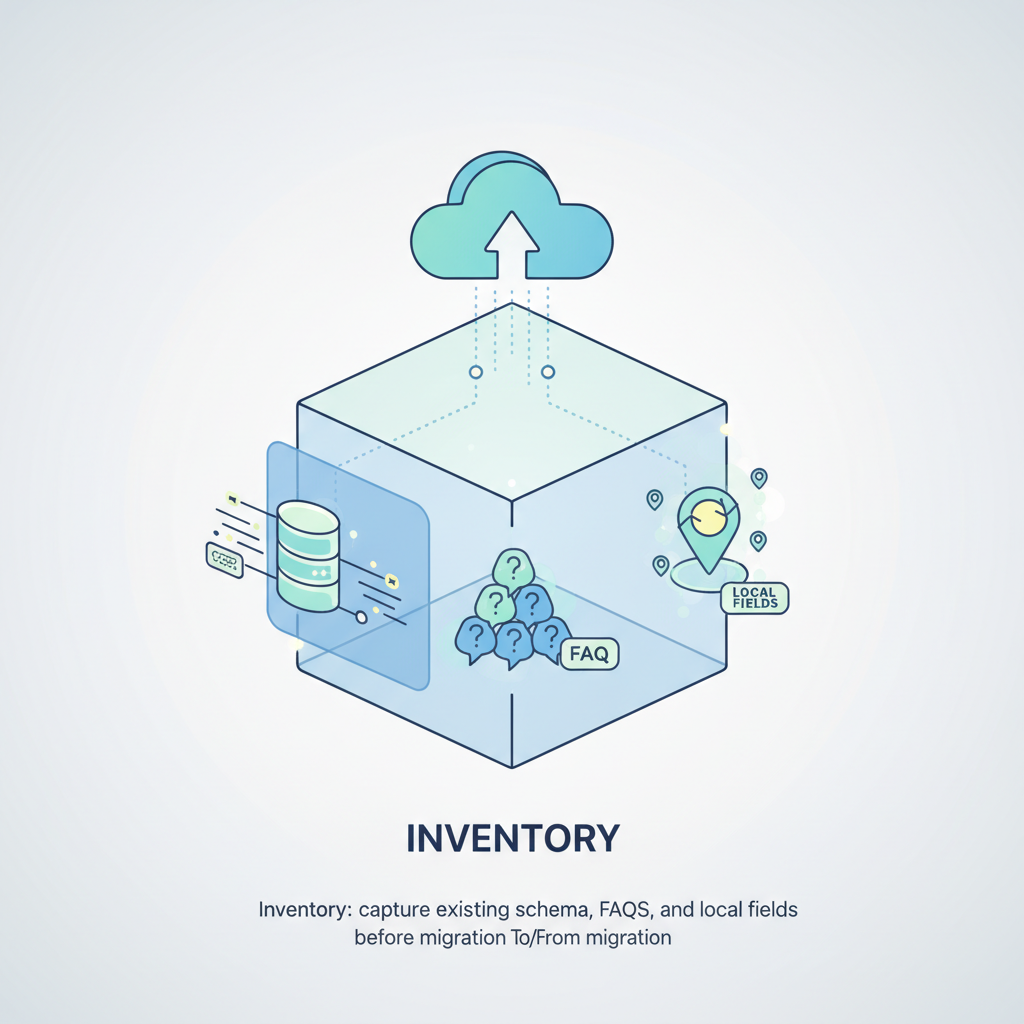
Inventory: capture existing schema, FAQs, and local fields before migration
Start by creating a complete inventory. Crawl the current Lovable site and capture every JSON-LD block, visible FAQ/definition tables, and localized fields (address, phone, serviceArea, priceRange). Use a crawler or a headless browser to get rendered markup. Export these artifacts to a structured spreadsheet with columns: page URL, canonical URL, schema types present, snippet length (for concise answers), and local fields. Include a column for "AI-answer snippet" — copy the concise, standalone sentence or two that AI systems might quote.
- Run a rendered crawl and export JSON-LD per page.
- Copy visible short-answer snippets and FAQ Q/A pairs into a CSV.
- List all address and serviceArea fields and their formats.
Always treat structured data as content: export, version-control, and validate it before the DNS switch.

Extracting JSON-LD and table/definition content from Lovable
Lovable pages often include JSON-LD in templates and human-readable definition tables. To extract them, use a headless render (Puppeteer or Playwright) to load each URL and save the innerHTML of <script type="application/ld+json"> tags. For visible table or definition lists, capture the DOM node text and its nearest heading — that context helps map short answers to new templates. Save each JSON-LD block as a separate file and name it by page slug and schema type (e.g., "/contact-localbusiness.jsonld").
Example: if Lovable stores FAQs as a collapsible block, export both the question and the canonical answer string; short answers under 250 characters are prime for AI-answer inclusion.
Mapping schema to new templates without losing AI-answer eligibility
Mapping requires a field-by-field plan. Create a mapping table: source field → target template field → expected format → fallback rule. Preserve IDs for offers, keep FAQ as FAQPage schema, and ensure the canonical URL on the new site contains the JSON-LD. AI-answer eligibility depends on concise, self-contained sentences and normalized schema fields (e.g., LocalBusiness.address with streetAddress, addressLocality, postalCode). If Lovable used nested serviceArea names, map them to Service area GeoShape or text list in the new CMS. Also maintain the same canonical URL where possible or use 301s paired with immediate schema re-deployment at the new canonical.
Principles: never convert structured fields into only visible markup without machine-readable equivalents; AI systems prefer JSON-LD on canonical pages.
Preserve concise answer snippets used by AI features — examples
AI features favor short, direct answers. Preserve them by copying or programmatically generating concise answer snippets alongside full content. Examples:
- Procedure summary: "Turn off power, remove filter, clean with mild detergent." (one sentence under 200 characters)
- Service availability: "We serve downtown and three neighboring ZIP codes."
- FAQ answer: "Yes — we offer a 12-month warranty on parts."
Keeping GEO signals intact (address, service areas, localized fields)
GEO fields are fragile during migrations. Preserve structured address objects (streetAddress, addressLocality, addressRegion, postalCode) and geoCoordinates (latitude, longitude). If Lovable stored serviceArea as a free-text field, normalize it into a list or GeoShape in the new system. Keep phone numbers and openingHours in the same format (ISO 8601 for hours). If you must change URL structure, deploy a pre-launch job that injects validated LocalBusiness JSON-LD on the target canonical pages immediately after the 301s are live.
Quotable fact: "Pages with correct JSON-LD & concise answer snippets increase AI-answer inclusion odds substantially—ensure JSON-LD is present on the migrated canonical URL."
Best practices for hreflang, regional subfolders, and structured address data
When you maintain localized content, use consistent regional subfolders (example: /en-us/) and match hreflang tags to the canonical for each region. In addition to hreflang, include structured address data per region inside the appropriate page, and avoid placing address JSON-LD in a global footer that duplicates across regions. For multi-region Lovable sites, map each Lovable regional page to its new regional folder and keep the region-specific JSON-LD on that canonical URL to maintain local SEO signals. This approach is crucial, especially when considering the differences outlined in the Lovable vs competitors SEO comparison.
Actionable rule: for regional pages, canonical + matching hreflang + region-specific LocalBusiness JSON-LD must exist on the same URL.
Automating preservation with LovableSEO templates and data feeds
Use automated templates to reduce human error. If your migration path supports LovableSEO templates or similar, define a JSON-LD template that accepts feed variables (name, address.* fields, geoCoordinates, serviceArea, priceRange, faq Q/A, answer_snippet). Hook your export CSV/JSON feed from the Lovable inventory into the template renderer. That way, after deploy, a scheduler can inject validated JSON-LD blocks across thousands of pages in minutes rather than manually editing templates.
Automate schema injection from a verified feed to avoid manual drift after migration.
Example: automated JSON-LD injection rule and validation flow
Example flow: 1) Export Lovable JSON-LD and answer snippets as a single JSON feed. 2) Template renderer maps fields into a LocalBusiness or FAQ JSON-LD template. 3) A pre-launch validator checks each generated JSON-LD with a schema validator and flags failing pages. 4) After 301s/DNS switch, run a headless crawl to confirm JSON-LD exists on the canonical. Include rollback rules if >5% of pages fail validation.
Concrete threshold: fail the launch if more than 5% of priority pages lack valid LocalBusiness schema after injection.
QA: tests to confirm AI-answer inclusion potential after migration
QA should cover schema validity, snippet presence, canonical correctness, and live indexing signals. Run these checks: structured-data validation (Schema.org/Google validator), detect presence of concise answer snippets on the canonical, confirm canonical and hreflang headers, and check that 301 redirects preserve link equity. Add the ai-answer migration checklist steps: verify short answers <250 characters, ensure FAQPage schema present, validate LocalBusiness.address and geoCoordinates, and confirm priceRange if relevant.
Sample measurable checks: JSON-LD present on canonical, no schema errors, answer_snippet present in page text and JSON-LD, and 1:1 mapping for serviceArea fields.
Live testing checklist and sample GSC/third-party queries to run
Run live queries and GSC inspections after launch:
- Use URL Inspection in GSC to fetch and render the canonical and check for JSON-LD.
- Search site:example.com "exact FAQ question" to see if snippets appear.
- Run structured-data tests with a third-party validator and compare outputs to pre-migration exports.
- GSC URL Inspection — confirm rendered JSON-LD on canonical.
- Third-party schema validator — no errors on priority pages.
- Sample SERP queries for FAQ/short answers — monitor impressions and clicks for 14 days.
Recovery steps if AI-inclusion or local visibility drops
If AI-inclusion or local visibility drops, prioritize: restore valid JSON-LD on the canonical, republish concise answer snippets into JSON-LD and visible markup, verify 301s, and request reindexing via GSC. Roll back template changes for critical pages if needed. Run the ai-answer migration checklist again, and escalate recurring failures to the engineering team with a reproduction case (rendered HTML, JSON-LD file, and the failing query).
Short remediation rule: if impressions for top 10 queries drop >30% within 7 days, trigger full-schema rollback or hotfix deployment.
Appendix — example JSON-LD snippets, short answer formats, and testing regex
Three sample snippets (LocalBusiness, Product, FAQ) and a small QA matrix follow. Use these as copy/paste templates and adapt feed variables to your export. Insert them into <script type="application/ld+json"> on the canonical page.
{ "@context": "https://schema.org", "@type": "LocalBusiness", "name": "Example Business", "address": { "@type": "PostalAddress", "streetAddress": "123 Main St", "addressLocality": "City", "addressRegion": "ST", "postalCode": "12345" }, "geo": { "@type": "GeoCoordinates", "latitude": 40.7128, "longitude": -74.0060 }, "priceRange": "$$", "serviceArea": ["City", "Nearby Town"]
}
{ "@context": "https://schema.org", "@type": "Product", "name": "Example Product", "description": "Short product one-line description for AI answers.", "offers": {"@type": "Offer", "price": "99.00", "priceCurrency": "USD"}
}{ "@context": "https://schema.org", "@type": "FAQPage", "mainEntity": [ {"@type": "Question","name": "Do you offer a warranty?","acceptedAnswer": {"@type": "Answer","text": "Yes — a 12-month parts warranty."}} ]
}| Field | Expected AI behavior | Validation method |
|---|---|---|
| LocalBusiness.address | Used in local pack results | Schema validator + GSC URL Inspection |
| geo.latitude/longitude | Map pin + distance filters | Rendered HTML check + validator |
| FAQPage.mainEntity | Source for short answers | Compare pre/post exported FAQ JSON |
Testing regex examples: /"@type"\s*:\s*"FAQPage"/i to find FAQPage presence; /"address"\s*:\s*\{/ to confirm address object.
Conclusion
Execute a disciplined migration plan to preserve structured data migration lovable, map all local fields, inject validated JSON-LD on the canonical URL, and run the ai-answer migration checklist before and after launch. Preserve concise answer snippets and localized address/geo fields to maintain local rankings and AI-inclusion odds. Pages with correct JSON-LD & concise answer snippets increase AI-answer inclusion odds substantially—keep those artifacts versioned and live on the canonical URL after migration.
FAQ
What is preserving structured data, local signals, and ai? Preserving structured data, local signals, and AI means exporting and redeploying machine-readable schema (JSON-LD), address and serviceArea fields, and concise answer snippets so that search engines and AI systems continue to find and use those signals on the migrated canonical pages.
How does preserving structured data, local signals, and ai work? It works by inventorying existing schema and short answers, mapping fields to the new templates, injecting validated JSON-LD on the canonical URL, running schema validators and live GSC checks, and monitoring impressions and queries post-launch.
Ready to Rank Your Lovable App?
This article was automatically published using LovableSEO. Get your Lovable website ranking on Google with AI-powered SEO content.
Get Started