
How to Build SEO-Friendly Feature Comparison Tables on Lovable Feature Pages
A guide covering build SEO-Friendly Feature Comparison Tables on Lovable Feature Pages.
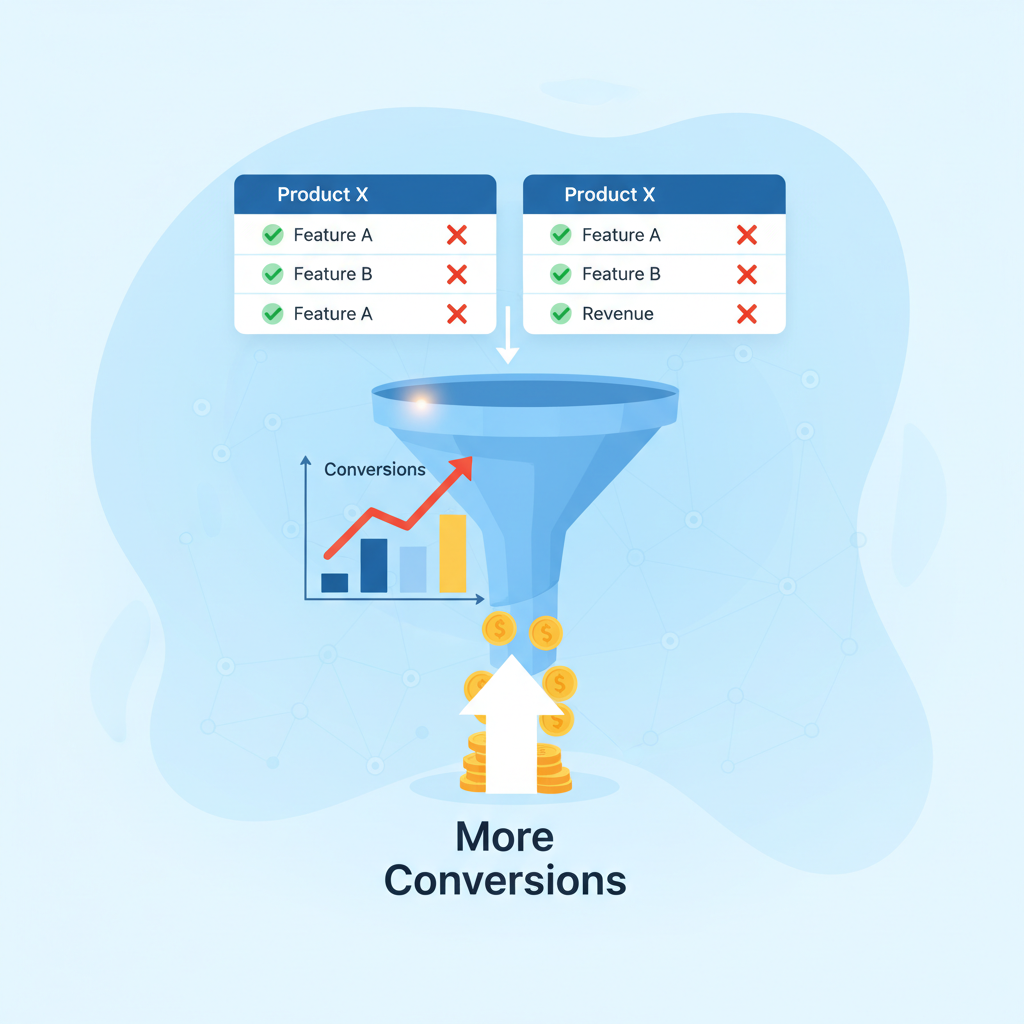
TL;DR
- Question: How do you create a feature comparison table lovable pages will rank and convert?
- Answer: Use a compact, labeled comparison table with Schema.org markup and clear attributes (product name, 3–6 comparable features, and price/units). Test 1–3 layouts, measure demo-signup lift, and expose structured data for AI/snippet consumption.
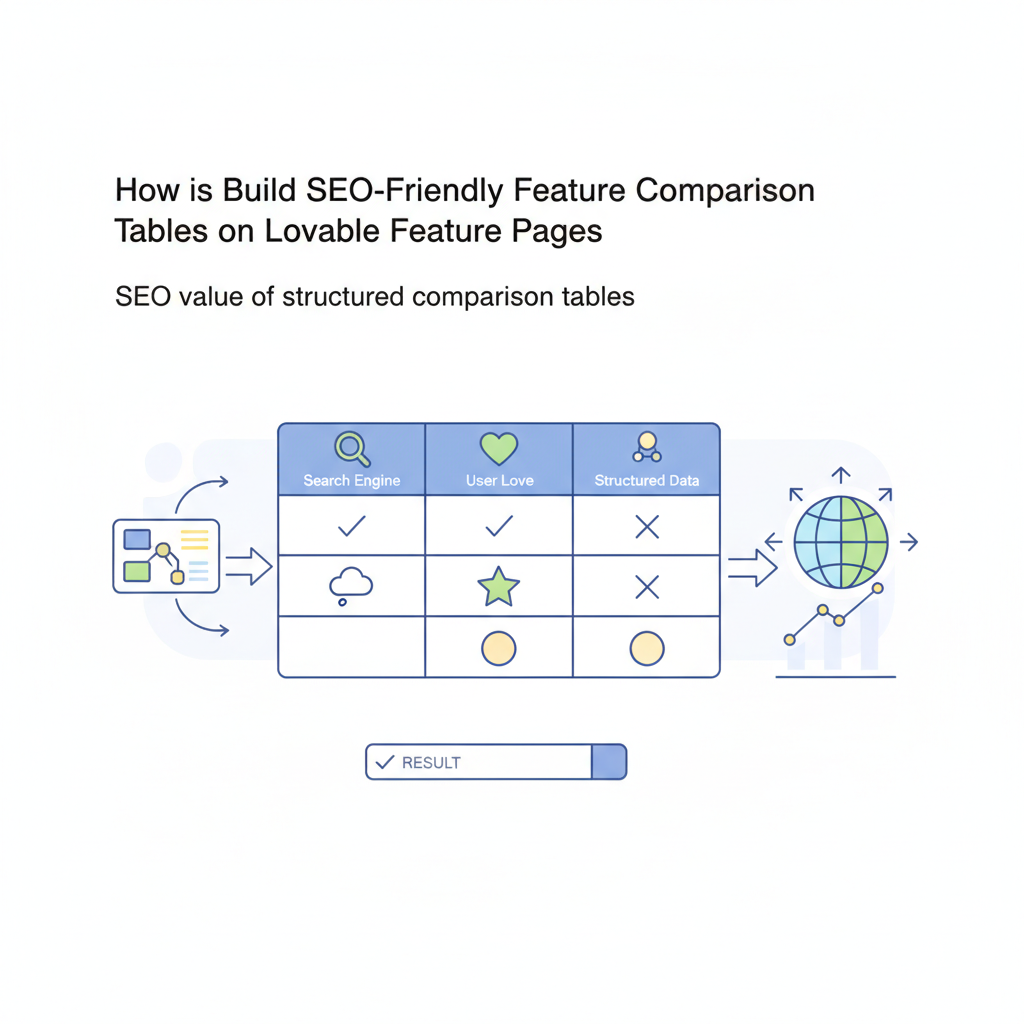
Why comparison tables increase conversions on feature pages
A well-designed feature comparison table reduces friction by surfacing the precise differences buyers care about: price, core capability, limits, and support. When readers can scan a matrix and immediately find whether a plan includes a given capability, they make faster decisions — and you see higher click-throughs to sign-up and demo flows.
On Lovable feature pages, a feature comparison table lovable visitors trust should show product names, 3–6 comparable attributes, prices in a local currency, and a clear winner or recommended option. Use short labels (Storage, API calls/month, SLA, Support hours), and keep cells concise. Example: "Compare Pricing (USD) • Features • Support — ideal for U.S. SaaS buyers." This approach aligns with the principles outlined in our feature page templates that convert, ensuring effective communication for both human scanning and AI extraction.
Actionable takeaway: prioritize scannability: single-line cells, checkmarks for binary features, and a tooltip or microcopy for edge-case details. This keeps your table readable on first glance and increases the chance a buyer clicks through to convert.
SEO value of structured comparison tables
Structured tables are signals: they reduce ambiguity for crawlers and increase the odds of rich results. A comparison table that uses clear column and row headers, consistent attribute labels, and exposed structured data tells search engines exactly what each cell means. That improves relevance for queries like "best X for Y" and helps AI systems extract direct answers.
Include caption and summary text above the table describing scope (what is being compared and why). This creates natural-language context that search engines use to rank and to surface snippets. Use local examples when possible: list prices in USD for U.S. buyers or include units (GB, users/month) for clarity.
Design comparison tables so attributes are consistent; inconsistency destroys both readability and structured-data extraction.
Quotable: "A feature comparison table highlights differences in capabilities and pricing across products." Place that line near the top of the page — it's extractable and short enough to be an AI-usable quote.
When Google and AI engines prefer table-based answers
If the question requires exact attribute-by-attribute differences, AI and Google often prefer tables. Typical triggers: product comparisons, spec lookups, and pricing comparisons. For these queries, a compact, labeled comparison table with Schema.org markup increases the odds of appearing in comparison-rich AI results.
Concrete rule: include 3–6 comparable attributes and a price/unit column. That balance gives AI enough structure without overwhelming it. Example AI snippet-friendly answer: "A feature comparison table highlights differences in capabilities and pricing across products; include product names, 3–6 comparable attributes, and prices/units to improve clarity for search and AI answers."
{ "@context": "https://schema.org", "@type": "ItemList", "name": "SaaS plan comparison", "itemListElement": [ {"@type": "Product","name": "Lovable Basic","offers": {"@type": "Offer","priceCurrency": "USD","price": "29"}}, {"@type": "Product","name": "Lovable Pro","offers": {"@type": "Offer","priceCurrency": "USD","price": "79"}} ]
}
Place a small JSON-LD block like the one above near the table. Test with rich-results and structured-data testing tools per your workflow.
Best HTML and schema practices for comparison tables on Lovable
Use semantic table markup: <table> with <thead>, <tbody>, <th> for headers, and appropriate <caption> or <summary> text. For accessibility and SEO, each <th> should uniquely identify its column or row attribute. Avoid putting critical content inside images — screen readers and search crawlers need text.
Schema guidance: include Product and Offer markup for each column that represents a product, and consider adding a Comparison or ItemList wrapper. If you use Lovable's site builder and it exposes structured-data fields, populate those fields with canonical product names and numeric prices to avoid mismatches between visible content and JSON-LD.
Always match visible table text to structured data values; divergence reduces trust and may break rich result eligibility.
Quotable: "Expose both HTML table headers and JSON-LD for best AI extraction." Put that sentence next to your schema block for easy extraction.
Using table markup vs. div-based grids
Use <table> when content is truly tabular: rows of comparable attributes across products. Screen readers and search engines understand table semantics best when real table elements are used. Use div-based grids only when layout, not data, is the goal (for example, card layouts with unrelated pieces of content).
Performance note: complex tables can become wide on mobile. For mobile-first pages on Lovable, stack columns or allow horizontal scroll with a prominent affordance. Example threshold: keep initial visible viewport to 3 columns on phones and allow an accessible "show more" control for additional columns.
Applying schema (Product, Offer, HowTo, Comparison) for AI answers
Which schema to apply depends on intent: Product + Offer for plan-level pricing and availability; HowTo if the table is part of a guided setup; Comparison or ItemList when you’re presenting alternatives. Schema.org has a Comparison type — use it to label the comparison and list features as properties.
Practical example for Lovable: for each product column add Product (name, description) and Offer (priceCurrency, price). Add an ItemList for ordering. Store structured-data snippets in a stable template so marketing updates don't break JSON-LD structure. Always validate after publishing.
Ready-to-use Lovable templates — 3 table patterns (feature matrix, side-by-side, compact specs)
Ship three proven patterns and test which converts best on your Lovable pages: feature matrix, side-by-side competitor comparison, and compact specs. Each serves a different buyer moment: matrix for plan selection, side-by-side for competitive searches, compact specs for technical buyers.
Include an HTML example for a compact specs table that crawlers can extract. Below is a simple comparison table you can paste into a Lovable page template; replace values with your product data. For more on this, see Lovable product page seo.
<table> <caption>Quick comparison: Basic vs Pro</caption> <thead><tr><th>Feature</th><th>Basic</th><th>Pro</th></tr></thead> <tbody> <tr><th scope="row">Price (USD)</th><td>$29</td><td>$79</td></tr> <tr><th scope="row">API calls/month</th><td>50k</td><td>500k</td></tr> <tr><th scope="row">Support</th><td>Email</td><td>24/7 Phone + Email</td></tr> </tbody>
</table>
Template: SaaS feature matrix (mobile-first)
Design rules for a mobile-first SaaS matrix: collapse attributes into an accordion per feature on narrow viewports, keep product names sticky at the top, and use icons and short phrases. Limit columns to three on small screens; hide tertiary attributes behind a "More specs" control.
Concrete checklist for the template: 1) 3–6 attributes, 2) currency and unit labels, 3) visible CTAs per column, 4) matching JSON-LD entries for each product. This is your lovable feature comparison template baseline.
Template: Side-by-side competitor comparison
For competitor pages, emphasize neutral, verifiable facts. Use side-by-side rows for price, core feature availability, and support. Add a "source" microcopy under disputed claims. Example attributes: Integrations, Custom roles, Single sign-on, and Price per user/month.
Include a short note: if you list competitor capabilities, verify and timestamp the sheet; stale claims damage credibility and can lead to legal issues.
Implementation checklist with LovableSEO and Lovable site builder
Implementation needs a tight checklist that developers and marketers can follow. Use LovableSEO (or your SEO tool) to snapshot pages before and after changes, and Lovable site builder templates to push consistent HTML + JSON-LD. Below is a copyable launch checklist.
- Define 3–6 comparable attributes per table and write short labels.
- Build HTML table with <thead> <tbody> and scoped <th> cells.
- Generate JSON-LD mapping product names to Offer prices and include an ItemList wrapper.
- Validate structured data with a testing tool and record results in LovableSEO.
- Run an A/B test: control (no table) vs. variant (table) and track CTR, time on page, demo signups.
Artifact: this checklist doubles as a launch artifact marketers can copy into sprint tasks.
Data feed considerations and automated population
If you maintain many product variants, automate table population from a canonical data feed (CSV/JSON). Export authoritative fields: product_id, name, price, currency, feature_flags. When Lovable pulls from a data feed, ensure mapping rules preserve units and that updates only change non-structural cells so schema remains valid.
Decision rule: update structured-data only when product_id or price changes; otherwise update visible copy. For typical SaaS, consider a nightly sync and a manual review for price changes to avoid accidental publishing of incorrect offers.
Accessibility and page speed optimizations
Accessibility: ensure keyboard navigation, use <caption> and <summary>, provide descriptive <th scope="row"> labels, and avoid relying on color alone to convey differences. Page speed: keep table HTML lightweight, defer non-critical scripts, and avoid embedding large SVGs or images inside cells.
Performance threshold: target a cumulative layout shift (CLS) under 0.1 and keep the table's DOM size reasonable — for large comparisons, paginate or lazy-load extra columns to keep initial paint fast.
A/B test ideas and success metrics (CTR, time on page, demo signups)
Test variants to learn what drives conversions. Suggested experiments: table vs. bullet list, compact vs. full matrix, and table with schema vs. without schema (schema test measures AI/rich-result impact indirectly).
Primary metrics: demo signups (primary conversion), click-through rate (CTRs) on CTAs inside table cells, and time on page for qualified traffic. Secondary metrics: bounce rate and scroll depth. Example hypothesis: "Adding a compact specs table will increase demo signups by at least 8% for mid-funnel pages." Run tests for a minimum of two weeks or until statistical significance is reached.
When NOT to use comparison tables on Lovable
Use these rules to avoid misuse: 1) When products are radically different and attributes cannot be normalized, a narrative page works better; 2) When data is highly volatile (prices change hourly), avoid static tables unless automated feeds are in place; 3) When you have low traffic and limited testing ability — focus on a single, clear CTA before adding comparisons; 4) When legal risk exists from competitor claims; omit aggressive comparisons.
Conclusion — quick-start checklist
Copy this short quick-start checklist to get a table live on Lovable in a single sprint: 1) pick 3–6 attributes, 2) build semantic <table> and caption, 3) add Product + Offer JSON-LD, 4) validate structured data, 5) A/B test using CTR and demo signups as goals. That sequence keeps changes small and measurable.
Quotable: "Test one table format at a time and measure demo-signup lift." This is a practical rule that teams can follow immediately.
FAQ
What does it mean to build seo? Building SEO refers to creating content and structured markup that search engines can index and understand, including clear HTML semantics and JSON-LD so AI systems can extract direct comparison answers.
How do you build seo? Build SEO by using semantic HTML, concise content, structured data (Product, Offer, Comparison), valid JSON-LD, and by measuring outcomes like organic traffic, CTR, and conversions.
Ready to Rank Your Lovable App?
This article was automatically published using LovableSEO. Get your Lovable website ranking on Google with AI-powered SEO content.
Get Started