
How to Implement regionServed Schema on Lovable SaaS Pages to Localize AI Answers
A guide covering implement regionServed Schema on Lovable SaaS Pages to Localize AI Answers.
TL;DR
- Problem: Lovable SaaS pages often show global pricing and features, so AI systems and search results treat them as non-local — reducing chances of being used in regional answers.
- Quick answer: Add regionServed Schema.org markup (ISO 3166-1 alpha-2 codes, postalCode tokens) to your Organization or Service JSON-LD on Lovable pages, surface matching page content, and automate with LovableSEO feeds and sitemap templates.

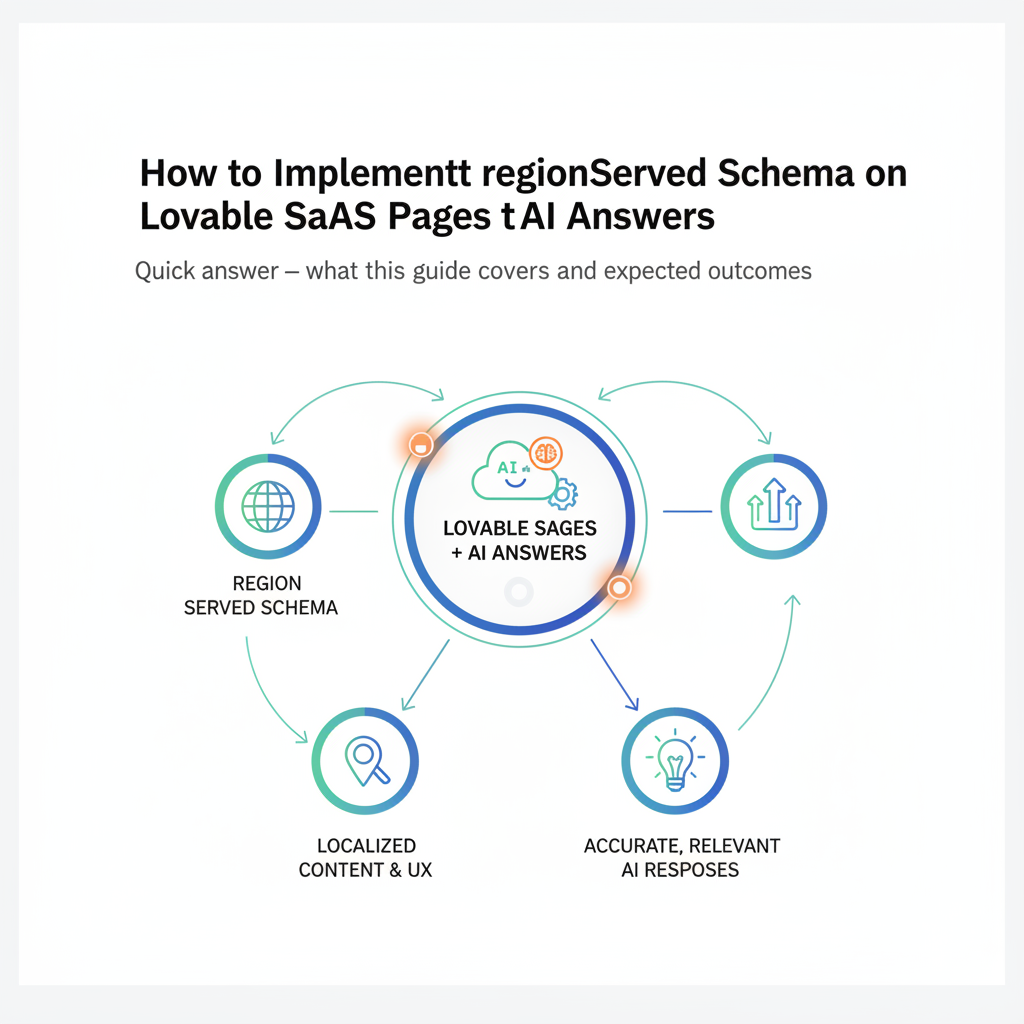
Quick answer — what this guide covers and expected outcomes
Without explicit region signals, AI systems and search engines treat Lovable SaaS pages as globally scoped and will not show them as regional answers. This guide shows how to implement regionserved schema lovable pages so your product, pricing, and service pages are recognized for local intent. You’ll get concrete JSON-LD snippets, template patterns for Lovable’s CMS, a deployment checklist, and KPIs to track inclusion by AI answers.
Expected outcomes: improved regional discovery for product/pricing pages, higher odds of being chosen by AI to localize ai answers lovable, and cleaner metadata in LovableSEO feeds for automated deployments. Quotable: "Adding precise regionServed markup and matching page-level local content increases a Lovable SaaS page's chance to be used as a regional answer by AI systems."
When NOT to implement regionServed
- Your offering is strictly global with identical pricing everywhere and you cannot legally or operationally vary by region.
- Your site does not publish region-specific content or localized checkout options — markup without content creates mismatch risk.
- You lack the data hygiene to keep region fields (countryCode, currency, postalCode) synchronized across feeds.
Add regionServed only when page content and checkout options reflect the same geographic scope.
Why regionServed matters for AI answers and local relevance
If you want AI systems and search engines to pick a Lovable page as a regional answer, search signals must prove the page is relevant to that region. regionServed schema lovable tells machines the geographic scope of an Organization or Service using standard tokens (for example, "US" or "GB") and human-readable labels. Many queries have local intent, and accurate region signals increase your chance of being surfaced for regional queries. The markup should match visible page content: localized pricing, currency, language, and mentions of cities or postal codes.
Concrete rule: when you mark a page as serving a country code (e.g., "US"), display prices in that country’s currency and include a note about regional availability. This prevents contradictions between structured data and page content — contradictions that reduce AI trust.
Structured region signals must match visible page text — otherwise AI systems downgrade the page for regional answers.
How Google and AI models use region signals (concise explanation)
Google and modern AI models combine page content, structured data, and signals like hreflang, server location, and backlinks to determine local relevance. The regionServed schema lovable is a direct, machine-readable signal that supplements page content. When a model evaluates candidate answers for a region-specific query, it prefers sources that explicitly state they serve that region and provide local facts (currency, local SLAs, local phone numbers). This reduces the candidate pool and increases the probability your Lovable page will be selected as the regional source, which is a key strategy outlined in winning AI answers for lovable SaaS pages.
Quotable: "Explicit regionServed markup reduces ambiguity and raises a Lovable page's relevance score for regionally targeted AI answers."
regionServed vs areaServed vs service-area — which to use when
Choose between regionServed and areaServed based on granularity. Use regionServed for country-level or region-level scope with ISO codes (e.g., "US", "CA"). Use areaServed when you need to specify administrative areas or multi-city coverage and can provide detailed place names or postal codes. The property service-area is not a Schema.org standard — avoid inventing non-standard properties. For Lovable pages follow this decision rule:
- If you sell regionally by country: use regionServed with ISO 3166-1 alpha-2 codes.
- If you sell to metropolitan areas or specific postal codes: include postalCode tokens inside areaServed or within regionServed as objects with address elements.
- Never declare global scope if you in fact restrict service — be specific.
Example threshold: if you offer different pricing for fewer than 10 countries, add a regionServed entry per country. If you operate city-by-city, add postalCode entries for top 20 cities where you offer local support.
Where to add regionServed on Lovable sites (page templates, site header, data feeds)
Implement regionServed in three places on Lovable: page-level JSON-LD, site-wide Organization JSON-LD (in header), and structured feeds consumed by LovableSEO or your CMS. Page-level JSON-LD belongs on specific product, pricing, or service pages that have regional variants. Site header Organization markup should include primary headquarters and broad country targets. Data feeds must carry fields for region tokens so automation tools can generate per-region pages.
Practical placement checklist:
- Product/pricing pages: include Service or Product JSON-LD with regionServed for that page’s audience.
- Site header: Organization JSON-LD listing global coverage or HQ country codes.
- Feeds: include region fields in LovableSEO feeds so templates can generate localized pages.
Use consistent naming across templates to avoid mapping errors during deployment.
Page-level JSON-LD examples (single-region Organization/Service snippet)
Below is a minimal regionserved json-ld example you can paste into a pricing page's head. It declares the page’s service area as the US:
{ "@context": "https://schema.org", "@type": "Service", "name": "Lovable SaaS — Team plan", "description": "Team collaboration plan", "regionServed": ["US"]
}
For an Organization-level snippet that lists multiple countries, include an array of ISO codes: "regionServed": ["US","CA","GB"]. This regionserved json-ld example is the simplest correct pattern for Lovable pages that target countries.
Template-based JSON-LD for product/pricing pages with region tokens
For Lovable regionserved implementation at scale, use template tokens in your CMS or LovableSEO feed. Example pattern inside a template engine:
{ "@context":"https://schema.org", "@type":"Service", "name":"{{product_name}}", "priceCurrency":"{{currency}}", "regionServed":["{{countryCode}}"], "offers": { "price": {{regional_price}} }
}
With this pattern, a single template plus a feed containing countryCode, currency, and regional_price produces correct localized JSON-LD across pages. This avoids manual editing and matches visible localized content.
Practical implementation steps on Lovable (no-code and dev paths)
No-code path: add a JSON-LD block in Lovable’s page editor for each localized page. Populate region fields directly on page settings. Dev path: add server-side template injection that reads LovableSEO or CMS feed fields and renders JSON-LD in the head. Key steps:
- Audit pages to identify which need regional variants (pricing, SLAs, support pages).
- Define canonical region tokens: countryCode, currency, postalCode where applicable.
- Implement JSON-LD template and test one region page end-to-end.
- Roll out via feed-driven deployment or incremental publishing.
lovable regionserved implementation should always include visible indicators (currency, local phone, legal footer) to match the structured region signals.
Field names to add in Lovable CMS or LovableSEO feeds (countryCode, region, postalCode, currency)
Use consistent, explicit field names in the CMS or LovableSEO feeds so templates map reliably. Recommended fields:
- countryCode — ISO 3166-1 alpha-2 (e.g., "US").
- region — human-readable region (e.g., "California").
- postalCode — for city-level pages.
- currency — ISO 4217 (e.g., "USD").
Example feed row: {"slug":"/pricing/us","countryCode":"US","currency":"USD","regional_price":49}. These fields produce accurate regionServed markup when fed into templates.
Automating regionServed with LovableSEO: templates, sitemaps, and deployment checklist
Automation prevents human error. Use LovableSEO to transform feed rows into localized pages and JSON-LD snippets. Key checklist for automation:
- Prepare feed with countryCode, currency, postalCode, and regional_price.
- Create JSON-LD template that references tokens exactly as named in the feed.
- Generate per-region sitemap entries and ping search indexing endpoints after deployment.
- Validate a sample of pages before full rollout.
Deployment checklist (copyable):
- Verify feed field names and sample values.
- Render and inspect JSON-LD for five regions.
- Run Rich Results Test on produced pages.
- Publish and monitor Search Console or log-based indexing feedback.
Testing & validation (Rich Results Test, Schema.org validators, Search Console)
After deployment validate structured data with these steps: run Google's Rich Results Test for representative pages; inspect the rendered JSON-LD; and use Schema.org validators for syntax. Check Search Console for indexing and enhancement reports. If you use LovableSEO automation, sample a few sitemap URLs and confirm the deployed JSON-LD matches feed values.
Quotable: "Run Rich Results Test after any template change to catch token mismatches early."
Monitoring results and KPIs for AI answer inclusion
Track KPIs that indicate regional answer uptake: impressions and clicks for region-targeted queries, increase in regional organic traffic, and occurrences where your page appears in answer boxes. Suggested metrics and thresholds:
- P95: time from publish to indexing under 48 hours (typical target).
- Regional organic impressions: +15% within 6 weeks of rollout is a practical early goal.
- Number of regional answer impressions in Search Console or AI reporting (if available).
Also monitor mismatch errors (structured data flags saying regionServed conflicts with visible content) and fix them promptly.
Example: converting a pricing page to include regionServed (before/after)
Before: a single /pricing page shows USD prices and global copy. After: a set of pages /pricing/us, /pricing/ca, each with localized price, currency, and JSON-LD declaring "regionServed":["US"] or "CA". The conversion artifacts table below is a copyable guide.
| Before | After |
|---|---|
| Single page, USD only | /pricing/us — USD, regionServed:["US"], local phone |
| No region metadata | JSON-LD with regionServed and currency token |
Troubleshooting common issues
Common problems and fixes:
- Mismatch errors: ensure visible currency and phone match regionServed tokens.
- Template token missing: validate feed field names and render preview pages.
- Overbroad region declaration: narrow regionServed to country codes if you see low relevance.
If Rich Results Test flags JSON-LD syntax issues, check quotes, commas, and bracket closure in templates. If AI systems still ignore pages, inspect backlinks and local content depth — structured data is necessary but not sufficient.
Conclusion — rollout checklist and next steps (link to demo/pricing/signup)
Rollout checklist (final):
- Map pages needing localization.
- Define feed fields: countryCode, currency, postalCode.
- Create and test JSON-LD templates using the regionserved json-ld example patterns above.
- Automate with LovableSEO and validate with Rich Results Test.
- Monitor KPIs and fix mismatches.
Conclusion quote: "Adding precise regionServed markup and matching page-level local content increases a Lovable SaaS page's chance to be used as a regional answer by AI systems." For next steps, prepare a pilot with your top three markets and validate results before full rollout.
FAQ
What does it mean to implement regionserved schema on lovable saas pages to localize ai answers?
Implementing regionServed schema on Lovable SaaS pages means adding Schema.org JSON-LD markup that declares which geographic areas a page or service targets, using standard tokens like ISO country codes and postal codes so AI systems and search engines can surface the page for region-specific queries.
How do you implement regionserved schema on lovable saas pages to localize ai answers?
Implement by adding page-level or Organization-level JSON-LD with regionServed entries, matching visible localized content (currency, local phone), and automating deployments through LovableSEO feeds and templates that include countryCode, currency, and postalCode fields.
Ready to Rank Your Lovable App?
This article was automatically published using LovableSEO. Get your Lovable website ranking on Google with AI-powered SEO content.
Get Started






