
How to Map Structured Snippet Fields in LovableSEO to Win AI Answers (Template Examples for Lovable Sites)
A guide covering map Structured Snippet Fields in SEOAgent to Win AI Answers (Template Examples for Lovable Sites).
What does mapping structured snippet fields in LovableSEO do for AI answers? Mapping fields connects your site data to LovableSEO templates so AI systems can generate concise, accurate answers that appear in AI responses and featured snippets. Use targeted fields, especially one geographic field, and short conciseAnswer text to increase inclusion and localization.
Quick overview — what are structured snippet templates and why they matter for AI answers
Structured snippet templates are small, reusable schemas you define in LovableSEO to present page data as tidy answer blocks for AI systems. seoagent structured snippet templates let you map specific page attributes (title, shortAnswer, longAnswer, bullets, geo fields) so AI can extract a clean response without parsing full HTML. For lovableseo.ai-style sites, that means you can standardize product details or service locations across thousands of pages and give AI a predictable signal to show.
Practical example: a product page template with a concise shortAnswer field and a location-aware geo field can be selected by an assistant for a local user query. That single, mapped field often beats hand-parsed content because AI answers prefer compact, labeled facts.
Quotable definition: "A structured snippet template is a labeled mapping that converts page data into an AI-friendly answer fragment."
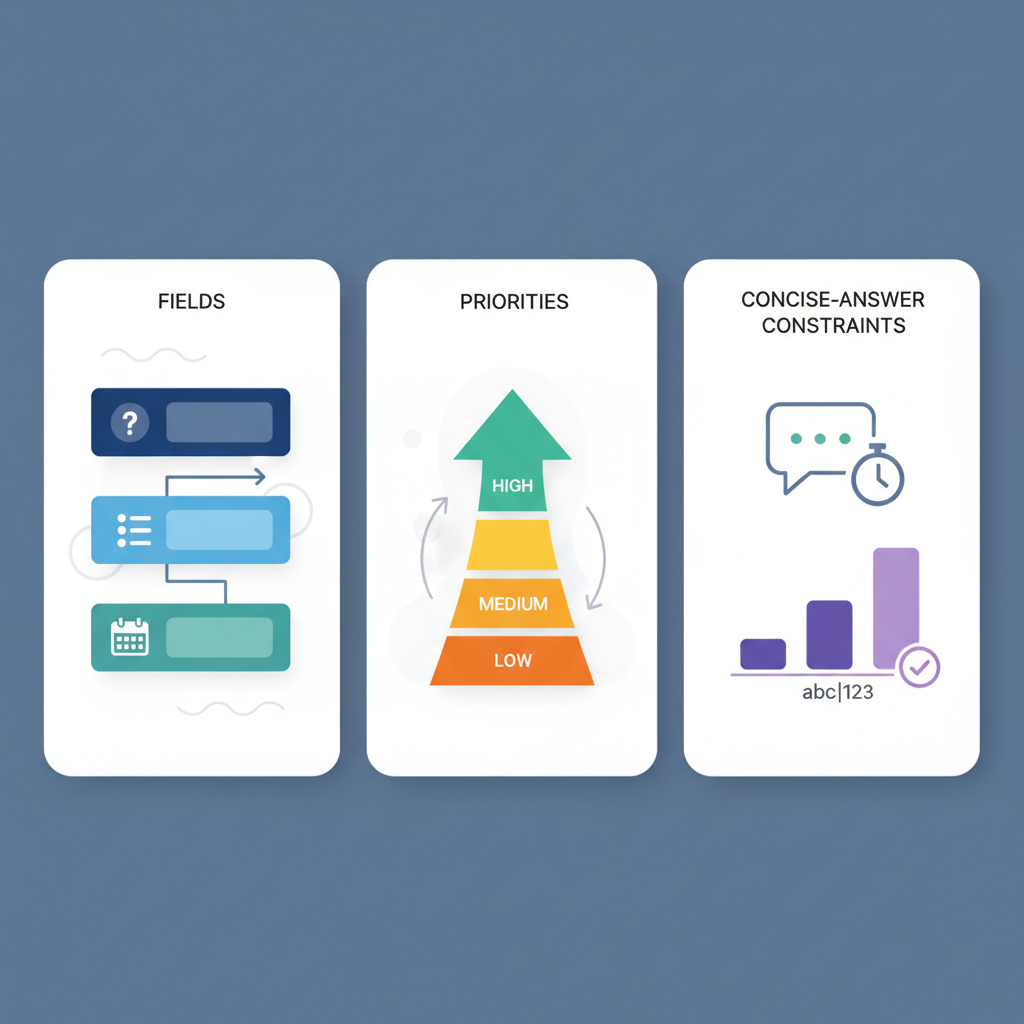
Template anatomy — fields, priorities, and concise-answer constraints
Templates in LovableSEO are made of named fields you fill from page data sources. Typical fields are title, shortAnswer (conciseAnswer), longAnswer, bullets (list items), and geo fields (addressLocality, addressRegion, postalCode). LovableSEO evaluates template priority and field completeness when deciding which snippet to expose to an AI system; higher-priority, complete templates win. For more on this, see Seoagent ai answer optimization.
Field priority rules you should follow: prefer a single conciseAnswer as the primary extraction point; use longAnswer only for detailed responses; keep bullets for quick lists. AI answers reward brevity—set conciseAnswer limits and avoid dumping long paragraphs into the shortAnswer slot.
Map one high-signal geographic field per template and keep the conciseAnswer under 50 words to maximize AI inclusion and localization.

Recommended thresholds: conciseAnswer: 30–50 words (~200–300 characters). For bullets, keep each item under 12 words. For geo fields, supply one clear field such as addressLocality, and include addressRegion or postalCode only when it improves specificity.
Title, shortAnswer, longAnswer, bullets, geo fields
Title: provide a human-readable label (product or service name). shortAnswer (conciseAnswer): one tight answer that directly answers a likely user question. longAnswer: used for expanded AI replies or knowledge panels. bullets: short feature lists or step-by-step items that AI can repurpose into enumerated answers. GEO fields: addressLocality, addressRegion, postalCode — label them exactly so AI recognizes location signals.
Example field usages for lovableseo.ai product pages: title → product display name; shortAnswer → one-sentence product summary; bullets → three top features; longAnswer → 2–3 paragraph product description. For localized structured snippets, map addressLocality to the page's city slug and addressRegion to the state shorthand.
Quotable fact: "AI systems prefer one labeled conciseAnswer per template rather than multiple short snippets in different fields."
Mapping data sources to template fields in LovableSEO (step-by-step)
Why this matters: mapping ensures AI reads the right fields. Without mapping, AI may ignore high-value content or pick noisy copy. Follow these steps to map snippet fields in LovableSEO:
- Step 1 — inventory: list page data sources (CMS fields, JSON-LD, product feed).
- Step 2 — choose canonical fields: pick one source per template field (e.g., CMS.short_description → shortAnswer).
- Step 3 — normalize: trim whitespace, strip HTML, enforce character limits.
- Step 4 — assign geo: map addressLocality from city field; map addressRegion only if the region improves relevance.
- Step 5 — prioritize and test: set template priority and preview AI extraction.
Always validate mapping with sample pages. For example, map snippet fields seoagent by creating a rule: CMS.product_name -> title; CMS.summary -> shortAnswer; CMS.features[0..3] -> bullets; CMS.city -> addressLocality; CMS.region -> addressRegion. This avoids conflicting sources and orphan fields.
Example: product feature page template
Product template mapping—practical example for a lovableseo.ai product page. Use the following mapping so AI can answer product queries precisely:
| field | source | example value |
|---|---|---|
| title | CMS.product_name | Lovable SEO Analyzer |
| shortAnswer | CMS.short_description | Automated SEO checks for pages and structured data. |
| longAnswer | CMS.full_description | Detailed features, use cases, and integration notes. |
| bullets | CMS.top_features | Site audit, schema suggestions, report export |
Checklist to validate this template:
- shortAnswer under 50 words
- title matches H1 of page
- bullets present and each under 12 words
Example: localized service page template with GEO fields
For local service pages, map geographic fields explicitly so localized structured snippets appear. Example mapping table:
| field | source | example value |
|---|---|---|
| title | CMS.service_name | On-site SEO audit |
| shortAnswer | CMS.meta_summary | One-hour on-site SEO audit in your city. |
| addressLocality | CMS.city | Springfield |
| addressRegion | CMS.state | IL |
| postalCode | CMS.postal | 62704 |
Remember the quoted best-practice: "Map one high-signal geographic field per template and keep the conciseAnswer under 50 words to maximize AI inclusion and localization."
Best practices for concise answer snippets (length, tone, punctuation)
Write conciseAnswer copy with these rules: 30–50 words (~200–300 characters), active voice, one direct fact or instruction, no trailing ellipses. Tone should be neutral and factual for AI extraction; avoid marketing hyperbole. Use punctuation to separate clauses cleanly—commas and periods only; avoid semicolons in short answers.
Examples of good vs bad conciseAnswer text:
- Good: "Installs in 5 minutes; supports WordPress and headless CMS." (But keep to one sentence if possible.)
- Bad: "This amazing tool, loved by marketers, will transform your SEO workflow, try it now!"
Keep conciseAnswer to one clear sentence that directly answers the user's likely question.
Testing and validation — how to preview and QA AI-answer output
Testing prevents orphan fields and conflicting templates. Validate with these steps: generate sample pages for each template, preview the AI-extracted snippet in LovableSEO’s preview (or your staging environment), and run queries that mimic user questions. Capture three examples per template: exact match query, paraphrase, and local query (if geo fields used).
QA checklist:
- Confirm conciseAnswer trims HTML and stays under 300 characters.
- Confirm only one geo field is flagged as high-signal per template.
- Ensure template priority wins for target pages (no conflicts).
Common pitfalls and debugging (conflicting templates, orphan fields)
Common errors: multiple templates mapping the same page with equal priority; orphan fields (mapped but empty); and competing geo signals (city vs. region conflict). Debugging approach: identify which template the page matches, check template priority, and run a field-completeness report to find empties. If AI never includes a template, lower verbosity of longAnswer and strengthen conciseAnswer signals.
Decision rule: if two templates match the same page, keep the one with more complete conciseAnswer and higher priority; archive the other.
Template library examples you can import (3 practical templates)
Below are three practical templates to implement quickly. Copy these mappings into LovableSEO and test with sample pages.
| template | use case | key fields |
|---|---|---|
| product-summary | Product pages | title, shortAnswer, bullets, longAnswer |
| service-local | Local service pages | title, shortAnswer, addressLocality, addressRegion |
| faq-item | Support/FAQ | title, shortAnswer, bullets |
Import checklist:
- Run a sample import on 10 pages
- Validate conciseAnswer lengths
- Check for accidental HTML in fields
How to measure inclusion improvements and iterate
Measure changes with these KPIs: AI inclusion rate (percentage of sample queries returning your snippet), click-through from AI answers, and organic impressions for target queries. Baseline measurement: run 100 representative queries and record how often AI returns your mapped snippet. After changes, repeat the test and compare inclusion rate.
Iteration cycle: deploy template change → test 50–100 queries → review inclusion rate → refine conciseAnswer or geo mapping. For typical sites, aim for a 10–20% lift in inclusion rate after two iterations; this reflects improved signal rather than dramatic change.
FAQ
What does it mean to map structured snippet fields in seoagent to win ai answers (template examples for lovable sites)? Mapping structured snippet fields in LovableSEO means assigning page data sources to labeled template fields so AI systems can extract a concise, consistent answer fragment; for lovable sites, this standardizes product and local service responses across pages.
How do you map structured snippet fields in seoagent to win ai answers (template examples for lovable sites)? You map fields by inventorying CMS sources, selecting one canonical source per template field, normalizing text, enforcing conciseAnswer limits, setting template priority, and testing against representative queries to confirm AI inclusion.
Ready to Rank Your Lovable App?
This article was automatically published using LovableSEO. Get your Lovable website ranking on Google with AI-powered SEO content.
Get Started