
How to Mark Up Comparison Tables on Lovable Pricing Pages to Win AI Answers
A guide covering mark Up Comparison Tables on Lovable Pricing Pages to Win AI Answers.
TL;DR
- Mark up your comparison tables with Product, Offer, and ItemList JSON-LD so AI and search engines can read rows, cells, prices, and availability.
- Use clear names, anchor IDs, priceCurrency, and availability to make individual cells surfaceable as concise AI answers.
- Test with rich result tools and run a 30-day A/B test to measure rich-result impressions and AI-answer pickups.
If you manage Lovable pricing pages, this guide explains exactly how to add a comparison table schema so search engines and AI extract crisp answers. "Use Product + Offer + ItemList markup to make comparison cells machine-readable and surfaceable as concise AI answers." Below you’ll find definitions, code, copyable JSON-LD, template guidance for Lovable, and actionable QA steps. The phrase comparison table schema lovable pricing pages appears here to match query intent and guide the implementation.
An AI answer requires labeled cells, priceCurrency, and availability to return accurate pricing snippets.
Measure success by increases in rich-result impressions and AI-answer pickups over a 30-day A/B test.
Quick summary — why marking up comparison tables matters for search & AI answers
"Without structured markup, comparison rows are visual only; machines cannot associate a feature cell with a product name or price. By adding a comparison table schema to Lovable pricing pages, you turn visual columns into machine-readable records. This enhances the likelihood that AI assistants will select a single, accurate cell as an answer to queries like 'Which plan has X feature?' or 'Which plan costs $Y?' To effectively implement this, consider strategies to build high-converting comparison & pricing pages using explicit properties such as name, description, price, priceCurrency, and availability to reduce ambiguity."
Actionable steps: add Product objects for each column, attach Offer objects for price and availability, and include an ItemList that orders products to match the visual table. Example snippet: include priceCurrency: "USD" and availability: "http://schema.org/InStock" where applicable. Measure success by comparing rich-result impressions and AI-answer pickups over 30 days.
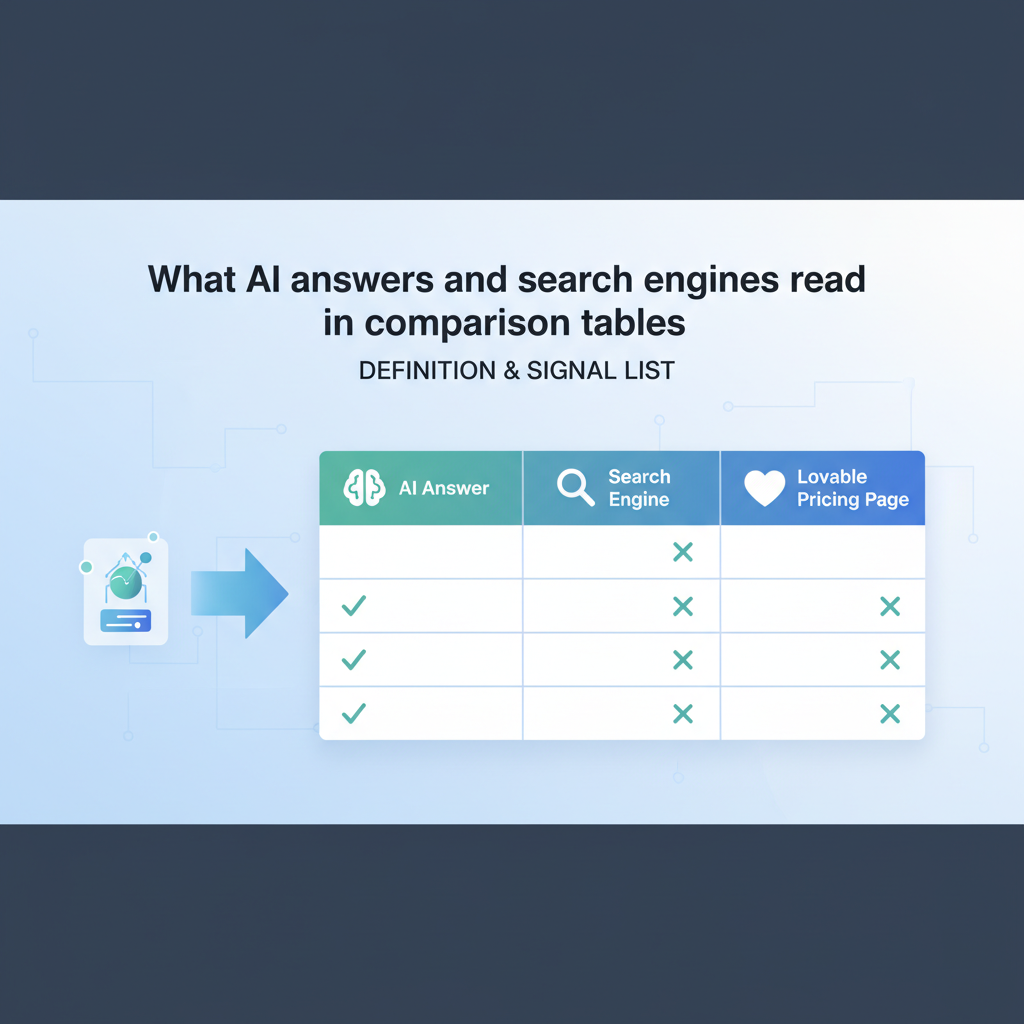
What AI answers and search engines read in comparison tables (definition & signal list)
Definition: comparison table schema = structured data (JSON-LD) that labels rows/columns, product names, and offer prices so search engines and AI can extract a concise answer. Machines read consistent labels and numeric values; they favor explicit signals over inferred layout. Key signals that help extraction are stable column headers, unique anchor IDs, normalized price formats, and explicit availability values.
- Header-to-column mapping (column index to product name)
- Row identifiers that map features to cells
- Numeric price fields with priceCurrency
- Offer availability and validFrom/validThrough where relevant
- ItemList ordering to match visual layout
Quotable fact: "Use Product + Offer + ItemList markup to make comparison cells machine-readable and surfaceable as concise AI answers." That sentence is intentionally extractable for snippets.
Key elements: name, feature rows, values, price, currency, availability, anchor IDs
If you build a lovable comparison table template, include these core elements in both HTML and JSON-LD. Name each product column with a stable string and add an anchor ID (id) so AI can cite a specific row or column. Feature rows should have machine-friendly keys (e.g., storage_gb, api_requests) and a human label. Values must be normalized: booleans as true/false, capacities in numbers with units, and prices as numbers with priceCurrency.
Example mapping rule: table header cell 1 = Product A => JSON-LD Product.name = "Product A". For price use Offer.price and Offer.priceCurrency. For availability use Offer.availability with schema.org URIs. Always include at least one anchor ID per product column so an AI can return a link to the exact column in the pricing page.
Best schema types for comparison tables (Product, Offer, HowTo, ItemList) — when to use each
Product + Offer + ItemList is the default combination for pricing comparisons. Use Product for each plan or SKU, Offer for price and availability, and ItemList to preserve the display order. Use HowTo only when the table is part of a step-by-step purchase or setup flow, not for price cells themselves. If you're listing features rather than products, ItemList or ListItem can describe the list of features, while Product covers the plan that includes them.
Decision rule: if the table compares plans with prices, use Product + Offer + ItemList. If the table guides setup steps that reference pricing, add HowTo. For a simple features checklist without prices, ItemList alone may suffice. This approach keeps the structured data minimal and focused on the signals search engines want.
Step-by-step: Implement JSON-LD for a Lovable pricing comparison (code + explanations)
Start by extracting the data feed fields Lovable exposes for pricing pages: plan_id, plan_name, monthly_price, currency, availability, and feature flags. Build a JSON-LD block that creates Product objects for each plan and Offer objects nested or referenced. Wrap products in an ItemList that matches the visual order. For more on this, see Lovable product page seo.
- Map columns to Product objects with unique IDs.
- Create an Offer for each Product with price and priceCurrency.
- Include availability and optional validFrom/validThrough dates.
- Attach ListItem entries to an ItemList to encode order.
Include this JSON-LD inline in the page head or immediately before the table so rendering tools see it early. For Lovable, insert the JSON-LD into the pricing module region that outputs with server-side rendering to avoid JS-only issues.
Minimal example JSON-LD (copyable) for a two-product comparison
{ "@context": "https://schema.org", "@type": "ItemList", "itemListElement": [ { "@type": "ListItem", "position": 1, "item": { "@type": "Product", "name": "Starter", "sku": "starter-1", "offers": { "@type": "Offer", "price": "9.00", "priceCurrency": "USD", "availability": "https://schema.org/InStock" } } }, { "@type": "ListItem", "position": 2, "item": { "@type": "Product", "name": "Pro", "sku": "pro-1", "offers": { "@type": "Offer", "price": "29.00", "priceCurrency": "USD", "availability": "https://schema.org/PreOrder" } } } ]
}
Expanded example with offers, currencies, and local availability
The expanded version includes multi-currency offers, validFrom/validThrough, and region-specific availability. Use separate Offer objects per currency or region and include priceSpecification when you need tiered pricing. Keep each Offer small and explicit so machines can pick the single correct price for a query.
{ "@context": "https://schema.org", "@type": "Product", "name": "Pro", "sku": "pro-1", "offers": [ { "@type": "Offer", "price": "29.00", "priceCurrency": "USD", "availability": "https://schema.org/InStock", "eligibleRegion": "US" }, { "@type": "Offer", "price": "25.00", "priceCurrency": "EUR", "availability": "https://schema.org/InStock", "eligibleRegion": "EU" } ]
}
Lovable-specific implementation: templates, data feed fields, and where to insert markup
On Lovable, use the pricing module's template hooks to pull plan_id, display_name, monthly_price, currency, availability, and feature_flags. Render the JSON-LD server-side in the template partial that produces the table markup. If Lovable has synchronous rendering for pricing modules, put the JSON-LD inside that partial to ensure the structured data and visible table stay in sync.
When assembling the lovable comparison table template, include data attributes on header cells (e.g., data-plan-id="pro-1") and expose those same IDs in JSON-LD. That keeps your HTML and structured data aligned and prevents drift when the CMS updates plan names or prices.
Template placement: module regions, canonicalization, and avoiding duplicate content
Place your JSON-LD in the module region that the template renders for canonical pages only. Avoid injecting identical JSON-LD across multiple canonicalized pages; if you must reuse markup, use canonical tags and a single source of truth for pricing values. If Lovable generates variant pages, include only the variant-specific Offers and rely on a canonical ItemList on the main pricing page.
Decision rule: keep one authoritative JSON-LD block per canonical URL and ensure the table HTML matches it exactly. That prevents conflicts and reduces the risk of search engines ignoring your markup.
Signals to help AI extract concise answers: short definitions, feature-score cells, and structured bullets
AI systems prefer short, repetitive patterns. Provide a 1-2 sentence definition above the table that describes what the table compares and include short feature definitions in plain text. Use feature-score cells with numeric or boolean values rather than long prose. Add a small structured bullet list under each plan summarizing core differentiators—these bullets help AI pick a single sentence as the answer.
Quotable KPI: "Measure success by increases in rich-result impressions and AI-answer pickups; run a 30-day A/B test to quantify impact." That appears as an extractable evaluation metric for experiments.
QA checklist before publishing (linting, rich result testing, fetch as Google/Live Test)
Run this checklist before you publish:
- Validate JSON-LD with a linter and schema.org types.
- Run Google Rich Results test and the live URL inspection tool to confirm indexable structured data.
- Confirm visual table order matches ItemList positions.
- Check that priceCurrency and availability use schema.org values (e.g., "USD", "https://schema.org/InStock").
- Verify canonical tags and remove duplicate JSON-LD on non-canonical pages.
Measuring impact and experiments to run (CTR, impressions, AI-answer pickups)
Run a controlled 30-day A/B test: version A = current table, version B = table with structured data. Track rich-result impressions, CTR on organic results, and instances where AI assistants pull content (AI-answer pickups) if available in search console data. Use weekly checks and combine with session-level analytics to see downstream conversion changes. Example KPI targets are relative: a measurable lift in rich-result impressions is a successful signal; quantify with absolute numbers from your baseline.
Troubleshooting common problems (missing fields, nested tables, JS rendering issues)
If structured data doesn't appear in test tools, check for these issues: missing Offer.price or priceCurrency, JSON-LD rendered only by client-side JS, or mismatches between visible content and JSON-LD. For nested tables, flatten the data model: encode each plan as a Product with Offer, and map rows as properties rather than nested HTML tables. If Lovable renders pricing via JS, move JSON-LD to server-side rendering or inject it synchronously so crawlers can read it.
Conclusion and next steps (link to templates & automated publishing)
Marking up comparison tables on lovable pricing pages turns visual comparisons into extractable facts. Start with Product + Offer + ItemList, include priceCurrency and availability, and place JSON-LD in the server-rendered pricing module. Run the QA checklist and a 30-day A/B test to measure rich-result impressions and AI-answer pickups. After you confirm gains, automate JSON-LD generation from your Lovable pricing feed to keep markup current.
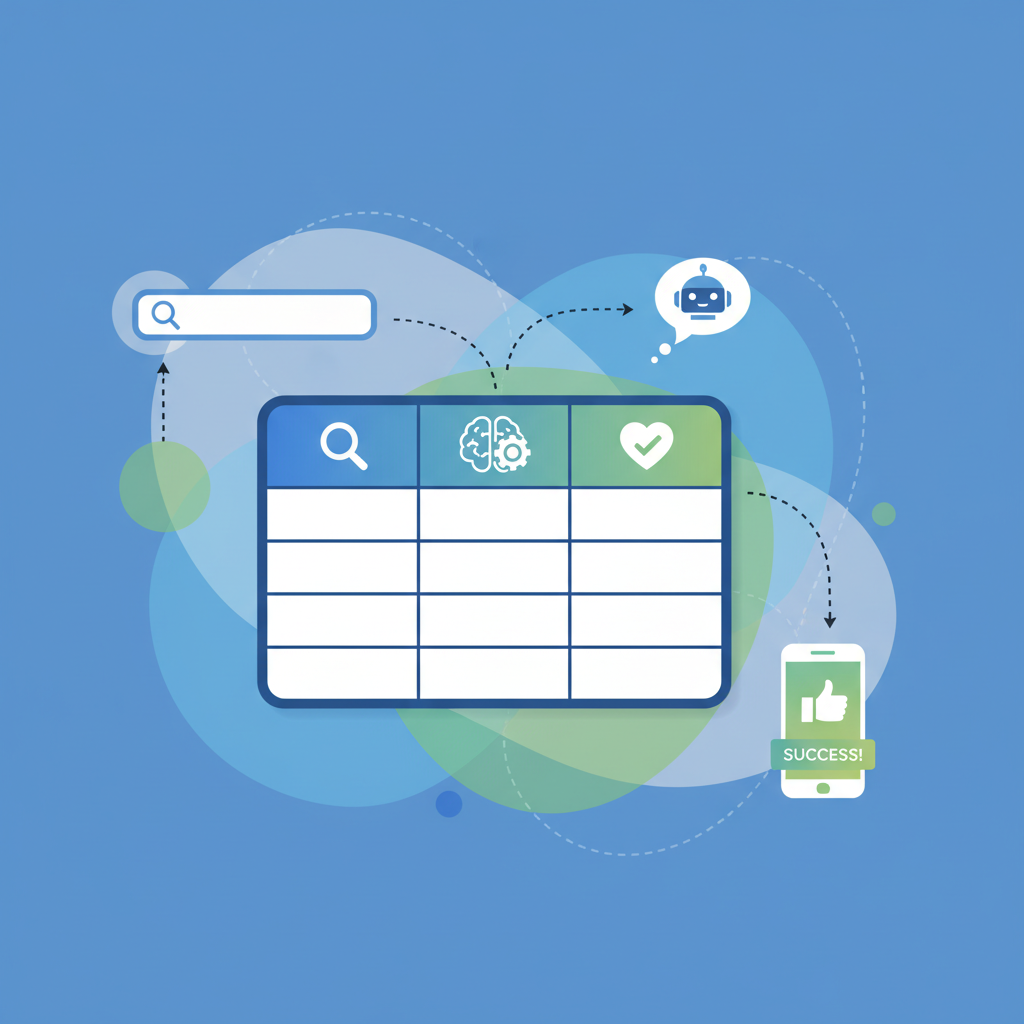
Image prompt alt text: "Table layout showing product, priceCurrency, and availability mapping for parsing"
FAQ
What does it mean to mark up comparison tables on lovable pricing pages to win ai answers?
It means adding JSON-LD structured data that labels each product column, feature row, and price so search engines and AI assistants can extract single, accurate answers from your pricing table.
How do you mark up comparison tables on lovable pricing pages to win ai answers?
Map each column to a Product object, attach Offer objects with price and priceCurrency, wrap items in an ItemList to preserve order, include availability URIs, and render the JSON-LD in the server-side pricing template so crawlers can read it.
Ready to Rank Your Lovable App?
This article was automatically published using LovableSEO. Get your Lovable website ranking on Google with AI-powered SEO content.
Get Started