

Hybrid Workflow: Step-by-Step Guide to Combining Programmatic Templates and Manual Editing on Lovable Sites
A guide covering hybrid programmatic/manual SEO workflows on Lovable sites, with template design, editorial passes, SEOAgent automation, and a 30/60/90 rollout table.
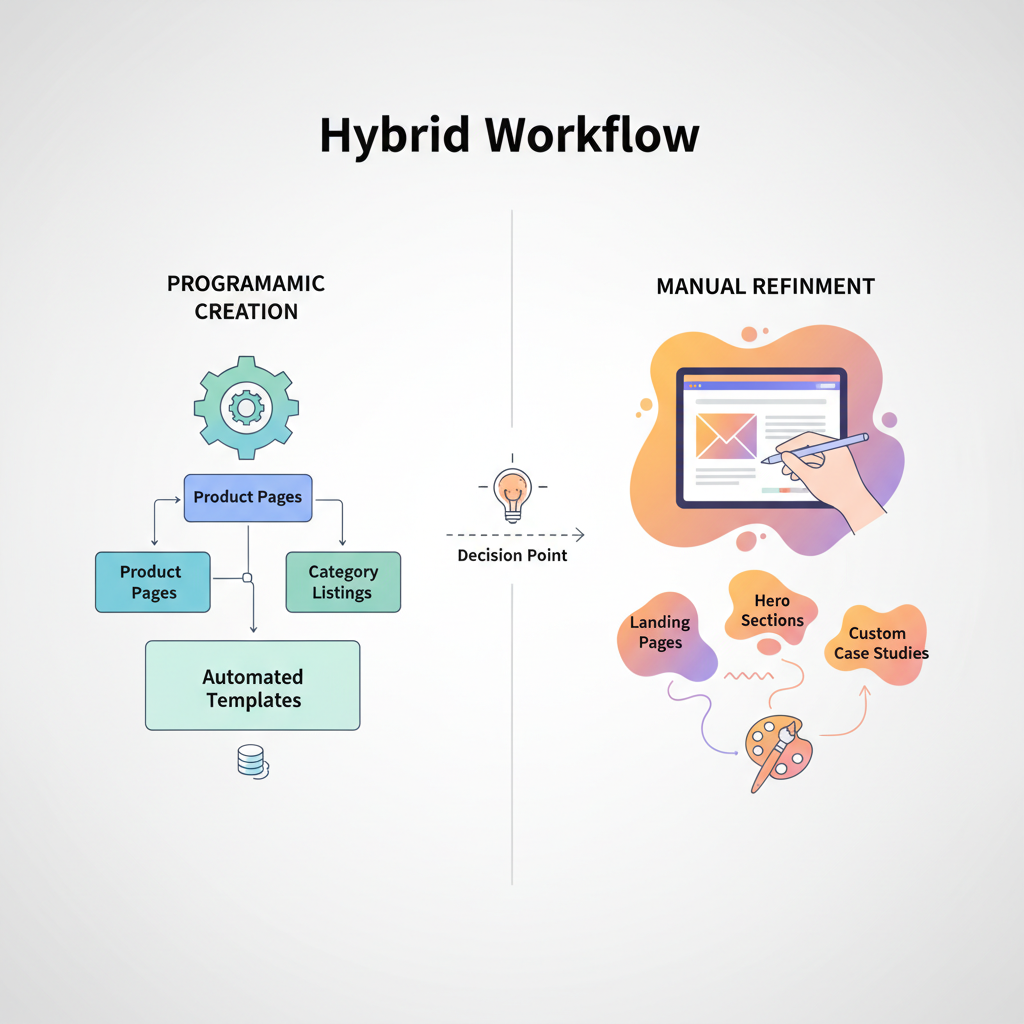
Q: What is a hybrid programmatic/manual SEO workflow for Lovable sites?
A: A hybrid programmatic manual seo workflow lovable blends automated, data-driven template generation with focused manual editorial passes so you scale coverage while keeping the highest-value pages optimized for humans and AI answers.
Overview — what is a hybrid programmatic/manual workflow and why it works
A hybrid workflow balances scale and quality: programmatic templates create thousands of consistent pages, and manual edits raise the top-tier pages to meet user intent. A short, quotable definition: "A hybrid workflow uses programmatic templates to scale coverage while applying manual editorial passes to high-value pages to improve quality and AI-answer odds."
"Why this works on Lovable sites: Lovable's template engine (typical for lovableseo.ai setups) accepts structured inputs and can populate location, product, or service fields quickly. Programmatic pages ensure consistent metadata, canonical rules, and basic schema. For those interested in optimizing their approach, programmatic SEO for lovable sites emphasizes manual refinement that focuses on conversion drivers: unique value props, granular FAQs, and local content that improves AI-local snippets."
Practical example: generate 5,000 local landing pages using a programmatic template with fields for city, state, service, and phone. Then run a manual editorial pass on the top 200 pages by traffic or conversions to add case studies, reviews, and custom FAQs. This hybrid seo strategy lovable reduces time-to-publish while protecting brand quality.
When NOT to use a hybrid workflow:
- When every page needs bespoke technical detail (e.g., legal documents).
- When data sources are unreliable and would produce incorrect programmatic pages.
- When site governance cannot support iterative content QA and rollback.
Choosing which pages to programmatically create vs manually refine
Decide by value tiers. Use programmatic generation for low-to-medium value pages where the goal is coverage and keyword breadth: category indexes, basic local pages, catalog entries without heavy customization. Reserve manual refinement for high-value pages: top-converting locations, flagship product pages, and pages targeted for featured snippets. A simple decision rule: if expected monthly traffic or conversion value is in the top 10% of pages, schedule a manual editorial pass.
Concrete thresholds (example): mark programmatic-only pages when expected conversions < 3/month or when estimated page RPM < $5. Flag pages for manual editing when they appear in the top 10% by organic clicks or when they rank in positions 5–20 for target queries; manual work aims to push them into positions 1–3. This approach helps you combine programmatic and manual content efficiently and aligns with a hybrid seo strategy lovable.
Tagging & taxonomy strategy for hybrid segmentation
Tagging must enable segmentation for both publishing and editorial workflows. At minimum include tags for: value-tier (programmatic/manual), geography (city, state, region), product/service type, and template version. Use consistent slugs and a controlled vocabulary so filters return accurate sets for enrichment.
Example: a page tagged "manual-flag, tier-1, plumbing, Portland-OR" is pulled into an editor queue. Use taxonomy to drive A/B tests, sitemap grouping, and crawl priority. This supports the seoagent hybrid workflow by letting automation select and push only the right pages into manual queues.
Use-case examples: service areas, product lines, local landing pages
Service areas: programmatically create city/state landing pages with core schema, hours, and contact fields; manually refine top cities by adding local case studies and tailored FAQs. Product lines: auto-generate specs pages from a SKU feed; manually edit hero pages for best sellers. Local landing pages: include city/state fields, region-specific FAQs, and unique images on manually refined pages to improve AI local snippets.
Real-world scenario: a multi-location HVAC business uses programmatic templates for all locations, then manually enriches the top 50 revenue locations with technician bios and neighborhood-specific tips. The result is scale plus differentiation where it matters.
Programmatic scale is the engine; manual edits are the steering wheel — both are required to win organic visibility.
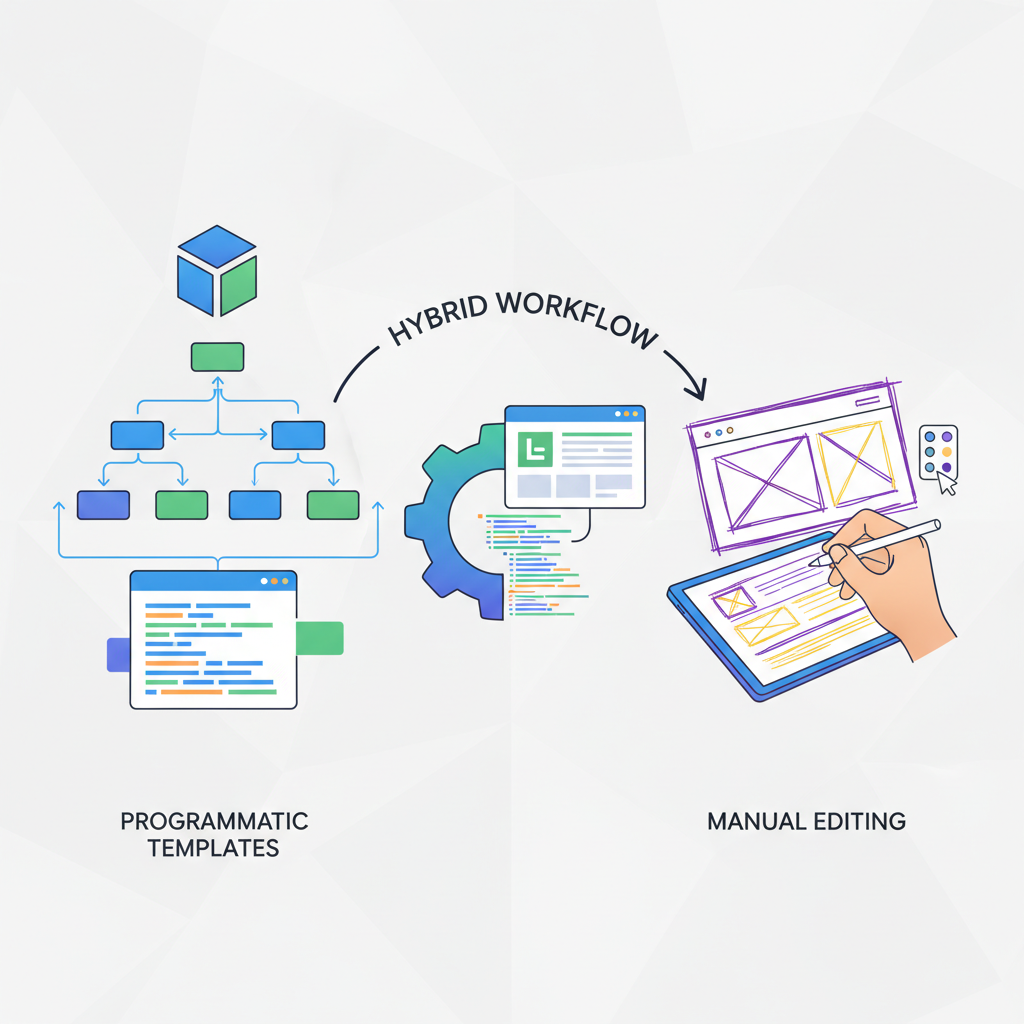
Template design best practices for Lovable sites
Design templates that are modular, data-driven, and SEO-safe. Fields should include: title template, meta description template, H1 pattern, body content placeholders, structured-data blocks, and a content block ordering system. Ensure templates enforce safe defaults: noindex for incomplete pages, canonical controls, and consistent internal link targets.
Keep templates flexible: add enhancement blocks that editors can toggle on manual passes. Use tokens for city/state and product variables so content template editing lovable remains predictable for both automation and human editors. Test templates by rendering sample pages and running them through an audit tool to catch duplicate titles or missing schema.
Image prompt caption: "Template wireframe showing modular content blocks and schema placement for efficient editorial passes"
Required fields and optional enhancement blocks
Required fields: page title, canonical URL, meta description, primary H1 token, address/geo (for local), phone, and primary schema. Optional enhancement blocks: testimonials, case studies, FAQ section, comparison tables, and local events. Editors should be able to insert enhancement blocks without breaking the template's SEO rules.
Checklist (copyable):
- Title token present
- Meta description token present
- Schema block included
- Canonical set
- Index control verified
Structured data and schema blocks to include in templates
Include at least the following schema types where appropriate: LocalBusiness (with address, geo, openingHours), Product (sku, offers), BreadcrumbList, and FAQPage for question/answer blocks. Structured data should be generated from canonical fields to avoid inconsistency. Use schema.org vocabulary and validate with Google's Rich Results test (see Google Search Central documentation).
Example: a local landing template should output LocalBusiness schema with city and state tokens, and an FAQPage block populated from region-specific FAQs — this increases the odds of AI local answers returning your content.
Always generate schema from the same source-of-truth fields used in templates to avoid mismatched metadata.
Manual enrichment process — editorial pass workflow
Set up an editorial queue fed by tags and prioritization rules. Editors should receive a preflight report: traffic data, search positions, on-page issues, and template version. The editorial pass focuses on: unique opening paragraph, adding 1–3 local facts, inserting at least two FAQs, and ensuring accessibility and mobile readability.
Practical steps: export the editor queue weekly, assign batches of 10–25 pages, apply a 30-minute max per page rule for first-pass enrichment, and track edits via a CMS change log. This workflow is where content template editing lovable becomes human-led—editors polish and convert programmatic outputs into high-quality pages.
Prioritization rules (traffic, conversions, strategic value)
Prioritize pages by a score: Score = (organic clicks * 0.5) + (conversions * 2) + (strategic weight). Strategic weight accounts for market expansion or brand importance. Use historical analytics to normalize values and set cutoffs for manual passes.
Example rule: pages scoring above 50 are scheduled for immediate manual edit; 25–50 for quarterly review; <25 remain programmatic. This keeps editor time focused on pages that move business metrics.
Editing checklist — UX, FAQs, unique value props
Use this checklist when editing:
- Add a unique 40–70 word lead paragraph
- Insert 2–5 region-specific FAQs
- Verify schema and contact details
- Add one local proof element (review, case study)
- Check mobile load & first contentful paint (target <2.5s if possible)
Automating publishing and updates with LovableSEO
LovableSEO hybrid workflow automates the heavy lifting: bulk page generation, scheduled republishing, sitemap updates, and conditional queue assignment for manual edits. Configure LovableSEO to import CSV feeds (locations, products), map fields to template tokens, and trigger validation checks before publishing. Use it to push programmatic pages live while flagging top-tier pages for manual enrichment.
Example automation: when a product's stock status changes in the feed, LovableSEO auto-updates the offers schema and republishes the page, then notifies the editor if the product is in the top 20% by revenue. This is how you combine programmatic and manual content without losing control.
Scheduling rules, sitemap priorities, and incremental republishing
Set sitemap priority: high for manually refined pages, medium for key programmatic pages, low for deep catalog items. Use incremental republishing to avoid re-submitting entire sitemaps: publish changed URLs and ping search engines. Schedule full recrawls for manual-edited batches and incremental updates for feed-driven items.
Rule example: when a manual edit completes, bump page priority to 0.8 and add to the 'editorial-updates' sitemap for 48 hours.
Internal linking & silo rules for hybrid pages
Maintain a clear silo: programmatic pages should link to category hubs and a small set of authoritative manual pages. Manual pages should cross-link to related manual pages and to programmatic detail pages that support long-tail queries. Prevent orphan programmatic pages by requiring at least one inbound link from a hub or parent category.
A good pattern: hubs (manual) -> category pages (programmatic or manual) -> detail pages (programmatic). This keeps link equity flowing while allowing scale.
Anchor text patterns and A/B testing suggestions
Use descriptive anchor text for internal links and avoid exact-match spam. Test two patterns: (A) location + service anchor vs (B) natural phrase anchor. Run A/B tests across matched buckets of pages and measure click-through and rank changes after 30–60 days.
QA, monitoring, and rollback procedures
QA must run before and after publishing. Pre-publish checks: schema validation, duplicate title detection, required fields present, and index/noindex rules. Post-publish monitoring: crawl logs, ranking shifts, and user behavior metrics. Maintain a rollback process: keep previous template snapshots and a script to restore prior content within one maintenance window.
Example KPI targets: time-to-detect major regressions <72 hours; rollback tested monthly. This supports a safe seoagent hybrid workflow at scale.
Crawl checks, orphan page audits, and performance KPIs
Run weekly crawl checks for HTTP errors and orphan page detection. Use a simple KPI dashboard: organic clicks, conversions, pages indexed, and average page load time. Flag orphan pages for reintegration or removal to keep crawl budget efficient.
Example 30/60/90-day rollout plan with tasks and owners
Below is a compact rollout with expected local-indexing milestones and monitoring checks. Assign an owner for each task and run weekly standups to clear blockers.
| Day | Tasks | Owner | Milestone |
|---|---|---|---|
| 0–30 | Define templates, map fields, generate pilot 200 pages | Product/SEO | Pilot pages published; initial indexing |
| 31–60 | Run manual edits on top 50 pages; configure sitemaps and LovableSEO schedules | Editors/Dev | Manual pages indexed; local snippets observed |
| 61–90 | Scale generation to full inventory; monitor performance and iterate templates | Engineering/SEO | Stable publish pipeline; KPI tracking in place |
Conclusion — template repo and next steps
Build a template repo with versioned templates, clear tokens, and a linked editorial checklist. Use the hybrid programmatic manual seo workflow lovable to scale presence while preserving quality on pages that drive revenue. Next steps: run a 200-page pilot, connect LovableSEO to your feeds, and schedule manual edits for the top decile of pages by traffic. This approach helps you implement a practical hybrid seo strategy lovable and combine programmatic and manual content without sacrificing rankings or conversion performance.
FAQ
What is hybrid workflow?
A hybrid workflow is a content production model that uses programmatic templates to scale page creation and applies manual editorial passes on high-value pages to improve quality and AI-answer odds.
How does hybrid workflow work?
Hybrid workflow works by generating baseline pages from templates, tagging them for segmentation, prioritizing pages based on traffic or conversions, then scheduling manual edits on priority pages while automating publishing and monitoring through tools like LovableSEO.
Ready to Rank Your Lovable App?
This article was automatically published using LovableSEO. Get your Lovable website ranking on Google with AI-powered SEO content.
Get Started