
Pricing Table JSON-LD Templates for Lovable SaaS: 3 Copy‑Paste Examples to Win AI Answers
A guide covering pricing Table JSON-LD Templates for Lovable SaaS: 3 Copy‑Paste Examples to Win AI Answers.
On this page
- Why pricing table schema matters for Lovable SaaS pages (AI answers & CTR)
- When to use JSON-LD vs inline markup (quick decision table)
- Template 1 — Simple single-plan JSON-LD (copy-paste)
- Where to paste this on a Lovable page (theme & placement tips)
- Template 2 — Multi-tier pricing table with features and prices (copy-paste)
- Accessibility and visible table structure recommendations
- Template 3 — Trial/discount & promo code schema (copy-paste)
- Handling limited-time offers with priceValidUntil and aggregateOffer
- Common validation checks (Rich Results Test, Schema Validator, Lovable quirks)
- Quick checklist & copy-ready snippets for SEOAgent automation
- FAQ
- What is pricing table json?
- How does pricing table json work?
Why pricing table schema matters for Lovable SaaS pages (AI answers & CTR)
What exactly are "pricing table json-ld templates lovable" and why should you add them to your Lovable pricing page?
Pricing schema is structured data that uses schema.org types such as Offer, PriceSpecification, and AggregateOffer to describe price, currency, availability, and deal validity. Include priceCurrency (ISO 4217), priceValidUntil (YYYY-MM-DD), and availability to make regional pricing precise. Quotable line: "Include priceCurrency (ISO 4217) and priceValidUntil to make pricing snippets regionally precise." Use clear values (USD, GBP, EUR) and region-specific SKUs or hreflang pages when you show localized prices.
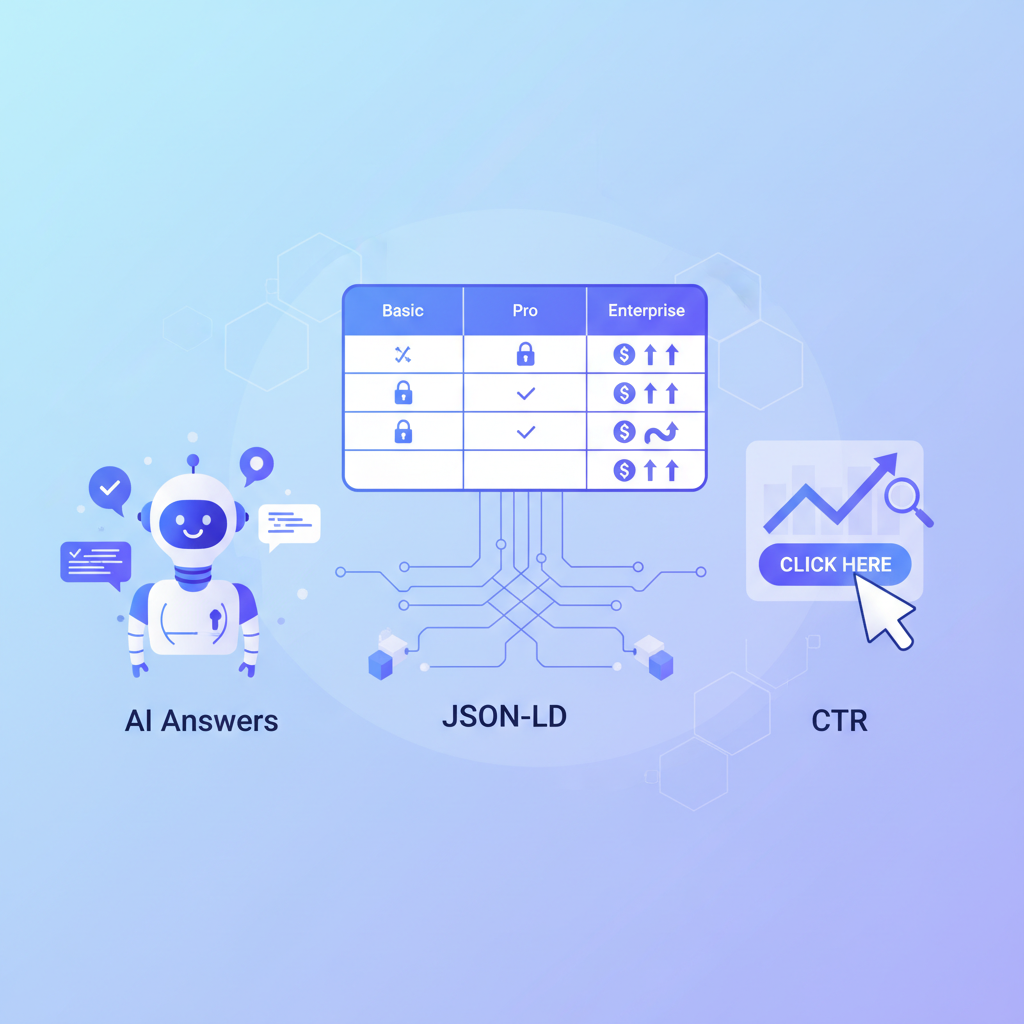
For Lovable SaaS pages, this matters for two reasons. First, AI assistants now scrape structured data to craft short pricing answers; missing or ambiguous markup means your competitor might get the AI card. Second, search rich results that show prices drive higher CTR from commercial queries. If you want examples and copy-paste templates that fit Lovable site themes, the following sections provide insights on Conversion-First Product & Pricing Page SEO, including ready-to-use JSON-LD, placement tips, accessibility rules, and validation steps.
Include priceCurrency and priceValidUntil in every Offer to make pricing readable and regionally precise.
When to use JSON-LD vs inline markup (quick decision table)
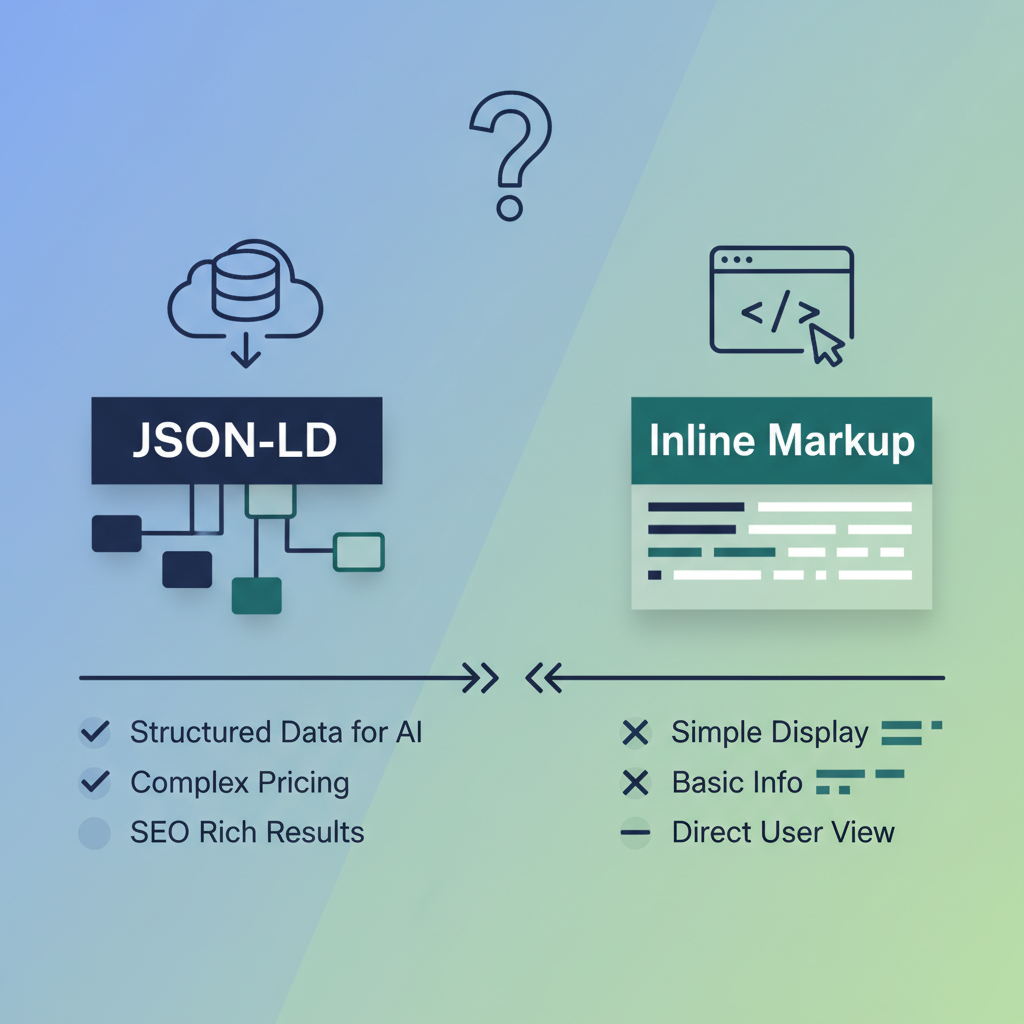
If your site runs on Lovable (the SaaS template environment), prefer JSON-LD in the page head or immediately before the closing
<body> tag for pricing tables. Use inline Microdata only when you cannot safely add head scripts or when your CMS strips JSON-LD. JSON-LD keeps markup separate from visible HTML and is the format Google explicitly recommends for most structured data cases.
Decision rule: use JSON-LD unless your platform forces you to embed schema into elements. For dynamic pricing that changes per session (promo codes, live discounts), generate JSON-LD server-side or via Lovable's templating hooks to keep Offer values in sync with visible prices.
Quick decision table (actionable):
| Scenario | Use |
|---|---|
| Static pricing pages | JSON-LD in head |
| Personalized / session-based prices | Server-rendered JSON-LD at render time |
| CMS strips scripts | Inline Microdata (fallback) |
If a price is visible to users, the identical price must appear in your structured data.
Template 1 — Simple single-plan JSON-LD (copy-paste)
This single-plan template fits a Lovable landing page that offers one clear subscription. Change id, name, price, and currency. Keep priceValidUntil when running a promotional price. Replace example values with your product and dates.
{ "@context": "https://schema.org", "@type": "Product", "name": "Lovable Pro", "sku": "LP-001", "offers": { "@type": "Offer", "url": "https://your-site.example/pricing", "priceCurrency": "USD", "price": "29.00", "priceValidUntil": "2026-12-31", "availability": "https://schema.org/InStock" }
} Implementation notes: server-render this JSON-LD so it matches visible text. For geo-aware pages, duplicate with GBP/EUR currency blocks and link with hreflang pages or region-specific URLs. This template is a minimal, valid representation using Offer and Product types and will surface for simple price queries, similar to the insights provided in pricing page schema templates. Where to paste this on a Lovable page (theme & placement tips)
Place the JSON-LD in the page head or directly before the closing </body> tag so it loads consistently with the visible pricing block. On Lovable themes, paste the script into the theme's head partial or use the custom script slot if available. If Lovable's page builder exposes a “custom HTML” block, insert the JSON-LD there and mark it as non-visual.
Placement checklist:
- Put JSON-LD in head or footer for stable rendering.
- Keep markup in sync with visible prices (automate server-side where possible).
- When testing, view page source to confirm one JSON-LD Offer per visible plan.
Template 2 — Multi-tier pricing table with features and prices (copy-paste)
Use this template for three-tier tables (Basic, Pro, Enterprise). It shows each plan as an Offer and includes a top-level AggregateOffer so search engines can understand the price range. Replace names, prices, currencies, and URLs with Lovable-specific values.
{ "@context": "https://schema.org", "@type": "Product", "name": "Lovable SaaS", "sku": "LS-PLANS", "offers": { "@type": "AggregateOffer", "lowPrice": "9.00", "highPrice": "99.00", "priceCurrency": "USD", "offerCount": 3, "offers": [ {"@type":"Offer","name":"Basic","price":"9.00","priceCurrency":"USD","availability":"https://schema.org/InStock"}, {"@type":"Offer","name":"Pro","price":"29.00","priceCurrency":"USD","availability":"https://schema.org/InStock"}, {"@type":"Offer","name":"Enterprise","price":"99.00","priceCurrency":"USD","availability":"https://schema.org/InStock"} ] }
}
This schema helps AI answer systems pick a representative price or return a price range. Include features in visible HTML (see accessibility section) and use offers.offers[].name to match plan labels exactly.
Accessibility and visible table structure recommendations
Visible HTML must be accessible: use a semantic <table> with <caption>, <thead>, and properly associated scope attributes on headers. Screen readers rely on a logical table structure to interpret feature matrices. Make plan names and prices prominent and ensure the structured data matches those visible strings exactly.
- Use
<caption>to summarize the table content. - Provide a short text alternative for complex feature matrices.
- Keep visual and structured data synchronized via a single source of truth (server or templating layer).
Template 3 — Trial/discount & promo code schema (copy-paste)
This template models a trial offer and a discount price. Use PriceSpecification inside Offer to describe billing cycles, trial length, and discount codes. Update dates and code text to match your campaign.
{ "@context": "https://schema.org", "@type": "Product", "name": "Lovable Pro Trial", "offers": { "@type": "Offer", "priceCurrency": "GBP", "price": "19.00", "priceSpecification": { "@type": "PriceSpecification", "price": "0.00", "priceCurrency": "GBP", "name": "14-day trial" }, "eligibleTransactionVolume": { "@type": "PriceSpecification", "name": "Promo Code: SPRING", "price": "15.00", "priceCurrency": "GBP" }, "priceValidUntil": "2026-06-30", "availability": "https://schema.org/InStock" }
}
Notes: use priceSpecification to distinguish trial price vs recurring price. The visible page must state the promo code and expiry exactly as in the structured data to avoid penalties or mismatch issues.
Handling limited-time offers with priceValidUntil and aggregateOffer
For flash sales or limited-time discounts, set priceValidUntil in YYYY-MM-DD. If multiple plans share the same sale window, include an AggregateOffer with priceValidUntil at the aggregate level and mirror it in individual Offer objects. Decision rule: update or remove expired priceValidUntil entries within 24 hours of expiry to prevent stale snippets.
Localization checklist for AI answers: include currency (USD/GBP/EUR), region-specific URL or hreflang, and visible availability statements. Quotable line: "Surface the correct currency and priceValidUntil for the user's region to increase AI answer accuracy."
Common validation checks (Rich Results Test, Schema Validator, Lovable quirks)
Validate structured data after implementing templates. Run pages through Google's Rich Results Test and the Schema.org validator (or equivalent). Look for these common issues: mismatched price values, missing priceCurrency, incorrect priceValidUntil format, and multiple conflicting Offer objects on the same visible plan.
Lovable quirks to watch for: some Lovable page builders strip script tags from custom blocks; test both source and rendered HTML. If you see duplicate JSON-LD blocks, consolidate generation to the server template. Automated checks to add to your deploy pipeline:
- Automated nightly Rich Results Test for key pricing pages.
- Unit test that visible price strings match JSON-LD price fields.
- Alert on expired priceValidUntil entries and mismatched currencies. Record baseline performance, deploy schema, then track changes over 2–4 weeks.
Fallback steps if you don't get an AI answer: ensure single-source-of-truth generation of JSON-LD, add priceCurrency and priceValidUntil, verify page authority and content clarity, and test alternate phrasing in visible copy (e.g., "Monthly price: $29" vs "$29 per month"). For geo-mismatches, serve region-specific JSON-LD or include clear currency labels in visible text.
Quick checklist & copy-ready snippets for SEOAgent automation
Use this checklist when automating Lovable site deployments with SEOAgent or similar tools. These snippets and checks are copy-ready for templating engines.
Step Action 1 Ensure one JSON-LD Offer per visible plan 2 Include priceCurrency (ISO 4217) and priceValidUntil (YYYY-MM-DD) 3 Run Rich Results Test pre- and post-deploy 4 Localize currency and URLs for region-specific pages Copy-ready automation snippet (example for a single plan, templating variables shown as {{price}}):
{ "@context": "https://schema.org", "@type": "Product", "name": "{{product_name}}", "offers": {"@type":"Offer","priceCurrency":"{{currency}}","price":"{{price}}","priceValidUntil":"{{valid_until}}","availability":"https://schema.org/InStock"}
}
Checklist summary: validate JSON-LD, sync with visible HTML, include currency and expiry, and test with Rich Results Test. These artifacts let you plug schema generation into SEOAgent automation reliably.
FAQ
What is pricing table json?
Pricing table JSON is structured data expressed as JSON-LD that describes product plans, prices, currencies, availability, and offer validity for search engines and AI systems to read.
How does pricing table json work?
Pricing table JSON works by using schema.org types such as Offer, PriceSpecification, and AggregateOffer to serialize price information; search engines parse that JSON-LD and may display prices in rich results or AI answers when the data matches visible page content.
Ready to Rank Your Lovable App?
This article was automatically published using LovableSEO. Get your Lovable website ranking on Google with AI-powered SEO content.
Get Started






