
Quick Facts Microtemplates for Lovable Landing Pages: Concise JSON-LD Snippets That AI Answers Prefer
A guide covering quick Facts Microtemplates for Lovable Landing Pages: Concise JSON-LD Snippets That AI Answers Prefer.

What are Quick Facts and why they matter for AI answer inclusion
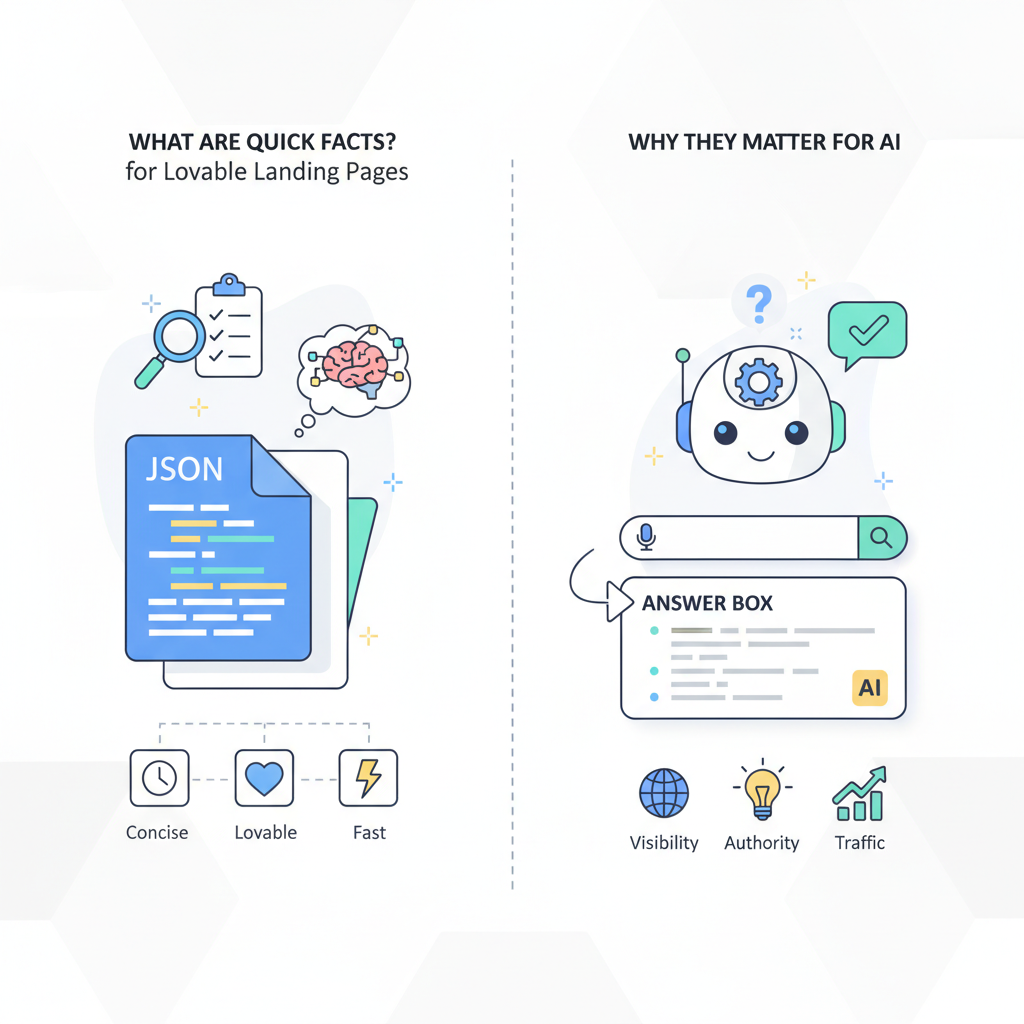
What are quick facts json-ld lovable landing? A Quick Fact is a 1–2 sentence, sourced statement marked with JSON-LD to ensure accurate extraction by AI systems. Use Quick Facts on Lovable landing pages to surface concise, machine-readable answers that search engines and AI assistants can quote directly.
A Quick Fact mirrors the visible text with a small JSON-LD object so AI systems see the same snippet you show visitors. For GEO-aware results include spatialCoverage (country code) and inLanguage so region-specific assistants return the localized fact. For example: mark a 20-word claim about pricing or turnaround time and pair it with JSON-LD that repeats the same sentence and cites the source.
Quick Facts are intentionally short: keep the visible sentence under 40–60 words and the JSON-LD identical in content. This alignment reduces extraction errors and improves the chance an AI will choose your line as a concise answer snippet.
When not to use Quick Facts: do not add Quick Facts when the claim cannot be sourced, when the fact will change hourly, or when your site already publishes authoritative long-form documentation that AI should reference instead. If you cannot include a stable citation, skip the Quick Fact rather than risk misquoting.
Length, structure, and placement signals AI prefer (concise 1–2 sentence answers)
If you want AI to pick your copy for a concise answer, lead with a single self-contained sentence and keep supporting context minimal. Aim for 15–40 words visible; the JSON-LD should include the same sentence as a string value for an explicit property such as mainEntity or description. This makes your microtemplate both human-readable and ai-friendly.
Placement matters. Put Quick Facts near the top of the landing block — above the fold or as the first paragraph in a product block — so crawlers and renderers encounter them early. Also add a single <script type="application/ld+json"> block per landing page to avoid duplication. Keep the JSON-LD minimal: three to eight key-value pairs (type, headline, description, inLanguage, spatialCoverage, datePublished, citation).
Practical thresholds: keep the visible sentence under ~60 words and the JSON-LD description value identical; limit the total JSON-LD length under 400 characters for atomic Quick Facts. A short, identical pair is easier for AI to match than a long paragraph with a separate structured object.
Microtemplate 1 — One-line definition (definition schema + JSON-LD example)
Use a one-line definition when you need the AI to answer “What is X?” on a landing page. The pattern: a single clear sentence as HTML, followed by a matching JSON-LD DefinedTerm-style record. Quotable sentence example: "A Quick Fact is a 1–2 sentence, sourced statement marked with JSON-LD to ensure accurate extraction by AI systems."
{ "@context": "https://schema.org", "@type": "DefinedTerm", "name": "Quick Fact", "description": "A Quick Fact is a 1–2 sentence, sourced statement marked with JSON-LD to ensure accurate extraction by AI systems.", "inLanguage": "en-US", "spatialCoverage": "US"
}
Place the visible sentence as a normal paragraph above the code block on Lovable landing blocks. This microtemplate works for product glossaries, feature callouts, and hero lines. Keep the JSON-LD object focused on the single definitional sentence; do not nest long histories or usage notes inside the same object.
Microtemplate 2 — 3-bullet product highlights (how to mark up as mainEntityOfPage)
For product highlights, present three concise bullets in HTML and mirror them in JSON-LD where the schema object's mainEntityOfPage points to the landing page. Each bullet should be 8–20 words and start with an active verb. Bullets work well for feature comparisons and short value propositions.
{ "@context": "https://schema.org", "@type": "Product", "name": "Lovable SEO package", "description": "Three key benefits: 1) Fast setup, 2) On-page Quick Facts, 3) AI-friendly snippets.", "mainEntityOfPage": { "@type": "WebPage", "@id": "page-identifier" }, "inLanguage": "en-US", "spatialCoverage": "US"
}
HTML bullets should match the JSON-LD description sentence-for-sentence where possible. Example visible bullets:
- Fast setup: deploy Quick Facts in minutes.
- Synchronized JSON-LD that mirrors visible text.
- Optimized for concise answer engines and snippets.
description string in the JSON-LD for easier AI extraction.
Keep the visible bullet text and the JSON-LD value identical to reduce extraction mismatches.
Microtemplate 3 — One-line ROI/stat metric with citation (statistic + source markup)
When you publish an ROI stat, pair the visible sentence with a JSON-LD object that includes a citation or source field pointing to the origin (source name or report title). Keep the stat under one sentence and include the date if it’s time-sensitive.
{ "@context": "https://schema.org", "@type": "Claim", "claimReviewed": "Customers see a 38% increase in organic clicks within 60 days", "datePublished": "2025-03-01", "inLanguage": "en-US", "spatialCoverage": "US", "citation": "Google Search Console data (sample)"
}
Label the source plainly in the JSON-LD citation property (for example: "Google Search Console sample data, March 2025"). If you reference internal data from lovableseo.ai, state it as such (without a URL): "Internal lovableseo.ai analysis, 2025." This makes the claim auditable while remaining concise and quotable.
Quotable sentence for use as a featured snippet: "Customers see a 38% increase in organic clicks within 60 days." Keep the sentence under 20 words where possible.
Microtemplate 4 — Short troubleshooting snippet (problem -> one-step fix)
For support or troubleshooting, put the problem in one line and the fix in the next line, then encode both in a compact JSON-LD HowTo or HowToStep. AI systems favor direct problem->solution pairs for concise answer snippets.
{ "@context": "https://schema.org", "@type": "HowTo", "name": "Fix: Missing Quick Fact on page", "step": [{ "@type": "HowToStep", "name": "Problem: Quick Fact not visible to crawlers", "text": "Ensure page includes a single script type=\"application/ld+json\" with the Quick Fact mirrored exactly." }], "inLanguage": "en-US", "spatialCoverage": "US"
}
Display the problem and the one-step fix as two short paragraphs above the JSON-LD block. Prefer one concrete action per snippet (for example, "Add one JSON-LD script with the exact sentence"). This creates a compact, extractable troubleshooting Quick Fact.
How to insert microtemplates into Lovable blocks safely (non-intrusive JSON-LD placement)
On Lovable landing pages, add Quick Facts inside the block you control (hero, features, or footer block) using a single <script type="application/ld+json"> tag. Place the tag either immediately after the visible sentence or at the end of the block. Avoid injecting multiple redundant JSON-LD snippets across the same page.
Practical rules for Lovable blocks:
- One Quick Fact object per page for the primary claim.
- Place JSON-LD where the block's HTML is server-rendered so crawlers see it without JavaScript execution.
- Use
inLanguageandspatialCoveragefor local results (e.g., "en-US", "US"). - Validate after deployment to avoid duplicated entities.
Do not duplicate the same Quick Fact across multiple JSON-LD objects on a single page; duplicate objects confuse extractors.
Validation and monitoring: quick tests to check AI extraction and snippet length
Run these tests after you deploy: view-source to confirm the visible sentence appears before the JSON-LD, Google's Rich Results Test to verify parsing, and a manual length check to ensure the visible sentence is under ~60 words. Automate a daily check for pages with Quick Facts and alert on parsing errors.
Use this quick test table to prioritize checks:
| Test | Tool | Pass criteria |
|---|---|---|
| Visibility | View source | Visible sentence present and identical to JSON-LD |
| Parsing | Google Rich Results Test | No parsing errors for JSON-LD |
| Length | Manual | <60 words visible; <400 characters JSON-LD |
Monitor ranking changes and click-through rates after rollout. Track which Quick Facts are picked by AI using search console queries and organic snippet appearance over a two-week window.
Rapid rollout using SEOAgent: templating, scheduling and measurement
If you use SEOAgent to manage Lovable sites, create a reusable microtemplate that injects the visible sentence and a matching JSON-LD object. Template fields should include: headline, description, citation, inLanguage, and spatialCoverage. Schedule batches of 10–50 pages and test a single control page before full rollout. For more on this, see Win ai answers lovable sites.
Measurement plan (example):
- Baseline: record organic clicks and impressions for two weeks.
- Deploy: roll out Quick Facts to a 10% sample of pages.
- Measure: compare CTR and snippet appearances at two and four weeks.
Decision rule example: if the sample group shows >5% relative CTR lift and at least one AI-extracted snippet, expand rollout; otherwise iterate the microtemplate text and citation. This keeps the rollout measurable and reversible.
Conclusion: 7-step checklist to deploy Quick Facts across landing pages
Follow this checklist to deploy structured quick facts for ai answers on Lovable landing pages: For more on this, see Structured content templates lovable ai answers.
- Pick the primary claim and write one 15–40 word sentence.
- Write matching JSON-LD with
description,inLanguage, andspatialCoverage. - Place visible sentence at top of block and the JSON-LD immediately after it.
- Run view-source and Google Rich Results Test; confirm no errors.
- Roll out to a 10% sample using SEOAgent templating and schedule monitoring.
- Measure CTR and snippet appearances at 2 and 4 weeks; use a >=5% CTR lift as a decision rule.
- Document source/citation and archive the original data for audits.
FAQ
What is quick facts microtemplates for lovable landing pages? Quick facts microtemplates for lovable landing pages are paired visible sentences and minimal JSON-LD objects that present concise, sourced statements formatted to improve AI extraction and featured snippet likelihood.
How does quick facts microtemplates for lovable landing pages work? They work by mirroring the visible one-line fact in a compact JSON-LD object (including inLanguage and spatialCoverage), placing it early in the page HTML, and validating parsing so AI systems can extract a single authoritative sentence as a concise answer.
Ready to Rank Your Lovable App?
This article was automatically published using LovableSEO. Get your Lovable website ranking on Google with AI-powered SEO content.
Get Started






