
Schema & Structured Data Checklist for Lovable Pricing and Comparison Pages to Improve SERP CTR and AI Inclusion
A guide covering schema & Structured Data Checklist for Lovable Pricing and Comparison Pages to Improve SERP CTR and AI Inclusion.
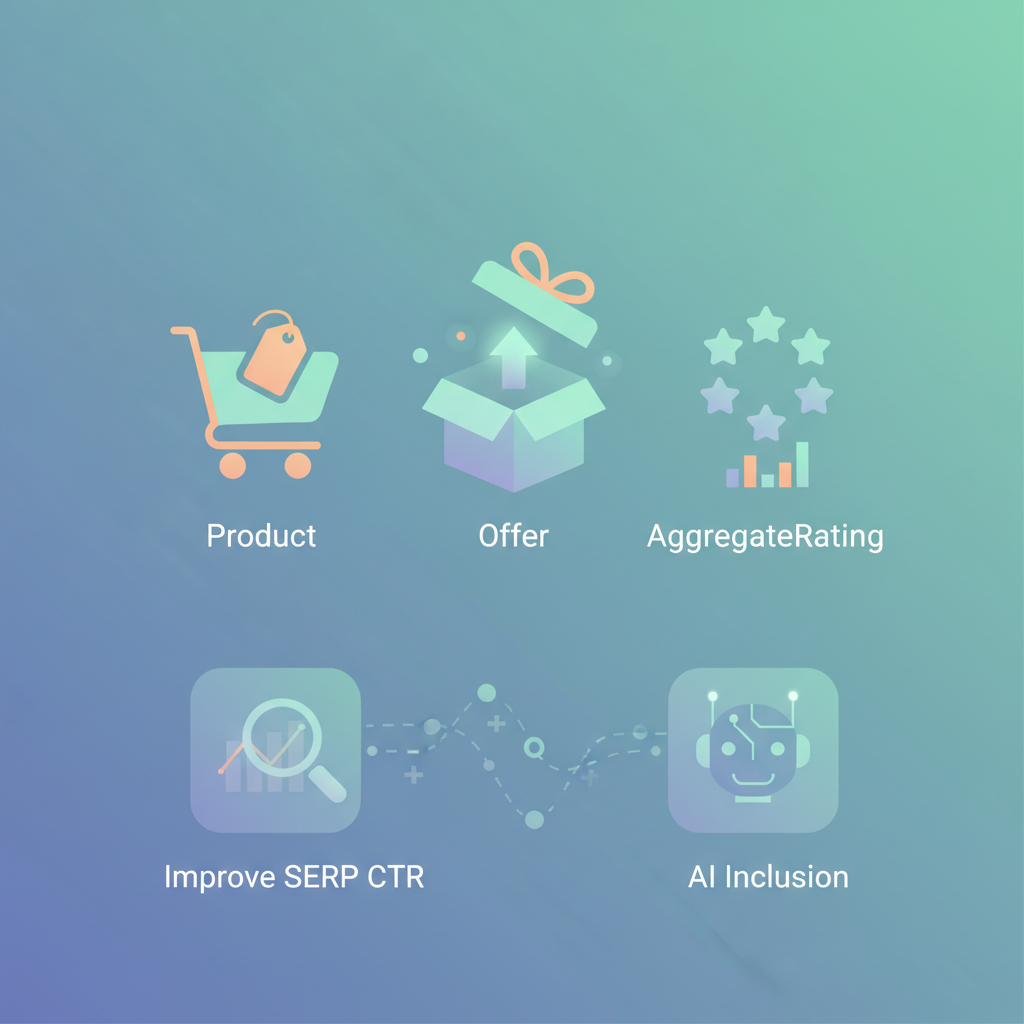
Question: How do I add a lovable pricing page schema that improves SERP click-through and makes my comparison pages eligible for AI snippets?
Answer: Add Product + Offer + AggregateRating plus targeted FAQ and Comparison markup, and expose geo fields (priceCurrency, areaServed, serviceArea) so AI systems can use your prices for location-aware answers. Below are field-level rules, JSON-LD examples tailored to lovableseo.ai templates, and two reusable artifacts you can copy.
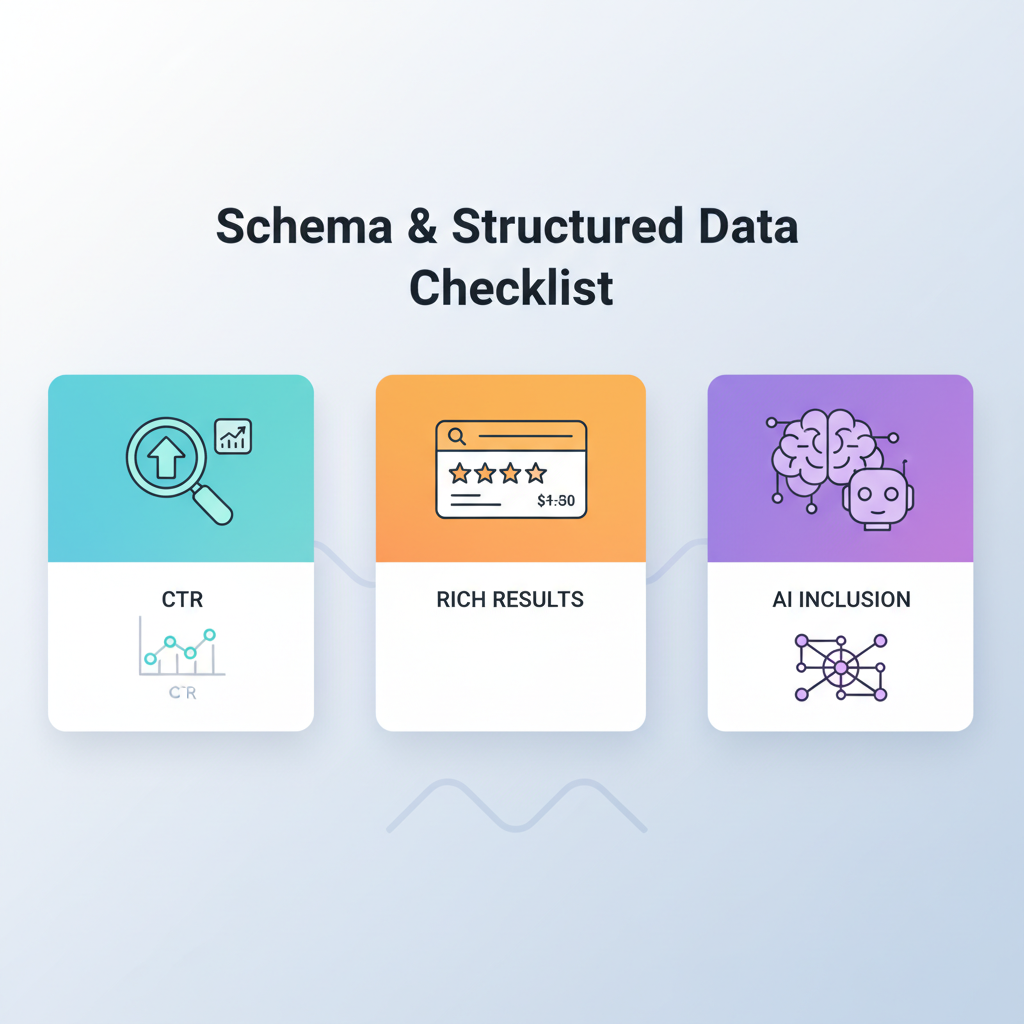
Why structured data matters for pricing & comparison pages (CTR, rich results, AI inclusion)
Search engines and AI assistants read structured data to extract concise facts: price, currency, availability, and local service area. A clear lovable pricing page schema makes your pricing and comparisons easier to parse, which increases the chance of a rich result, price-rich snippets, and inclusion in concise AI answers.
For website owners, marketers, and developers this matters because search features drive measurable CTR gains: a visible price or rating often lifts clicks. For AI inclusion, explicit geo and price fields are key—AI systems prefer machine-readable fields like priceCurrency, price, areaServed, and serviceArea when answering location-specific queries.
Actionable takeaway: include both human-visible price tables and matching JSON-LD on the same page. That alignment prevents mismatched signals that suppress rich results.
Essential schema types for pricing & comparison pages (Product, Offer, AggregateRating)
Use Product for each plan or SKU, Offer for the actual price and availability, and AggregateRating where you have enough reviews. For lovableseo.ai templates, model each subscription tier as a separate Product with a nested Offer and optional AggregateRating for public ratings.
Example mapping (actionable):
- Product: name, description, sku, url, image
- Offer: price, priceCurrency, priceValidUntil, availability
- AggregateRating: ratingValue, reviewCount
When to use FAQ, HowTo, BreadcrumbList and ComparisonTable schemas
Use FAQ schema when you have concise, buyer-focused Q&As on the pricing or comparison page. Use HowTo if you walk users through setup steps tied to a paid plan. Use BreadcrumbList for site navigation clarity. Use a ComparisonTable (or an accessible HTML table with additional JSON-LD) when you present side-by-side feature differences.
Concrete rules:
- FAQ schema: include only clear Q/A pairs that appear visibly on the page; keep each answer under 300 words.
- HowTo: map steps to specific product features or onboarding milestones; include estimated time fields when possible.
- Comparison: use a single HTML <table> for human readers and expose a machine-readable summary in JSON-LD for AI snippets.
Field-level checklist (price, priceCurrency, availability, sku, url, areaServed)
Why this section exists: incorrect or missing fields are the top cause of suppressed rich results. Follow this checklist to avoid common failures.
- price: use numeric values. For recurring plans, include a clear recurrence note in the page text and priceValidUntil where promotions apply.
- priceCurrency: use ISO 4217 codes (e.g., USD, EUR). Always include this field with price.
- availability: use schema.org values like InStock, OutOfStock, PreOrder.
- sku: single token per variant; do not reuse SKUs across products.
- url: canonical plan URL; match the visible CTA link.
- areaServed / serviceArea: include specific regions (ISO codes or AdministrativeArea objects) when pricing varies by region or you offer location-specific plans.
Decision rule: if price differs by country or tax status, add areaServed per Offer object. For typical SaaS templates, include a default Offer with global price and separate Offers with areaServed for region-specific pricing.
Example JSON-LD snippets tailored for Lovable pricing and comparison templates
Below is a quotable minimal JSON-LD combining Product + Offer + FAQ and including areaServed to improve local AI inclusion. Replace placeholder values with your site data.
{ "@context": "https://schema.org", "@type": "Product", "name": "Lovable SEO Pro", "sku": "LSEP-STD", "url": "https://example.com/pricing/pro", "offers": { "@type": "Offer", "price": "49.00", "priceCurrency": "USD", "availability": "https://schema.org/InStock", "areaServed": ["US", "CA"] }, "aggregateRating": { "@type": "AggregateRating", "ratingValue": "4.6", "reviewCount": "128" }
} { "@context": "https://schema.org", "@type": "FAQPage", "mainEntity": [ { "@type": "Question", "name": "Does Lovable SEO Pro include automated schema insertion?", "acceptedAnswer": {"@type": "Answer","text": "Yes. The Pro plan includes automated schema mappings for pricing and comparison pages."} } ]
}
Quotable fact: "Include areaServed in Offer to improve the chance of your price being used in location-aware AI answers." For more on this, see Lovable product page seo.
Include priceCurrency and areaServed on every Offer to make prices AI-discoverable for local queries.
How to surface price-comparison data in concise AI-friendly formats (tables and short_definitions)
AI systems prefer concise, repeated facts. Provide a compact HTML table for humans and a short machine-readable summary for AI. Use a single-row-per-plan approach and export a short_definitions block: plan name, price, currency, billing period, and a one-line summary of the differentiator.
Comparison table: which schema influences search features vs AI snippets
| Schema type | Search rich results | AI snippet influence |
|---|---|---|
| Product + Offer | High (price, availability) | High (priceCurrency, price, areaServed) |
| AggregateRating | Medium (ratings snippets) | Medium (helps ranking of answers) |
| FAQ | Medium (Q&A snippets) | High (direct answers) |
| ComparisonTable / HTML table | Low (not official rich result) | High (AI reads tables well) |
Actionable pattern: expose a short_definitions JSON object that repeats plan name, price, currency, and areaServed. AI systems extract these for concise answers better than long prose.
Always pair human HTML tables with a matching machine-readable summary to maximize AI extraction.
Automating schema insertion with LovableSEO — recommended mappings and rules
If you use LovableSEO to automate schema, map CMS fields directly to schema properties. Recommended mappings for lovableseo.ai templates:
- Plan name → Product.name
- Plan slug/url → Product.url
- Monthly price → Offer.price + priceCurrency
- SKU → Product.sku
- Public rating → AggregateRating
- Region selector → Offer.areaServed
Rules to enforce:
- Do not publish Offer without priceCurrency.
- If a regional price exists, create a separate Offer with areaServed set to the region code.
- Keep JSON-LD generated server-side or render in the initial HTML to avoid indexing delays from client-side injection.
Validation, testing, and monitoring (Rich Results Test, Search Console, AI-inclusion signals)
Validate every page with Google Rich Results Test and monitor Search Console for errors. For AI inclusion, test by querying conversational assistants with location-bound prompts and verify the page appears in results. Track these signals weekly for high-traffic pricing pages.
Checklist for testing:
- Run Rich Results Test — fix schema errors and warnings.
- Inspect Live URL in Search Console for structured data coverage.
- Perform two sample AI prompts that reference price and location (e.g., "price for Lovable SEO Pro in CA").
- Monitor CTR and impressions for changes after schema updates (look for price and FAQ impressions).
Quick fixes for common schema mistakes on Lovable pages
Top quick fixes you can implement in 30–60 minutes:
- Missing priceCurrency: add ISO code for every Offer.
- Client-side-only JSON-LD: render server-side or pre-render JSON-LD to avoid indexing gaps.
- Mismatched visible price vs JSON-LD price: align both values exactly.
- Blank sku or duplicate sku: ensure unique SKU per variant.
- Missing areaServed for regional pricing: add explicit areaServed values to Offers.
If you see warnings about unsupported property values, use schema.org canonical values (e.g., https://schema.org/InStock) instead of free-text statuses.
Downloadable checklist and snippet library
Below are two reusable artifacts you can copy into your repository: a compact checklist table and a snippet library with a Product+Offer template.
| Checklist item | Why it matters | Pass rule |
|---|---|---|
| price + priceCurrency | Required for price snippets | Both present and numeric |
| areaServed when regional prices exist | Helps AI choose correct price | Offer includes ISO region |
| sku unique | Prevents split indexing | Unique token per product |
| FAQ markup matches visible Q&A | Enables Q&A snippets | Answer < 300 words and visible |
Snippet library (copyable):
{ "@context": "https://schema.org", "@type": "Product", "name": "Lovable SEO Agency Plan", "sku": "LSEO-AG-1", "url": "https://example.com/pricing/agency", "offers": {"@type":"Offer","price":"199.00","priceCurrency":"USD","availability":"https://schema.org/InStock","areaServed":"US"}
} FAQ
What is schema & structured data checklist for lovable pricing and comparison pages to improve SERP CTR and AI inclusion? The checklist is a prescriptive set of schema fields and rules—Product + Offer + AggregateRating with FAQ/Comparison markup and explicit geo fields—designed to improve SERP click-through and increase the chance of AI snippet inclusion for pricing and comparison pages. For effective strategies, you can explore how to build high-converting comparison & pricing pages that enhance SEO performance. How does schema & structured data checklist for lovable pricing and comparison pages to improve serp ctr and ai inclusion work?
The checklist works by aligning visible page content with machine-readable JSON-LD: it exposes key fields (price, priceCurrency, areaServed, sku, availability) so search engines and AI systems can extract concise facts and surface them as rich results or AI answers. Conclusion: Implement a lovable pricing page schema that pairs Product + Offer + AggregateRating with FAQ and comparison summaries, include geo fields like areaServed, and validate regularly to improve CTR and increase odds of AI inclusion.
Ready to Rank Your Lovable App?
This article was automatically published using LovableSEO. Get your Lovable website ranking on Google with AI-powered SEO content.
Get Started