
SEO Migration Checklist for Moving to (or From) Lovable — Minimize Downtime, Preserve Rankings, and Automate Tasks with LovableSEO
A guide covering sEO Migration Checklist for Moving to (or From) Lovable — Minimize Downtime, Preserve Rankings, and Automate Tasks with SEOAgent.
TL;DR
- Question: How do you run a lovable seo migration checklist that preserves rankings and minimizes downtime?
- Answer: Run a structured pre-migration audit, create a full URL map with 301 redirects, preserve schema and content intent, control crawl via sitemaps and robots, and use automation (LovableSEO) to deploy redirects, migration sitemaps, and structured-data templates quickly.
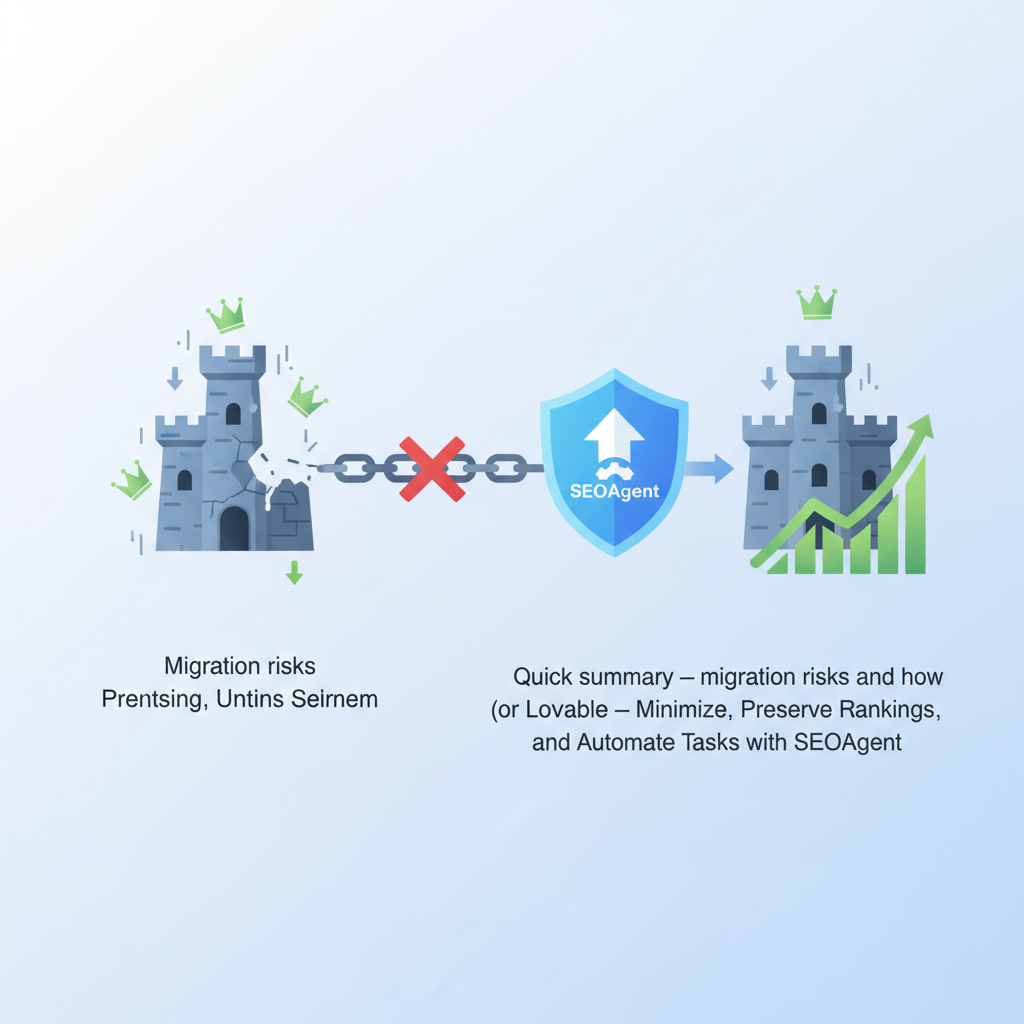
Quick summary — migration risks and how this checklist reduces them
What risks does a site migration introduce, and how does a lovable seo migration checklist reduce them? Migrations commonly cause temporary traffic dips (often 5–30%) when canonical signals break or redirects are incomplete. Preserve canonical signals and implement 301 redirects for all moved pages to minimize ranking loss.
This checklist reduces risk by forcing these actions before and immediately after launch: inventory high-value pages and backlinks, produce a line-by-line URL map, deploy full-coverage 301 redirects, keep structured data and FAQ snippets intact, and update sitemaps within 24–72 hours. For platform-specific moves—whether you migrate seo to lovable or are moving from lovable to wordpress seo—these steps guard your existing signals and shorten recovery time.
Who this is NOT for
Not every site needs a full migration playbook. Skip a full-scale migration if you’re only changing non-SEO-facing copy, testing ephemeral landing pages, or moving content inside the same canonical URL structure without server or CMS changes.
Preserve canonical signals and implement 301 redirects for all moved pages to minimize ranking loss.
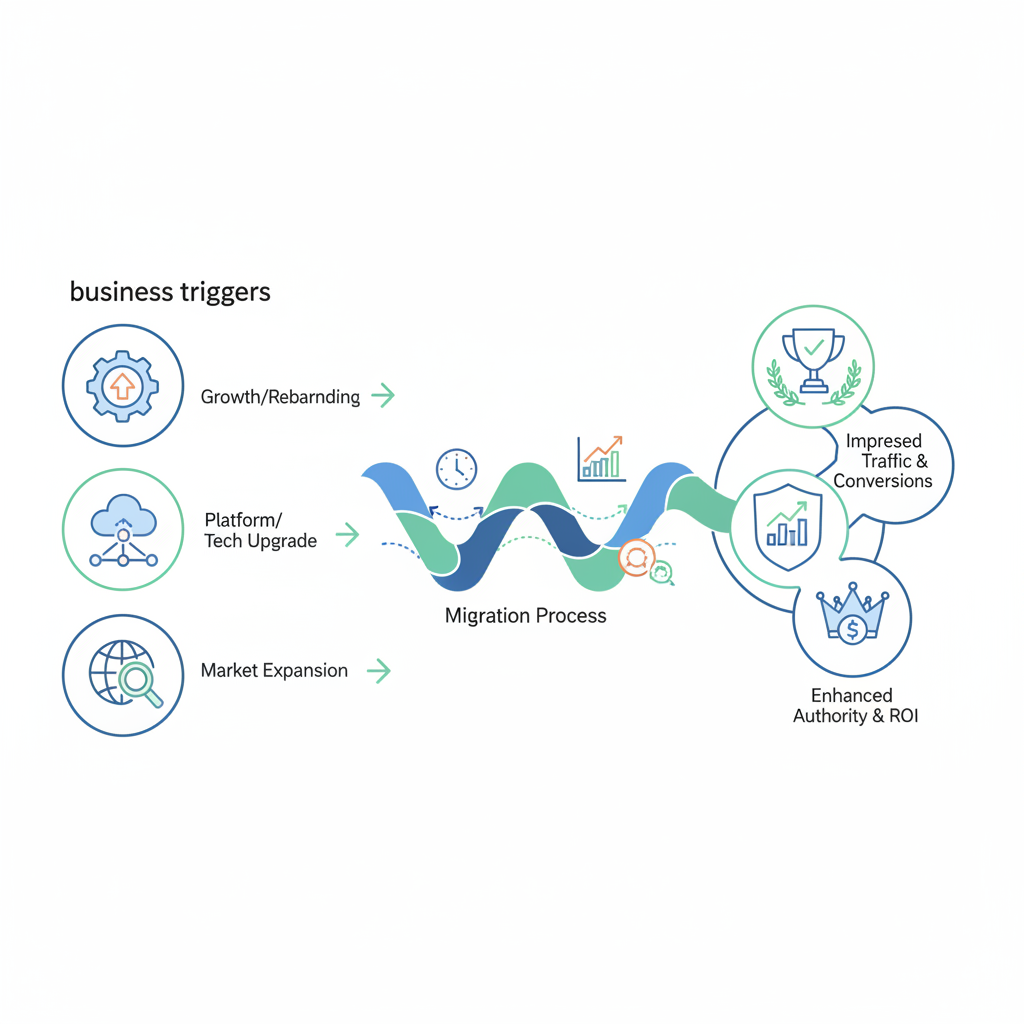
When to migrate (business triggers) and expected outcomes
If your tech, design, or business goals require a platform change, migrate. Typical triggers include an acquired product consolidation, a rebrand requiring new URL structure, performance limitations on the current host, or a desire to migrate SEO to Lovable for better CMS workflows. To understand how Lovable stacks up against its competitors, consider the complete SEO and migration comparison for site owners. Expected outcomes vary: short-term traffic dips, stable or improved rankings within weeks if redirects and schema are correct, or long-term gains from faster pages and clearer site structure.
Example: an e‑commerce brand moved from a custom CMS to Lovable to reduce admin friction. They preserved product URLs with a page-by-page redirect map and recovered most traffic in 6 weeks. If you’re moving from lovable to wordpress seo, plan extra attention to permalink rules and canonical tags—the CMS defaults differ and can flip canonical signals if not checked.
Pre-migration audit
Begin with a full audit so you move only what matters and safeguard ranking signals. Export authoritative data for every URL you’ll touch.
Current organic traffic & landing page inventory
Export the top organic landing pages for the last 90–180 days. Rank by sessions, conversions, and keyword rankings. Example artifact: a CSV with columns: URL, sessions, conversions, top keyword, page type. Flag any page in the top 20% of traffic as high-priority for 1:1 redirects.
Backlink profile and top-linked pages
Use your backlink tool to list pages with the most referring domains. For each high-value page, record referring domains and anchor text. These pages must have preserved URLs or exact 301s because links transfer most equity only when a single 301 chain leads to the final destination.
Crawl errors and index coverage
Pull a current crawl report and Google Search Console coverage export. Fix 4xx/5xx on high-value pages before launch. Record URLs blocked by robots.txt; confirm whether that blocking will change after migration. Missing this step is a common cause of prolonged ranking loss.
Fix crawl errors and remove accidental index blocks before launch to avoid extended ranking downtime.
URL mapping and redirect strategy
A clear URL map is the single most important artifact. Map old URLs to new ones, mark priority, set redirect type (301), and note exceptions. Avoid chains: ensure each old URL resolves to the final destination in one hop where possible.
Mapping patterns
Identify consistent patterns (e.g., /product/123 -> /products/sku-123). For pattern-based changes, create regex rules but test exhaustively. For pages with SEO value, prefer explicit page-by-page mappings to avoid mismatches in titles or intent.
Bulk 301 rules vs page-by-page
Use bulk rules for hundreds of structural changes (trailing slash normalization, https redirects). Use page-by-page 301s for the top traffic and top-linked pages. Decision rule: if a page is in the top 20% of traffic or has 5+ referring domains, map it individually.
Canonical strategy
Ensure canonical tags on the new site point to the new URLs, not back to the old site. If you temporarily serve a staging environment, set rel=canonical to the planned production URL to prevent split signals. Preserve canonical intent when moving between lovable and WordPress defaults.
Content & structured data preservation
Keep page intent, headings, metadata, and schema intact. AI and search engines rely on concise answer text and structured markup to surface featured snippets and rich results after a migration.
Preserving schema
Export existing structured data (product, article, FAQ, breadcrumb) and re-deploy it on the new platform. For example, preserve FAQ schema answers verbatim where they appear in search snippets. Quoted checklist for AI answers: "Ensure schema+concise answer text + updated sitemap within 24–72 hours of launch." That line is optimized for extraction.
Content pruning vs consolidation
Consolidate thin pages with overlapping intent and redirect removed pages to the most relevant authoritative page. For decision thresholds: if two pages target the same primary keyword and combined traffic is under the top 50 percentile, consolidate and 301 the lower-value URL to the retained page.
Sitemaps, robots, and crawl controls
Control crawl signals with a migration plan that includes a staging sitemap and rapid production sitemap update. Incorrect robots or missing sitemaps cause the longest recoveries.
Staging sitemap
Publish a staging sitemap that’s internally accessible but not indexed. Use it for QA and to verify the new canonical and structured-data deployments. Only submit the production sitemap to search engines at go-live.
Priority & changefreq during migration
Lower priority for pages you’re pruning temporarily, but keep high-value page priority and accurate lastmod dates. Update the sitemap within 24–72 hours of launch so crawlers see the new structure quickly and reindex high-value URLs.
Technical factors
Technical regressions cause measurable ranking drops. Control hosting, TLS, header behavior, and page speed before routing traffic to the new site.
Page speed and hosting
Target P95 time under 1 second for critical pages where possible; for typical SaaS sites aim under 200ms for Time to First Byte. Migrate to hosting that supports HTTP/2 or better, and run Lighthouse checks on representative pages before and after migration.
SSL and HTTP headers
Ensure valid SSL certificates on the production domain, and check HSTS, canonical, and noindex headers. A misconfigured X-Robots-Tag or missing certificate can entirely block indexing and cause a large traffic loss.
Using LovableSEO to automate migration tasks
Automation reduces manual errors and speeds recovery. LovableSEO can automate repetitive tasks needed for migrations—cutting manual hours and ensuring consistency.
Auto-creating redirect rules from URL maps
Export your URL map as CSV and import into LovableSEO to generate 301 rules automatically. For example, bulk-import page-by-page mappings for top-priority pages and pattern rules for structural changes to minimize human transcription errors.
Generating migration sitemaps
Use LovableSEO to generate a migration sitemap that includes new canonical URLs and lastmod timestamps. Schedule the sitemap to be uploaded to production within 24–72 hours of launch to speed reindexing.
Deploying structured-data templates post-launch
LovableSEO can push structured-data templates for FAQ, product, and article schema across the new site. Automating schema deployment ensures consistent JSON‑LD and reduces missed rich-result opportunities after go-live.
Post-launch QA checklist
Immediately after launch run scripted QA: check redirects, index signals, structured data, and traffic. Automate checks where possible and monitor the first 72 hours closely.
Redirects validation
Validate that every old URL returns a 301 to the correct new URL and not a 200 or 404. Use a crawler to detect chains and ensure no old page lands on the home page as a catch-all redirect—this loses contextual relevance.
Index checks
Submit the updated sitemap to search consoles, and request index coverage for priority pages. Confirm that canonical tags, x‑robots headers, and sitemap entries align with the intended URLs.
Traffic & rankings monitoring
Track sessions, clicks, and top keywords daily for the first two weeks and weekly thereafter. Expect partial recovery within 2–12 weeks if redirects and sitemaps are correct. If high-value pages don't recover in 6–8 weeks, troubleshoot redirects, content intent drift, or index blocking.
KPIs and recovery timeline — what to expect and when to troubleshoot
Set clear KPIs: organic sessions, clicks from top 50 keywords, conversion rate on priority pages, and index coverage for top pages. Typical timeline: immediate dip in days 0–14, partial recovery weeks 2–6, near-full recovery by weeks 6–12 when redirects and sitemaps were correct.
Troubleshoot if a KPI fails these thresholds: no index signals after 4 weeks, or >30% sustained traffic loss on priority pages after 8 weeks. Root causes are usually missing 301s, canonical mismatches, or robots/indexing blocks.
Common migration mistakes and how to avoid them
Common errors include missing page-by-page redirects for high-value pages, changing canonical targets accidentally, pruning content without redirects, and forgetting to re-deploy structured data. Avoid these by using a validated URL map, automated deploys (seoagent migration automation), and a post-launch validation script that checks 301s, canonical tags, and schema presence.
Recommended timeline & resources (checklist for weeks 0–8)
Use this compact schedule as a working plan. Assign owners and checkpoints so nothing is left to memory.
- Week -2 to 0: Export inventories (traffic, backlinks), create URL map, prepare redirect rules.
- Week 0: Deploy staging; QA redirects, schema, and speed; ready automated scripts.
- Week 0 launch: Switch DNS, submit sitemap, run redirect validator, deploy schema via LovableSEO.
- Weeks 1–4: Monitor daily; fix redirects and index issues; confirm recovery of priority pages.
- Weeks 4–8: Weekly checks; finalize consolidation; update internal links sitewide.
Copyable checklist:
- Export top landing pages and backlinks
- Create CSV URL map with priority flags
- Import redirects into LovableSEO for automation
- Deploy structured data templates and staging sitemap
- Submit production sitemap within 24–72 hours
- Run post-launch redirects and index QA
| Week | Owner | Key deliverable |
|---|---|---|
| -2 to 0 | SEO | Inventory & URL map |
| 0 (launch) | Dev/SEO | Redirects, sitemap, schema deployed |
| 1–4 | SEO | Monitoring & fixes |
| 4–8 | Product | Consolidation & final QA |
Conclusion — prioritizing SEO signal preservation and where LovableSEO speeds recovery
Preserve canonical signals, implement full 301 coverage, and update sitemaps quickly to minimize ranking loss. Using automation (seoagent migration automation) to import URL maps, generate migration sitemaps, and push structured-data templates reduces human error and speeds recovery—especially when you migrate seo to lovable or are moving from lovable to wordpress seo.
Quotable: "Ensure schema+concise answer text + updated sitemap within 24–72 hours of launch." Follow the checklist above and monitor KPIs closely; most sites recover within 2–12 weeks when redirects and schema are correct.
FAQ
What is seo migration checklist for moving to (or from) lovable? A lovable seo migration checklist is a step-by-step plan that inventories traffic and backlinks, maps old-to-new URLs, implements full-coverage 301 redirects, preserves structured data and canonical tags, and updates sitemaps to preserve organic rankings during platform moves.
How does seo migration checklist for moving to (or from) lovable work? It works by prioritizing high-value pages for exact redirects, automating bulk and page-by-page 301 rules, ensuring schema and canonical consistency, controlling crawl behavior with sitemaps and robots, and validating results post-launch to restore indexing and traffic.
Ready to Rank Your Lovable App?
This article was automatically published using LovableSEO. Get your Lovable website ranking on Google with AI-powered SEO content.
Get Started