
Will Migrating from WordPress to Lovable Hurt My SaaS SEO? A Step-by-Step Risk Assessment
A guide covering will Migrating from WordPress to Lovable Hurt My SaaS SEO? A Step-by-Step Risk Assessment.

TL;DR
- Migrating from WordPress to Lovable can be safe when you map and preserve high-value URLs, structured data, and internal linking.
- Top migration risks: broken redirects, lost structured data, crawl-delay; immediate fix: deploy a full redirect map and preserve index status.
- Follow the checklist below (redirect map, crawl-delay check, index status, sitemap update) and monitor 30/60/90 days.
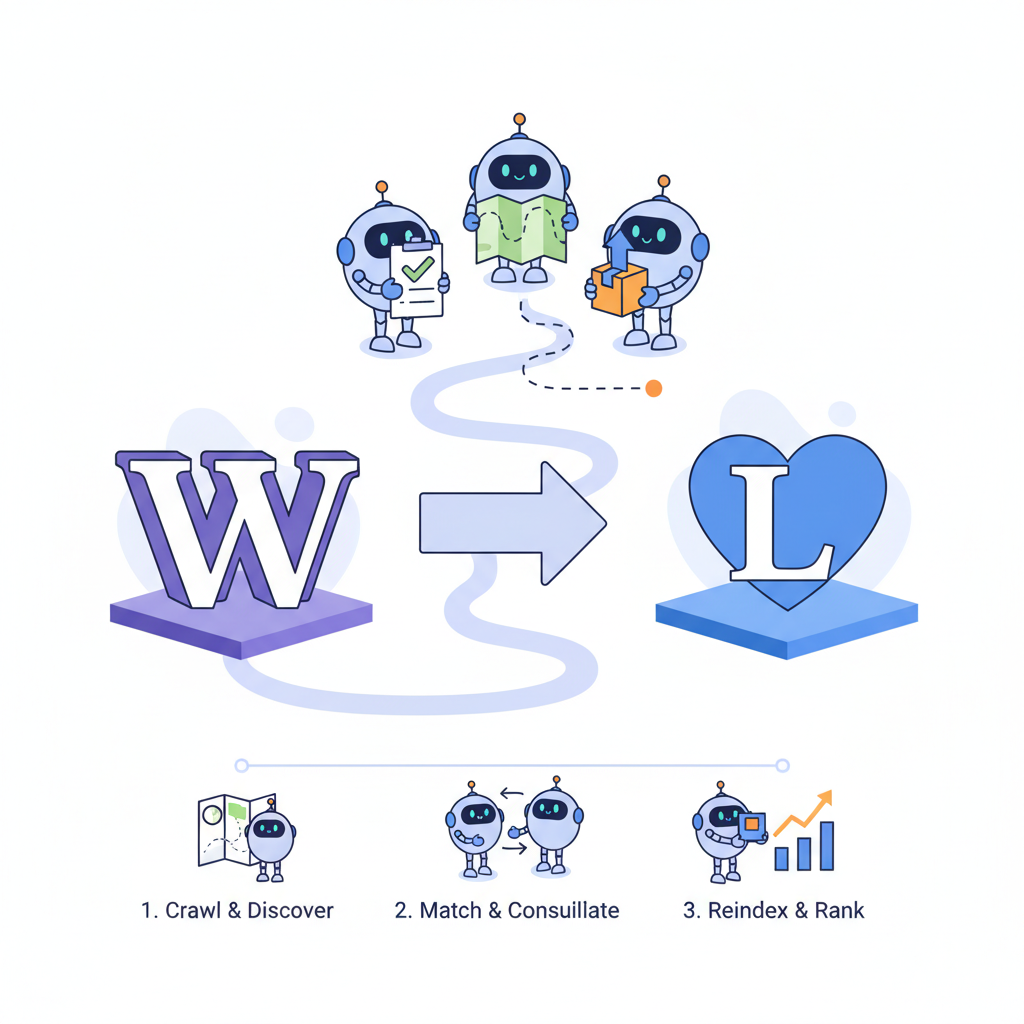
Quick answer — will migrating to Lovable hurt your SEO?
If you worry that a platform move will tank organic traffic, you are facing a common pain point: high-performing SaaS pages tied to WordPress templates, plugins, and URL structure can lose visibility when moved without a plan. The primary risk is change to high-value pages, structured data, or internal links without a redirect or preservation plan—so the short answer is: it only hurts when you change those things and don’t fix them.
Quote-ready line: "A migration only 'hurts SEO' when high-value URLs, structured data, or internal links are changed without a redirect or preservation plan."
Recommended 30-word snippet: Top migration risks are broken redirects, removed structured data, and slowed crawl. Immediate fix: create a complete redirect map, verify index status, and push an updated sitemap. Use this checklist: crawl-delay, index status, redirect map.
Practical example: a SaaS product page at /pricing-old that ranks for branded terms must keep the exact or a 301-preserved path; otherwise you lose conversions. If you plan to migrate, include the primary step to migrate from wordpress to lovable seo impact in your launch plan: map, redirect, test, monitor.
How search engines treat site migrations (concise primer)
Search engines treat a migration as a structural change: robots re-evaluate URLs, crawl budget, and page signals. When Googlebot encounters new templates, it re-crawls pages and reconciles signals like redirects, canonical tags, and structured data. If you change URL patterns or page templates, expect a short-term volatility window while indexes update.
Concrete example: if WordPress used /blog/post-name and Lovable uses /articles/post-name, search engines see a new path. A proper 301 redirect from the old path to the new one preserves link equity; missing that redirect causes ranking drops. For geo-targeted product pages, ensure locale fields in structured data and location tokens in titles to keep GEO inclusion intact.
Preserve the delivering page’s URL or a precise 301 mapping; that single action preserves most on-page value.
What changes matter most (URLs, content, structured data, speed)
If you want to control the migrate from wordpress to lovable seo impact, focus on four elements: URLs, content fidelity, structured data, and performance. URLs determine indexing and link equity. Content changes alter relevance signals. Structured data (product, FAQ, local business) drives SERP features. Page speed affects Core Web Vitals and user signals.
Example thresholds: for typical SaaS pages, aim for First Contentful Paint under 1.5s and Largest Contentful Paint under 2.5s. If your Lovable build increases LCP above 3s, prioritize performance optimizations before launch. Preserve FAQ/FAQPage schema and product structured data exactly to keep rich results. Confirm canonical tags remain consistent to avoid duplicate-index problems.
Step-by-step risk assessment before you migrate
Before pushing anything, run a risk assessment focused on high-impact pages. The goal: identify pages that, if broken, would meaningfully reduce traffic or revenue. Use traffic and conversion data (Google Analytics, Search Console) to create a ranked list of priorities, then verify each item can be replicated on Lovable.
Step example: pick the top 50 landing pages by organic sessions and impressions. Validate that each page’s title, H1, primary content blocks, schema, and URL pattern can be rebuilt in Lovable. If a feature (like a specific FAQ schema implementation) isn’t supported, mark it as a blocker until you can replicate it or create a workaround.
Audit current ranking pages and traffic-contributing URLs
Start with an export of Search Console and Analytics for the last 90 days. Filter pages by organic sessions, impressions, CTR, and revenue goal completions. This produces a prioritized list of URLs to preserve. Capture snapshots of each page’s HTML: title tag, meta description, H1, canonical, schema, and internal links.
Example artifact: save a CSV with columns: old_url, title, h1, schema_types, monthly_sessions, conversions. For SaaS sites, include product and pricing pages, onboarding guides, and best-performing blog posts. These are your must-preserve items when you migrate from WordPress to Lovable. For more on this, see Best site builder for saas seo.
Map and preserve high-value URLs (redirect strategy)
Create a 1:1 redirect map from every high-value old URL to its new Lovable destination. Prefer preserving the path when possible; when you must change it, use 301 redirects and maintain the same query-handling logic for tracking parameters. Test redirects with a crawl tool and server logs.
- Export current URL list from CMS and Search Console.
- Match each URL to a Lovable destination and note redirect type.
- Implement redirects in Lovable’s redirect interface or CDN layer before DNS switch.
Checklist example: include redirect map, verify no redirect chains longer than 2 hops, and confirm 200 responses for new URLs once live. This preserves rankings and meets the site migration seo checklist saas expectations.
Inventory structured data and AI-answer snippets to preserve
Structured data often powers rich snippets and AI answer boxes. Inventory all schema types on top pages—Product, FAQ, HowTo, Organization—and note the exact fields used (name, price, availability, locale). If Lovable’s template alters schema output, add a custom schema block or JSON-LD injection to match the original markup.
Example: a pricing page with product schema and FAQ may show price snippets and sitelinks. Preserve those fields exactly (currency format, availability) and add @context and @type matching the original output. For region-specific pages, include locale and address fields to preserve GEO inclusion.
Migration checklist specifically for Lovable
This checklist assumes Lovable supports custom redirects, JSON-LD injection, and sitemap controls. Before DNS switchover, complete these items to reduce the migrate from wordpress to lovable seo impact:
- Generate export of all live URLs and prioritized ranking pages.
- Build and upload full 301 redirect map in Lovable or CDN layer.
- Replicate structured data via JSON-LD blocks for Product/FAQ.
- Deploy a pre-launch test site, run a full crawl, and fix 4xx/5xx errors.
- Update and submit sitemap; set crawl-delay if your host requires it.
| Checklist item | Who | Target |
|---|---|---|
| Top 50 URL preservation | SEO/Dev | 100% mapped |
| Redirect map implemented | Dev | No chains <=2 hops |
| Structured data parity | SEO/Content | Exact fields matched |
Stop the launch if any top-50 URL lacks a 301 mapping or loses schema that drives conversions.
Redirects & canonical rules on Lovable
On Lovable, implement redirects in the platform’s redirect editor or via edge/CDN rules. Use 301 for permanent migrations. For pages that must remain duplicate, set rel=canonical pointing to the preferred URL. Avoid client-side redirects for SEO-critical pages.
Test canonical outcomes by fetching the page and checking the header and link rel tags. Example rule: site.com/old-product → 301 → site.com/product (new). Ensure canonical targets match the 301 destination to prevent split signals. Also verify your sitemap lists canonical URLs only.
Sitemap and crawl-priority settings in Lovable
Update the sitemap to reflect the new URL set and submit it in Search Console as soon as the first pages are live. If Lovable exposes crawl-priority or changefreq settings, set high-priority pages to 0.8–1.0 and lower-traffic blog posts to 0.3–0.5. That helps search engines focus crawl budget during reindexing.
Also confirm robots.txt allows crawling of migrated pages and doesn’t block directories used by Lovable for assets. After launch, monitor index status in Search Console to catch unexpected deindexing quickly.
Preserving internal linking and topical silos
Internal links pass topical relevance and link equity. Recreate internal linking structure exactly where possible—breadcrumb trails, related articles, and product-to-blog links. If Lovable uses different navigation templates, ensure main silo entry pages retain links to all child pages.
Artifact example: export an internal-link CSV and compare in pre- and post-migration crawls. If you find orphaned pages post-launch, restore internal links within 7 days to reduce ranking impact. This step helps preserve rankings after migration by keeping topical authority intact.
Recovery playbook if rankings drop (30/60/90 day plan)
If traffic drops after launch, follow a staged recovery plan. Day 0–30: verify redirects, fix 4xx/5xx, and confirm sitemap submission and index status. Day 30–60: review Search Console for coverage and keyword-position shifts, reintroduce missing structured data, and restore internal links. Day 60–90: run content experiments—A/B title/meta tweaks, re-optimize high-impression pages—and escalate to manual actions if crawled but not indexed.
Concrete KPIs: monitor organic sessions, top-20 keyword positions, and conversion rate for the core product pages weekly. If top 20 positions haven’t recovered by day 60, re-check redirect chains and canonical logic immediately.
Decision framework — when migration is worth the risk
Migration is worth the risk when Lovable delivers clear, measurable benefits that outweigh transition costs: maintainability, faster deployments, integrated SEO features, or improved page performance. Use a decision matrix: list benefits (score 1–5), list risks (score 1–5), and require net positive score plus an approved migration checklist before approval.
Example decision rule: proceed only if expected monthly maintenance savings exceed the estimated one-time SEO risk mitigation cost, and the redirect map covers 100% of top-50 pages. If you cannot match structured data outputs on Lovable, delay migration or plan engineering work to add parity.
Conclusion — recommended next steps and tooling
To control the migrate from wordpress to lovable seo impact: audit top pages, build a 1:1 redirect map, preserve structured data, and monitor index status after launch. Use a staging crawl, a checklist-driven launch, and a 30/60/90 recovery playbook. For tooling, use Search Console, a crawler (Screaming Frog or equivalent), and server logs; do not skip pre-launch redirect and schema checks.
Final quotable sentence: "Create the redirect map first; everything else is secondary." Follow the lovable vs wordpress seo migration checklist and the site migration seo checklist saas items above to preserve rankings after migration and minimize downtime for your SaaS SEO assets.
FAQ
What is will migrating from wordpress to lovable hurt my saas seo? a step? A migration only hurts SEO when high-value URLs, structured data, or internal links are changed without a redirect or preservation plan; a careful, checklist-driven migration preserves ranking signals.
How does will migrating from wordpress to lovable hurt my saas seo? a step work? The process works by auditing current ranking pages, mapping and implementing 301 redirects, preserving schema and internal links, and monitoring index status and traffic on a 30/60/90 day cadence.
Ready to Rank Your Lovable App?
This article was automatically published using LovableSEO. Get your Lovable website ranking on Google with AI-powered SEO content.
Get Started






